
AI Image Translator
Results
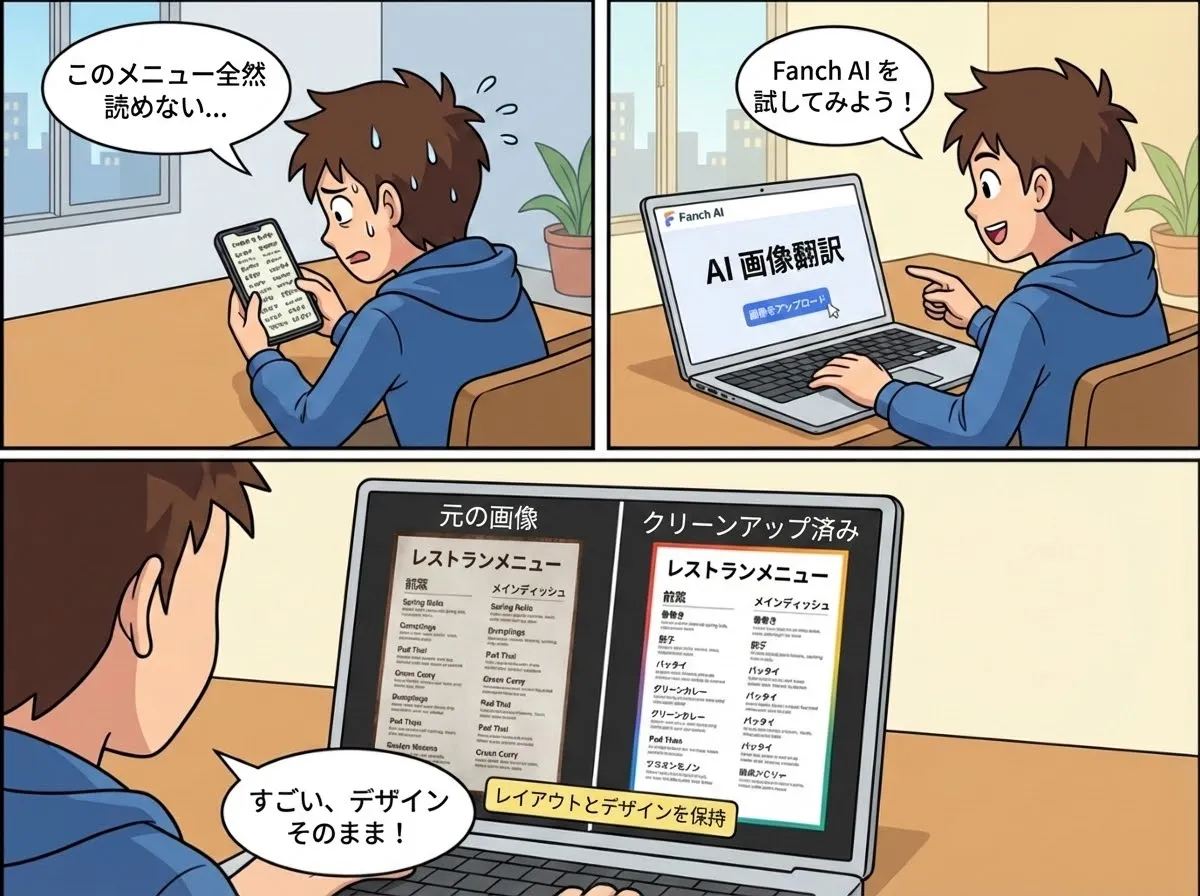
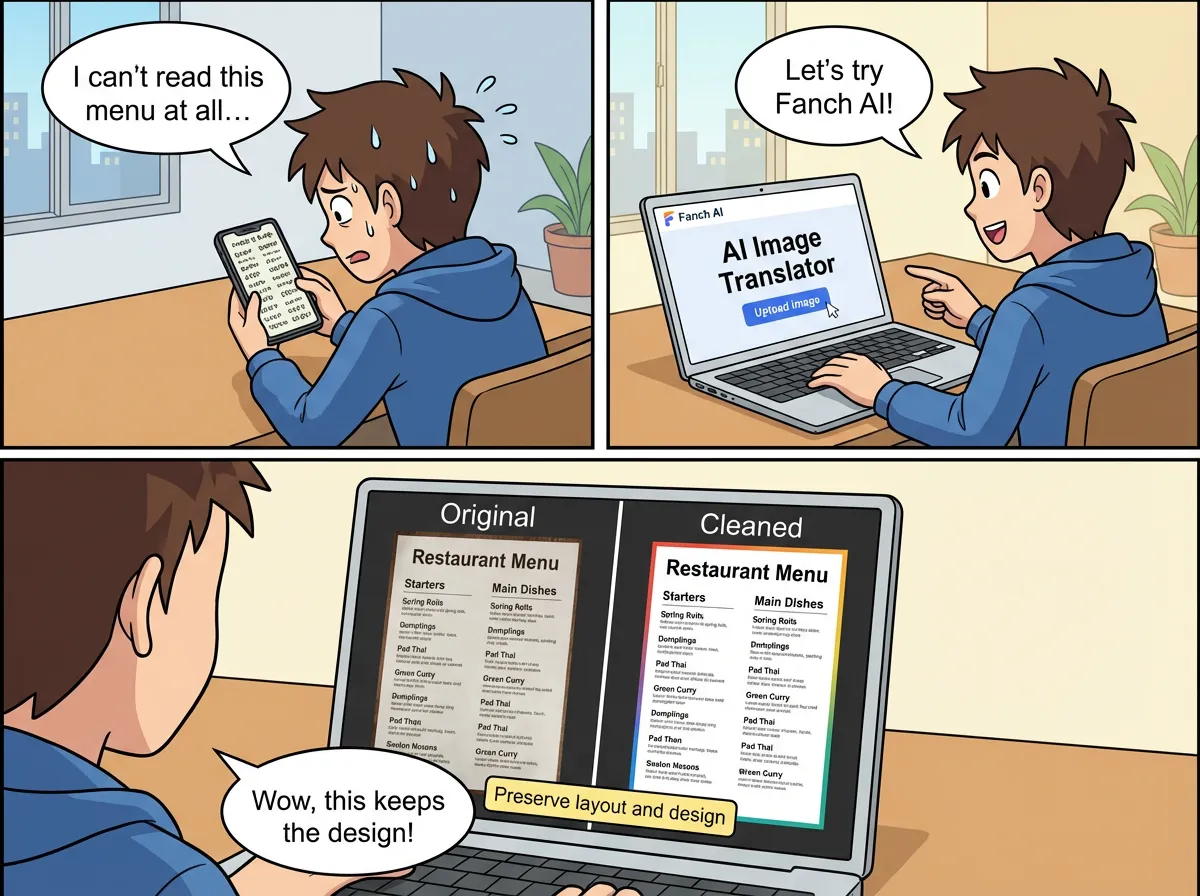
Translate text in images instantly. AI preserves original fonts and layout
AI Image Translator Before & After Gallery
See how the AI Image Translator replaces foreign text in photos while keeping fonts, colors and layout intact.
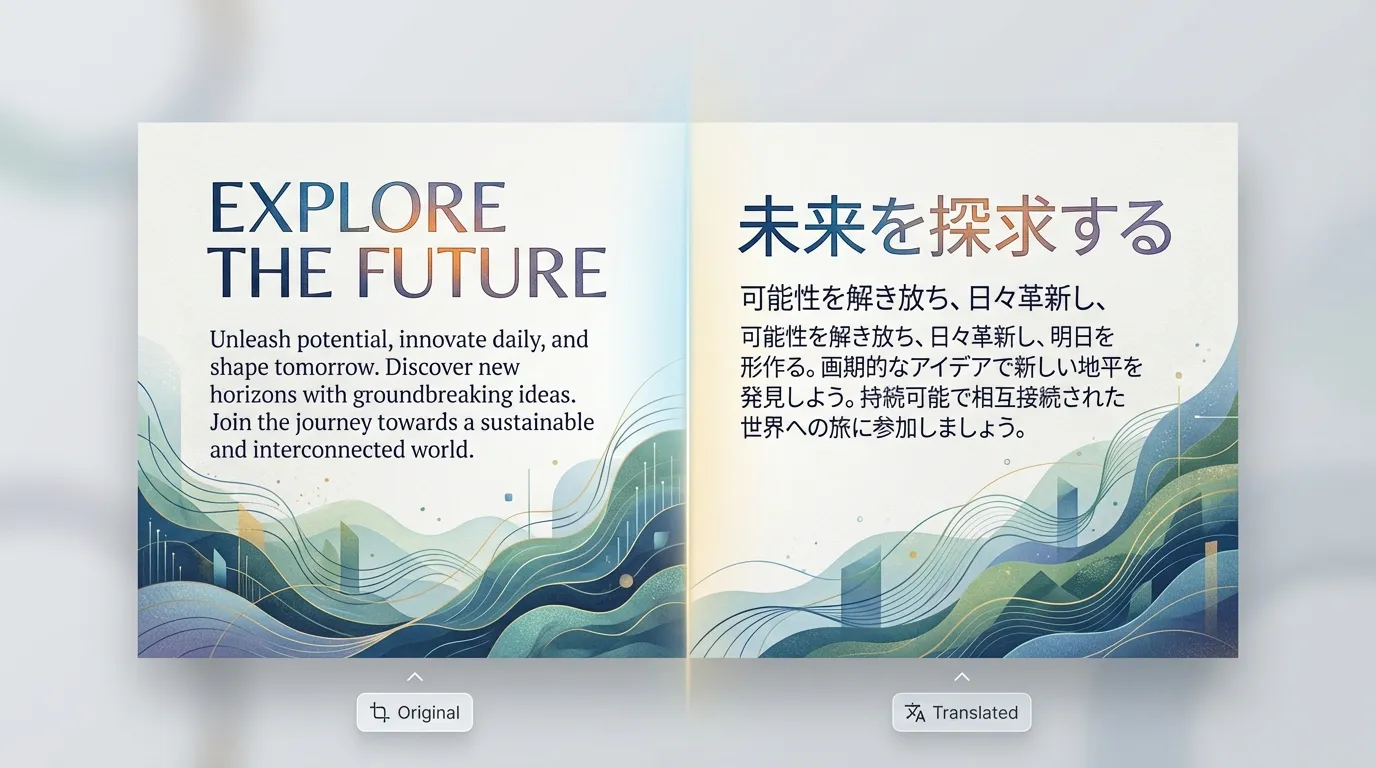
Translate Comics & Manga Panels
Replace speech bubbles, captions and sound effects while preserving the original artwork and line art.
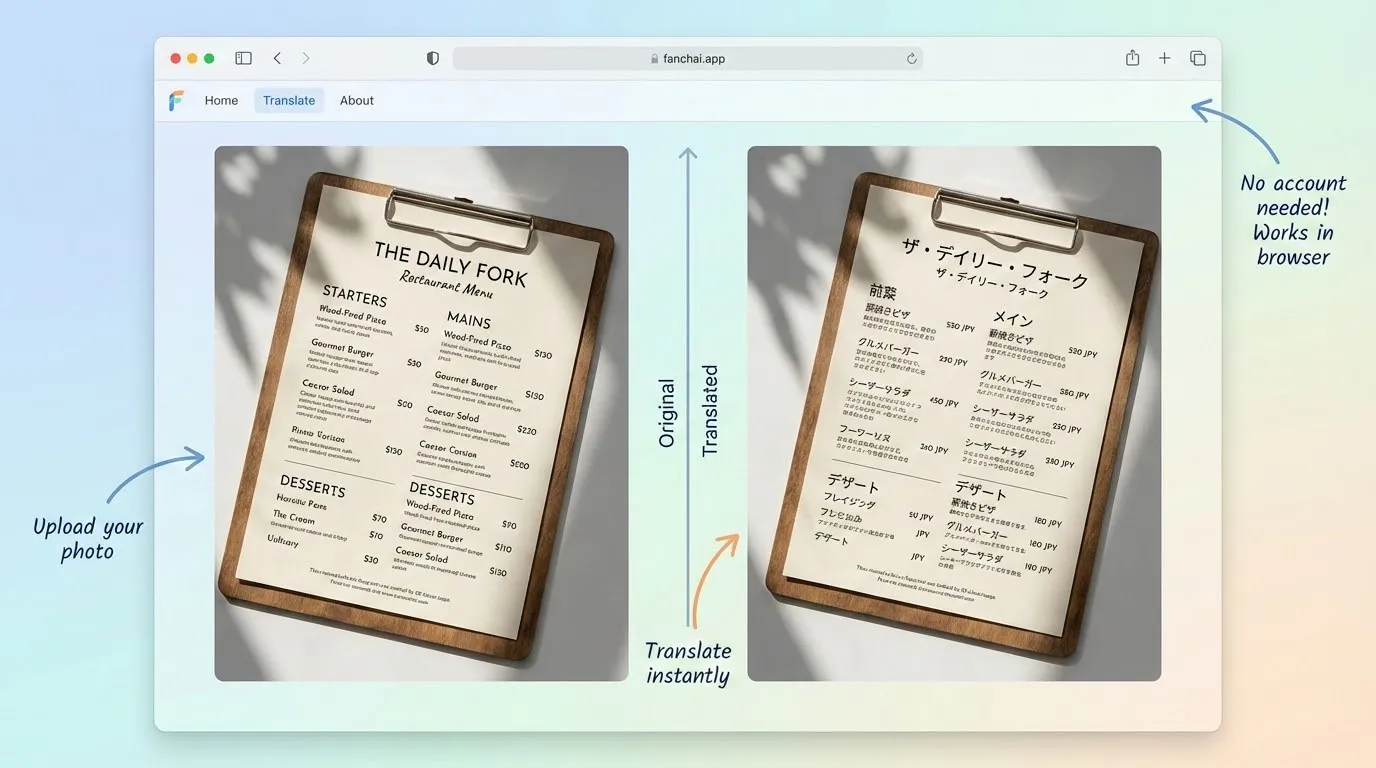
Translate Product Photos & Packaging
Localize ingredient lists, instructions and labels on product photos for new markets in a few clicks.
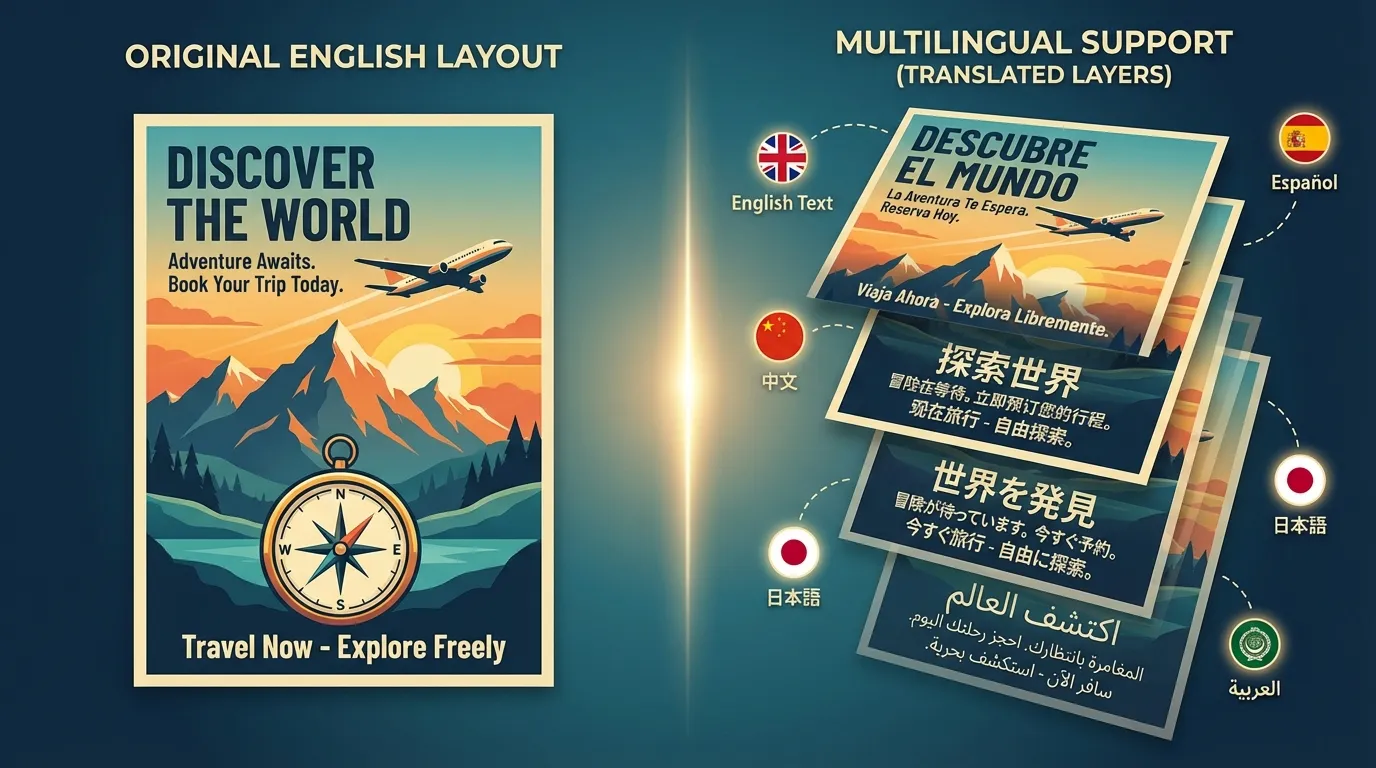
Translate Social & App Screenshots
Instantly translate chats, feeds and app interfaces from screenshots while keeping every UI element aligned.
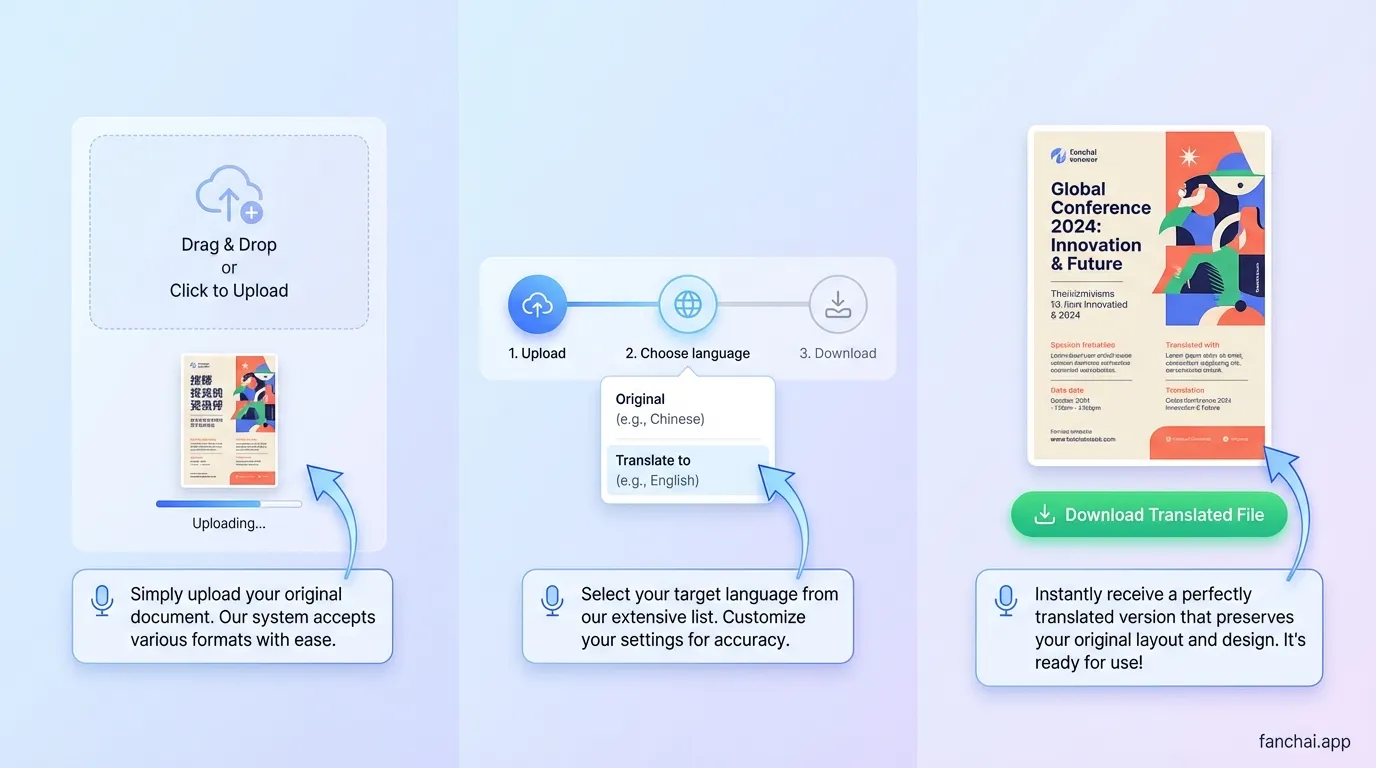
Translate Documents & Manuals in Images
Turn scans of guides, manuals and presentations into readable versions in your target language without touching the layout.
Key Features of the AI Image Translator
Discover how the AI Image Translator translates text in images online while preserving your original design.
Frequently Asked Questions About the AI Image Translator
Find detailed answers about how to translate text in images with the AI Image Translator in Fanch AI. Learn what the tool does, how it works behind the scenes, whether it is free to use, and how it keeps your original layout and design intact across different image types.
AI Image Translator is an online image translation tool in Fanch AI that combines OCR and generative AI. It detects text in your photos, screenshots and scanned documents, translates that content into your target language and redraws the background so the new text looks natural inside the image.
The AI Image Translator scans your uploaded image to locate text regions, even in complex layouts. It erases the original words, fills in realistic background pixels to cover the gaps, then renders the translated text using matching font style, color and size so the result feels like the original design.
Yes. AI Image Translator is a free online photo translator integrated into Fanch AI. You can upload images, run translations and download the results without paying subscription fees or buying credits, making it ideal for everyday image translation tasks like menus, signs and simple documents.
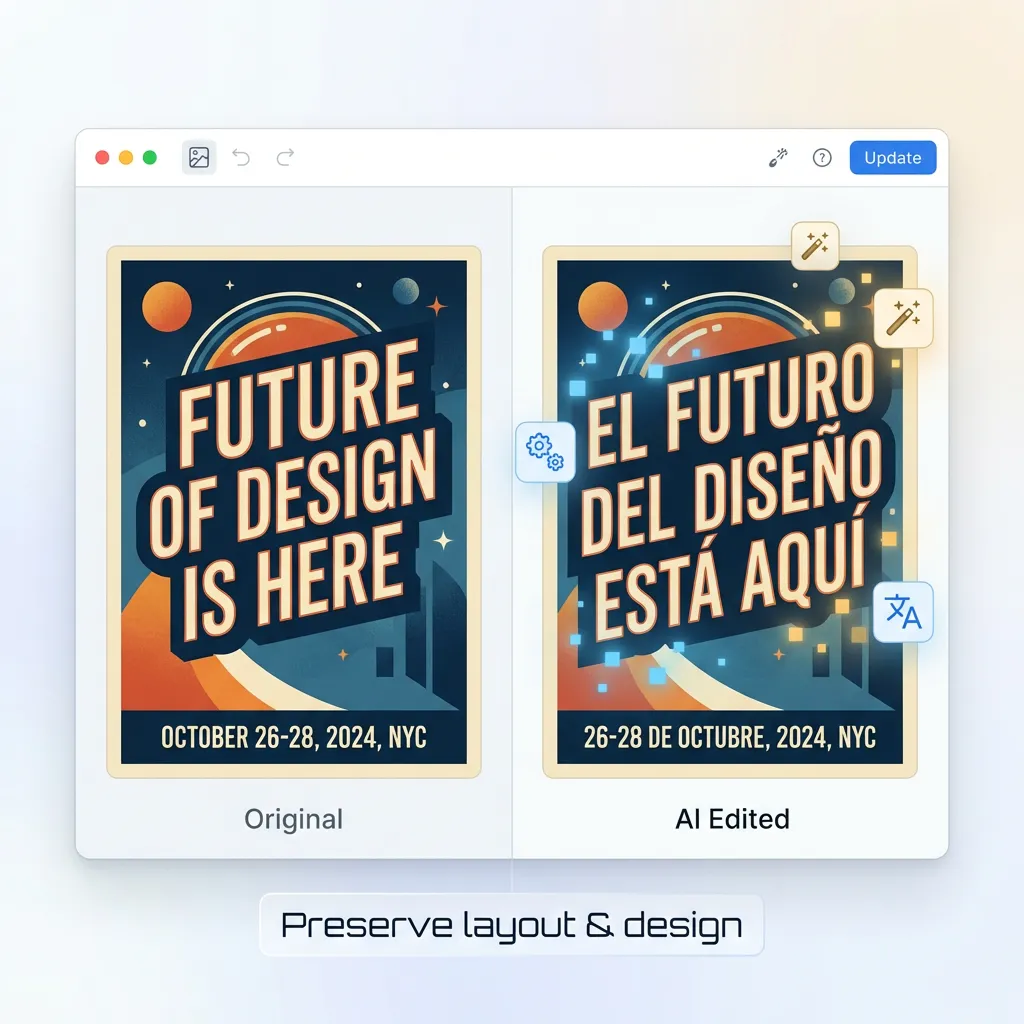
AI Image Translator is designed to preserve the original layout of your file. Diagrams, arrows, icons and background graphics stay untouched while only the text is translated into your target language, helping you keep professional layouts for manuals, presentations, comics and interface screenshots.
No account is required to get started with the AI Image Translator. You can open the page, upload an image and translate text in images directly in your browser without registration, which keeps the workflow fast, simple and more privacy-friendly for one‑off or frequent use.
You can translate a wide range of visuals with the AI Image Translator, including screenshots, travel photos, restaurant menus, product packaging, posters, scanned PDFs and other documents. As long as the text is reasonably clear, the AI can read it and generate a translated version of the image.
AI Image Translator supports many popular languages from around the world. You can translate text in images between English and widely used languages such as Spanish, Chinese, Japanese, French, German, Arabic and more, making it suitable for travel, study and global business.
You can upload common image formats such as JPG, PNG and WEBP to the AI Image Translator. For best results, use images with clear text and reasonable resolution so the OCR can detect every character and produce a clean translated output.
AI Image Translator uses advanced language models to provide high-quality translations for everyday content. Results are generally very accurate for menus, signs, labels and basic documents, but you should still review important legal, medical or highly specialized text before using it officially.
Many users rely on AI Image Translator to localize marketing images, product screenshots and internal documents for work. You can typically use translated images for personal or commercial purposes within the terms of Fanch AI and your local laws, so be sure to review the latest usage policy.
Start Translating Images With the AI Image Translator
Open the AI Image Translator in Fanch AI and turn any photo with text into a readable version in your language today.