
AI Bangs Filter
Results
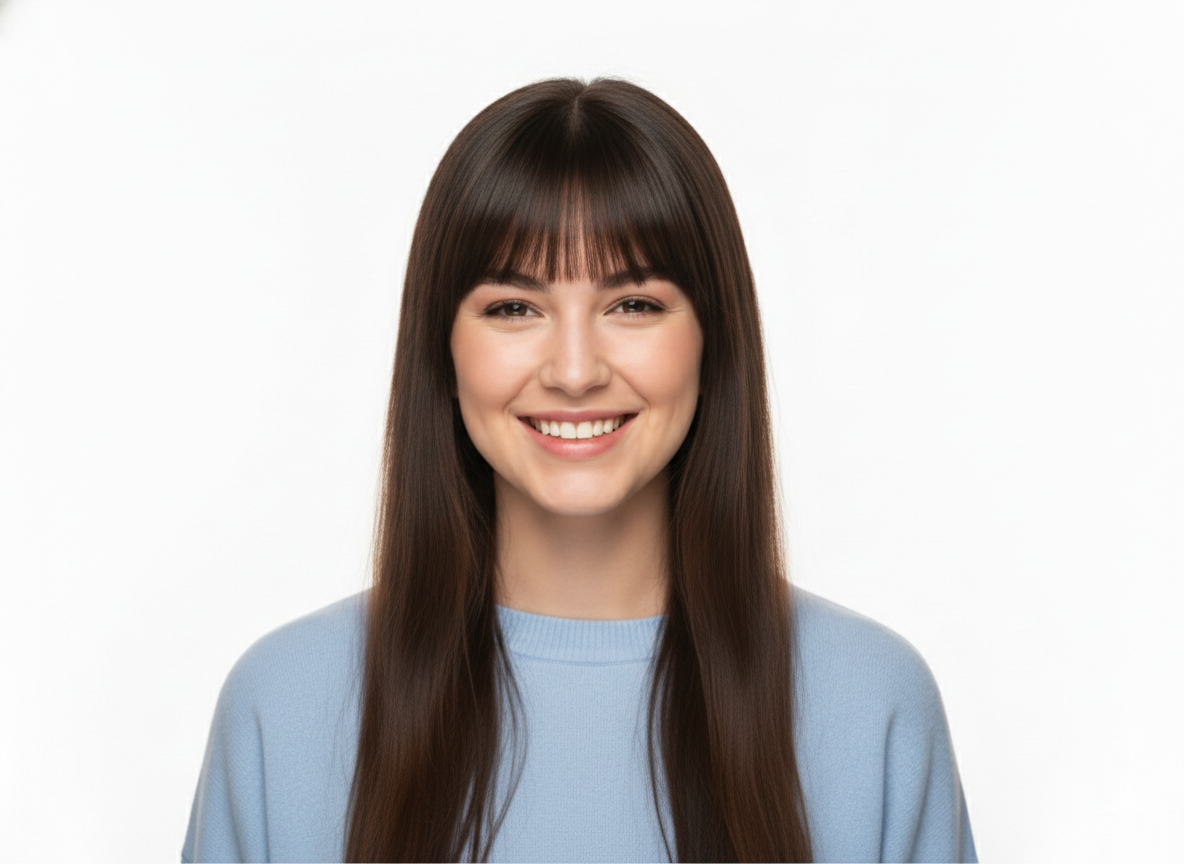
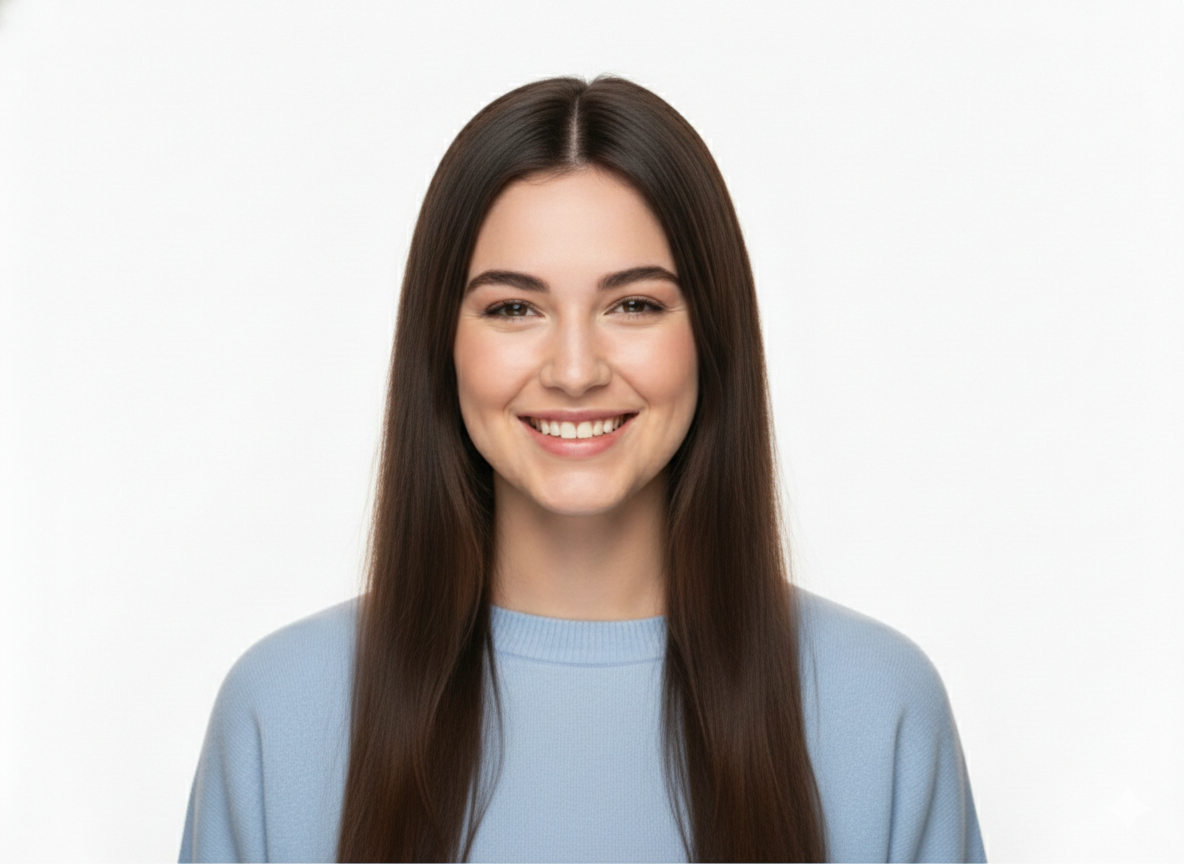
Add realistic virtual bangs to any photo. Choose from various bangs styles and see the result instantly.
AI Bangs Filter Before & After Gallery
See how the AI Bangs Filter adds natural-looking bangs to photos while preserving your original face and features.
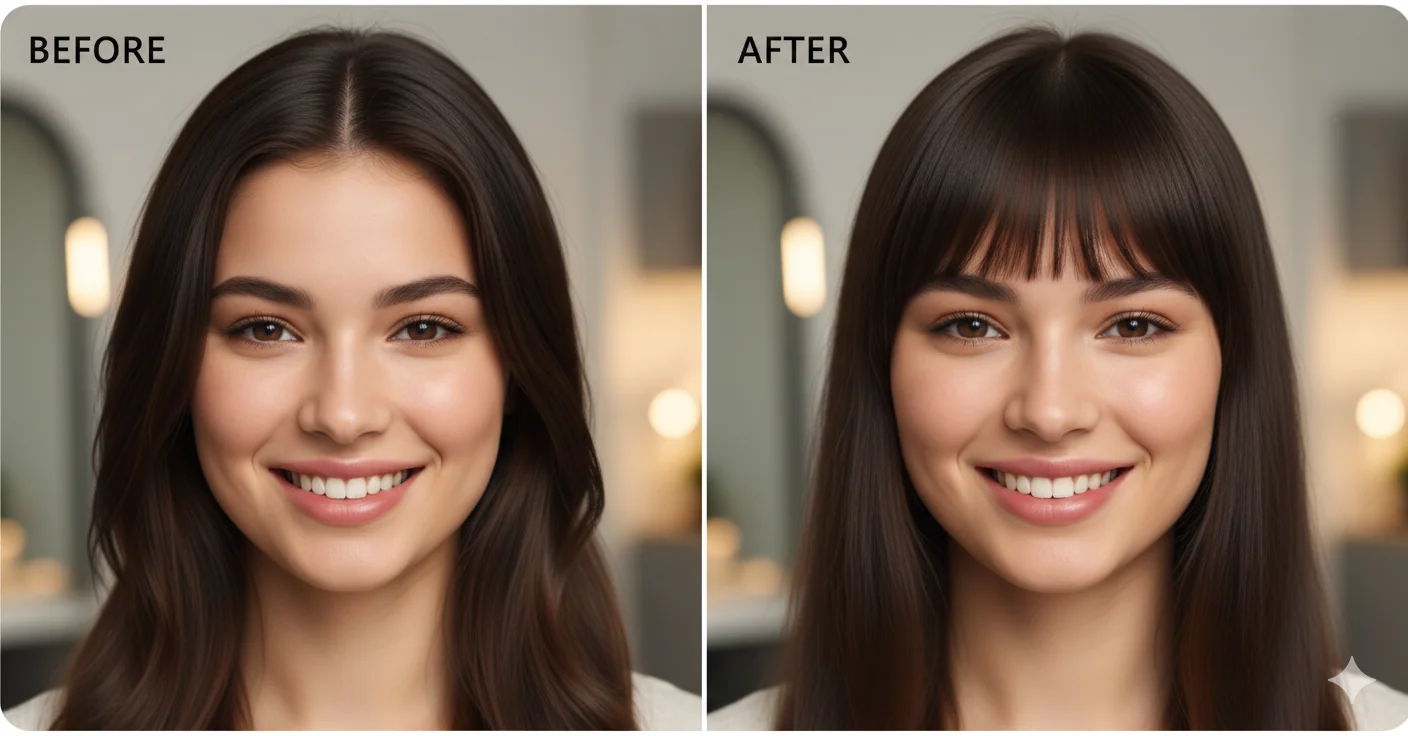
Straight Bangs Transformation
Add classic straight-cut bangs that frame the face naturally while keeping every other detail of the photo intact.
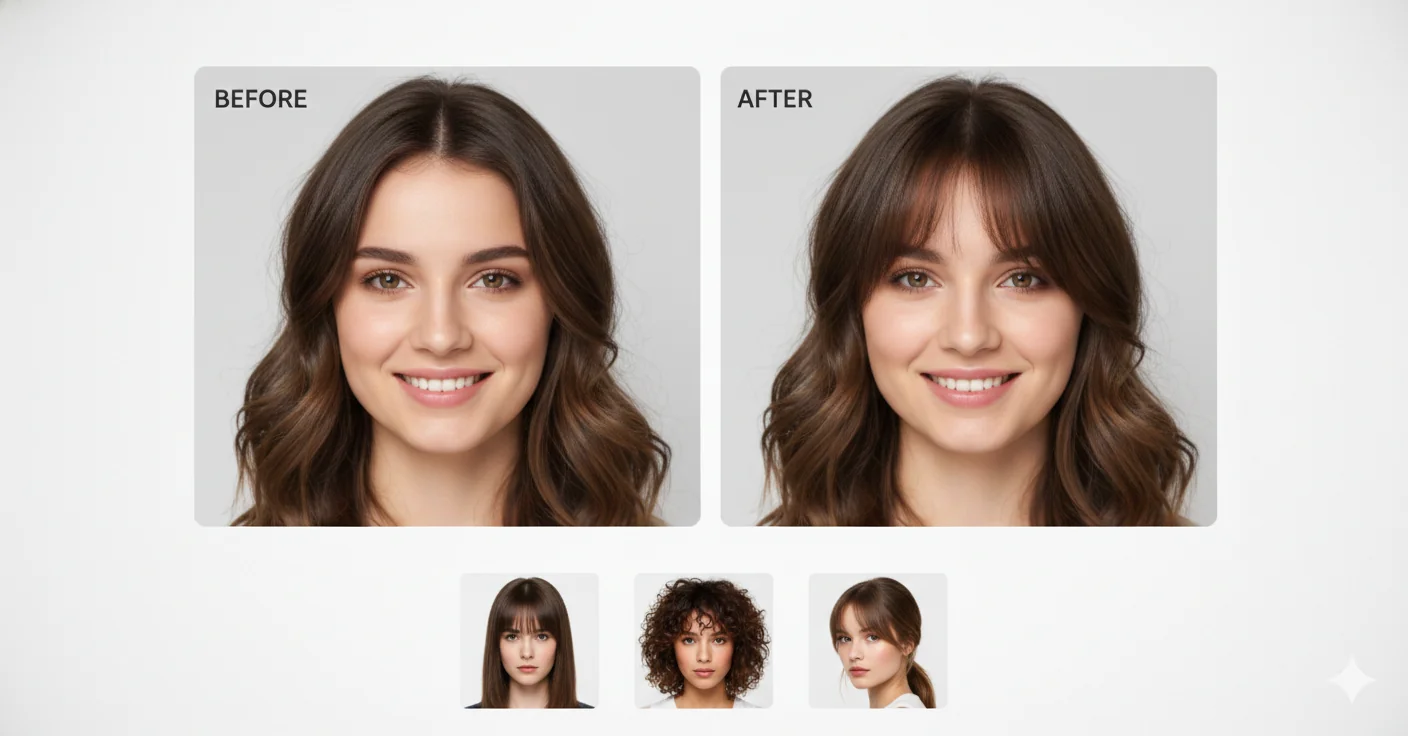
Side-Swept Bangs Style
Try elegant side-swept bangs that blend seamlessly with your current hairstyle for a fresh new look.
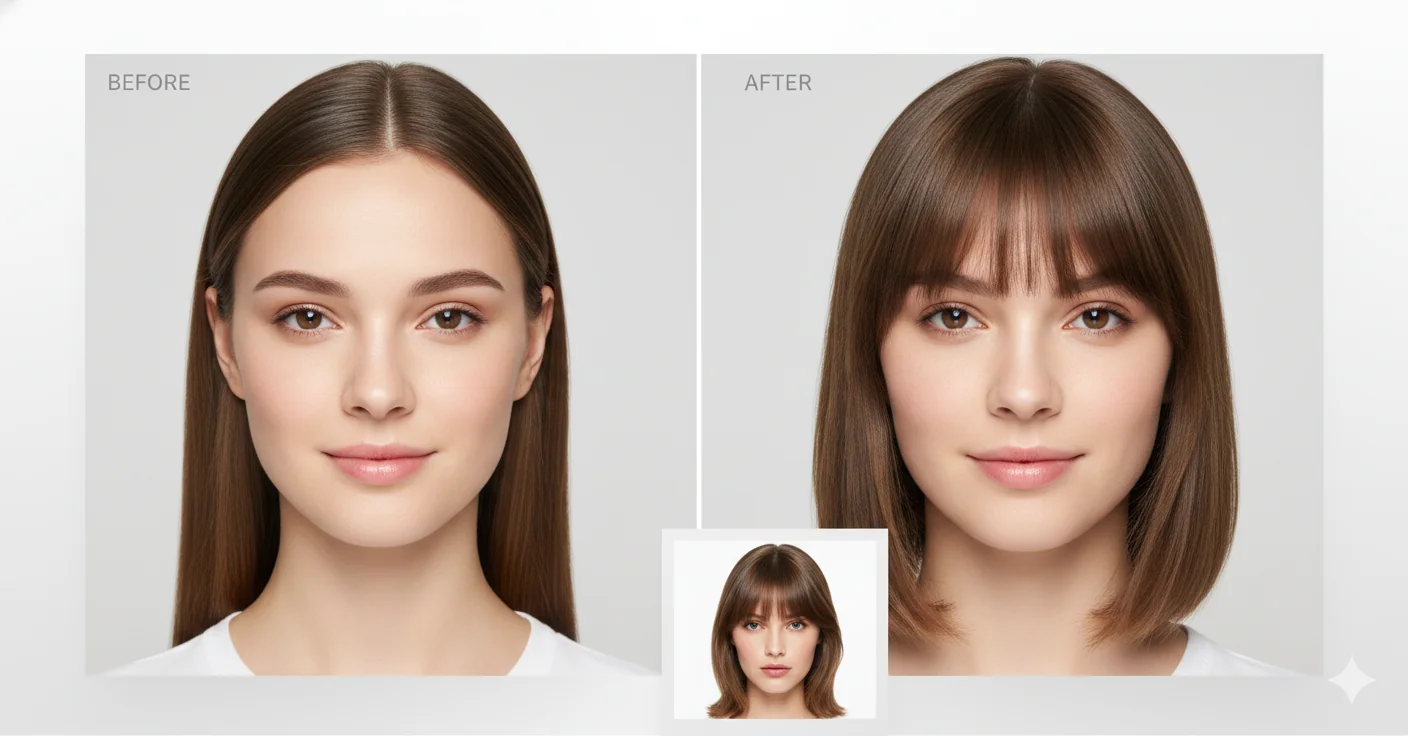
Curtain Bangs Look
Preview the trendy curtain bangs style that parts in the middle and frames the face beautifully on both sides.
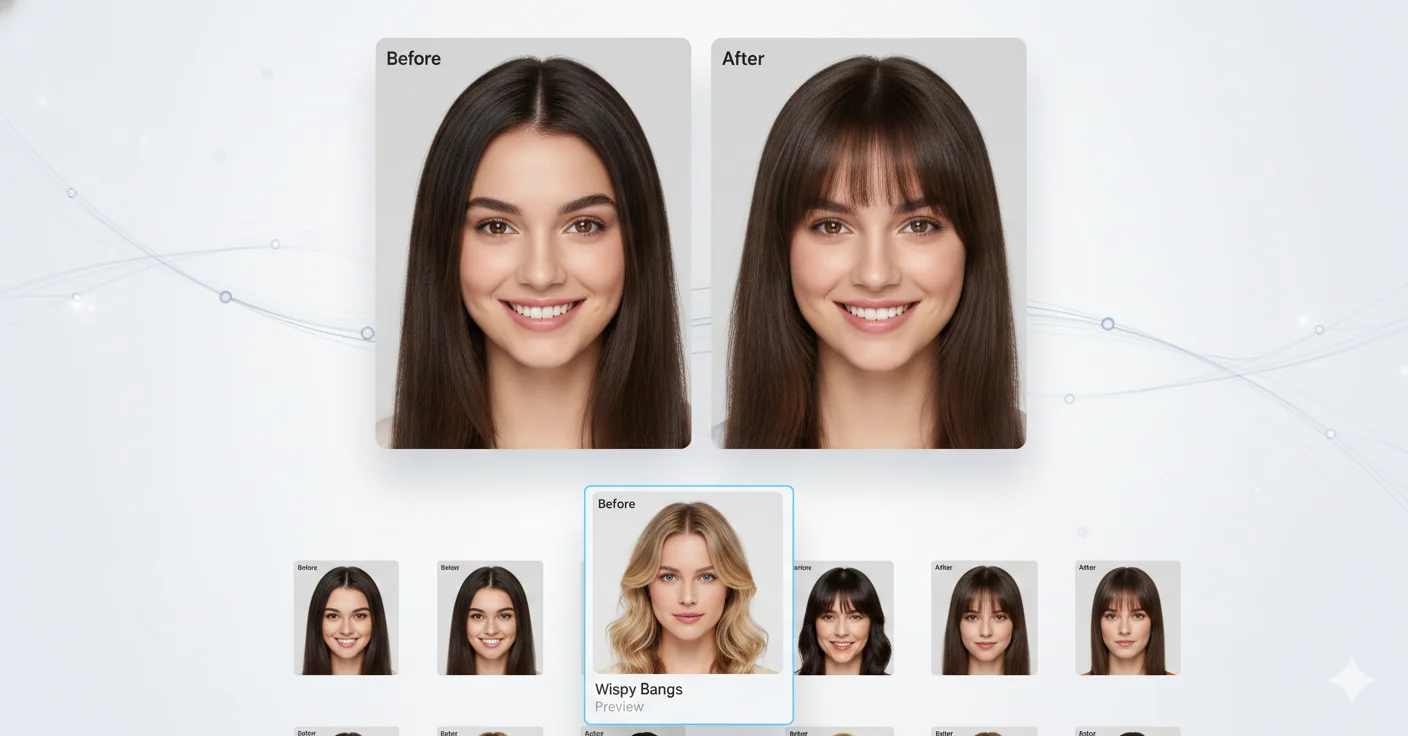
Wispy Bangs Preview
See how light, wispy bangs add a soft and airy touch to your look without a major commitment.
Key Features of the AI Bangs Filter
Discover how the AI Bangs Filter lets you try different bangs hairstyles virtually before committing to a real cut.
Frequently Asked Questions About the AI Bangs Filter
Find detailed answers about how to use the AI Bangs Filter on Fanch AI. Learn what bangs styles are available, how the AI works and whether it is free to use.
AI Bangs Filter is an online tool on Fanch AI that uses AI to add virtual bangs to your photos. It detects your face and hair, then realistically adds the chosen bangs style while preserving the rest of the image.
The AI Bangs Filter analyzes your uploaded photo to detect facial features and hairline, then uses generative AI to add realistic bangs that match your hair color, texture and lighting for a natural result.
The AI Bangs Filter offers a variety of styles including straight bangs, side-swept bangs, curtain bangs, wispy bangs, Korean-style bangs and more. New styles are added regularly.
The AI Bangs Filter is available on Fanch AI with credits. New users receive free credits to try the tool. Each generation costs a small amount of credits.
You need to sign in to use the AI Bangs Filter so the system can track your credits and save your generation history. Signing up is quick and free.
For best results, use a clear front-facing portrait photo with good lighting. The AI works best when your forehead and hairline are visible in the image.
No. The AI Bangs Filter only adds bangs to your hair area. Your facial features, skin, eyes, makeup and all other details remain completely untouched.
Absolutely! Many users save the AI Bangs Filter results to show their hairstylist exactly which bangs style they want. It is a great visual reference for your next salon visit.
Try Virtual Bangs With the AI Bangs Filter
Open the AI Bangs Filter on Fanch AI and see how different bangs styles look on you before making any real changes.