
Halloween KI-Fototrend: Der Ghostface-Look erklärt | Fanch AI
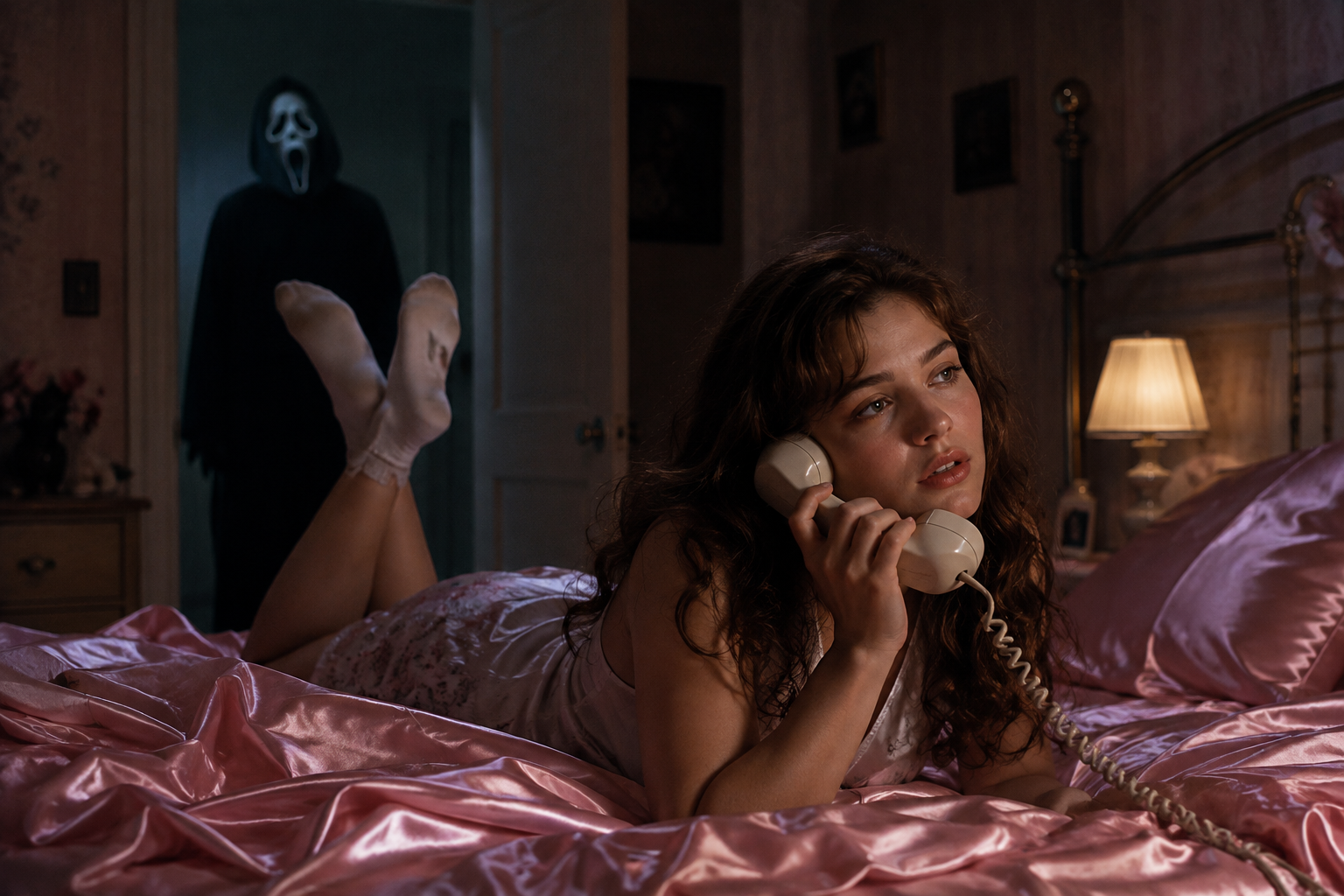
Die gruselige Jahreszeit ist da, und ein Trend dominiert die Netzwerke: das Ghostface-Foto. Die Idee stammt direkt aus den Scream-Filmen — Sie liegen in einem gemütlichen 90er-Jahre-Schlafzimmer, während eine vermummte Gestalt im Türrahmen hinter Ihnen steht. Die Mischung aus Nostalgie und schleichendem Grusel macht das Halloween KI-Foto (Halloween AI photo)-Format so populär.
Das Beste daran ist die einfache Umsetzung: Sie brauchen ein Selfie, einen Prompt und wenige Minuten Zeit. So funktioniert das Halloween KI-Foto auf Fanch AI.
Warum der Ghostface Halloween KI-Fototrend so gut funktioniert
Das Halloween KI-Foto setzt auf Kontraste:
- Gemütlichkeit trifft Grusel — ein warmes 90er-Zimmer kombiniert mit einer lauernden Gestalt erzeugt eine stimmungsvolle Schaueratmosphäre.
- Ihr Gesicht bleibt unverändert — ein gutes Halloween KI-Foto bewahrt Ihre echten Gesichtszüge und Ihren Hautton.
- Sofortiger Wiedererkennungswert — die Anspielung wird auf den ersten Blick verstanden.
- Vielseitige Szenarien — Veranda, Flur, Kürbisfeld oder Filmplakat funktionieren gleichermaßen gut.
Das Ergebnis wirkt wie ein Standbild aus einem Horrorklassiker statt wie eine einfache Kostümaufnahme.
Der ultimative Halloween KI-Foto-Prompt
Dies ist der zentrale Prompt für den klassischen Look. Kopieren Sie ihn in Fanch AI, laden Sie Ihr Foto hoch und lassen Sie das Modell die Szene aufbauen.
Kopieren und bei Fanch AI einfügen (Modell: gpt_image_2):
Create a photo of the uploaded person lying on shiny pink satin bedding in a 1990s-style bedroom, holding a large corded telephone in a dreamy, thoughtful pose, with long loose curls. In the dimly lit doorway behind them, a tall figure in a black hooded robe wearing a pale, elongated ghostly white mask stands silently watching. Slightly dark and ominous background, cinematic horror lighting, subtle film grain, 90s photography aesthetic, photorealistic. Keep the person's real face and features exactly as in the uploaded photo.
Weitere Halloween KI-Foto-Variationen
Erstellen Sie mit weiteren Szenarien ein ganzes Schauer-Portfolio.
Kopieren und bei Fanch AI einfügen (Modell: gpt_image_2):
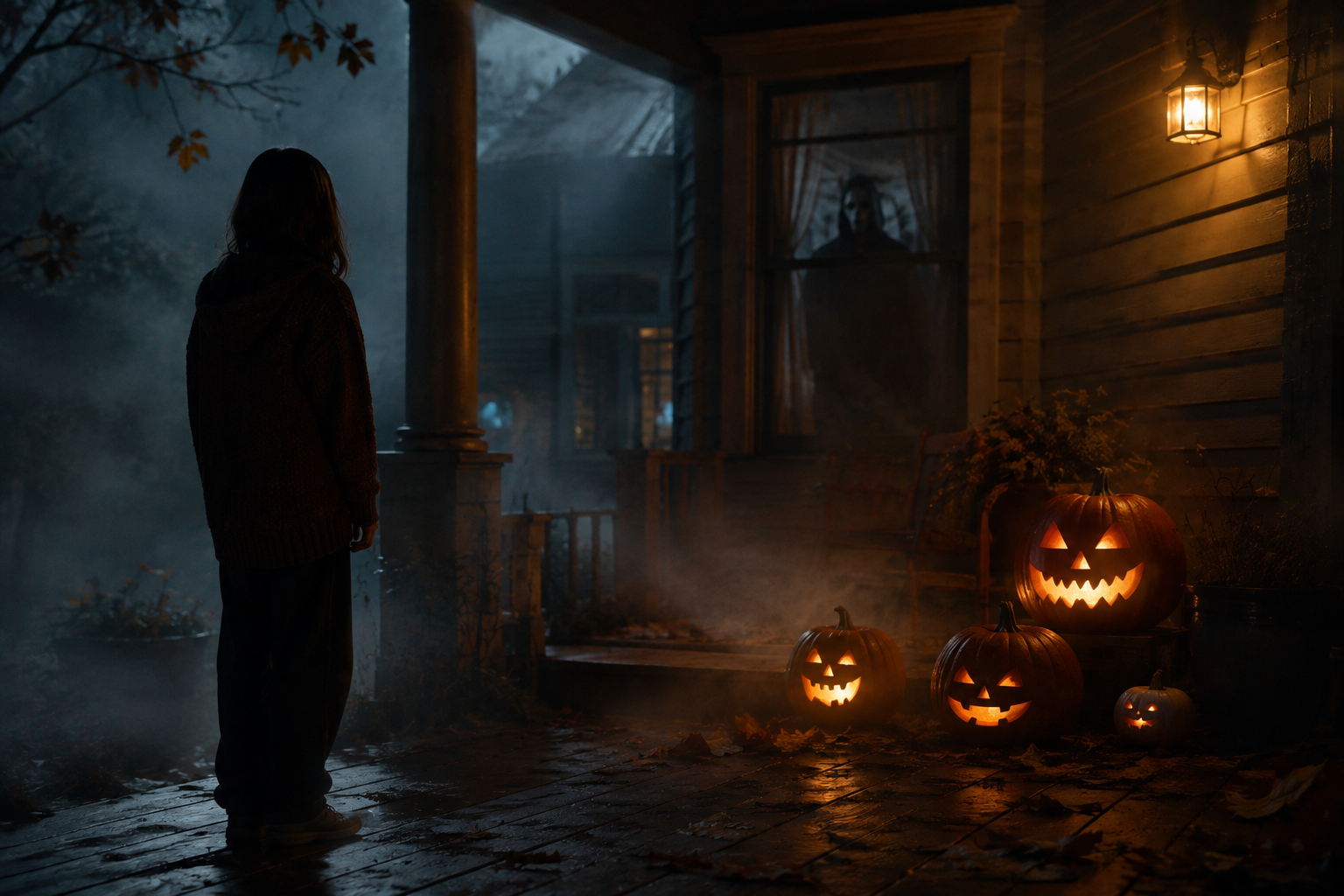
Transform the uploaded photo into a night scene on a foggy front porch, with the person standing beside glowing carved pumpkins and a shadowy masked figure visible through the window behind them. Warm jack-o'-lantern glow against cold blue moonlight, autumn leaves, mist, cinematic spooky atmosphere, photorealistic. Keep the person's face and features unchanged.
Kopieren und bei Fanch AI einfügen (Modell: gpt_image_2):
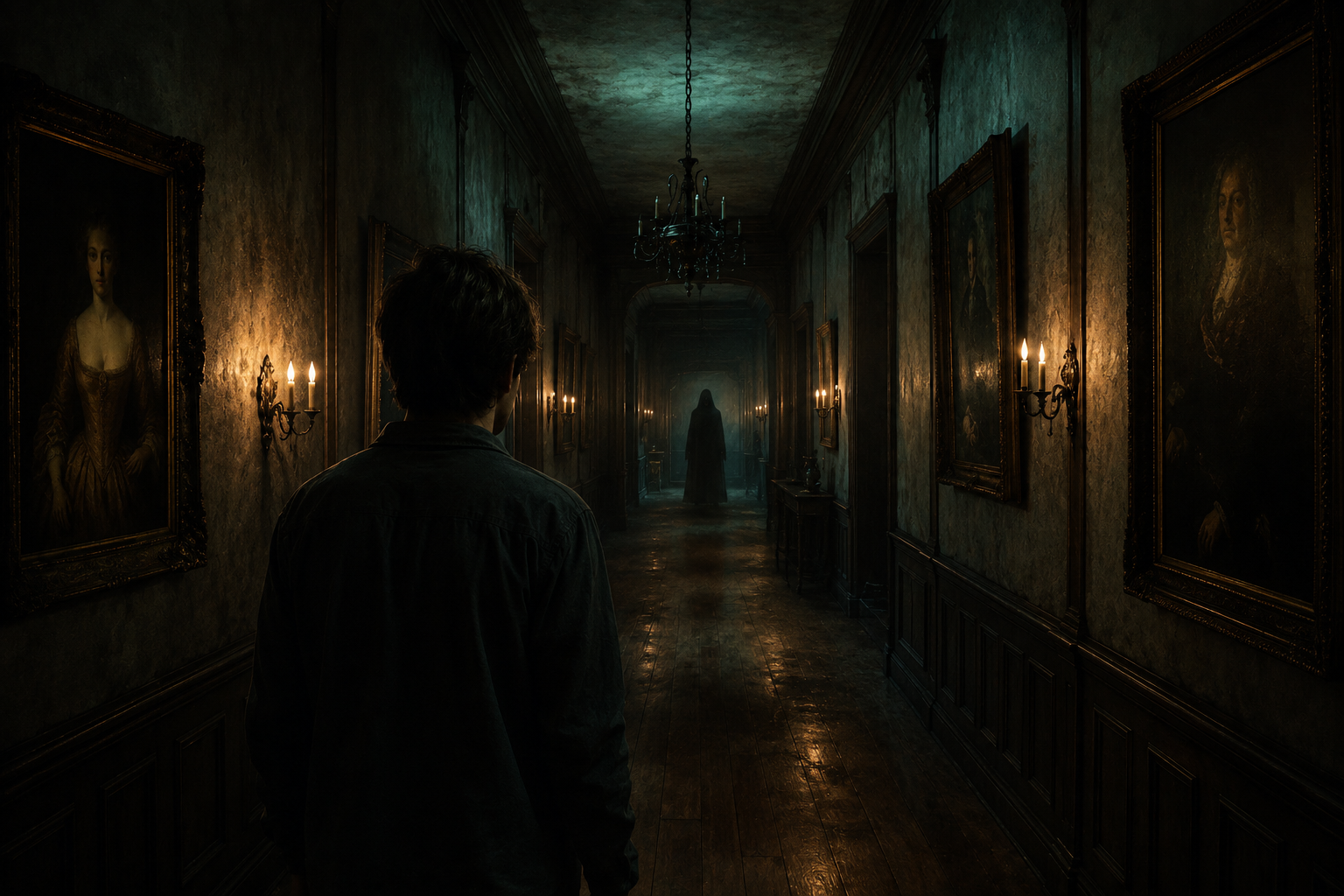
Place the uploaded person at the end of a long, dimly lit hallway lined with old framed portraits and flickering wall sconces, with a faint hooded silhouette far down the corridor. Moody teal and amber lighting, dust suspended in the air, horror-movie cinematography, photorealistic. Keep the person's real face and features exactly as uploaded.
Kopieren und bei Fanch AI einfügen (Modell: gpt_image_2):
Set the uploaded person in a pumpkin patch at dusk, with mist rolling low across the ground, a weathered scarecrow, and a distant hooded figure standing among the vines. Warm sunset fading into a deep purple sky, cinematic Halloween atmosphere, photorealistic. Keep the person's face and skin tone unchanged.
Kopieren und bei Fanch AI einfügen (Modell: gpt_image_2):
Turn the uploaded photo into a vintage 1980s-style horror movie poster featuring the person, with bold retro typography, distressed print texture, slightly faded VHS colors, and a spooky silhouette looming in the background. Keep the person's facial features and skin tone exactly as uploaded.
Tipps für ein besseres Halloween KI-Foto
- Nutzen Sie ein scharfes Frontal-Selfie bei gleichmäßigem Licht.
- Behalten Sie die Anweisung "preserve the face and skin tone" bei.
- Beschreiben Sie das Licht gezielt ("cold moonlight", "warm pumpkin glow").
- Subtiler Grusel im Hintergrund wirkt oft filmischer als direkte Schockmomente.
Warum Fanch AI ideal für Ihre Halloween KI-Fotos ist
Fanch AI nutzt ein spezialisiertes Bildmodell, das die schaurige Beleuchtung und Stimmung präzise umsetzt und dabei Ihr Gesicht unverändert bewahrt.
👉 Jetzt starten: GPT Image 2 auf Fanch AI — erstellen Sie Ihr Halloween KI-Foto.