
Tendance photo IA d'Halloween : Le look Ghostface expliqué | Fanch AI
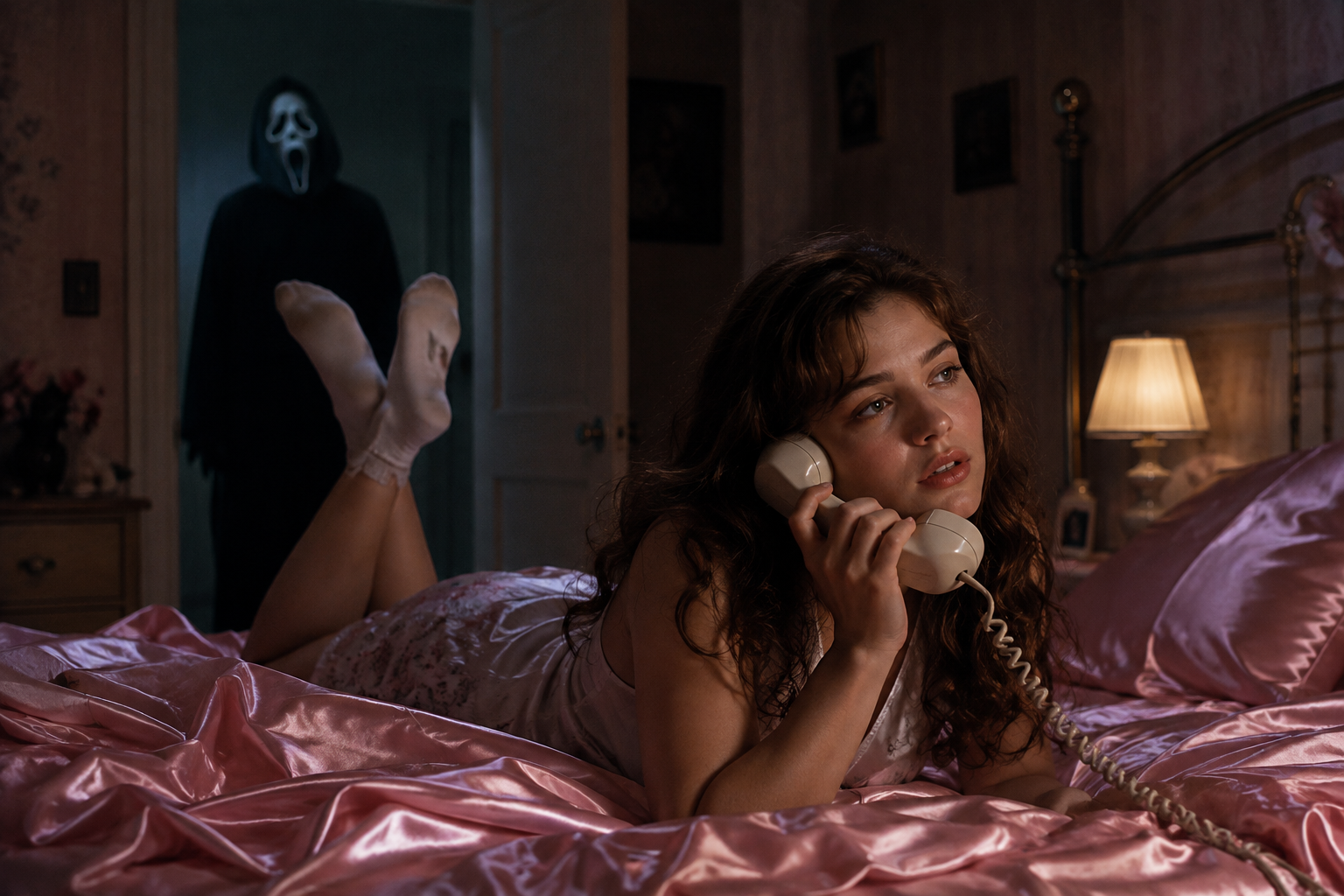
La saison d'Halloween est officiellement lancée, et une tendance domine tous les fils d'actualité : la photo Ghostface. L'inspiration provient directement des films Scream — vous êtes installé dans une chambre chaleureuse style années 90, et une silhouette masquée en robe à capuche se tient silencieusement dans le couloir derrière vous. Ce mélange de nostalgie et de frisson explique le succès de la photo IA d'Halloween (Halloween AI photo).
Le plus impressionnant est la simplicité du processus : un selfie, un prompt et quelques minutes suffisent. Voici comment fonctionne la tendance et comment créer votre photo IA d'Halloween sur Fanch AI.
Pourquoi la tendance photo IA d'Halloween Ghostface cartonne
La formule de la photo IA d'Halloween repose sur un contraste saisissant :
- Nostalgie et frisson — un décor chaleureux années 90 associé à une silhouette menaçante crée une tension captivante.
- Votre visage reste identique — une transformation réussie conserve vos traits réels et votre teint.
- Immédiatement reconnaissable — tout le monde comprend la référence au premier coup d'œil.
- Déclinaisons multiples — porches, couloirs sombres, champs de citrouilles ou affiches de films s'adaptent facilement.
Le rendu ressemble à un arrêt sur image d'un film d'horreur plutôt qu'à une photo de déguisement ordinaire.
Le prompt ultime pour votre photo IA d'Halloween
Voici le prompt principal pour obtenir ce visuel emblématique. Copiez-le dans Fanch AI, téléversez votre photo et laissez le modèle composer la scène.
Copiez et collez ceci dans Fanch AI (Modèle : gpt_image_2) :
Create a photo of the uploaded person lying on shiny pink satin bedding in a 1990s-style bedroom, holding a large corded telephone in a dreamy, thoughtful pose, with long loose curls. In the dimly lit doorway behind them, a tall figure in a black hooded robe wearing a pale, elongated ghostly white mask stands silently watching. Slightly dark and ominous background, cinematic horror lighting, subtle film grain, 90s photography aesthetic, photorealistic. Keep the person's real face and features exactly as in the uploaded photo.
Plus de variations de photos IA d'Halloween
Une fois le visuel principal créé, déclinez les décors pour composer tout un album effrayant.
Copiez et collez ceci dans Fanch AI (Modèle : gpt_image_2) :
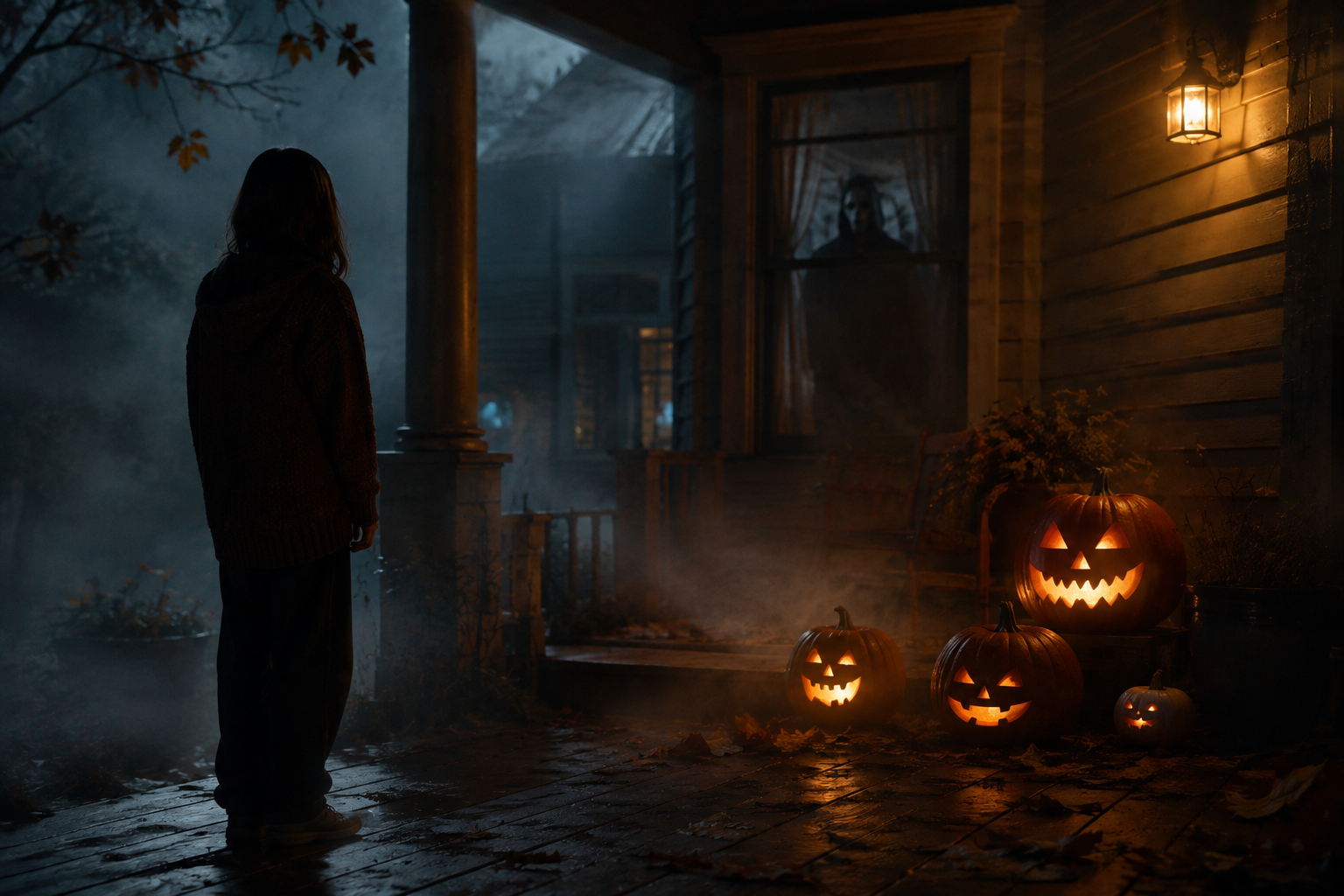
Transform the uploaded photo into a night scene on a foggy front porch, with the person standing beside glowing carved pumpkins and a shadowy masked figure visible through the window behind them. Warm jack-o'-lantern glow against cold blue moonlight, autumn leaves, mist, cinematic spooky atmosphere, photorealistic. Keep the person's face and features unchanged.
Copiez et collez ceci dans Fanch AI (Modèle : gpt_image_2) :
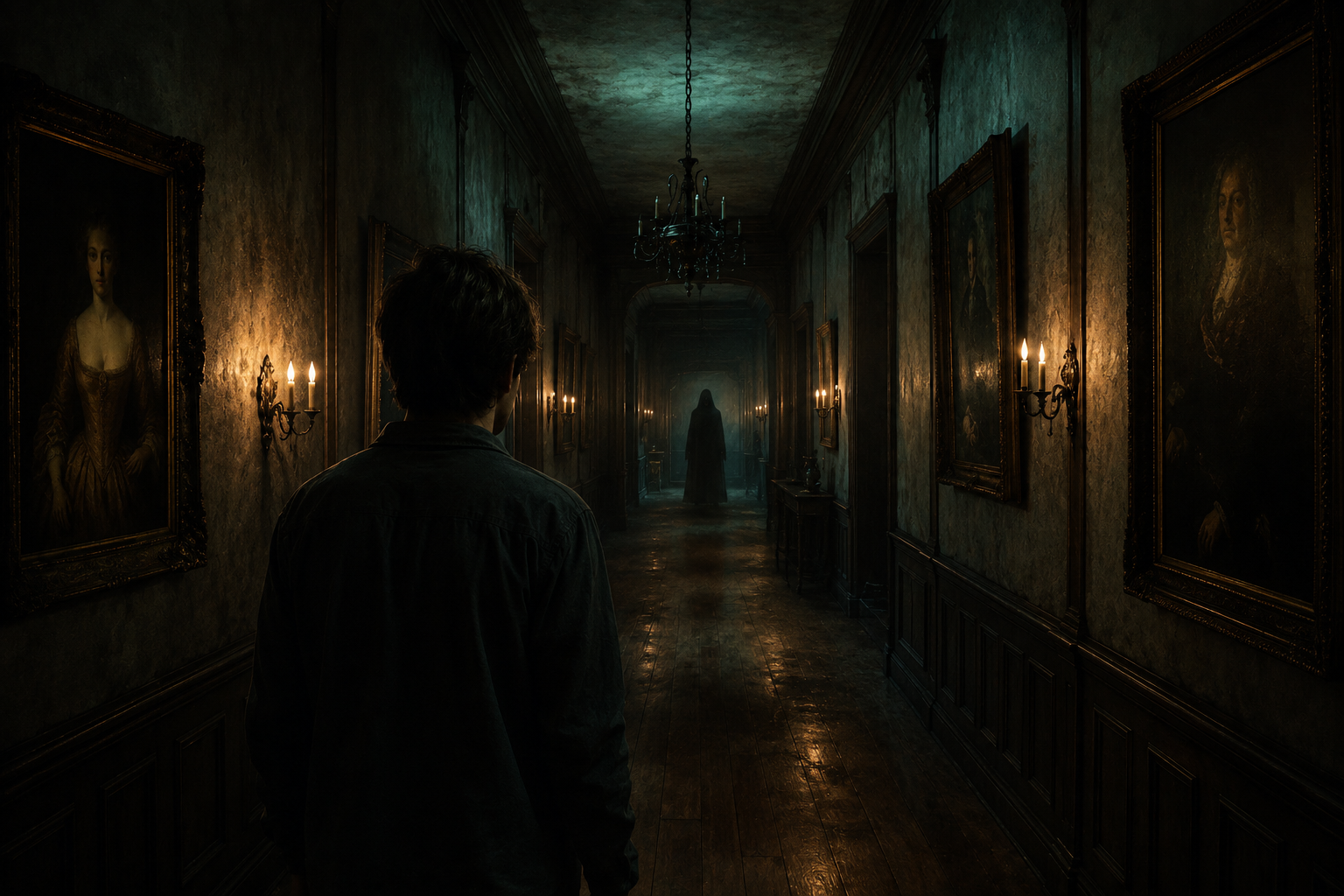
Place the uploaded person at the end of a long, dimly lit hallway lined with old framed portraits and flickering wall sconces, with a faint hooded silhouette far down the corridor. Moody teal and amber lighting, dust suspended in the air, horror-movie cinematography, photorealistic. Keep the person's real face and features exactly as uploaded.
Copiez et collez ceci dans Fanch AI (Modèle : gpt_image_2) :
Set the uploaded person in a pumpkin patch at dusk, with mist rolling low across the ground, a weathered scarecrow, and a distant hooded figure standing among the vines. Warm sunset fading into a deep purple sky, cinematic Halloween atmosphere, photorealistic. Keep the person's face and skin tone unchanged.
Copiez et collez ceci dans Fanch AI (Modèle : gpt_image_2) :
Turn the uploaded photo into a vintage 1980s-style horror movie poster featuring the person, with bold retro typography, distressed print texture, slightly faded VHS colors, and a spooky silhouette looming in the background. Keep the person's facial features and skin tone exactly as uploaded.
Conseils pour réussir votre photo IA d'Halloween
- Utilisez un selfie net de face avec un éclairage homogène.
- Conservez l'instruction "preserve the face and skin tone" dans tous vos prompts.
- Décrivez l'éclairage spécifique ("cold moonlight", "warm pumpkin glow").
- L'allusion à la menace produit un effet plus cinématographique que la peur directe.
Pourquoi Fanch AI est idéal pour vos photos d'Halloween
Fanch AI utilise un modèle d'image dédié qui restitue fidèlement l'ambiance et la lumière cinématographique tout en préservant votre vrai visage.
👉 Commencez ici : GPT Image 2 sur Fanch AI — créez votre photo IA d'Halloween dès maintenant.