
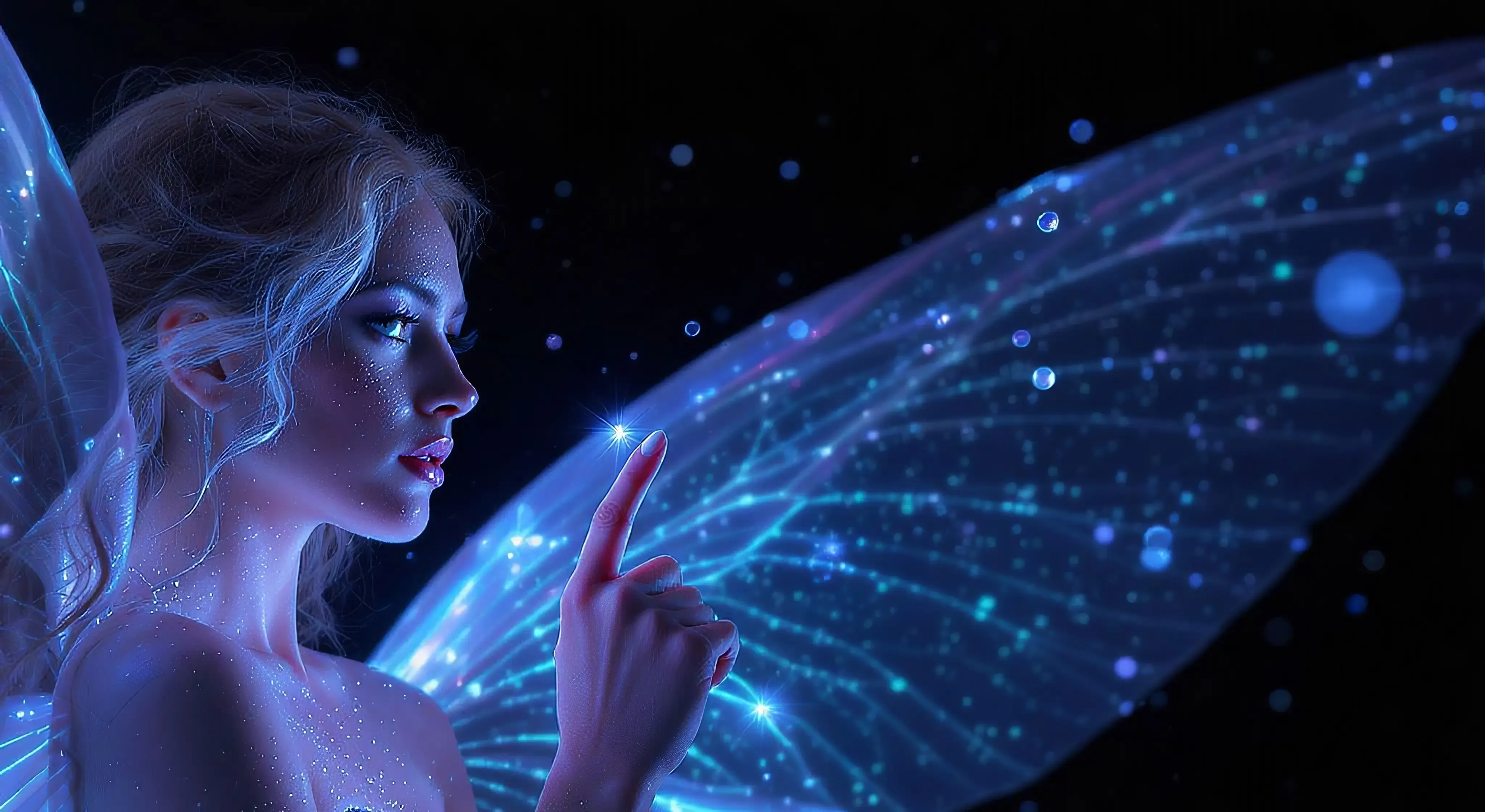
Flux 2 Pro AI Image Generator – Text & Image to Production Visuals
Flux 2 Pro is a production-optimized AI image generator for fast, consistent visuals from text prompts or reference photos, without complex parameters or tuning steps.
Flux 2 Pro AI Image Gallery
Explore images created with the Flux 2 Pro AI Image Generator for real products, brands and applications.
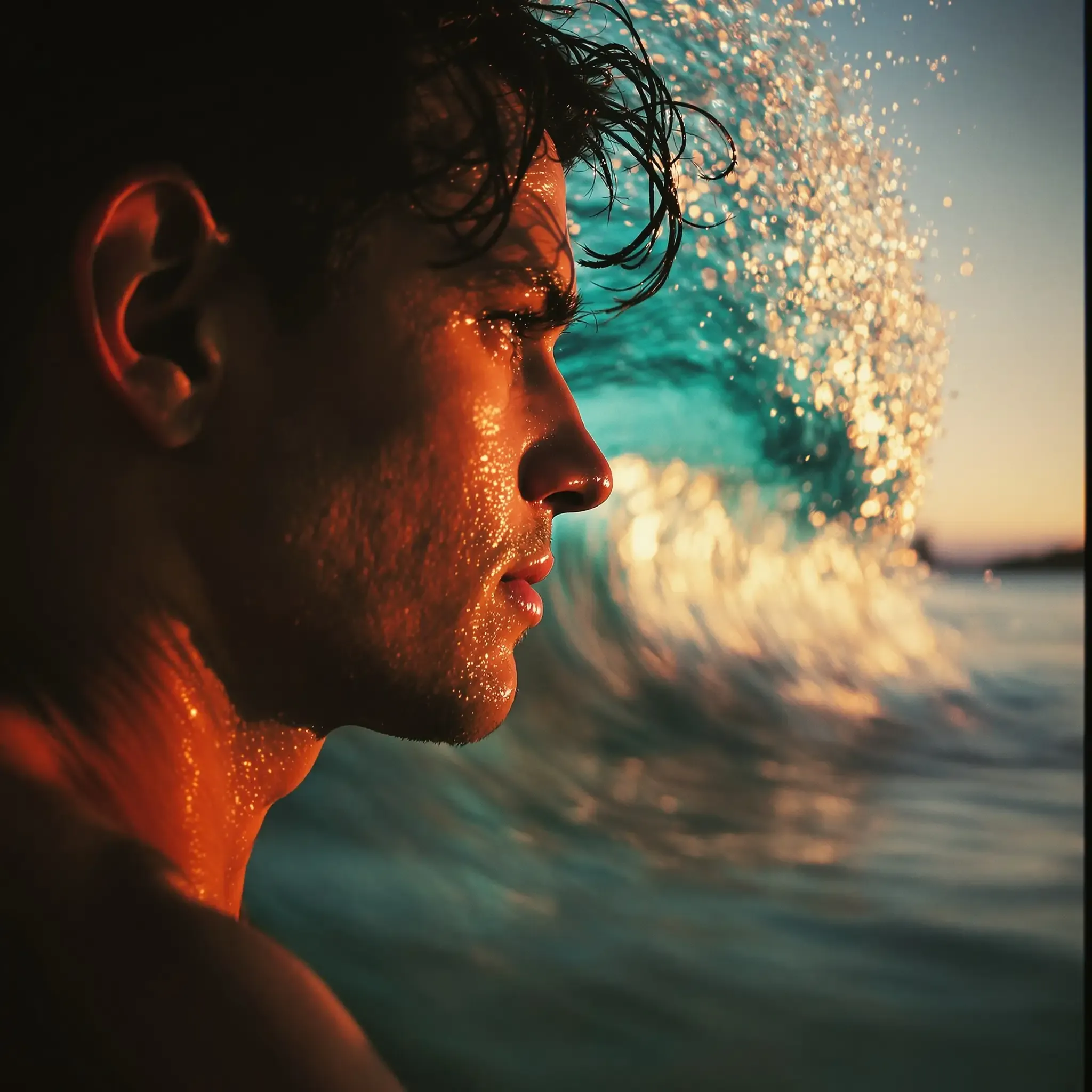
Portraits and Lifestyle Photography
Generate photoreal portraits with consistent characters, natural lighting and subtle background detail.
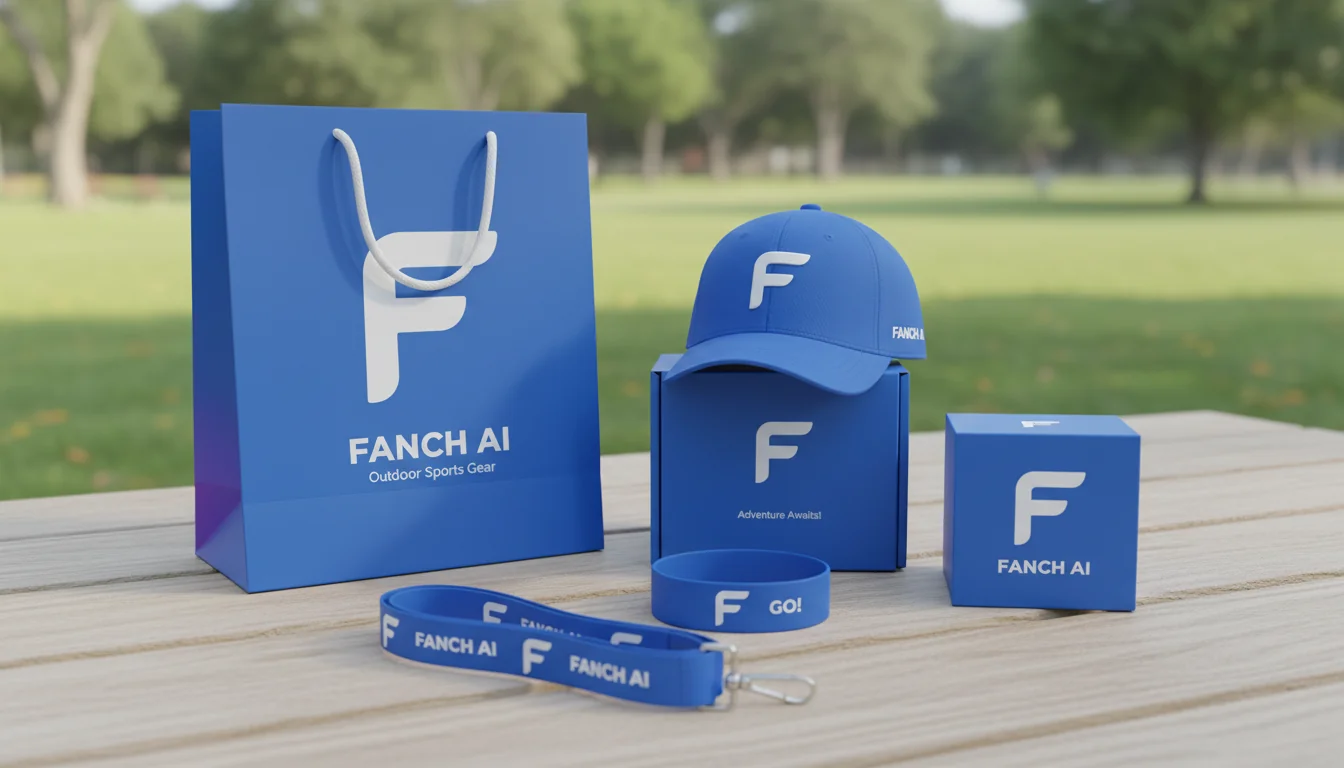
Product and E-commerce Visuals
Create clean product images with controlled reflections, shadows and angles for listings and ads.
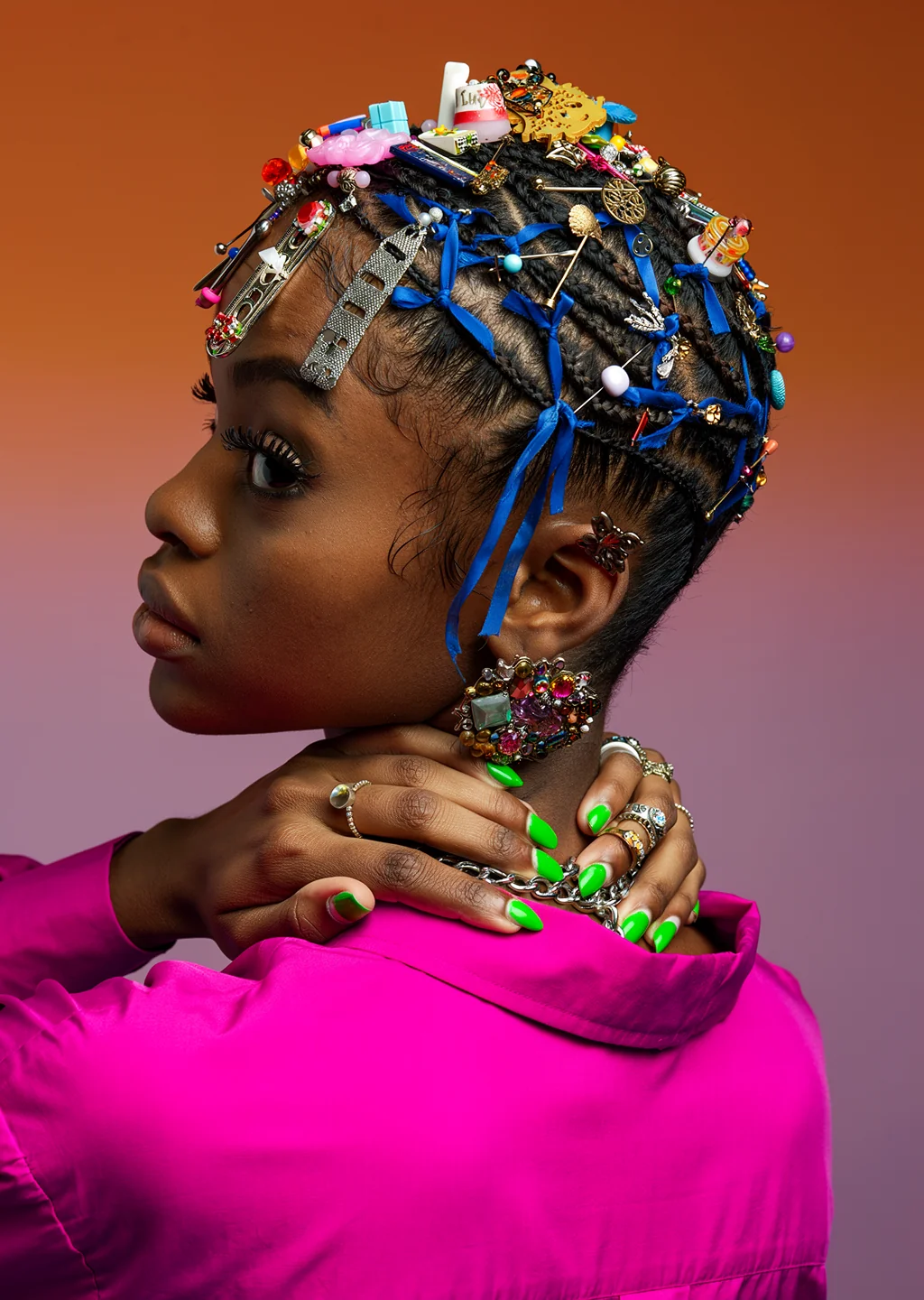
Brand and Marketing Creatives
Produce on-brand hero visuals, campaign images and social content that stay visually consistent.
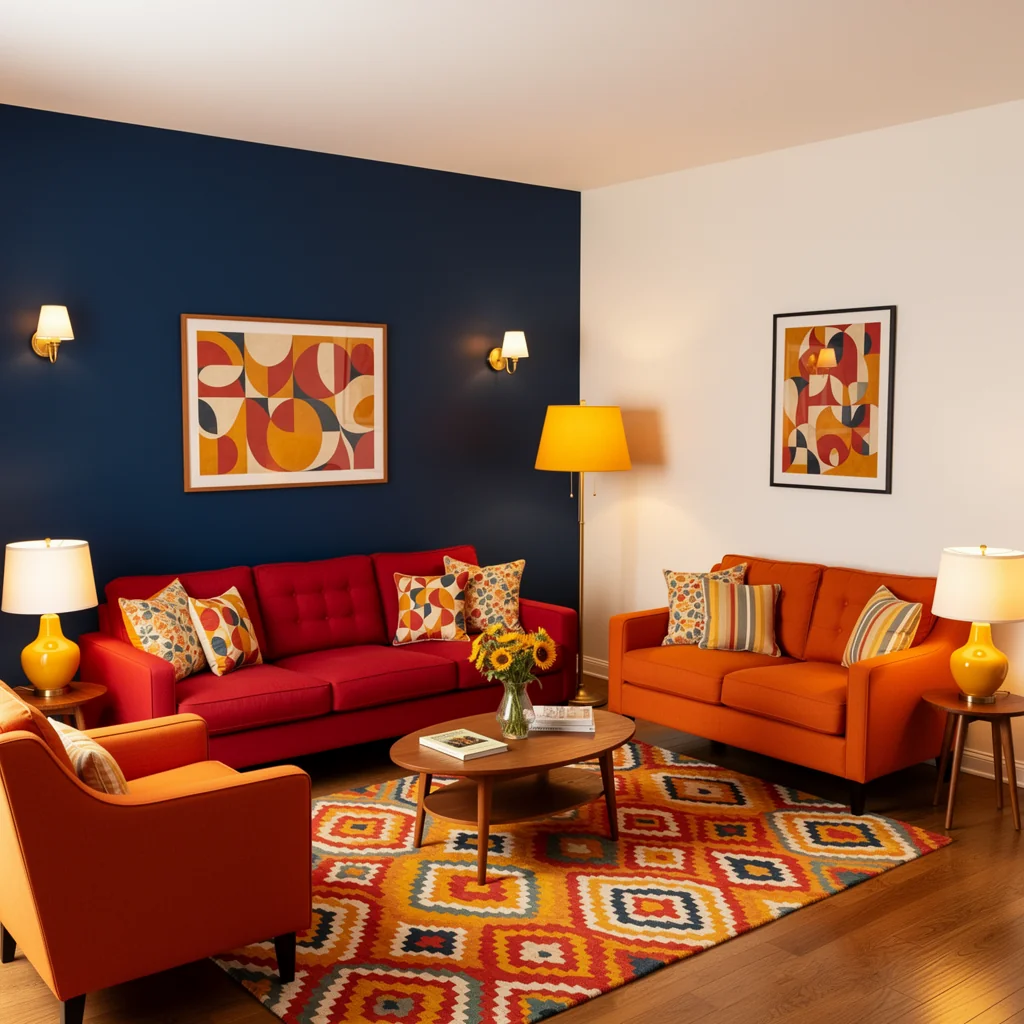
Multi-Reference and Scene Control
Combine multiple references to keep subjects, props and layout stable across many variations.
Key Features of Flux 2 Pro AI
See how the Flux 2 Pro AI Image Generator supports high-volume, production image workflows.
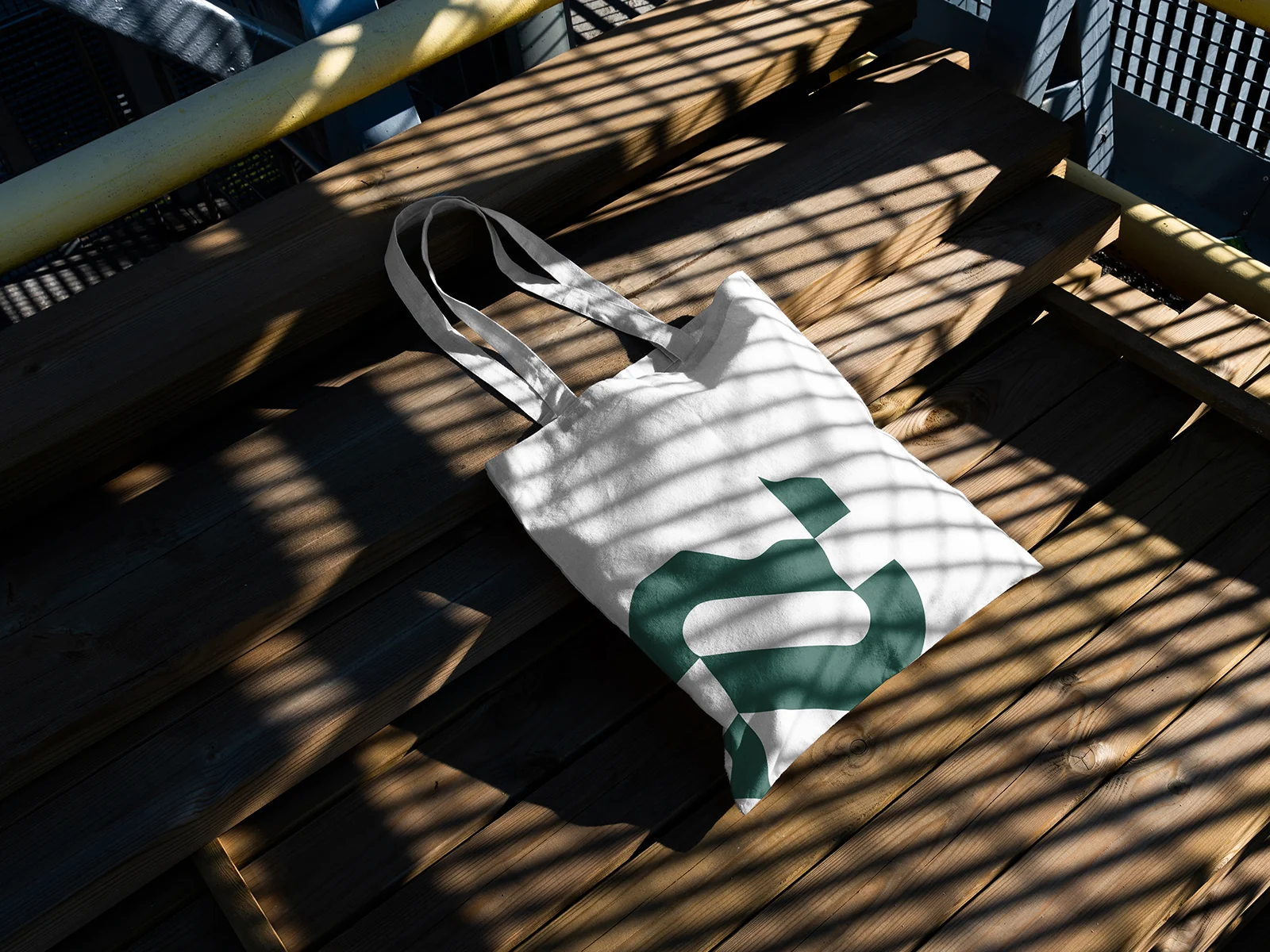
Get studio-grade images without adjusting guidance scales or step counts; Flux 2 Pro handles quality tuning internally.
Flux 2 Pro AI Image Generator Workflows
Create Images With Flux 2 Pro
Switch between text-to-image and image-to-image workflows powered by Flux 2 Pro AI, with flexible resolutions and aspect ratios.
Text to Image With Flux 2 Pro
Write a detailed prompt and let Flux 2 Pro AI generate high-quality images with accurate lighting, depth and composition for your projects.
Image to Image With Flux 2 Pro
Upload product photos or brand assets and use Flux 2 Pro to restyle, enhance or extend them while keeping key details consistent.
Flux 2 Pro Prompt Examples
Use these Flux 2 Pro AI prompts as starting points, then adapt them to your brand, style and workflow.
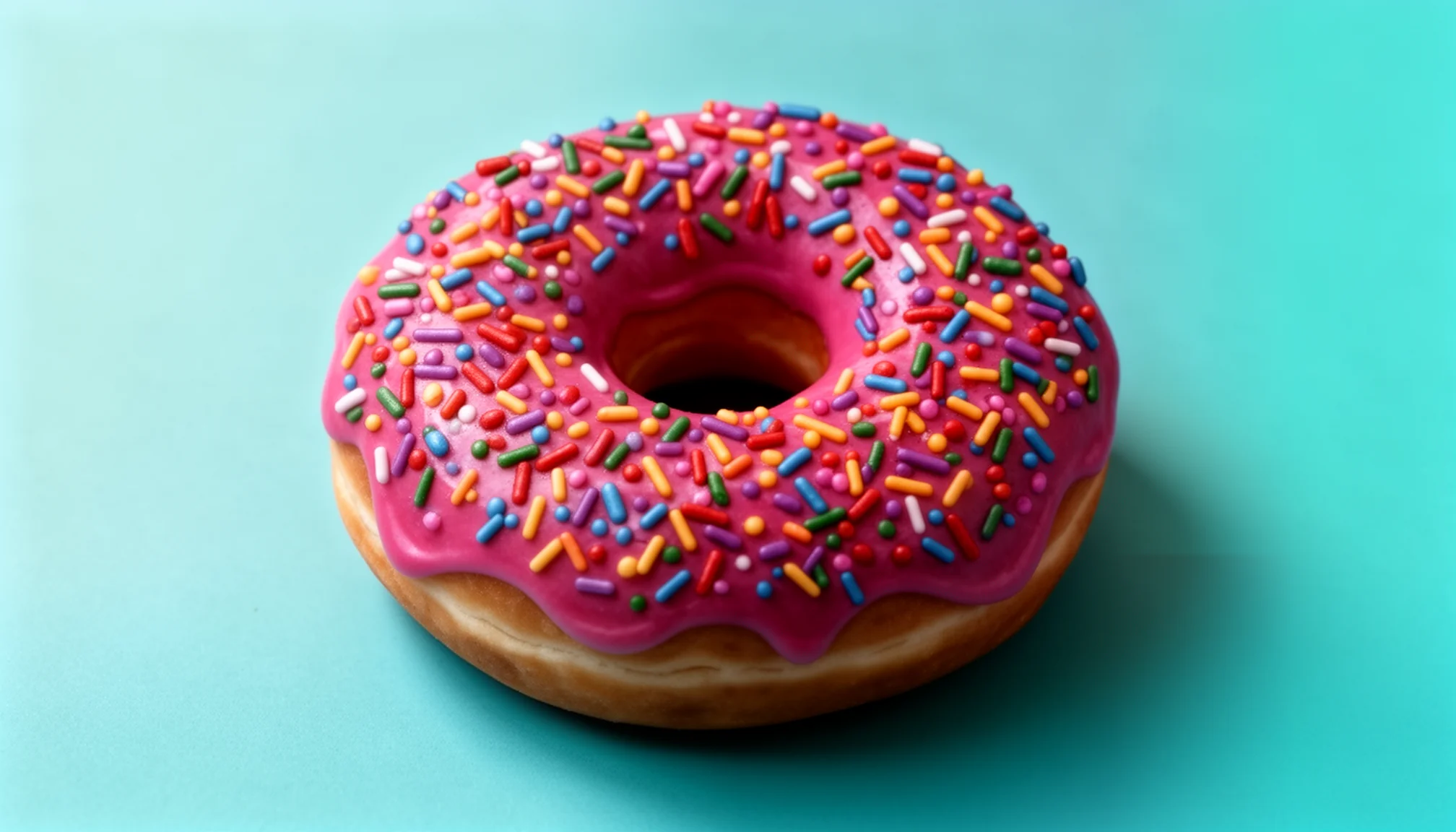
Realistic Donut Photo

Make this donut realistic
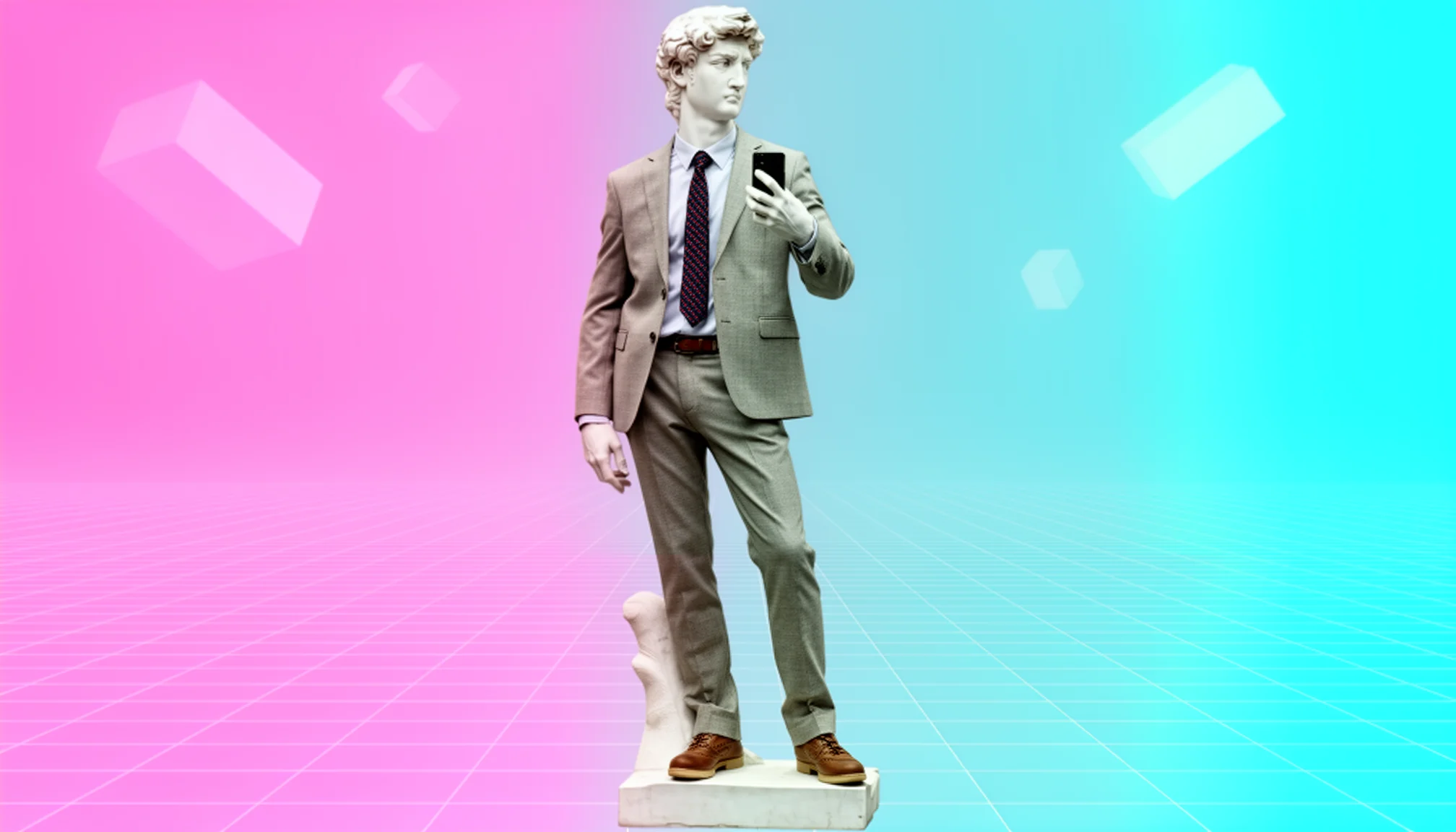
Casual Suit and Tie Outfit Edit
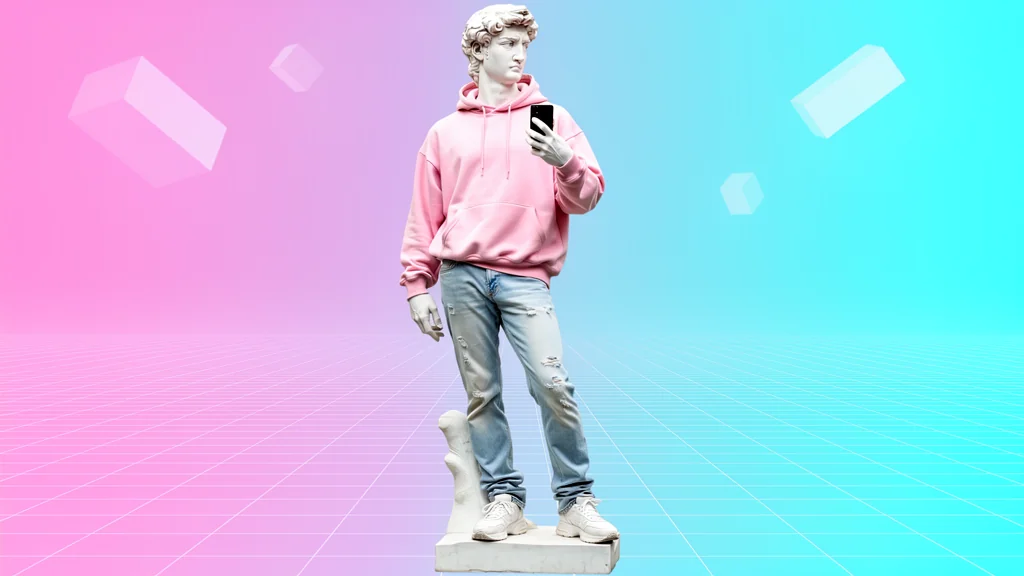
Change his clothes to casual suit and tie
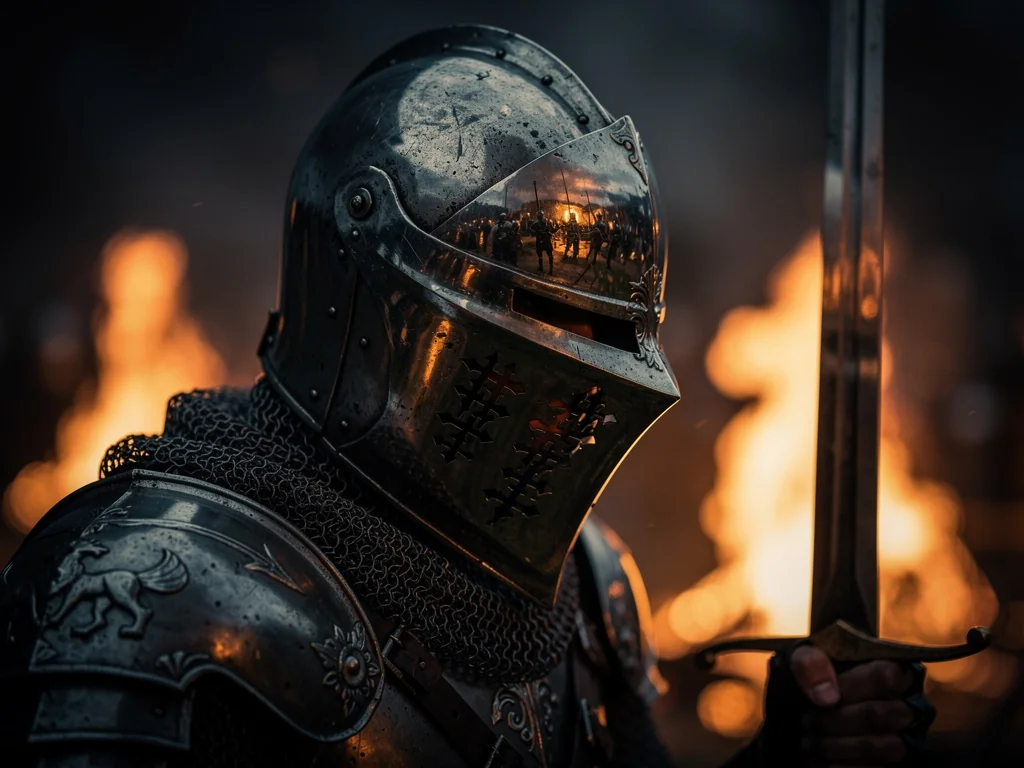
Intense Knight Visor Close-Up
An intense close-up of knight's visor reflecting battle, sword raised, flames in background, chiaroscuro helmet shadows, hyper-detailed armor, square medieval, cinematic lighting
Frequently Asked Questions About Flux 2 Pro AI
Answers to common questions about using the Flux 2 Pro AI Image Generator in Fanch AI.
Flux 2 Pro is a production-optimized AI image generator from Black Forest Labs, available in Fanch AI for text-to-image and image-to-image workflows. It focuses on reliability, realism and ease of use, hiding low-level parameters so teams can go from prompt to high-quality images without expert tuning.
With Flux 2 Pro AI you can create photoreal portraits, product photos, lifestyle scenes, brand visuals and creative concepts with reliable style and subject consistency. It works well for everything from campaign hero images and app screenshots to large sets of on-brand visuals generated in bulk.
Flux 2 Pro excels at realism, lighting and multi-reference control, while Nano Banana Pro is stronger for precise text, layouts and typography-heavy graphics. Many teams use Flux 2 Pro for photos, people and products, and Nano Banana Pro for UI mocks, marketing graphics and text-forward creatives.
Yes. You can send JSON structured prompts to specify scene elements, camera settings and composition for more controllable generations. This approach is ideal when you need reproducible shots, programmable camera setups or template-based image generation inside your own tools.
Sign up for Fanch AI, open the AI Image Generator, select Flux 2 Pro as the model, then enter your prompt, aspect ratio and resolution to generate images. Developers can also call the Flux 2 Pro API directly from their backend services or design tools by following the Fanch AI documentation.
Yes. You can try Flux 2 Pro AI online in the Fanch AI playground without local setup or GPU hardware. Use it to experiment with prompts, aspect ratios and reference images before integrating Flux 2 Pro into your product or workflow.
Start Creating With Flux 2 Pro AI
Open the Flux 2 Pro AI Image Generator in Fanch AI and turn prompts into production-ready images in seconds.