
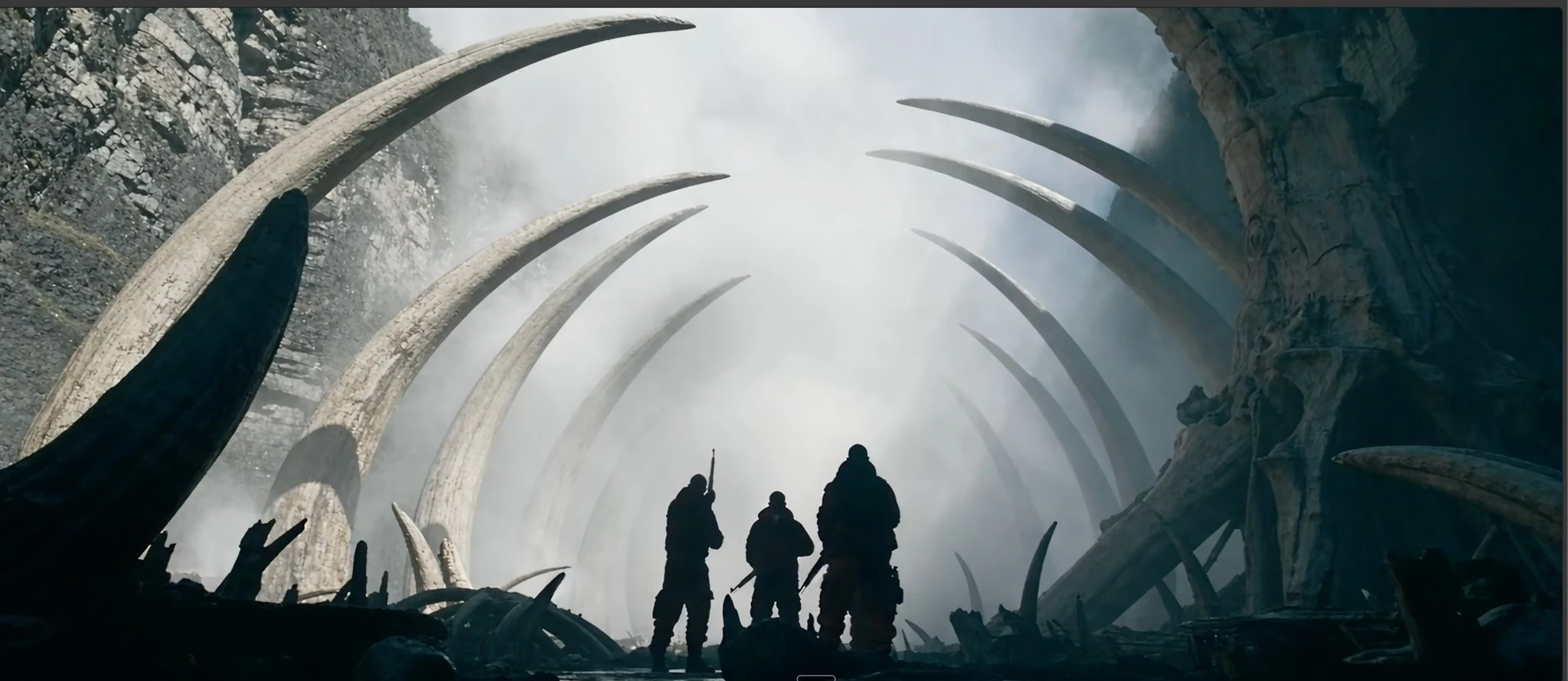
GPT Image 2.6 Online - Flare, Sunburst, and Economy
Hosted GPT Image 2.6 on Fanch. Pick Flare for fast poster-ready layouts, Sunburst for refined edit consistency, or Economy for low-cost 1K batches—with GIF loops and transparent cutouts when you need them.
GPT Image 2.6 Gallery: Layouts, Edits, and GIF Loops
OpenAI’s 2.6 release positions GPT Image 2.6 Flare and Sunburst for faster creation plus steadier multi-round edits. On Fanch those strengths map to real commercial workflows—posters, product shots, cutouts, and short GIF motion.
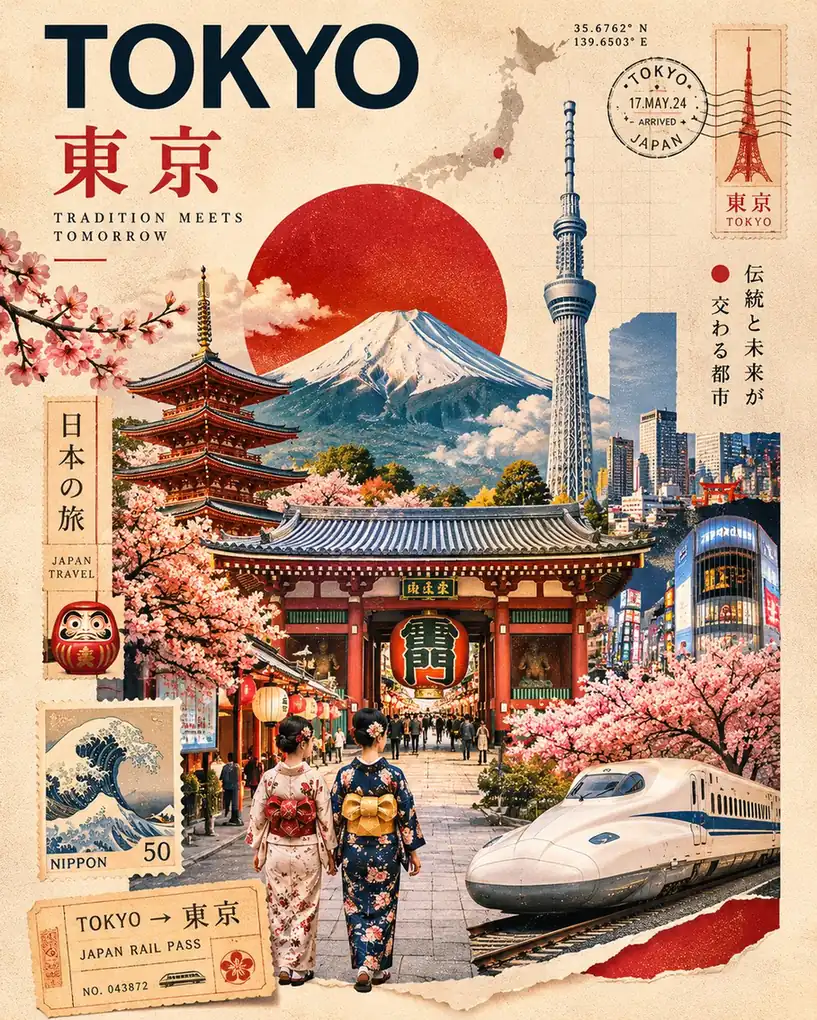
Posters and Product Layouts with Flare
OpenAI says GPT Image 2.6 Flare improves layout quality for posters, product visuals, and other professional visuals. Use GPT Image 2.6 Flare on Fanch when you need structured marketing frames, packaging concepts, or listing creatives that hold hierarchy and readable type.

Consistent Multi-Round Edits with Sunburst
OpenAI says GPT Image 2.6 Sunburst brings higher-quality generation and greater consistency across edits. Reach for GPT Image 2.6 Sunburst when you revise a character, SKU, or brand detail over several rounds and need identity to stay locked.
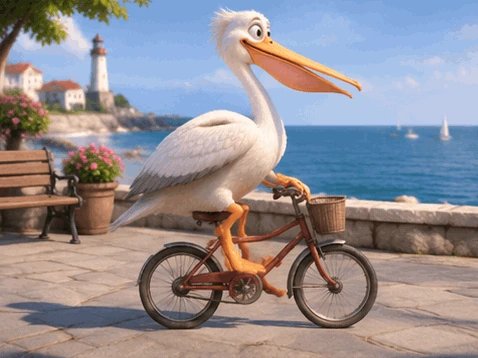
GIF Motion for Mascots and Product Loops
The 2.6 release adds GIF output so GPT Image 2.6 can turn a prompt into a short looping sprite. Marketers use GPT Image 2.6 GIF workflows for brand mascots, reaction loops, and product teasers before committing to full video.

Transparent Cutouts for Stickers and Packs
GPT Image 2.6 supports background modes auto, opaque, and transparent. Transparent backgrounds help product cutouts, stickers, and design assets with no backdrop—pair the prompt with a subject standing alone so GPT Image 2.6 keeps edges clean.
Core Features of GPT Image 2.6: Flare and Sunburst
Capabilities below follow OpenAI’s 2.6 release announcement and API model cards for GPT Image 2.6 Flare and Sunburst, plus Economy and playground controls available on Fanch.
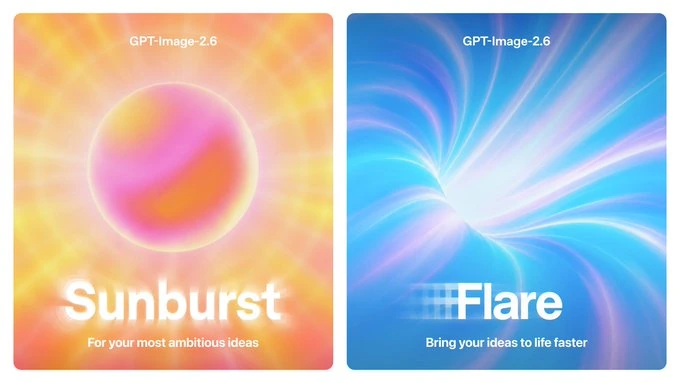
OpenAI ships GPT Image 2.6 as Flare for fast iteration and Sunburst for detailed work. On Fanch you also get Economy for flat, low-cost 1K batches. Switch GPT Image 2.6 tiers in one playground instead of bouncing between separate tools.
GPT Image 2.6 Workflows
Create Today Using GPT Image 2.6 Flare or Sunburst
Use prompt mode for new GPT Image 2.6 layouts and GIF loops, or reference mode when GPT Image 2.6 should revise an existing product or character.

Prompt Mode With GPT Image 2.6
Describe posters, product frames, cutouts, or short GIF motion in natural language. Start on GPT Image 2.6 Flare for speed, then compare the same prompt on GPT Image 2.6 Sunburst when you need extra polish.
Reference Mode With GPT Image 2.6
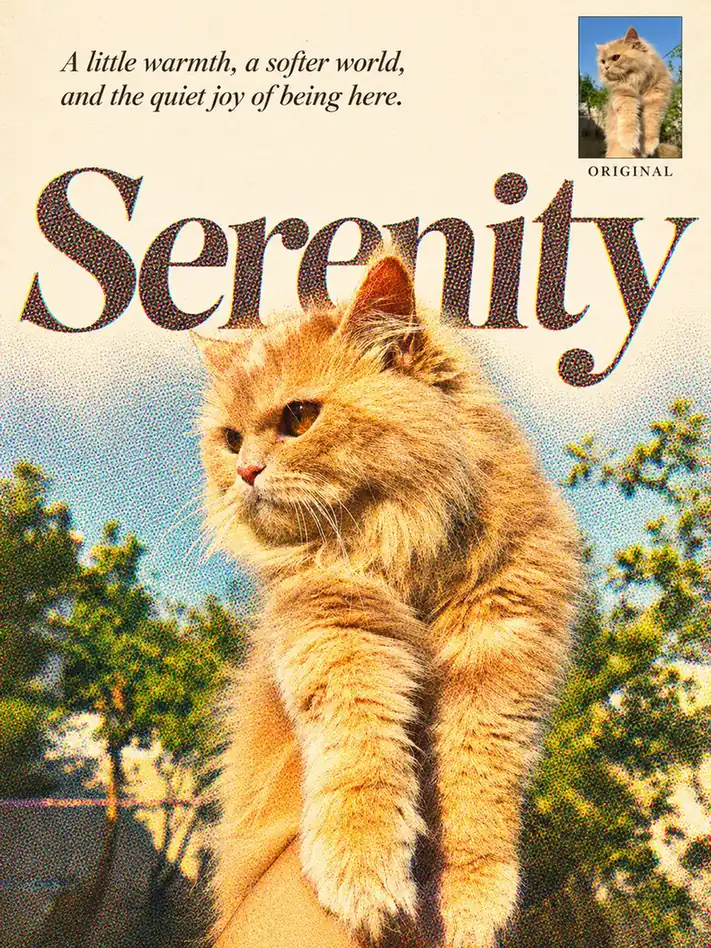
Upload references and instruct GPT Image 2.6 to restage, recolor, or refine while preserving identity. GPT Image 2.6 Sunburst is the usual pick for multi-round consistency; Economy keeps cheap 1K GPT Image 2.6 exploration affordable.
GPT Image 2.6 Prompt Examples for Flare, Sunburst, GIF
Three GPT Image 2.6 starter prompts matched to the samples below: Flare poster layout, a transparent die-cut sticker cutout, and a short paper-craft GIF loop. Adapt subjects and motion notes to your brief.
Century Collage Poster: Jazz, War, Change, Tech
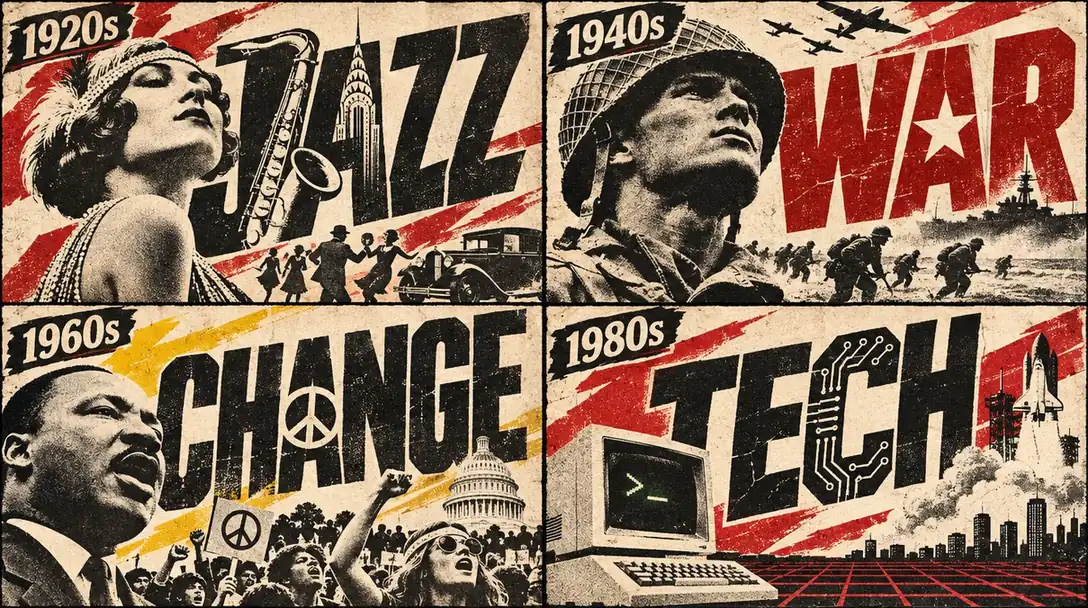
Create a 2×2 vintage American century collage poster with heavy letterpress texture, aged cream paper, black ink, and red accents. Top-left 1920s labeled "1920s" with giant word "JAZZ"—the J formed by the Chrysler Building and the A by a saxophone—plus a flapper portrait, dancers, and a classic car. Top-right 1940s labeled "1940s" with bold "WAR", a star inside the A, a helmeted soldier, fighter planes, a battleship, and advancing troops. Bottom-left 1960s labeled "1960s" with "CHANGE", a peace symbol as the A, Martin Luther King Jr., protesters with peace signs, and the U.S. Capitol. Bottom-right 1980s labeled "1980s" with "TECH", circuit traces inside the letters, an early personal computer, a Space Shuttle launch, and a red wireframe grid. Tight graphic poster hierarchy for GPT Image 2.6 Flare layout quality; no extra captions outside the decade labels and four title words.
Astronaut Cat Die-Cut Sticker Cutout
A single kawaii die-cut sticker of a cheerful orange-and-white tabby cat in a white astronaut suit with red accents and a clear bubble helmet, floating and reaching one paw toward a tiny smiling yellow star with pink cheeks. Thick clean white sticker border with a red dashed cut line just outside the silhouette, centered on light gray graph-paper grid. Cute chibi proportions, bold outlines, flat vibrant colors, no extra scenery behind the sticker shape. Use GPT Image 2.6 with background set to transparent so only the sticker cutout remains.

Paper-Cut Baby Fox Looping GIF
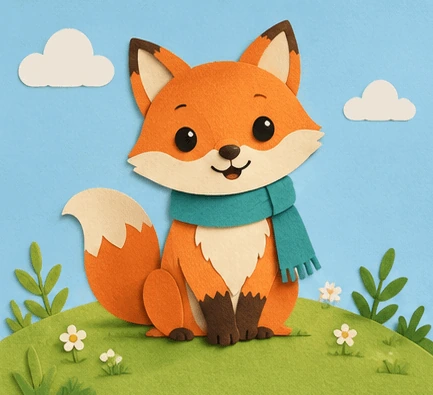
Create a seamless looping GIF of a cute baby fox in layered paper-cut / felt-craft style, sitting on a rounded lime-green hill with tiny white flowers, soft light-blue sky, and two puffy paper clouds. The fox is orange with a cream chest, dark ear tips, dark paws, large round eyes, gentle smile, and a teal fringed scarf. Soft drop shadows between paper layers, grainy felt texture, fixed front camera and identical framing every frame. Subtle loop motion only: scarf fringe and cloud edges drift slightly, then return. Use GPT Image 2.6 GIF mode with about nine frames and 200 ms per frame; no text, logos, or panel borders.
GPT Image 2.6 FAQ for Flare, Sunburst, and Economy
Answers grounded in OpenAI’s 2.6 release announcement, GPT Image 2.6 Flare and Sunburst model cards, and how the three tiers run on Fanch.
GPT Image 2.6 is OpenAI’s 2.6-generation family for creation and editing. On Fanch you can run GPT Image 2.6 Flare, GPT Image 2.6 Sunburst, and GPT Image 2.6 Economy in one playground for prompt-based creation, reference-guided edits, GIF loops, and transparent cutouts.
Yes. OpenAI calls the ChatGPT/Codex launch the 2.6 release and names the API models GPT Image 2.6 Flare and GPT Image 2.6 Sunburst. Fanch exposes those GPT Image 2.6 paths (plus Economy) so creators can pick speed, polish, or low-cost 1K without leaving the site.
Choose GPT Image 2.6 Flare when you want the fast path and the layout improvements OpenAI describes for posters and product visuals. Choose GPT Image 2.6 Sunburst when you need higher detail and stronger consistency across multi-round edits. Economy fits cheap 1K GPT Image 2.6 batches.
OpenAI states the 2.6 release generates about 50% faster than before. In the API, GPT Image 2.6 Flare can return a result in as little as six seconds when quality is set to low—ideal for draft loops before you switch GPT Image 2.6 Sunburst for final polish.
Yes. GPT Image 2.6 can output GIF with frame count and frame duration controls, and background can be auto, opaque, or transparent. Transparent mode is the path for stickers and cutouts; GIF mode is for short motion loops from GPT Image 2.6.
Flare and Sunburst stills support 1K, 2K, and 4K with a wide aspect-ratio set. GPT Image 2.6 Economy is 1K-only with a smaller ratio and format set—use it when cost matters more than maximum resolution.
Yes. GPT Image 2.6 reference editing accepts multiple reference URLs/files so you can restage products, characters, or scenes. Prefer GPT Image 2.6 Sunburst when edit-to-edit consistency is the priority.
Sign in, open the generator, select GPT Image 2.6, choose Flare, Sunburst, or Economy, write a prompt, optionally add references, set ratio, resolution, background, and format, then generate. Enable GIF controls only when GPT Image 2.6 should return a loop.
Start Creating with the GPT Image 2.6 Tool on Fanch
Open GPT Image 2.6 on Fanch and move between Flare, Sunburst, and Economy for layouts, edits, GIF loops, and transparent cutouts.