
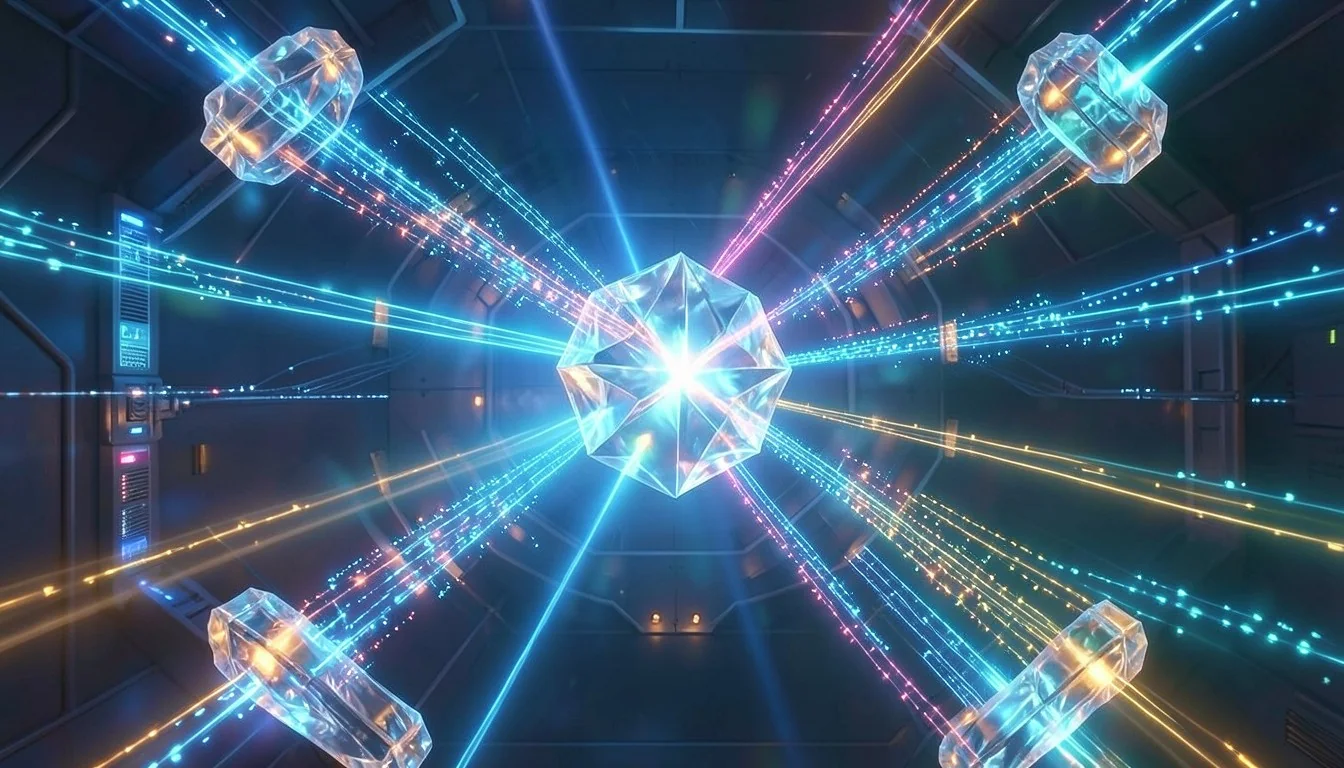
Qwen2 AI Image Generator – Text & Image to Quality Visuals
Qwen2 AI Image Generator creates production-ready images with exceptional text rendering, supporting complex Chinese and English typography in multi-line layouts for creative workflows.
Qwen2 AI Image Gallery
Explore images created with Qwen2 for real products, brands and applications with precise text control and professional quality.
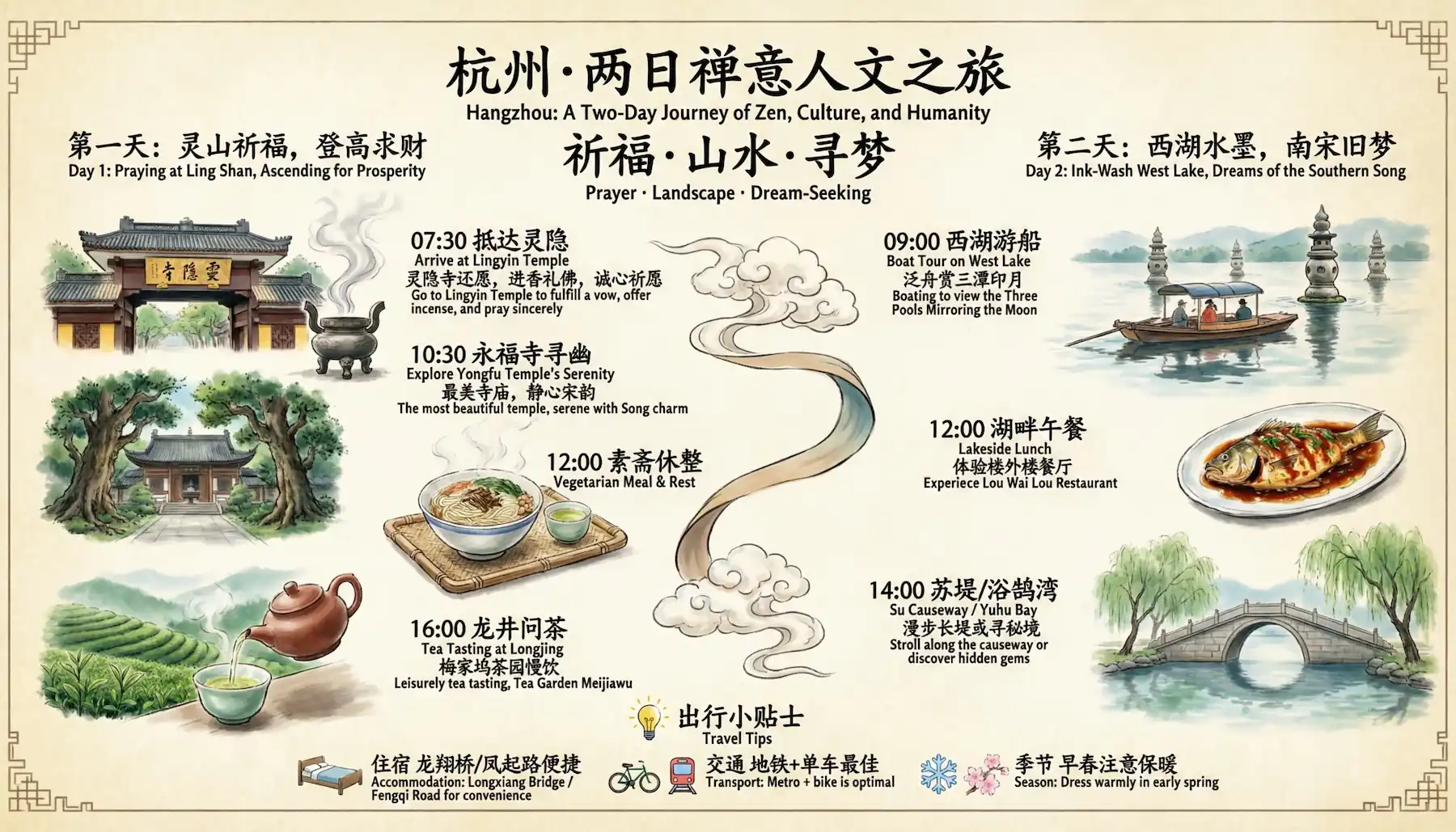
Chinese Typography and Layout Design
Generate images with accurate Chinese character rendering, multi-line layouts and paragraph-level text placement for posters, marketing materials and brand campaigns requiring precise typography.
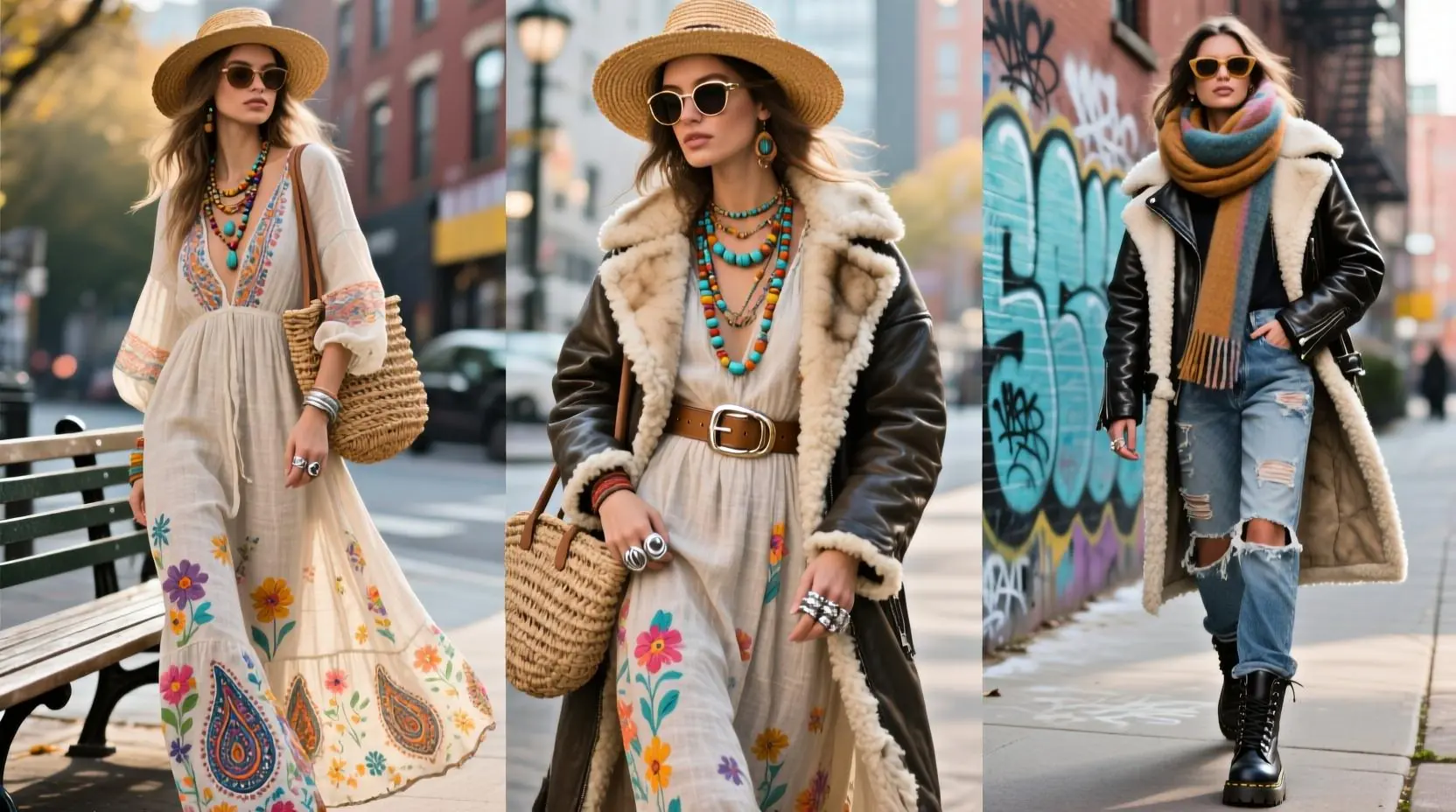
Product and E-commerce Graphics
Create product images with embedded text labels, pricing tags and brand names rendered clearly for online listings, advertisements and e-commerce platforms with professional presentation.
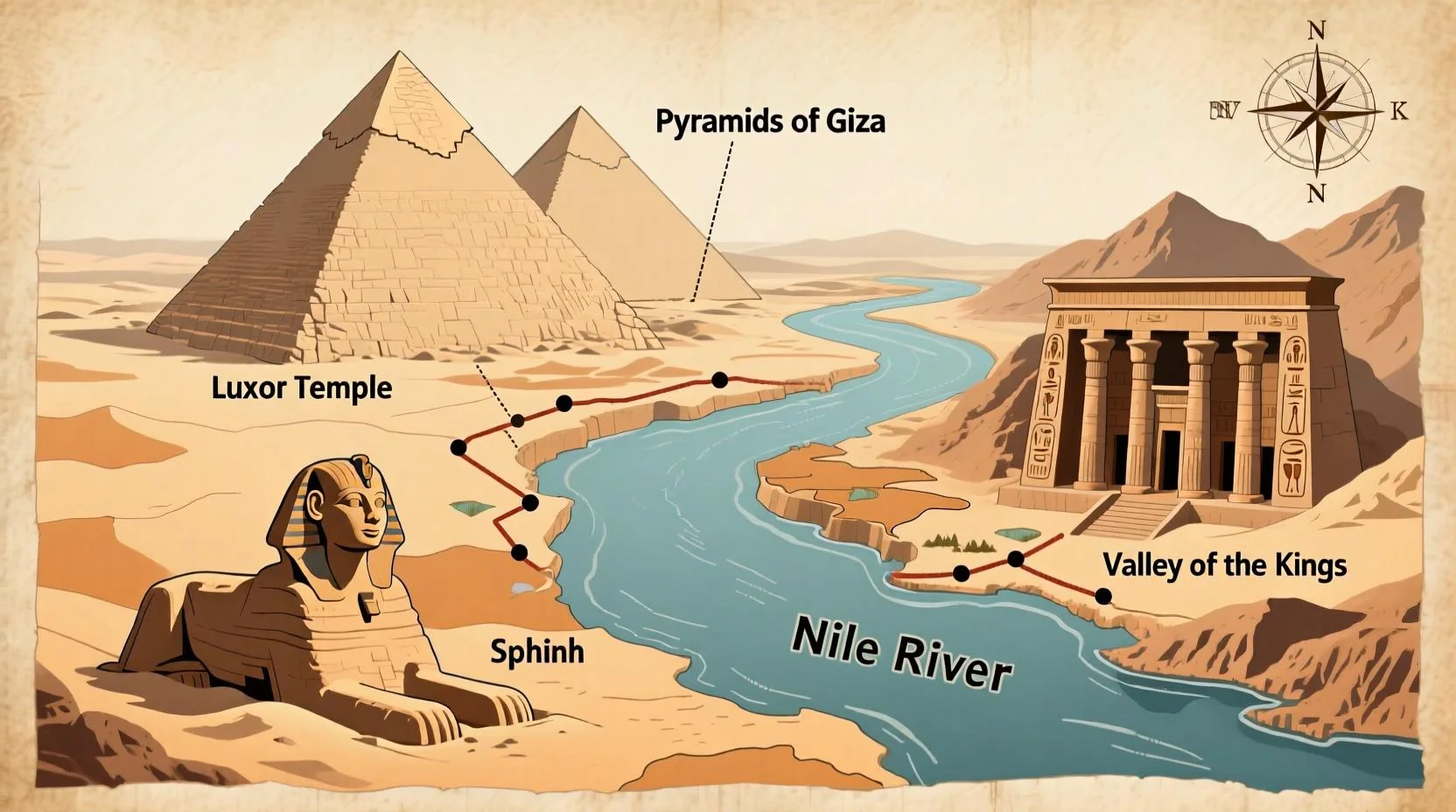
Presentation and Infographic Design
Produce professional presentation slides, data visualizations and infographics with coherent text layouts, visual consistency and clear information hierarchy for business communication.
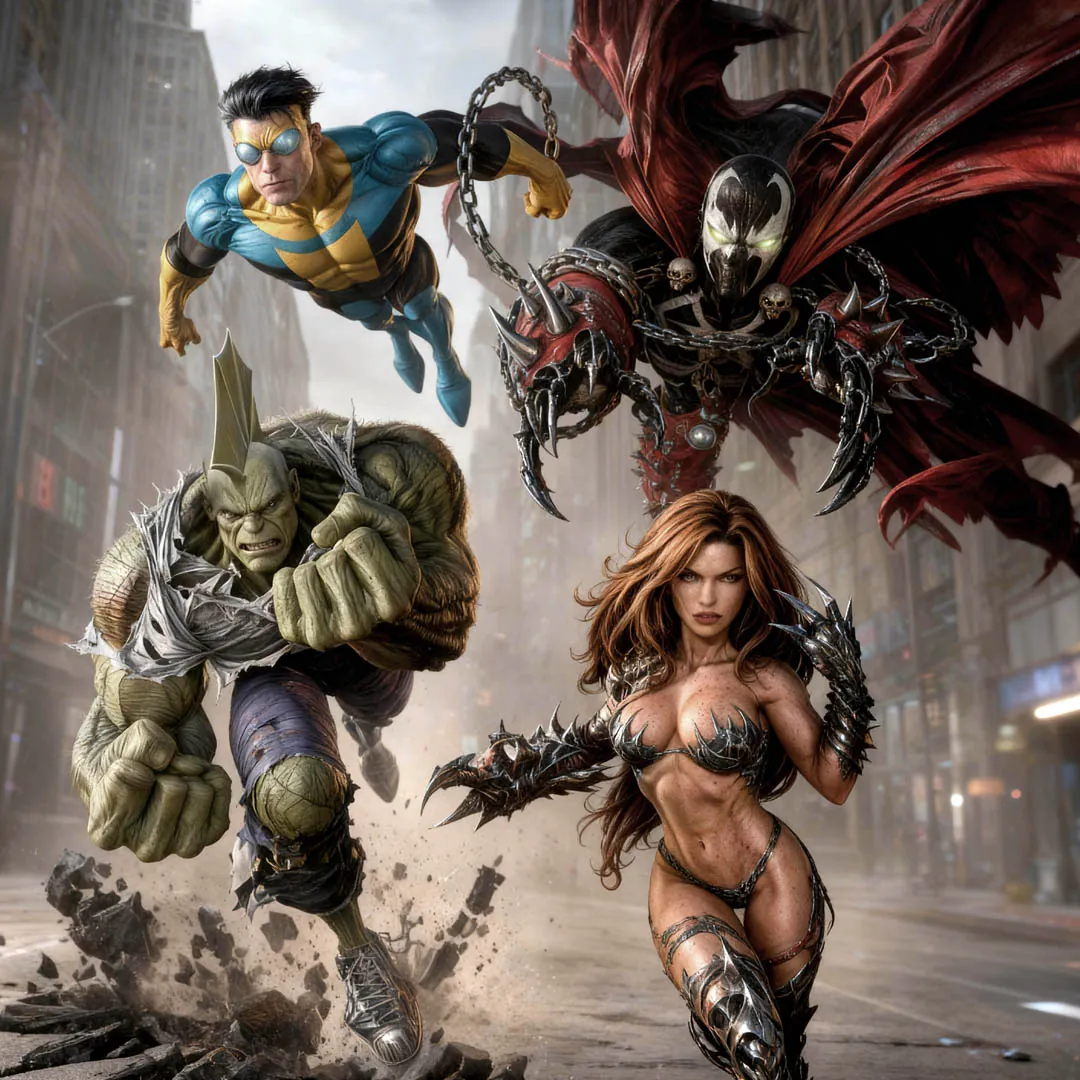
Sequential Art and Storytelling
Generate multiple panels with consistent characters and styles for comics, storyboards and narrative sequences in a single generation while maintaining visual coherence across frames.
Key Features of Qwen2 AI
See how Qwen2 supports precise text rendering and flexible image creation workflows for professional creative production.
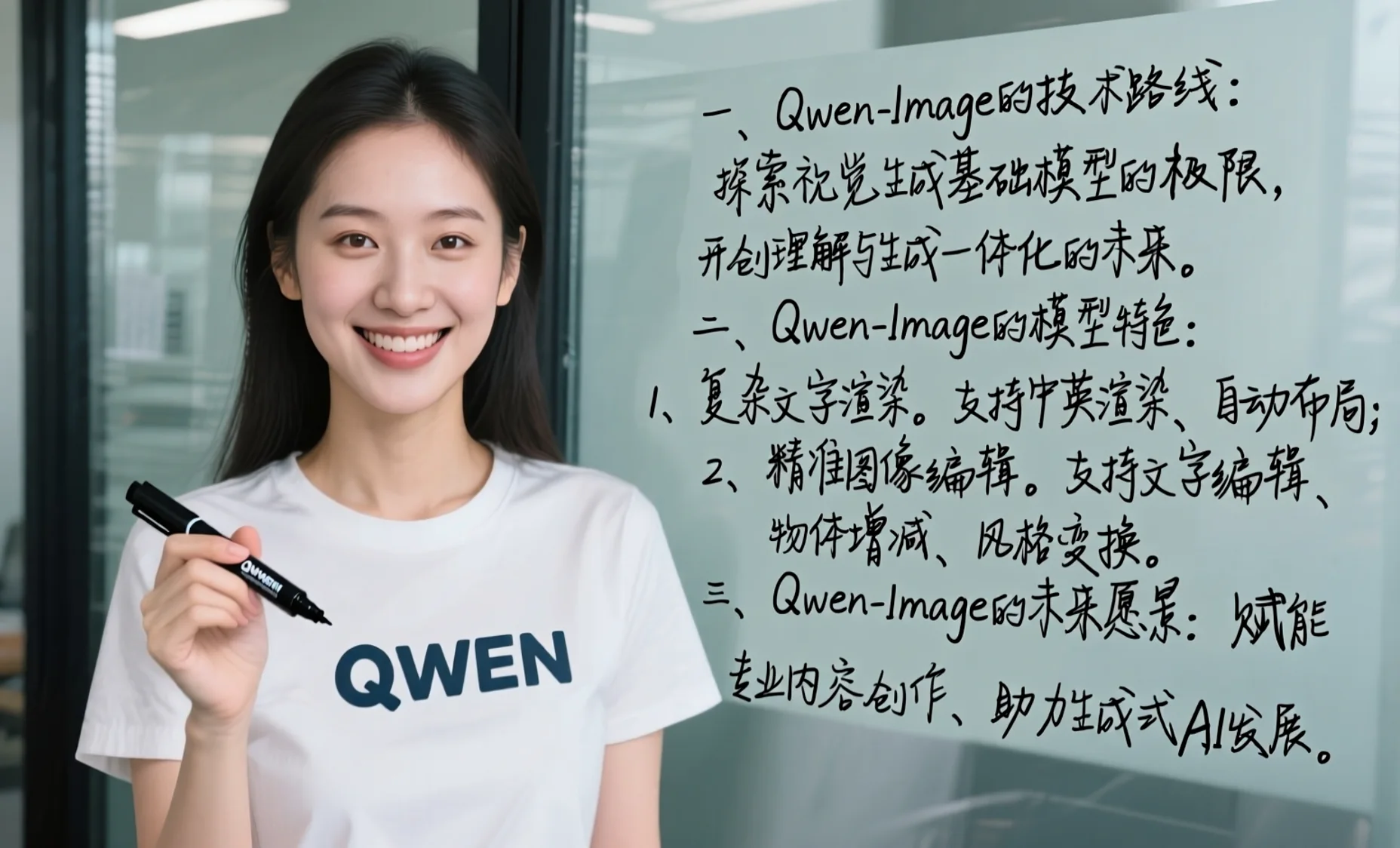
Qwen2 AI Image Generator Workflows
Create Images With Qwen2 AI
Switch between text-to-image and image-to-image workflows powered by Qwen2, with flexible resolutions and precise text rendering for professional creative projects.
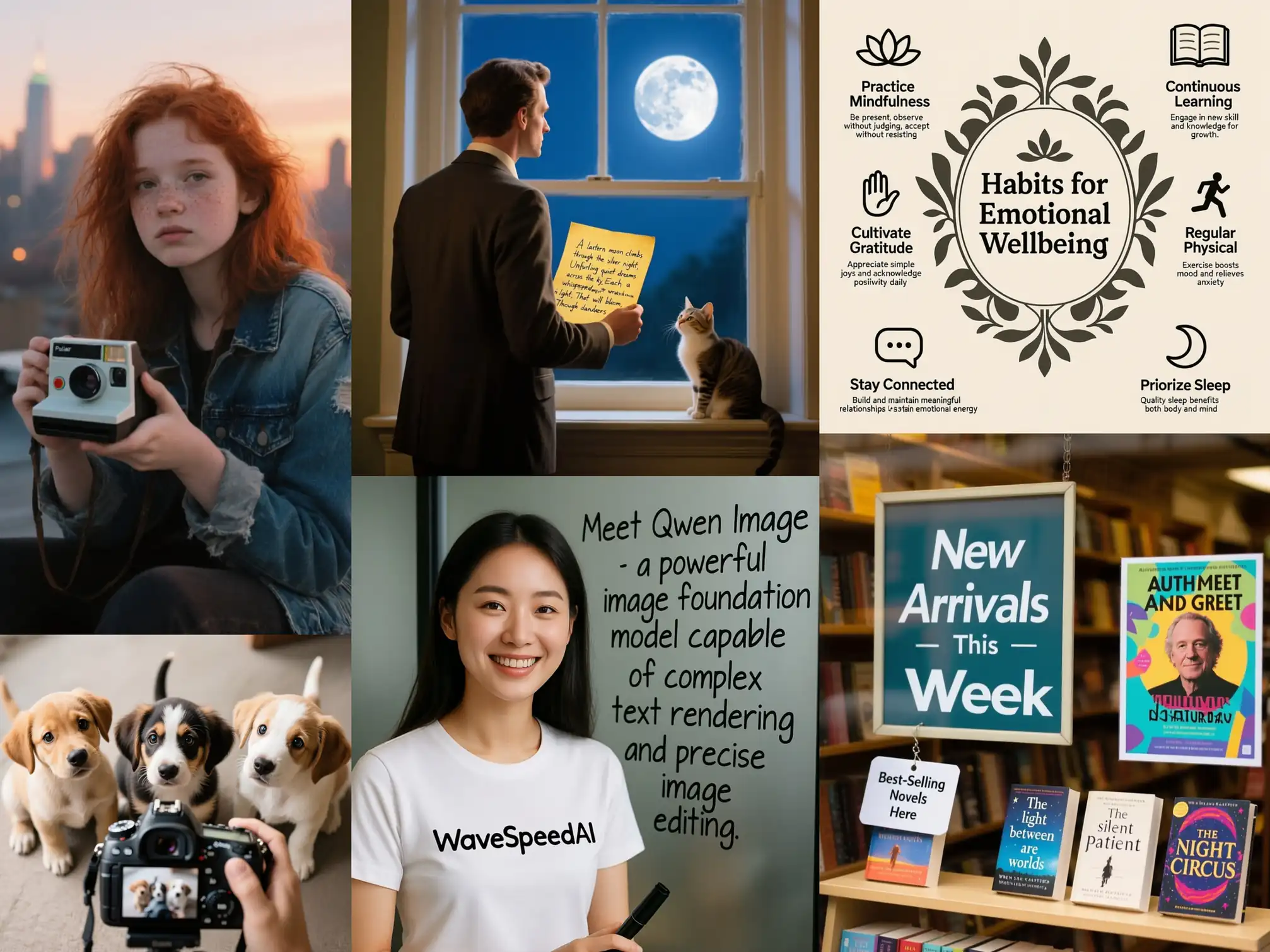
Text to Image With Qwen2 AI
Write a detailed prompt and let Qwen2 generate high-quality images with accurate text rendering, proper typography and coherent layouts for your creative and business projects.
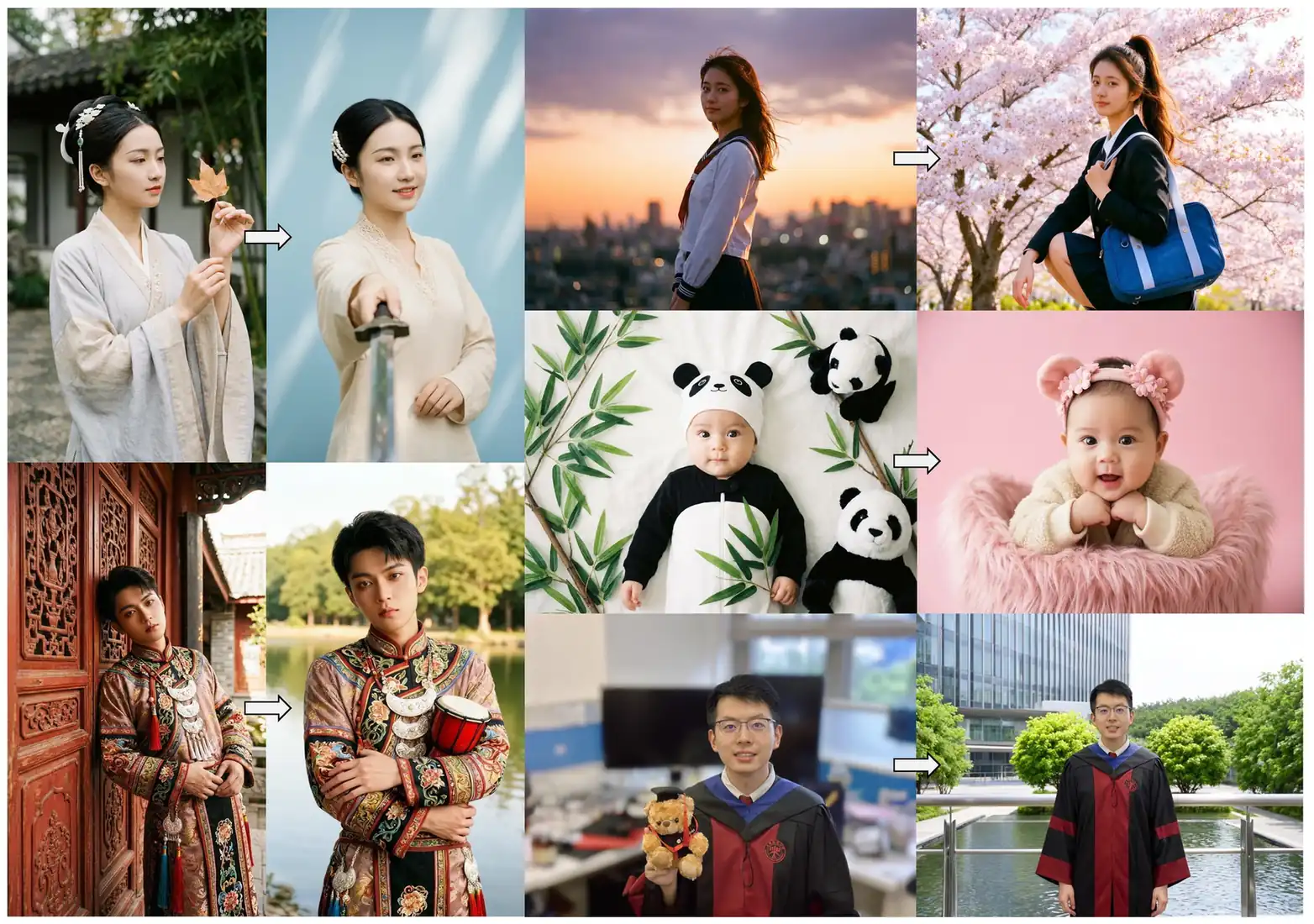
Image to Image With Qwen2 AI
Upload existing images and use Qwen2 to restyle, enhance or edit them with precise control over text elements, objects and visual details while maintaining natural consistency.
Qwen2 AI Prompt Examples
Use these Qwen2 prompts as starting points, then adapt them to your brand, style and workflow requirements.
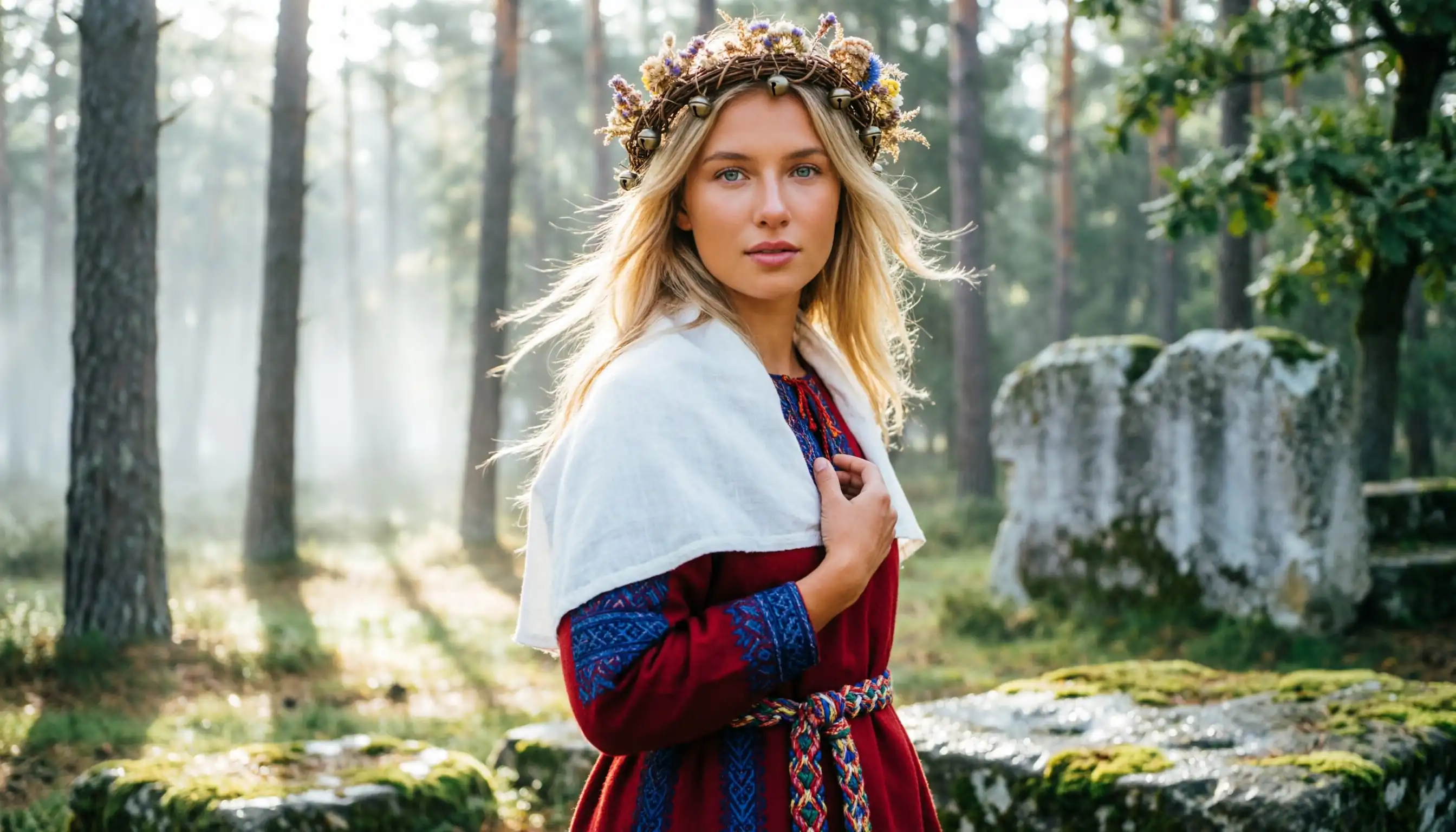
Forest Priestess: Nordic Girl with Floral Crown
A realistic portrait photograph with an epic cinematic feel. In an ancient Nordic forest shrouded in morning mist, a blonde-haired, blue-eyed girl wears an exquisite floral crown woven from dry branches and wildflowers, her expression holy and serene. She is dressed in a deep red gown with fine ethnic embroidery and a white linen shawl. In the background, sunlight pierces through the leaves creating a soft Tyndall effect, with moss-covered ancient altar ruins faintly visible, creating a mysterious, primitive, and naturally vibrant Nordic mythological atmosphere.
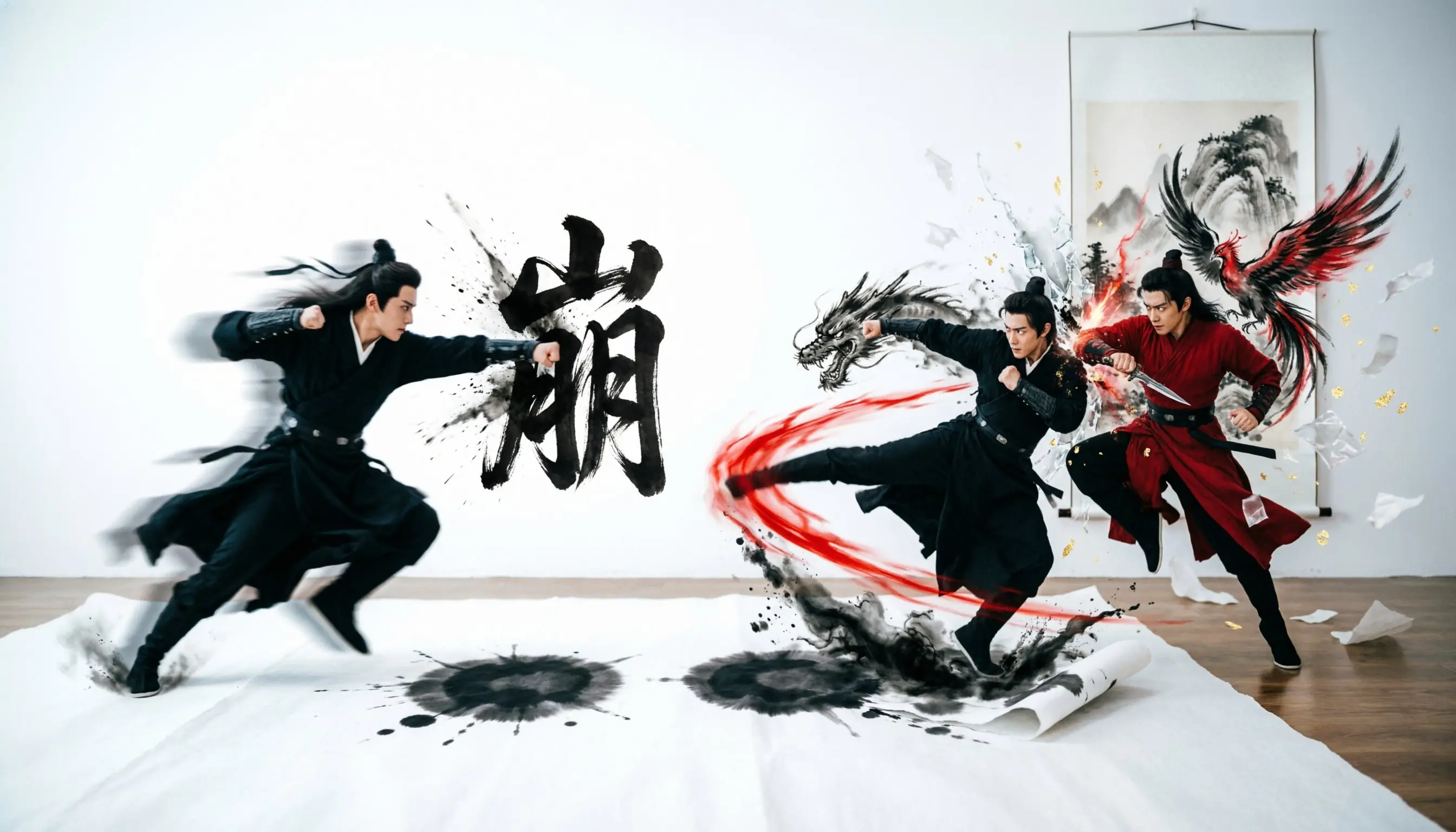
Mountain Crumble: Wulin Duel in the Scroll
A creative visual piece blending realistic portraits with dynamic ink-wash effects. In a stark white space, two martial arts masters in black and red traditional attire engage in an intense confrontation with high-tension movements. The powerful calligraphy "Mountain Crumble" floats in the center. Accompanying their moves, black ink splatters, flying paper scraps, and phantoms of a red phoenix and a black dragon collide in mid-air, showcasing a strong sense of impact and artistic atmosphere. The style is sharp and grand, a perfect fusion of Chinese aesthetics and modern action design.
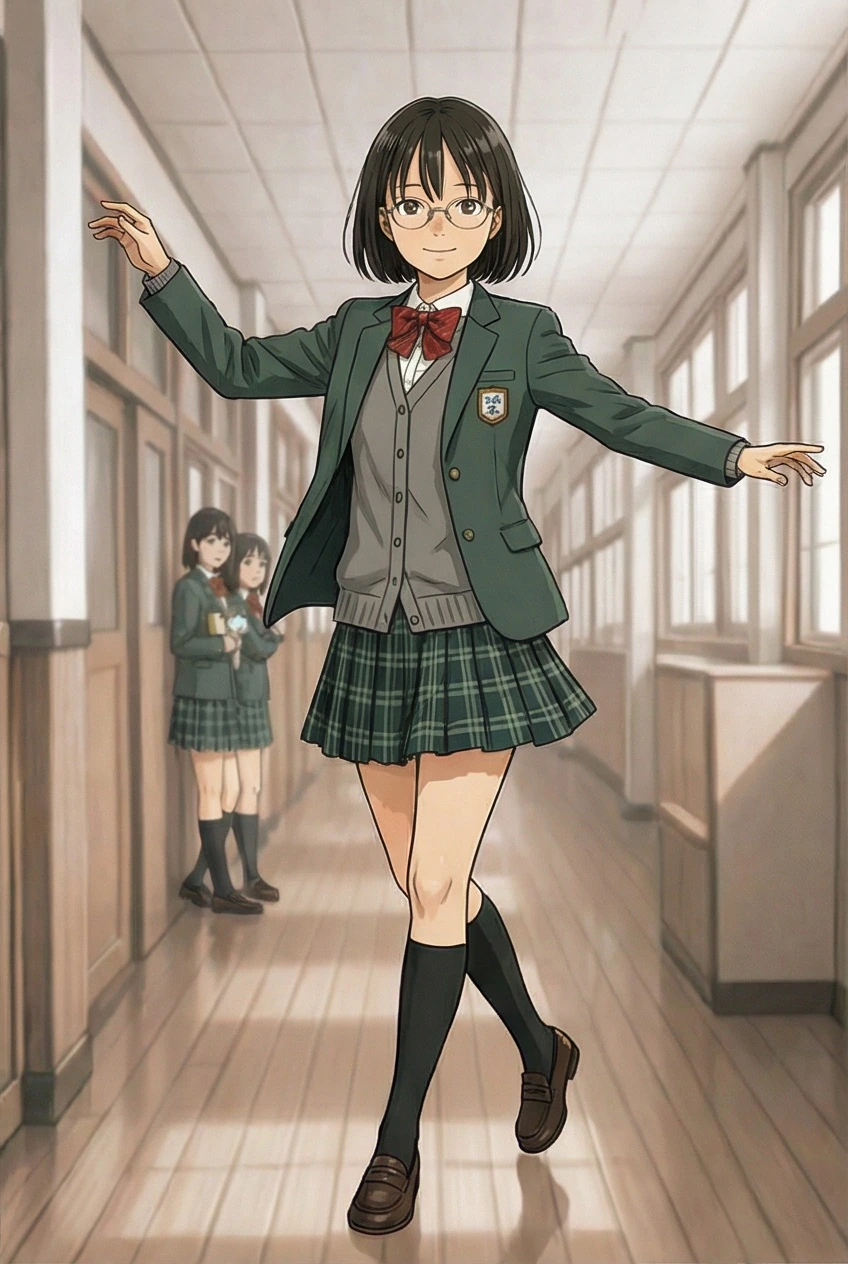
Corridor Melody: Schoolgirl in Green Uniform
A 2D anime illustration full of youthful energy. In a bright school corridor, a girl with a short black bob and round glasses walks lightly, arms outstretched for balance as if dancing to an invisible melody. She is dressed in a dark green blazer, a grey cardigan, and a green plaid pleated skirt, with two classmates talking in the background. The colors are warm, and the lighting is transparent, accurately capturing a mundane yet beautiful moment of school life, reflecting the strong aesthetic style of Kyoto Animation.
Frequently Asked Questions About Qwen2 AI
Answers to common questions about using Qwen2 in Fanch AI for text rendering and image creation.
Qwen2 is a 20B parameter multimodal diffusion transformer model from Alibaba's Qwen team, available in Fanch AI for text-to-image and image-to-image workflows. It excels at rendering complex Chinese and English text with high fidelity, making it ideal for posters, presentations and marketing materials requiring precise typography control.
With Qwen2 you can create images with accurate text rendering including multi-line layouts, paragraph-level text placement, Chinese calligraphy, product labels, presentation slides and infographics. It works well for e-commerce graphics, educational materials, brand campaigns and any project requiring coherent text-image integration and professional visual output.
Qwen2 excels at text rendering especially for Chinese characters and complex typography, while Flux.2 Pro focuses on photorealism and consistent character generation. Use Qwen2 for text-heavy designs like posters and presentations, and Flux.2 Pro for portraits, product photography and realistic scenes without embedded text requirements.
Yes. Qwen2 accepts prompts up to 1K tokens and generates images at 2K resolution. This enables detailed scene descriptions with multiple elements, complex spatial arrangements and fine-grained control over composition, lighting and text placement within a single generation request for professional results.
Yes. Qwen2 supports image-to-image editing including style transfer, object addition or removal, detail enhancement, text modification and pose adjustment. The model maintains natural appearance and realism during edits, making it suitable for retouching product photos or updating marketing materials efficiently.
Getting started with Qwen2 AI is simple. Sign up for Fanch AI, open the image generator, select Qwen2 as your model and enter your prompt. You can create images with precise text rendering, experiment with different styles and integrate Qwen2 into your creative workflow for professional results.
Yes. You can try Qwen2 online in the Fanch AI playground without local setup or GPU hardware. Use it to experiment with text rendering capabilities, aspect ratios and reference images before integrating Qwen2 into your product or creative workflow for production use cases.
Start Creating With Qwen2 AI
Open Qwen2 AI Image Generator in Fanch AI and turn prompts into production-ready images with precise text control in seconds.