
Qwen3 AI Image Generator Online - Real Text and Dense Layouts
Hosted access to Alibaba Qwen Image 3.0 on Fanch AI. Generate information-dense visuals with long prompts, readable small text, Standard or Pro quality, and prompt-based or reference-based workflows.
Qwen3 Gallery: Dense Layouts and Readable Text Samples
Qwen Image 3.0 is positioned for practical, information-dense visuals—not only decorative scenes. These use cases mirror official demos and production workflows creators actually need.
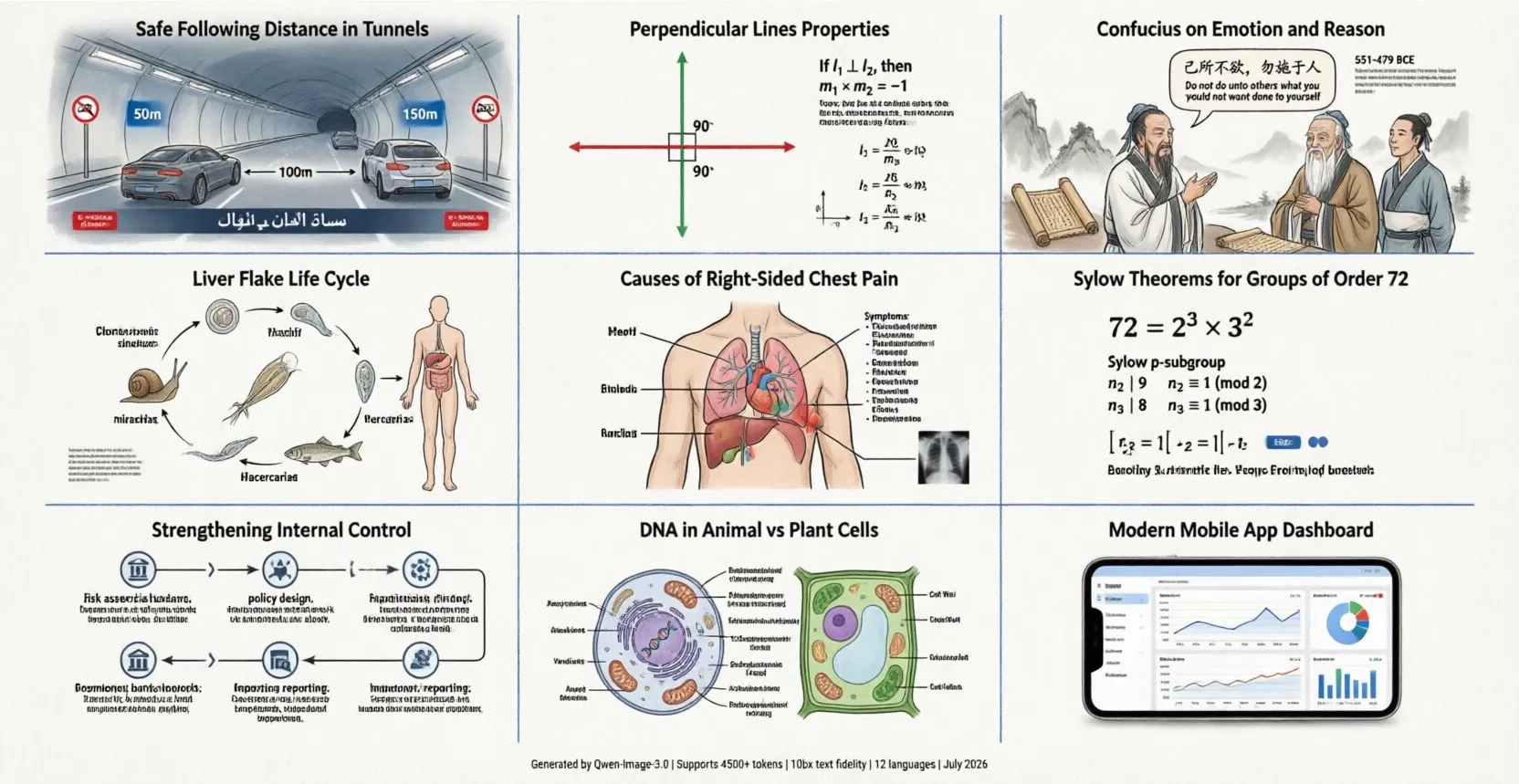
Multi-Panel Infographics in One Pass
Official Qwen Image 3.0 demos show a 3×3 grid of information-dense panels generated from a long prompt in a single pass. Each panel can carry its own diagrams, labels, and explanations—covering science, math, medicine, finance, and more—without stitching separate generations together afterward.
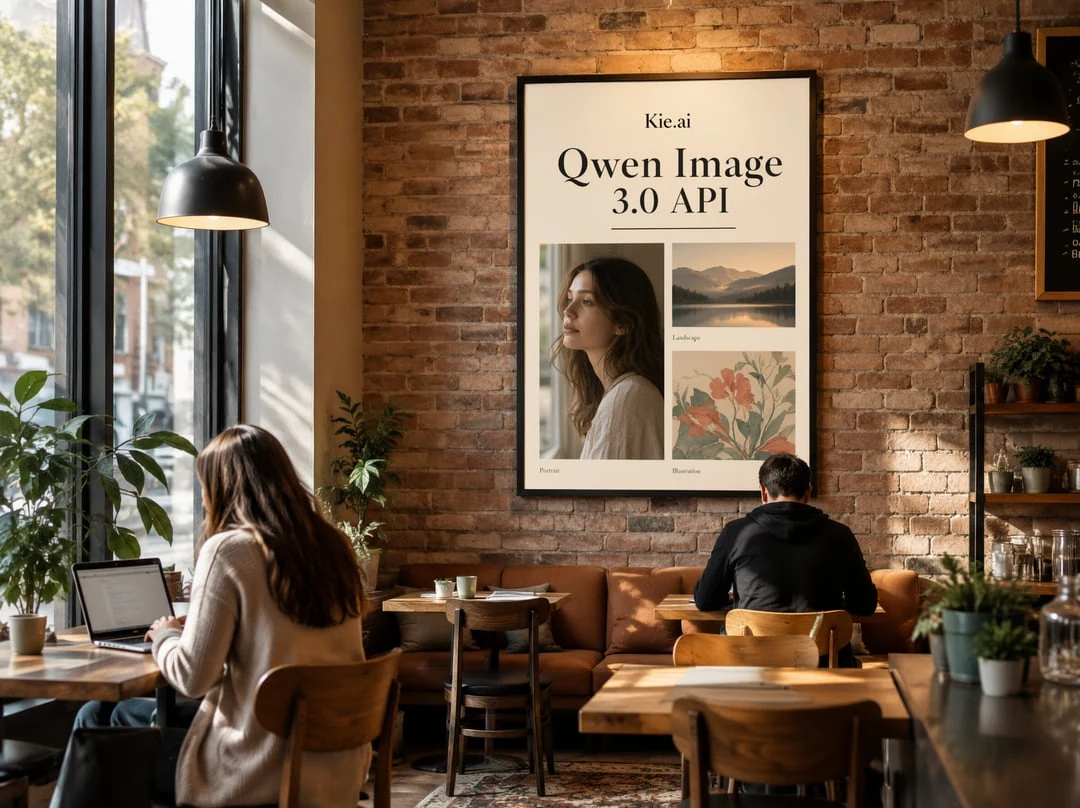
Newspapers, Exam Sheets, and Storyboards
Alibaba frames Qwen Image 3.0 around usefulness for practical documents: newspaper layouts, storyboards, exam sheets, and other structured pages. Use Qwen3 when you need hierarchy, columns, captions, and body copy that stay coherent across a full canvas rather than a single headline over a photo.
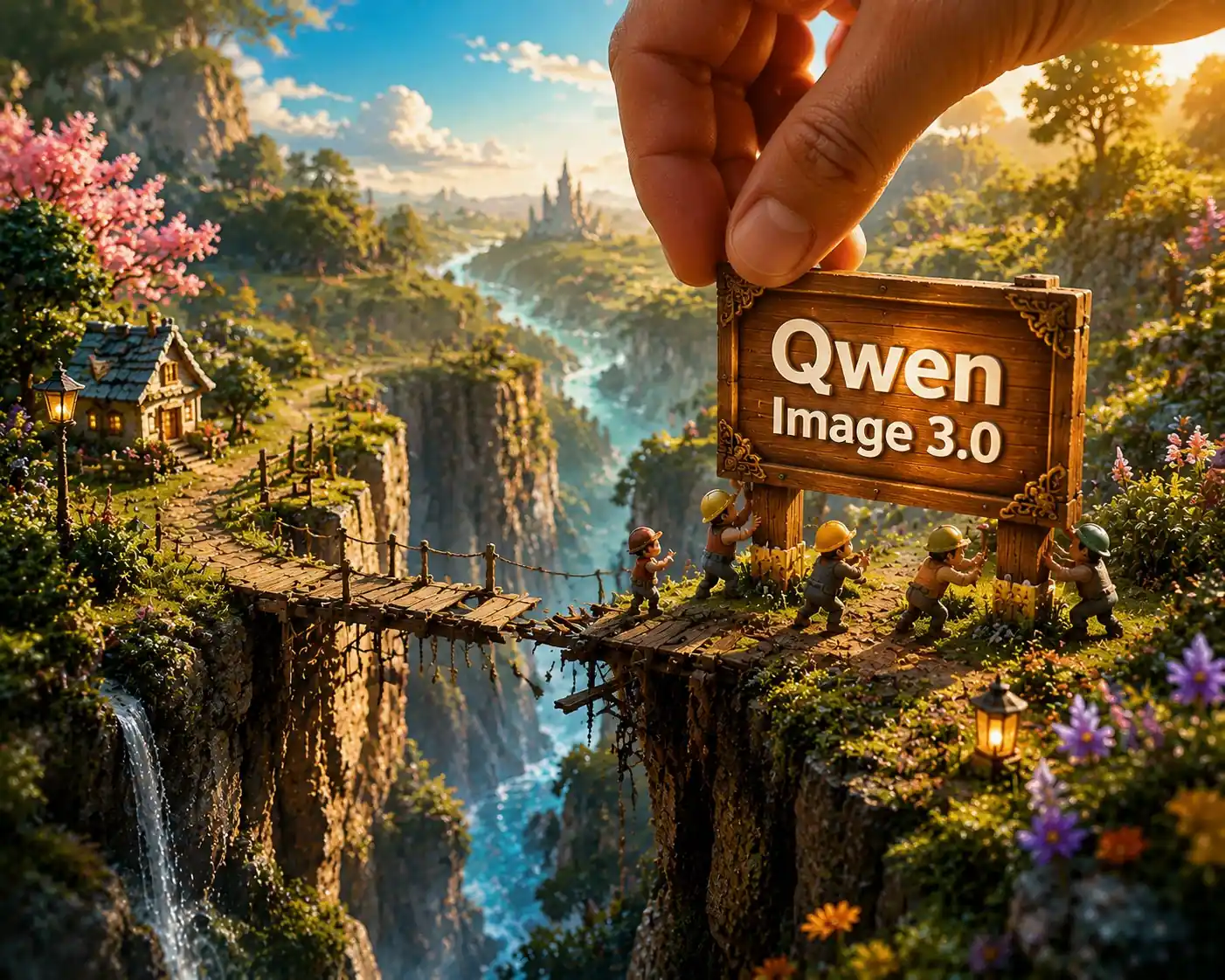
Nested UI and Interface Mockups
Launch materials highlight nested interface scenes—for example a code editor containing a chat window that itself embeds another app surface and a poster. Qwen3 is useful for product mockups, web UI concepts, game HUDs, and livestream-style frames where multiple layers of interface text must remain legible.
Academic Pages, Formulas, and Labels
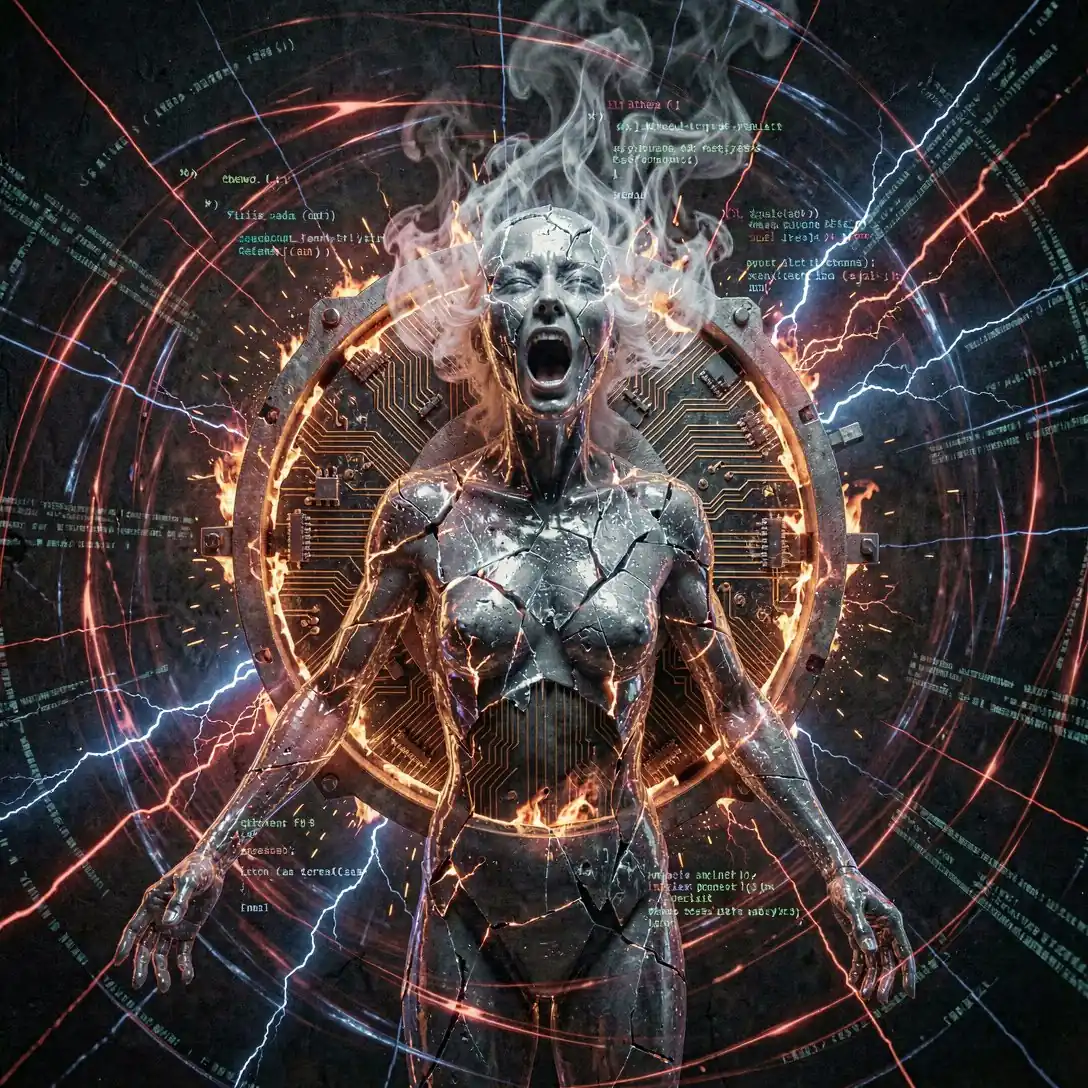
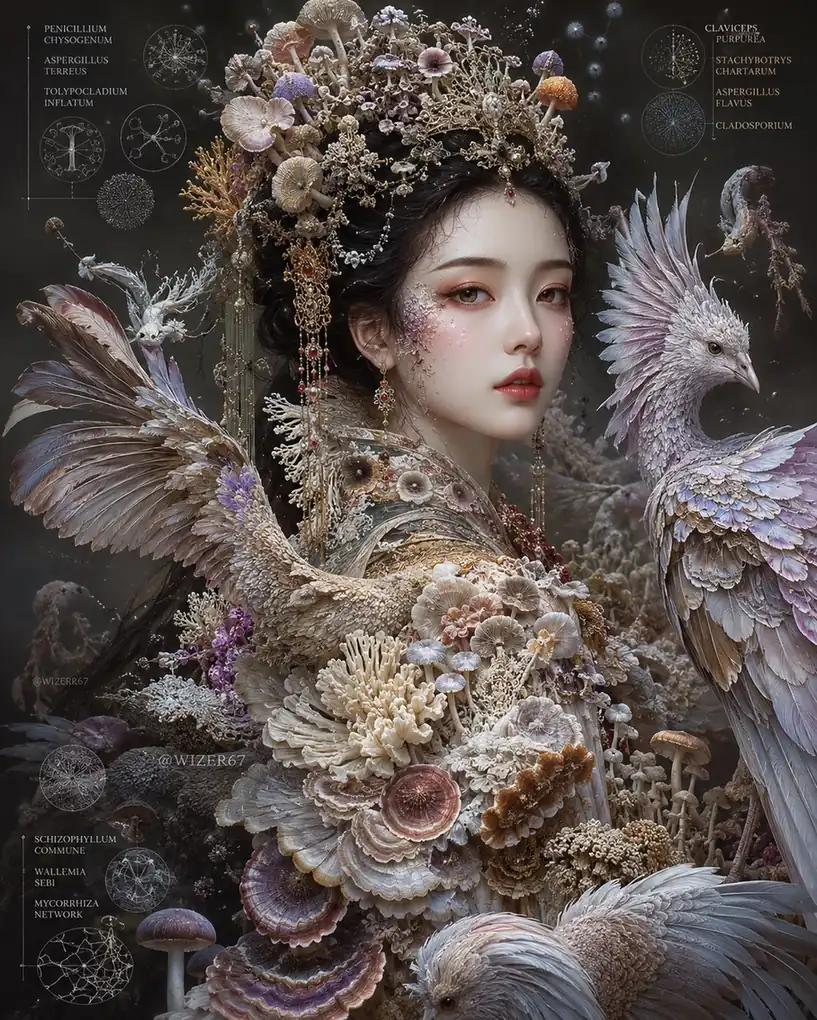
Published examples include whale-shark style infographics packed with labels, fictional academic paper pages with multi-line mathematical notation, and identification plates with taxonomy, callouts, and scale bars. Qwen3 is a strong fit when your brief mixes diagrams, tiny annotations, and multilingual captions on one canvas.
Key Features of the Qwen3 Generator Available Online
Capabilities below follow Alibaba Cloud Model Studio and Qwen Image 3.0 materials, plus the Standard and Pro controls available inside Qwen3 on Fanch.
Qwen3 Workflows
Create Visuals with the Qwen3 Generator Online Today
Use prompt-based mode for new dense layouts, or reference-based mode when you need controlled edits with up to three references.
Prompt Mode With Qwen3
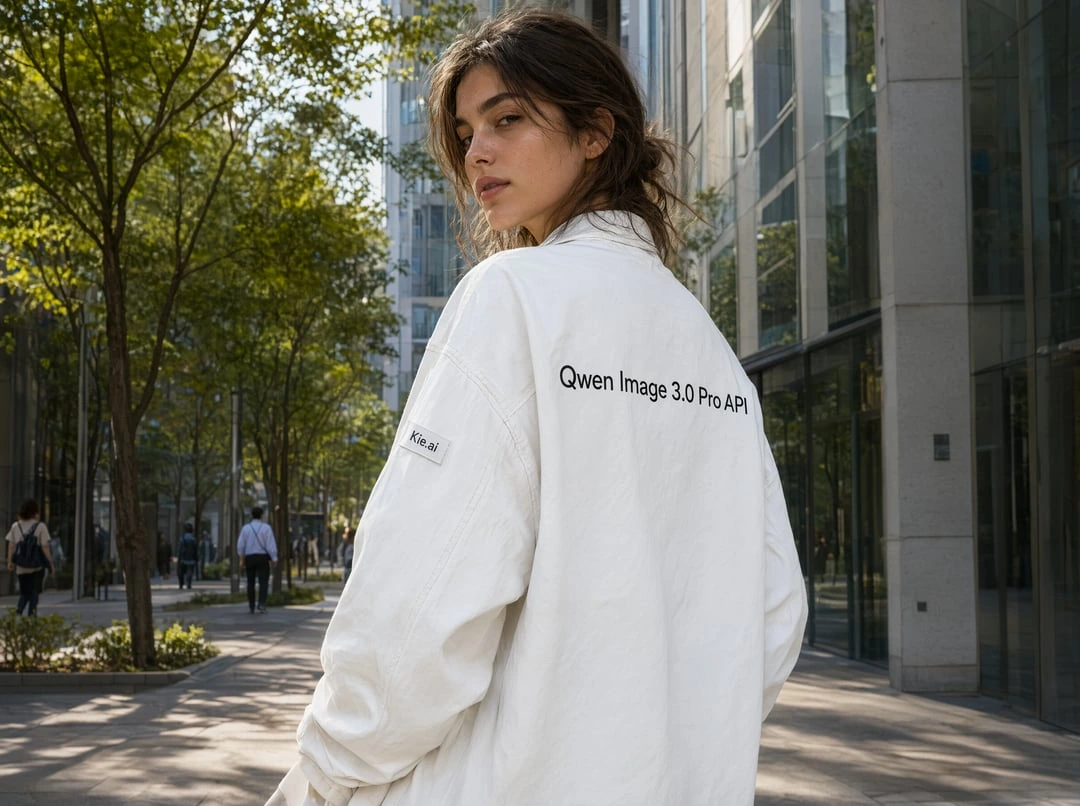
Describe newspapers, infographic grids, UI mockups, academic pages, posters, or photoreal scenes in long prompts. Qwen3 is built to keep hierarchy, typography, and composition coherent in a single generation for commercial creative work.
Reference Mode With Qwen3
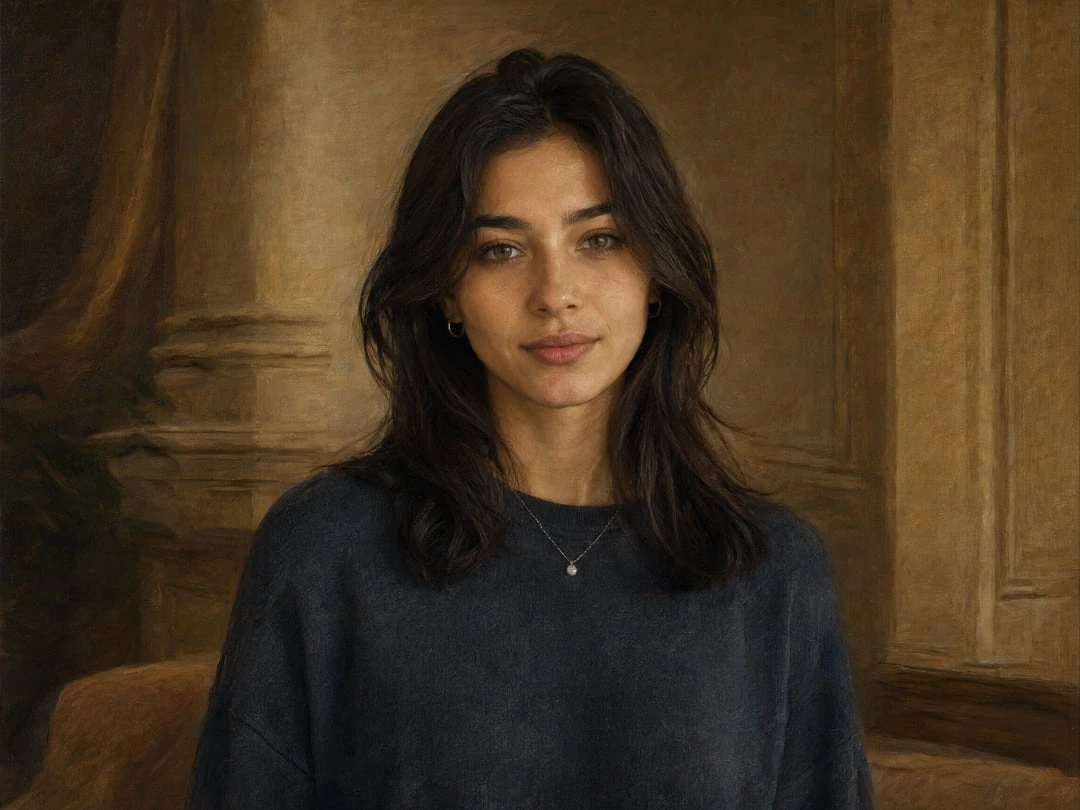
Upload a photo or draft layout, then instruct Qwen3 to add labels, replace poster content, repair missing regions, or refine materials while preserving camera angle, lighting, and overall structure—ideal for identification plates, in-scene mockups, and iterative design polish.
Qwen3 Prompt Examples for Dense Visual Creations Online
These prompts follow the kinds of tasks Qwen Image 3.0 is known for—dense layouts, small text, nested UIs, and photoreal detail. Adapt the subject matter, language, and brand terms to your project.
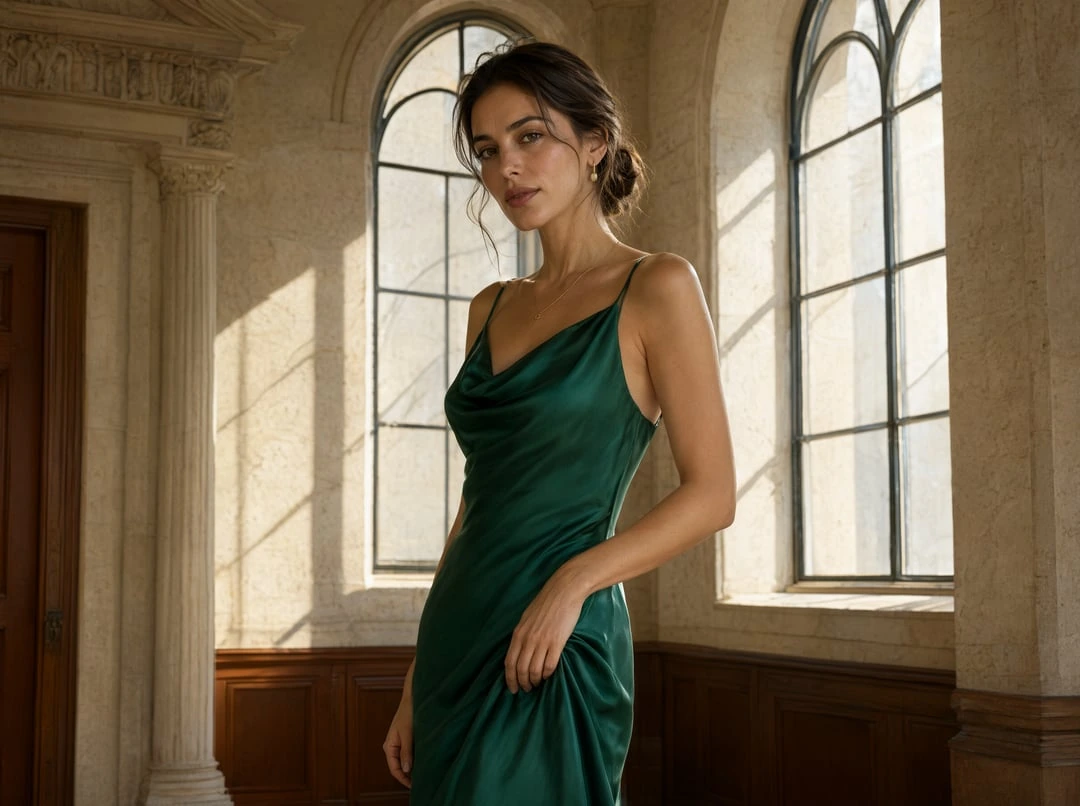
Emerald Elegance in Sunlit Sanctuary
Create a cinematic realistic portrait photograph of a woman standing inside an elegant historic building. She wears a sophisticated silk green dress with detailed texture, subtle reflections, and natural folds. Show realistic skin details, individual hair strands, delicate makeup, and authentic facial features. The environment includes tall windows, stone walls, soft sunlight, and realistic shadows. The result should feel like a luxury fashion magazine portrait with professional photography quality. No text, logos, or artificial effects. High-end portrait photography, realistic materials, natural lighting.
Whispering Bronze Bell in the Glasshouse
An anime-style digital illustration of a young girl with soft brown hair and gentle eyes, wearing a simple flowing white dress. She is kneeling on the ground inside an overgrown, ancient greenhouse filled with lush green foliage, roots, and twisting vines. She gently touches the top lotus flower of an ornate bronze bell that grows straight out of the soil. Soft, translucent glowing concentric rings (soundwave effect) radiate from the bell where her hand touches it. Floating golden light particles and falling leaves fill the magical air. Warm, ethereal lighting filters down from the glass ceiling, cozy and serene atmosphere, highly detailed, master stroke.

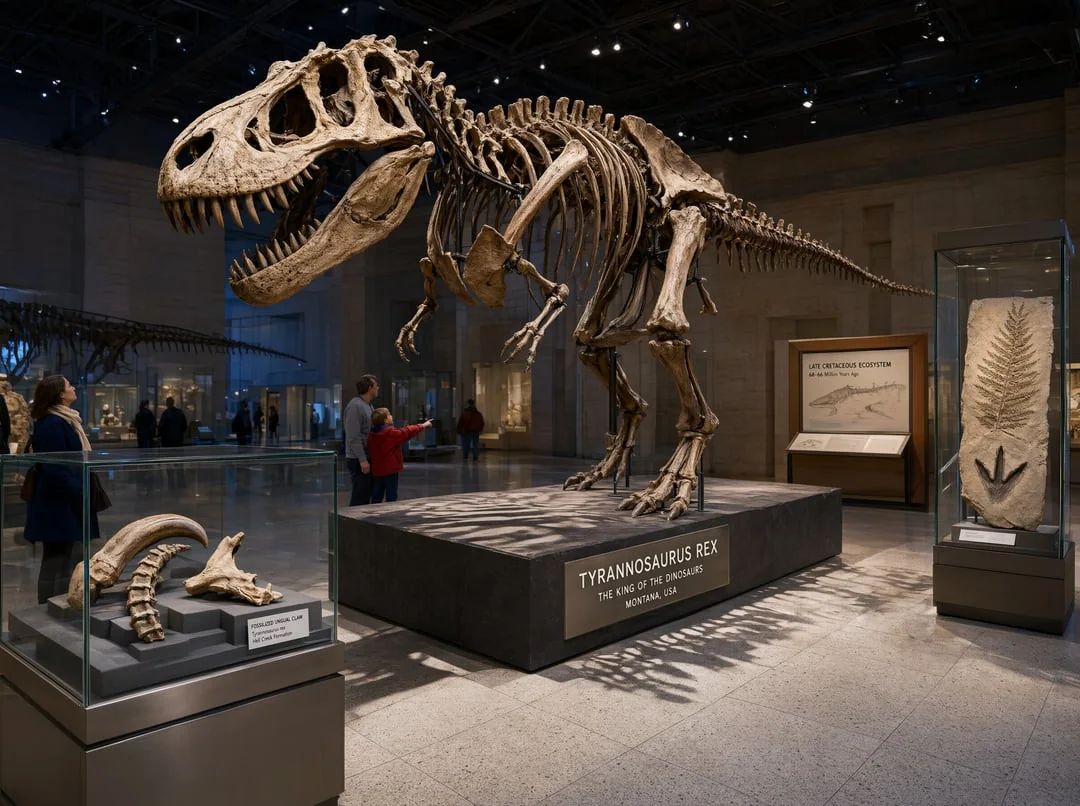
Tyrannosaurus Rex Exhibit in the Natural History Museum
Create a realistic photograph of a natural history museum exhibition hall featuring a large dinosaur fossil skeleton. The scene includes detailed fossil structures, glass display cases, educational exhibits, stone textures, museum lighting, and visitors observing the exhibition. Show accurate bone details, realistic shadows, glass reflections, and believable spatial composition. The result should feel like a professional museum documentary photograph with high detail. Avoid fantasy elements, exaggerated scale, or artificial effects. Realistic museum photography, detailed environment, natural composition.
Qwen3 Generator FAQ Answers for Everyday Creators Online
Answers grounded in Alibaba Qwen Image 3.0 documentation and how Standard versus Pro work in Qwen3 on Fanch.
Qwen3 on Fanch provides hosted access to Alibaba’s Qwen Image 3.0 generation and editing models. It is designed for production-oriented visuals: long prompts, dense layouts, readable typography, photoreal detail, and both prompt-based and reference-based workflows in one playground.
Qwen summarizes Image 3.0 with the idea of being “Real”—useful for practical work rather than only looking attractive. Coverage of the launch groups capabilities into Rich Content (long prompts and dense single-pass layouts), Authentic Details (small text and fine materials), and Deep Knowledge (multilingual rendering and knowledge-heavy interface-style scenes).
Earlier generations emphasized precision and then broader quality goals such as variety and authenticity. Image 3.0 raises the practical instruction ceiling—commonly cited as up to about 4.5K tokens versus roughly 1K-class instructions before—and focuses harder on newspapers, multi-panel infographics, nested UIs, academic-style pages, and other information-dense outputs.
Alibaba offers standard and flagship (Pro) Qwen Image 3.0 tiers. In Qwen3 on Fanch, Standard is the balanced everyday option for common generation and editing jobs, while Pro targets higher-fidelity commercial work such as advertising, UI concepts, and detailed product imagery. You switch versions inside the same Qwen3 playground.
Yes. Both Standard and Pro paths support reference-based editing with uploaded references plus instructions. In Qwen3 on Fanch you can upload up to three references—matching the common 1–3 reference pattern described for Qwen Image 3.0 editing—then ask for poster replacement, labeling, restaging, or detail refinement while preserving scene structure.
Qwen3 on Fanch supports 1K and 2K output with aspect ratios such as 1:1, 3:2, 2:3, 4:3, 3:4, 16:9, 9:16, and 21:9. Use 1K for faster iteration and 2K when you need more detail for presentation, marketing, or print-style frames.
Alibaba materials state native text rendering across 12 languages with multiple fonts. That helps posters, UI mockups, educational sheets, and multilingual marketing creatives. Always proof exact spelling, numbers, and formulas before publishing—vendor demos are curated and small text can still need a human check.
Sign in, open the generator, choose Qwen3, select Standard or Pro, write a detailed prompt, optionally upload up to three references, set resolution and aspect ratio, then generate. Enable prompt extend for short prompts, add a negative prompt when you want cleaner control, and reuse a seed when you need repeatable comparisons.
Start Creating with the Qwen3 Generator Online Now
Open Qwen3 on Fanch and turn long, structured prompts into production-ready visuals with Standard or Pro controls.