
MAI-Image-2.5-Pro, AI 이미지 편집 리더보드 1위 달성 | Fanch AI
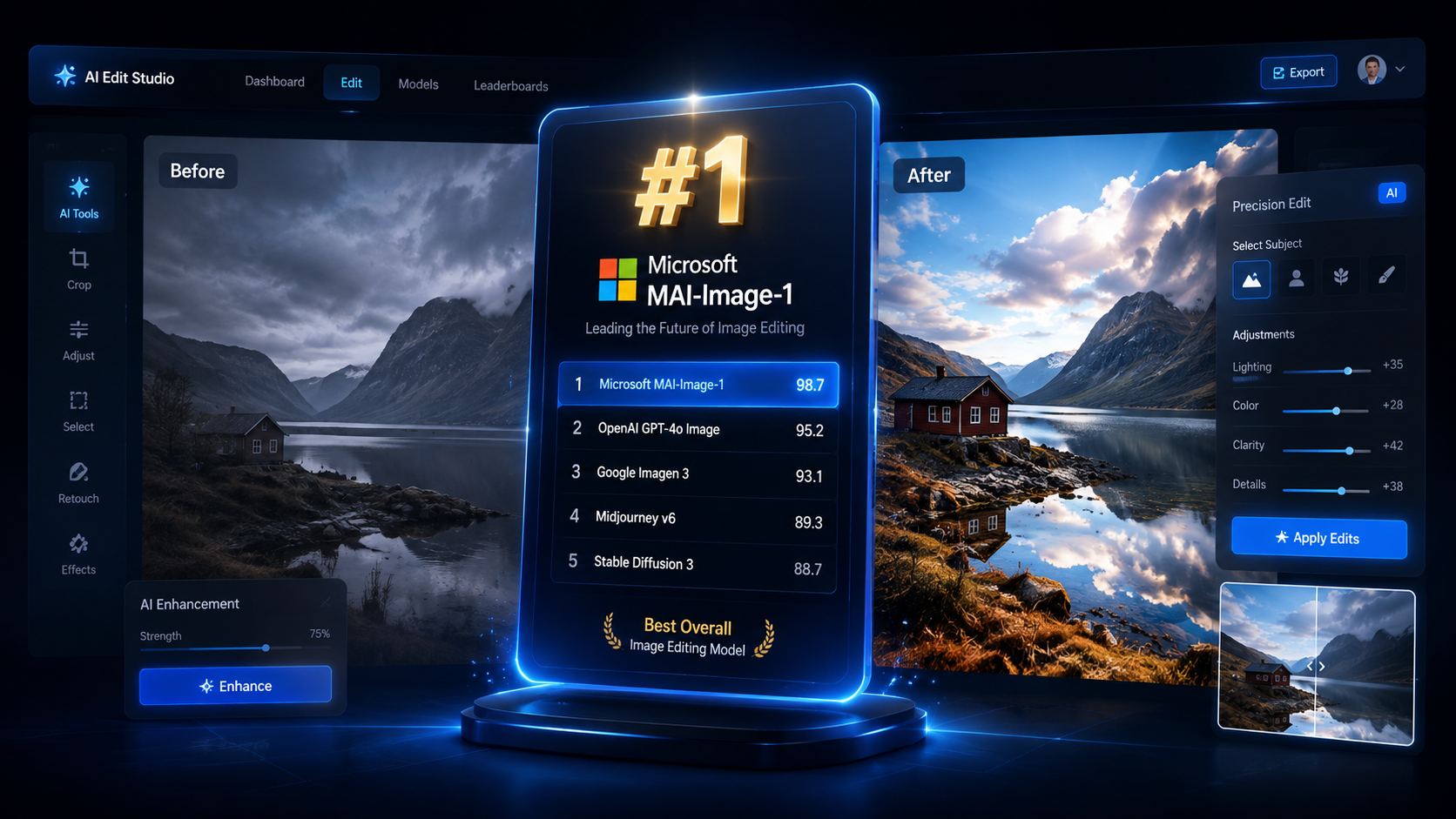
마이크로소프트가 AI 이미지 리더보드 경쟁에 돌풍을 일으켰습니다. 품질에 중점을 둔 모델인 MAI-Image-2.5-Pro는 프리뷰 출시 후 한 달도 안 되어 Artificial Analysis 이미지 편집 리더보드에서 1위를 차지했습니다. 이는 마이크로소프트가 자체 기술로 외부 모델을 대체할 수 있음을 보여주는 강력한 신호입니다.
AI 이미지 편집의 왕좌가 중요한 이유는 실제 작업이 '편집'에서 이루어지기 때문입니다. 전문가들은 이미지 수정, 배경 교체, 디테일 조정에 대부분의 시간을 소비합니다.
1. 주요 뉴스: MAI-Image-2.5-Pro, 편집 부문 1위 등극
2026년 7월 23일 프리뷰로 출시된 이 모델은 8월 19일 리더보드 정상에 올랐습니다. 신뢰할 수 있는 세 가지 이유:
- Artificial Analysis의 독립적인 벤치마크 평가
- MAI-Image-2.5와 함께 구축된 계층화된 모델 패밀리
- 프리뷰 단계에서 달성한 1위로, 정식 출시 후의 파급력을 예고함
2. 중요한 이유: 마이크로소프트의 AI 빌드 전략
자체 1위 모델을 보유함으로써 마이크로소프트는 기업 고객에게 외부 공급업체 대신 자사의 인프라를 사용할 명분을 제공합니다.
3. 리더보드 경쟁: 분할된 왕좌
Artificial Analysis에서는 MAI-Image-2.5-Pro가 1위지만, Arena(LMArena)에서는 GPT Image 2가 1위를 유지하고 있습니다. 크리에이터에게 중요한 점은 이제 모델의 성능보다 정확한 프롬프트 작성 능력이 결과를 좌우한다는 것입니다.
4. Fanch AI에서 최고 수준의 이미지 편집 체험하기
프리뷰가 끝날 때까지 기다릴 필요가 없습니다. Fanch AI에서는 GPT Image 2, Grok Imagine, Nano Banana를 즉시 사용할 수 있습니다.
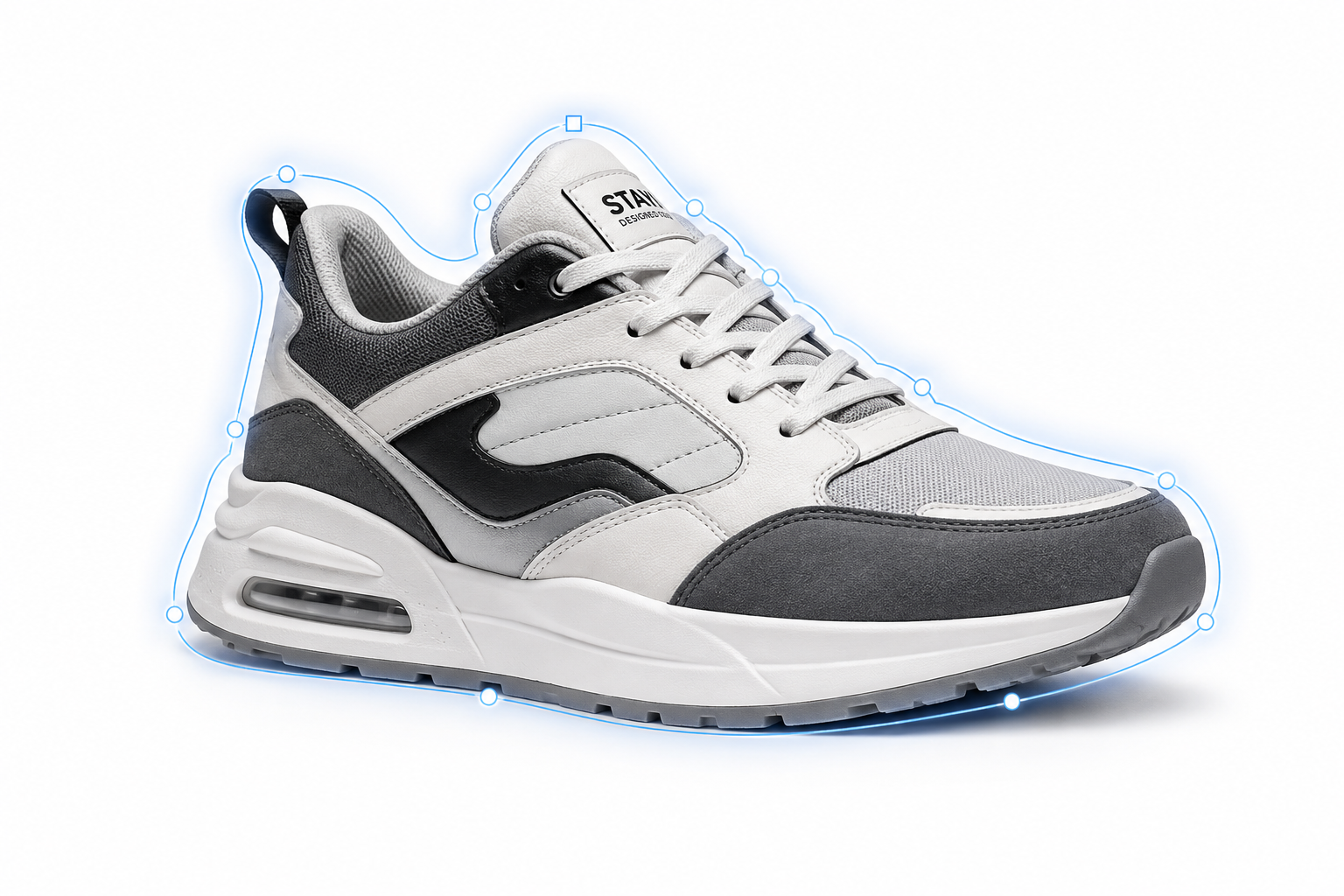
프롬프트 1 — 정밀 제품 편집:
Edit the product photo: keep the sneaker exactly as it is, replace only the background with a clean white studio backdrop, keep the original lighting and shadows on the sneaker, photorealistic e-commerce product photography, 4K detail.
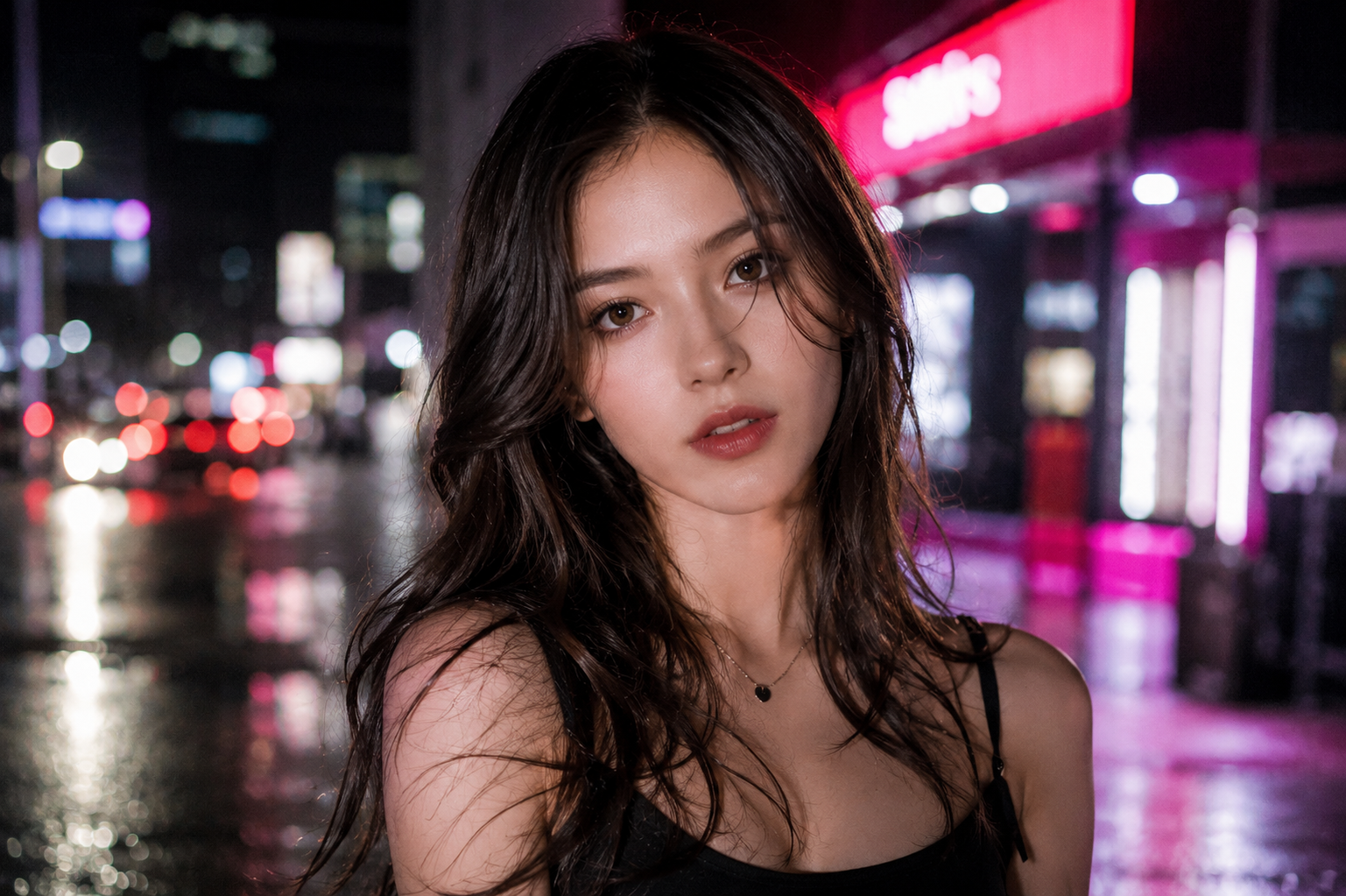
프롬프트 2 — 배경 교체:
Replace the background of this portrait with a blurred neon city street at night, keep the subject's face, skin tone, and lighting untouched, natural edge blending, photorealistic, shallow depth of field.
프롬프트 3 — 개체 제거:
Remove the coffee cup from this desk scene completely, rebuild the table surface behind it naturally with matching wood grain and lighting, no artifacts, photorealistic result, keep everything else identical.
프롬프트 4 — 캐릭터 일관성 유지 편집:
Edit the character from the reference image: keep the face, hairstyle, and outfit exactly the same, change only the setting to a snowy mountain village, consistent identity, dramatic natural lighting, photorealistic.
프롬프트 5 — 컬러 재정렬:
Recolor this architectural photo to a moody teal-and-orange cinematic grade, preserve the building's structure and detail, rich contrast, film-like tones, professional color grading result.
5. Fanch AI에서 GPT Image 2로 편집 시작하기
지금 Fanch AI에서 세계 최고의 이미지 편집 모델들을 바로 활용해 보세요.
👉 여기서 시작하세요: Fanch AI의 GPT Image 2