5 AI Creative QR Code Prompts to Turn Boring Links Into Art | Fanch AI
Creative QR codes are suddenly everywhere on social media. An AI QR code can turn a boring black-and-white square into a brand asset, menu artwork, or packaging design. The AI QR code trend is growing because businesses realize that people scan what looks good.
The key to a great AI QR code is combining an artistic visual with a scannable QR code area. The AI QR code prompts below generate artistic backgrounds and design frames, which you then combine with your actual QR code using any editing tool. Each AI QR code prompt is built around a different style.
Here are 5 AI QR code prompt ideas to try on GPT Image 2 on Fanch AI. Cover image uses 16:9 aspect ratio (--ar 16:9).
1. Minimalist Brand QR Code
The cleanest AI QR code style for professional use:
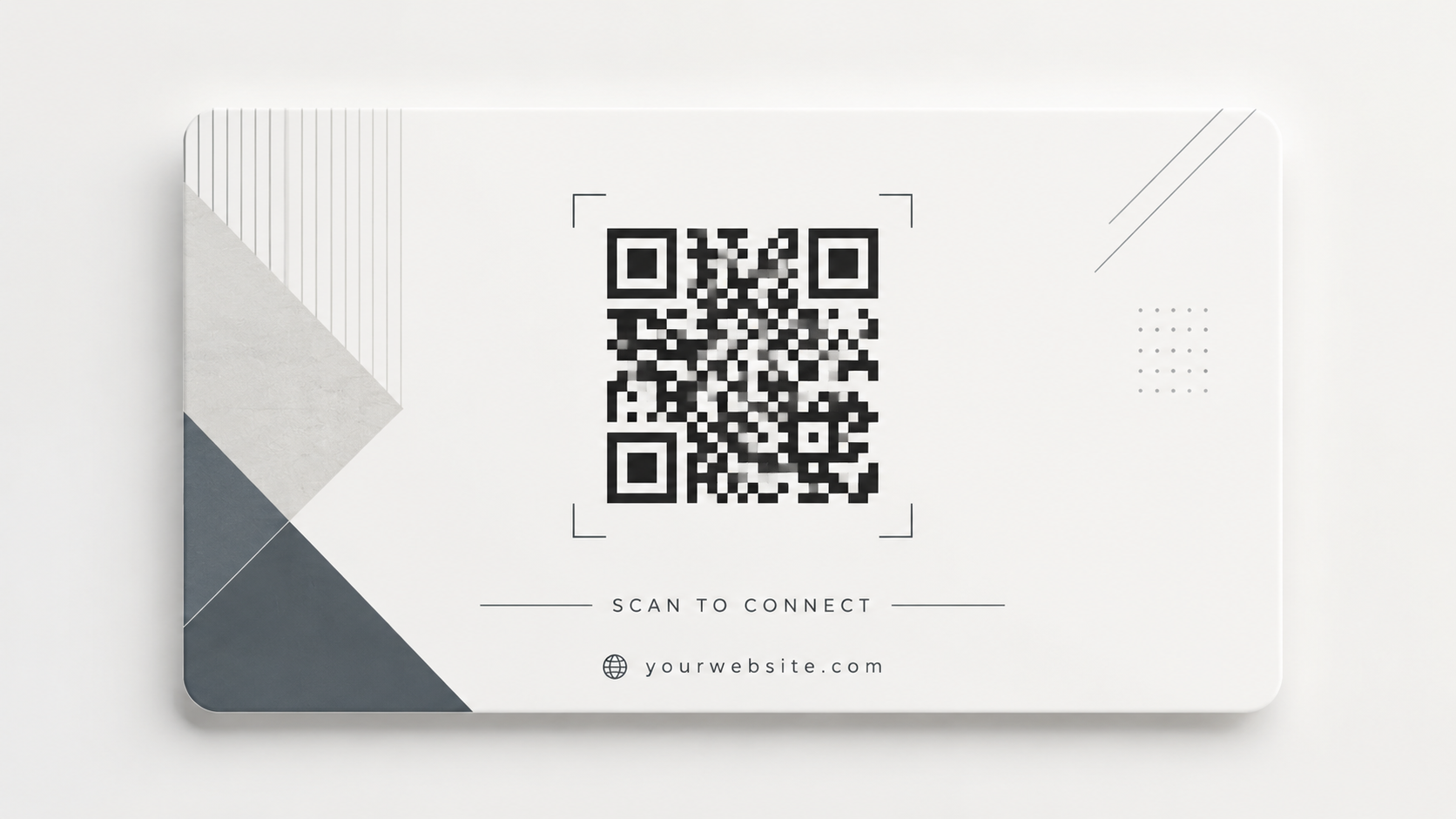
Clean minimalist QR code design on a soft white background, the QR code area subtly integrated into a modern geometric pattern, light gray and charcoal tones, generous white space around the code zone, subtle shadow suggesting a premium card, professional and understated, suitable for business cards and menus, high contrast code area for reliable scanning, minimal decor, elegant typography space at the bottom, 16:9 aspect ratio, --ar 16:9.
This AI QR code style works for corporate branding. The AI QR code minimalist approach keeps scannability high while looking premium.
2. Brand Color QR Code
A colorful AI QR code that matches your brand identity:
Artistic QR code design with a vibrant gradient background in deep teal and coral orange, the code area formed by soft flowing shapes, subtle geometric accents around the border, clean central scanning zone, modern startup brand aesthetic, high contrast between code modules and background, energetic and youthful, suitable for social media and digital marketing, professional print quality.
The AI QR code brand style makes links feel like part of your identity. This AI QR code prompt works well for social profiles and marketing materials.
3. Nature-Inspired QR Code
An organic AI QR code design for restaurants and lifestyle brands:
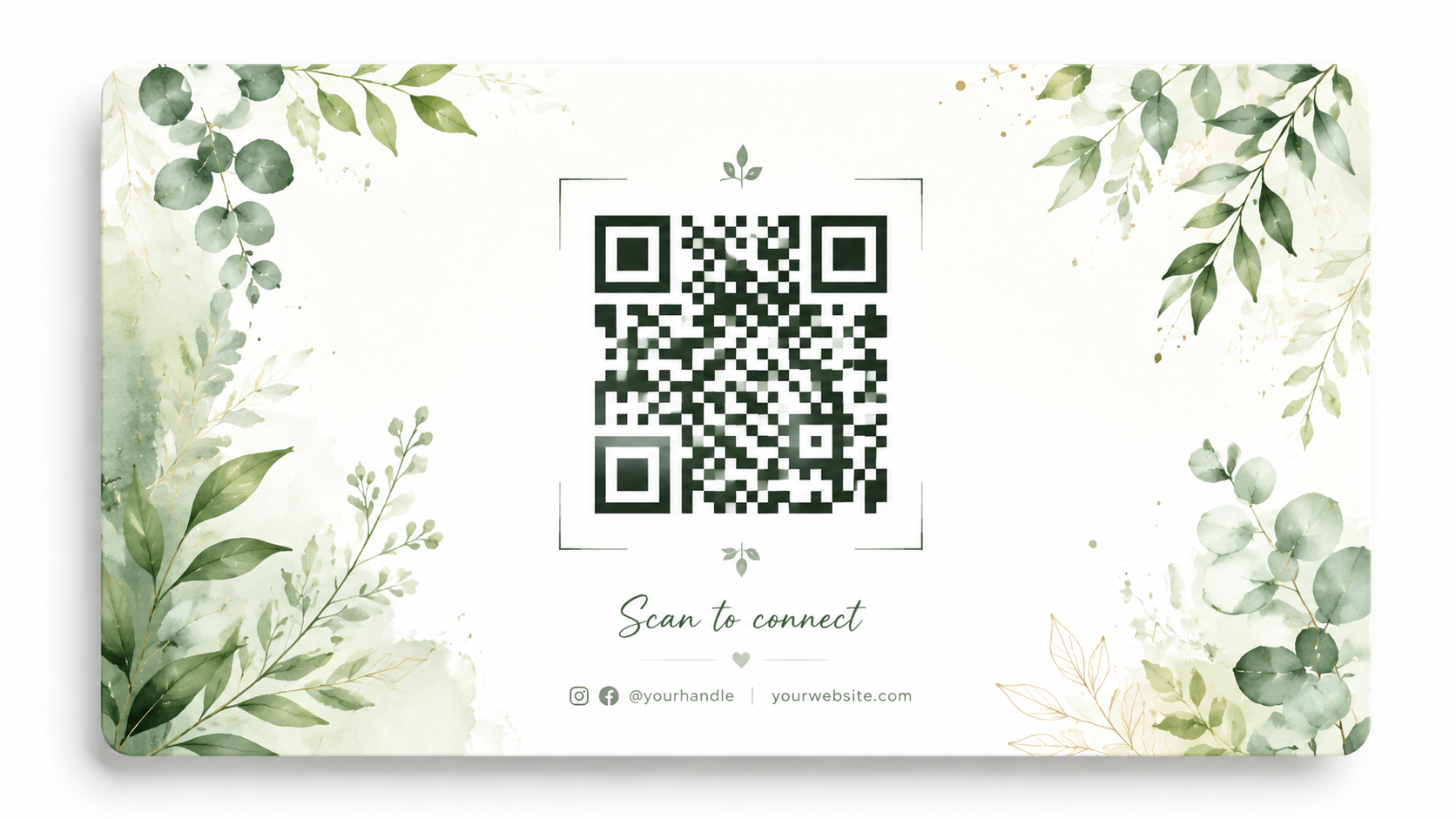
Nature-inspired QR code design with soft watercolor green leaves and botanical elements arranged around the code area, clean white space in the center for scanning, gentle earthy tones, hand-painted watercolor texture, fresh and organic mood, suitable for cafe menus and wellness brands, decorative leaves framing the edges, high-contrast code modules, elegant and natural composition.
The AI QR code nature style is perfect for cafes and organic brands. This AI QR code design makes menu links look like part of the dining experience.
4. Product Packaging QR Code
A packaging-focused AI QR code for e-commerce:
Product packaging QR code design on a kraft paper texture background, the code zone framed by elegant minimal line art of the product, warm brown and cream palette, subtle embossed texture suggestion, clean scanning area, artisan brand aesthetic, suitable for small-batch products and shipping boxes, balanced composition with product illustration, professional packaging design quality.
The AI QR code packaging style connects physical products to digital content. This AI QR code approach works for e-commerce brands that put links on boxes and labels.
5. Social Media QR Code
A playful AI QR code for content creators:
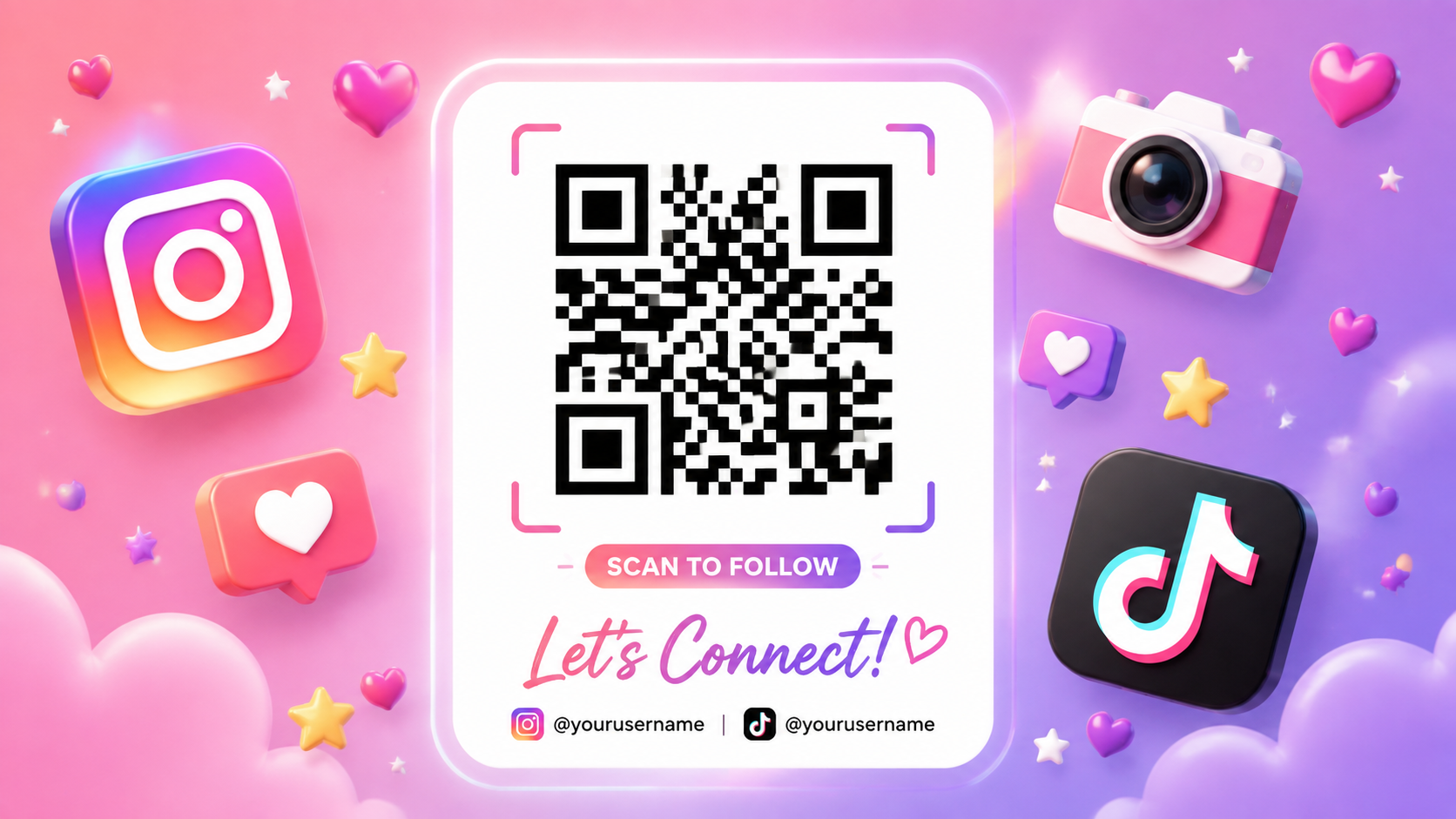
Playful social media QR code design with floating 3D icons around the code area — hearts, stars, and a camera icon, bright cheerful gradient background in pink and purple, glossy 3D elements, clean white scanning zone in the center, trendy creator aesthetic, eye-catching and fun, suitable for Instagram and TikTok promotions, high contrast code modules, energetic composition, social media ready.
The AI QR code social style is designed for maximum shareability. This AI QR code prompt helps creators turn profile links into visual content.
How to Make Your AI QR Code Scannable
The most important rule for any AI QR code project is keeping the code area clean. When you generate an AI QR code background, reserve a clear rectangular zone where your real QR code will sit.
For best results: generate the AI QR code artwork first, then place your actual QR code in the designated scanning zone using Canva, Photoshop, or any editing tool. The AI QR code artwork provides the visual style — the real code provides the function.
Try It Yourself
Ready to create an AI QR code for your brand? Use GPT Image 2 on Fanch AI — generate the artistic AI QR code design, then add your real scannable code on top.