
AI Product Photography: Pro Shots for $0.30 a SKU
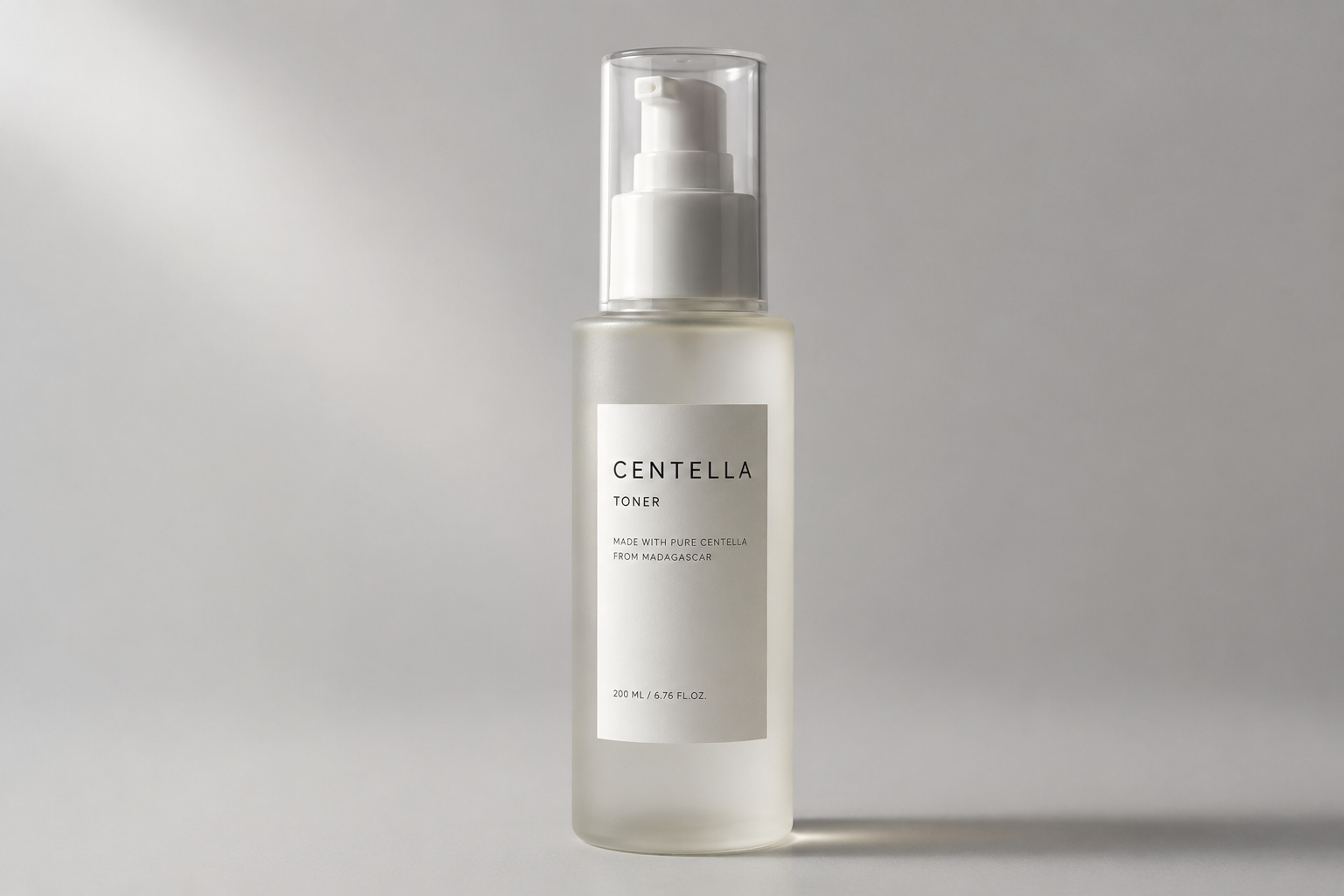
Traditional product photography is one of the most expensive line items in ecommerce. A single finished catalog image runs roughly $45 to $90 once you blend studio time, a photographer, styling, and retouching — and turnaround is measured in days, not minutes. One case study found that an image averaging $175 through a traditional shoot could be produced with AI for well under $2.
That's why AI product photography has become the default workflow for small brands and large catalogs alike. Instead of booking a studio, you start from one clean photo of your product and generate the rest. Here's the full product photography workflow, step by step, with prompts you can copy on Fanch AI.
Why AI Product Photography Changes the Math
The economics are the whole story behind the shift in product photography:
- Cost per image — traditional product photography runs about $45–$90 per finished image; AI brings the marginal cost down to cents.
- Turnaround — studio work takes 5–10 business days, and any reshoot resets the clock. AI product photography takes minutes.
- Variations — this is where product photography with AI pulls furthest ahead: a second background, a new angle, or a seasonal scene costs almost nothing extra.
- Consistency — a product photography workflow driven by prompts keeps a catalog visually uniform across hundreds of listings.
You don't need to replace your whole photo pipeline. Most brands use AI product photography for the high-volume catalog work and reserve studio shoots for hero campaigns.
Step 1: Start With One Clean Reference Photo
Every good product photography result starts with a solid source image. Shoot your product once on a plain surface in even light — a phone photo is fine.
Keep these rules in mind for your base shot:
- Fill the frame with the product and avoid harsh shadows.
- Use neutral light so the colors stay accurate.
- Remove distracting background clutter before you upload.
This single image becomes the anchor for every product photography variation you generate later, which is what keeps your catalog looking consistent.
Step 2: Generate a Clean Studio Shot
The first and easiest win in product photography is a polished studio image. Copy this prompt into Fanch AI and upload your reference photo.
Copy & Paste this into Fanch AI (Model: gpt_image_2):
Place the uploaded product on a seamless light-grey studio background with soft diffused lighting and a subtle natural shadow beneath it. Keep the product's exact shape, color, label, and proportions unchanged. Use a clean commercial ecommerce look, sharp focus on the product, a gentle highlight along the edges, and a professional catalogue aesthetic. No extra objects, no text, no distortion of the packaging.
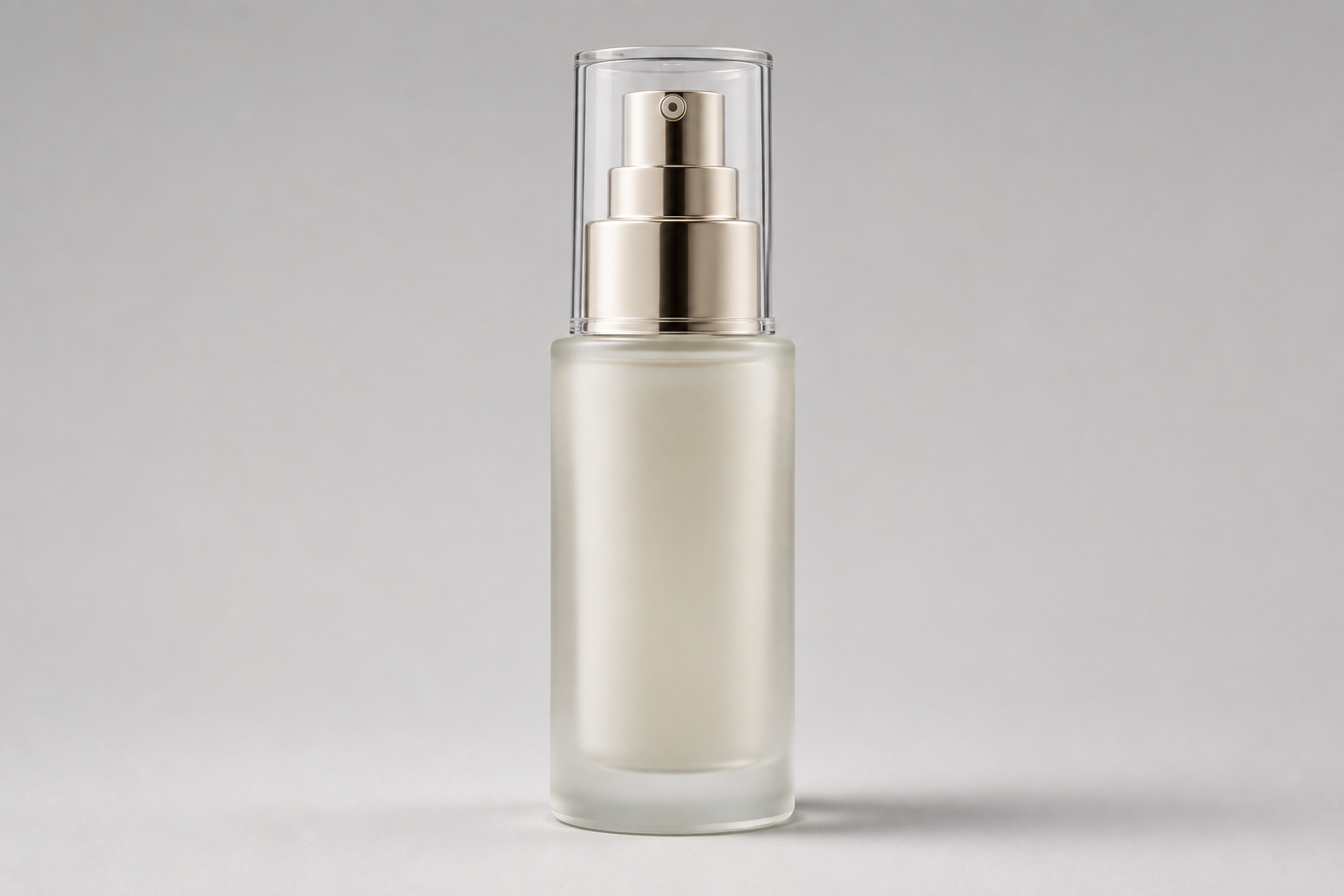
That single product photography prompt replaces the most common studio setup — and it takes seconds instead of a booked shoot.
Step 3: Build a Lifestyle Scene
Next, give the same product a context that sells it. Lifestyle product photography is where AI saves the most money, because it removes the need for props, sets, and location scouting.
Copy & Paste this into Fanch AI (Model: gpt_image_2):
Place the uploaded product on a warm marble countertop beside a folded linen cloth and a small green plant, lit by soft morning window light. Keep the product's shape, label, and color exactly as in the original photo. Natural shadows, shallow depth of field with the background gently blurred, warm inviting tones, and a premium lifestyle brand aesthetic. Realistic and photographic, with no added text or logos.
You can rerun the same product photography prompt with a different scene — a kitchen, a bathroom shelf, a beach towel — and get a full seasonal set from one upload.
Step 4: Create On-Model Shots Without a Model
On-model product photography usually means hiring a model, a stylist, and a studio. With AI, you generate the model around your product instead. This is the most valuable product photography use case for apparel and accessories brands.
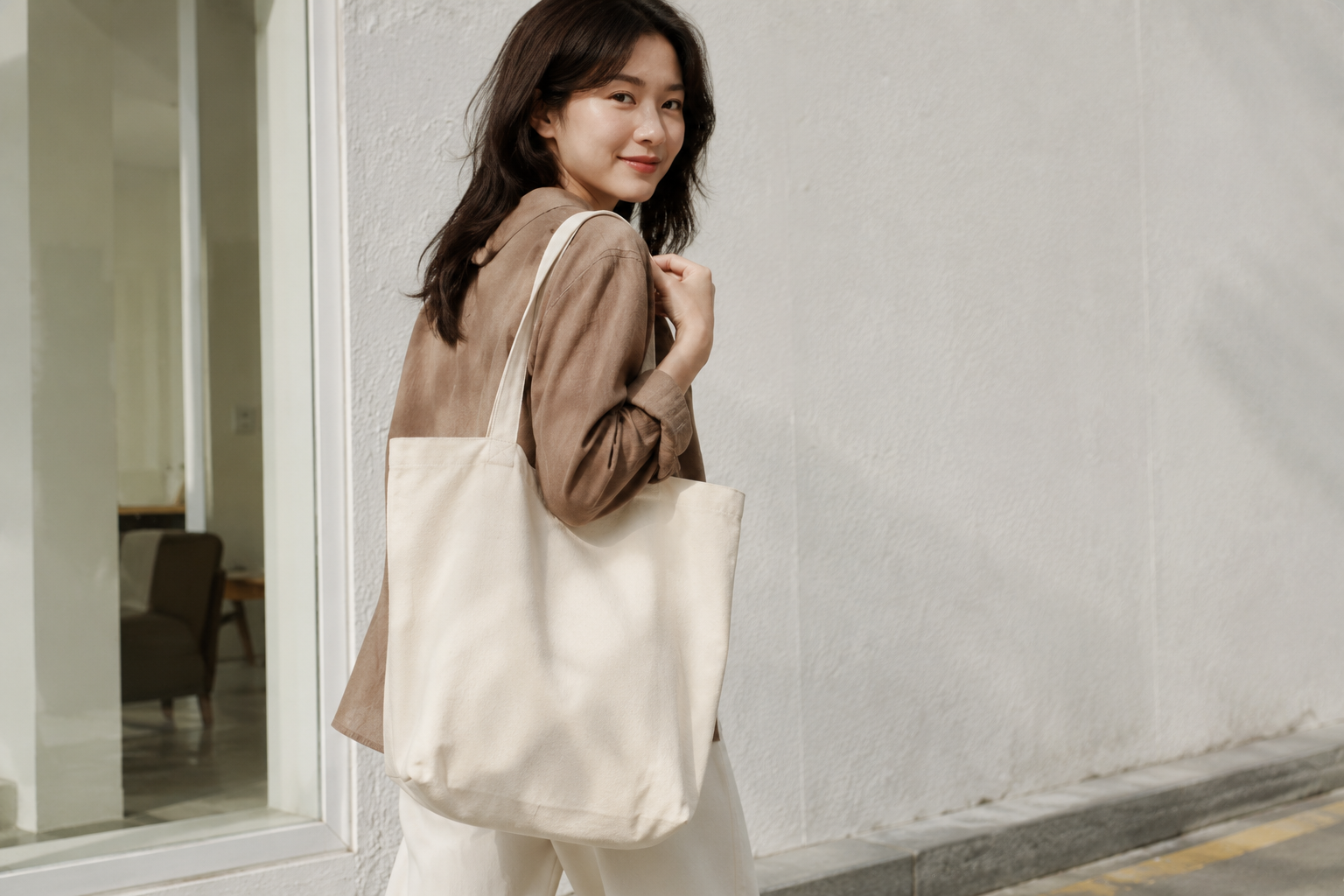
Copy & Paste this into Fanch AI (Model: gpt_image_2):
Show the uploaded product being worn or carried naturally by a model in a bright, minimal urban setting. Keep the product's design, color, and proportions completely unchanged and clearly visible. Use soft natural daylight, a relaxed candid pose, a clean background with gentle blur, and an editorial ecommerce style. Photorealistic, high detail, no text overlays.
Step 5: Scale With Variations
This is where product photography with AI becomes a real advantage. Because each generation is nearly free, you can produce what a studio could never justify:
- Generate the same product across multiple product photography angles — front, side, and top-down.
- Swap background colors to match seasonal campaigns.
- Produce square, portrait, and landscape crops for different marketplaces.
- A/B test lighting styles and keep whichever converts best.
Quick Tips for Convincing AI Product Photography
A few habits keep your product photography accurate and trustworthy:
- Represent the product honestly — the label, color, and shape must match what customers receive.
- Lock the product first — always tell the model to keep the original unchanged.
- Check the details — look for warped packaging, missing creases, or plastic-looking props, then regenerate.
- Use one style guide — consistent lighting across a catalog is what separates good product photography from a random pile of images.
- Generate several options — run each product photography prompt a few times and pick the best frame.
Why Fanch AI Makes AI Product Photography Easy
Fanch AI gives you a dedicated image model that follows detailed prompts closely, so your product photography keeps the product accurate while the scene, lighting, and styling change around it. There's no studio, no retainer, and no waiting — you upload a photo, paste a prompt, and get catalog-ready product photography in minutes.
👉 Start here: GPT Image 2 on Fanch AI — create your own AI product photography now.