
Canva Craft: The Image Model That Plans Before It Draws
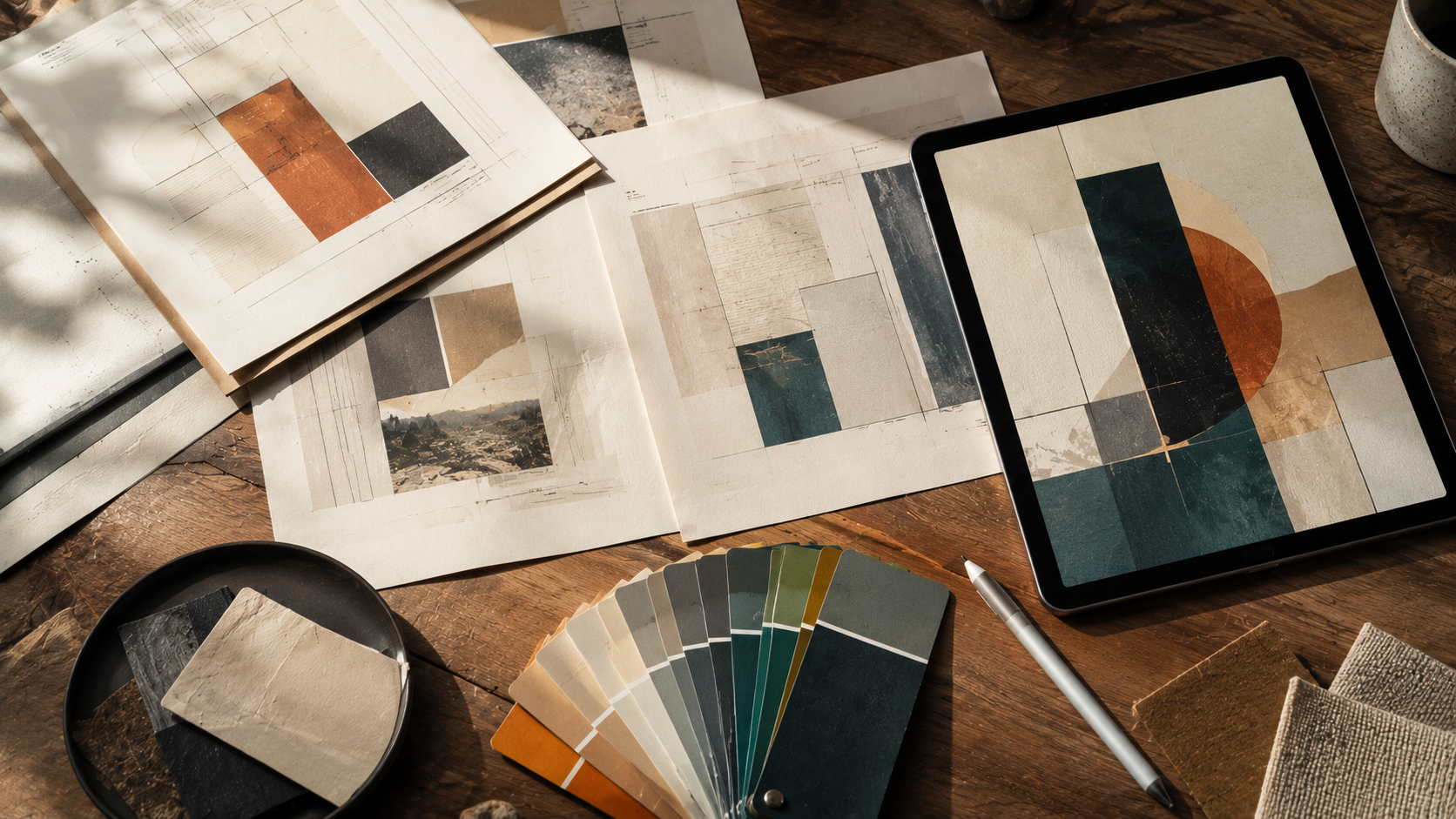
Canva Craft is Canva's first image generation model built entirely in-house, and the headline is not the "in-house" part. It is the order of operations. Canva Craft plans a layout before it draws anything — it decides where things go, then renders them — and that single design decision separates it from almost every image model you have used.
That difference is why Canva Craft debuted at fourth place on Design Arena, a crowdsourced ranking of image models, on its first day. Australian coverage of the launch framed that result as Canva beating Google and Microsoft in those tests.
Here is what Canva Craft actually does, why planning-first matters, what the leaderboard does and does not prove, and the parts of the launch that still need answers.
What Canva Craft Actually Does
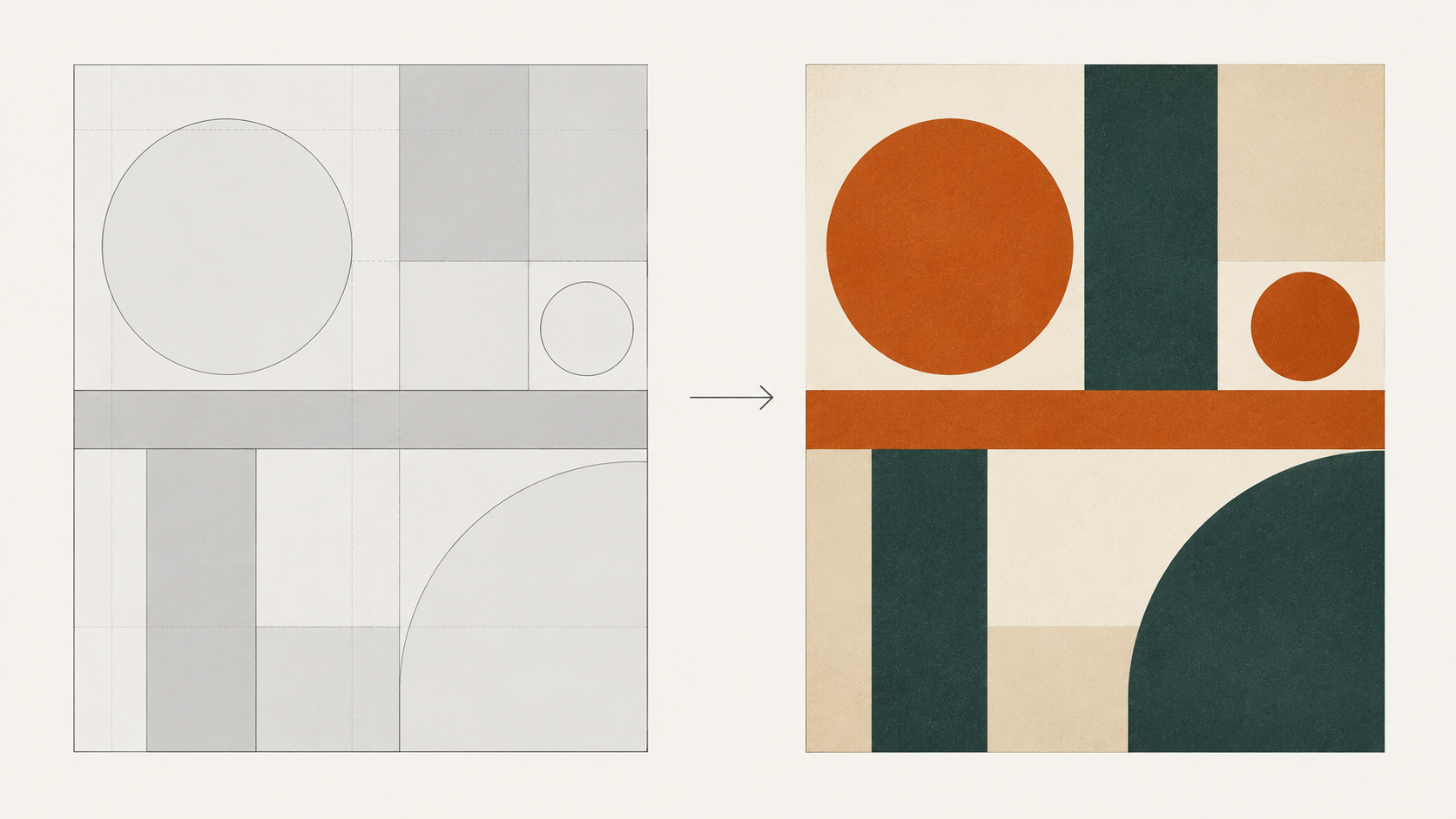
Canva Craft generates images, but it does so the way a designer works rather than the way a diffusion model works. Ask a typical model for a poster and it renders pixels that hopefully cohere into a poster. Canva Craft first composes a layout — regions, hierarchy, where the subject sits, where negative space belongs — and then generates into that plan.
This is a meaningful architectural difference, and it explains why Canva Craft landed where it did. Design Arena ranks output on how it reads as design, which rewards exactly the thing a planning step gives you: composition that holds together at a glance. A prompt-first model can produce a beautiful image with an unusable layout. Canva Craft starts from the layout.
The model is live inside Canva as the company's own replacement for the third-party models it previously leaned on. The public API is preview-only, which matters for anyone hoping to slot Canva Craft into an existing pipeline — you cannot treat it as a drop-in API model yet.
Why "Plan First, Draw Second" Matters
Most image models treat layout as an emergent property. You describe a scene, and the model discovers a composition while painting it. That works well for photographs and atmosphere, and badly for anything with an actual design job: a poster, a social template, a slide, a packaging mockup.
Canva Craft inverts that. By committing to a layout first, it is far more likely to respect the thing designers care about most — where the eye goes, and what is allowed to be small. The catch is real, though: Canva Craft is optimising for design legibility, not photographic realism. If your brief is "a moody rain-soaked street at night," the planning step is not buying you much, and a photorealism-first model will beat Canva Craft on texture and light.
So the honest split:
Reach for Canva Craft when the deliverable has a layout. Posters, thumbnails, ads, social cards, anything that will have type placed on it later.
Don't reach for Canva Craft when the deliverable is a photograph. Product shots, portraits, editorial imagery, anything where grain and lighting are the point.
Canva Craft Debuted Fourth — Read That Carefully
Fourth place on Design Arena is a genuinely strong debut for Canva Craft, and it is the most concrete evidence in the launch. But leaderboards reward what they measure.
Design Arena is a preference-based arena: humans compare two outputs and pick a winner, and models are ranked on accumulated wins. That is excellent for measuring "which looks better to a crowd" and poor for measuring "which fits my brief." A model that reliably produces clean, well-composed, crowd-pleasing images does very well in an arena — and Canva Craft is explicitly built to do exactly that.
Two things follow. First, Canva Craft at fourth is a real signal that Canva built something competitive rather than a token feature. Second, "beats Google and Microsoft" describes a preference vote, not a capability ceiling. Run Canva Craft against your own briefs before you move anything important onto it.
Where Canva Craft Fits
Canva Craft is not competing on photoreal fidelity, and it does not need to. The models that win there — the Nano Banana line, GPT Image, FLUX — are chasing different targets: texture, lighting, subject accuracy, text rendering inside the image.
What Canva Craft is competing on is the moment before the image: deciding what the composition should be. That is a problem those models largely leave to the person writing the prompt.
The practical consequence is workflow-shaped. If you already do layout work in Canva, Canva Craft removes a round trip — no more generating in one tool and dragging into another. If your layout lives in Figma or code, Canva Craft is a nice feature you will not touch until it has a usable API.
The Licensing Question Canva Craft Raises
An in-house model needs training data, and Canva sits on an enormous library of contributor stock media. That makes Canva Craft the launch where Canva's contributor terms stop being fine print.
Per Canva's contributor agreement, creators who opt out of AI training still grant Canva the right to use their stock media to develop and improve AI and machine learning models, for a limited window after payment. In other words, opting out does not fully opt you out — and Canva Craft is the first product where that clause has an obvious commercial payoff.
This is not unique to Canva; every platform with a media library is having the same argument. But it is the part of the Canva Craft story that creators should read for themselves rather than take from a launch blog post. If you contribute stock to Canva, check your own agreement status rather than assuming.
What This Means If You Create
Three practical takeaways from Canva Craft shipping.
The prompt is not the only interface anymore. Canva Craft shows that planning the layout and generating the image can be separate steps. You can adopt that habit today with any model: describe the composition, then describe the content.
Leaderboards are a starting filter, not a decision. Canva Craft at fourth tells you it is worth testing. It does not tell you it is right for your work.
Distribution still wins. Canva's advantage with Canva Craft was never going to be raw quality — it is that the model sits where millions of people already make things. A model in the tool beats a better model in another tab.
A Prompt to Try
The habit worth stealing from Canva Craft is planning before prompting. Write the layout first, in plain language, then hand that plan to any image model.
Copy & Paste this into Fanch AI (Model: gpt_image_2):
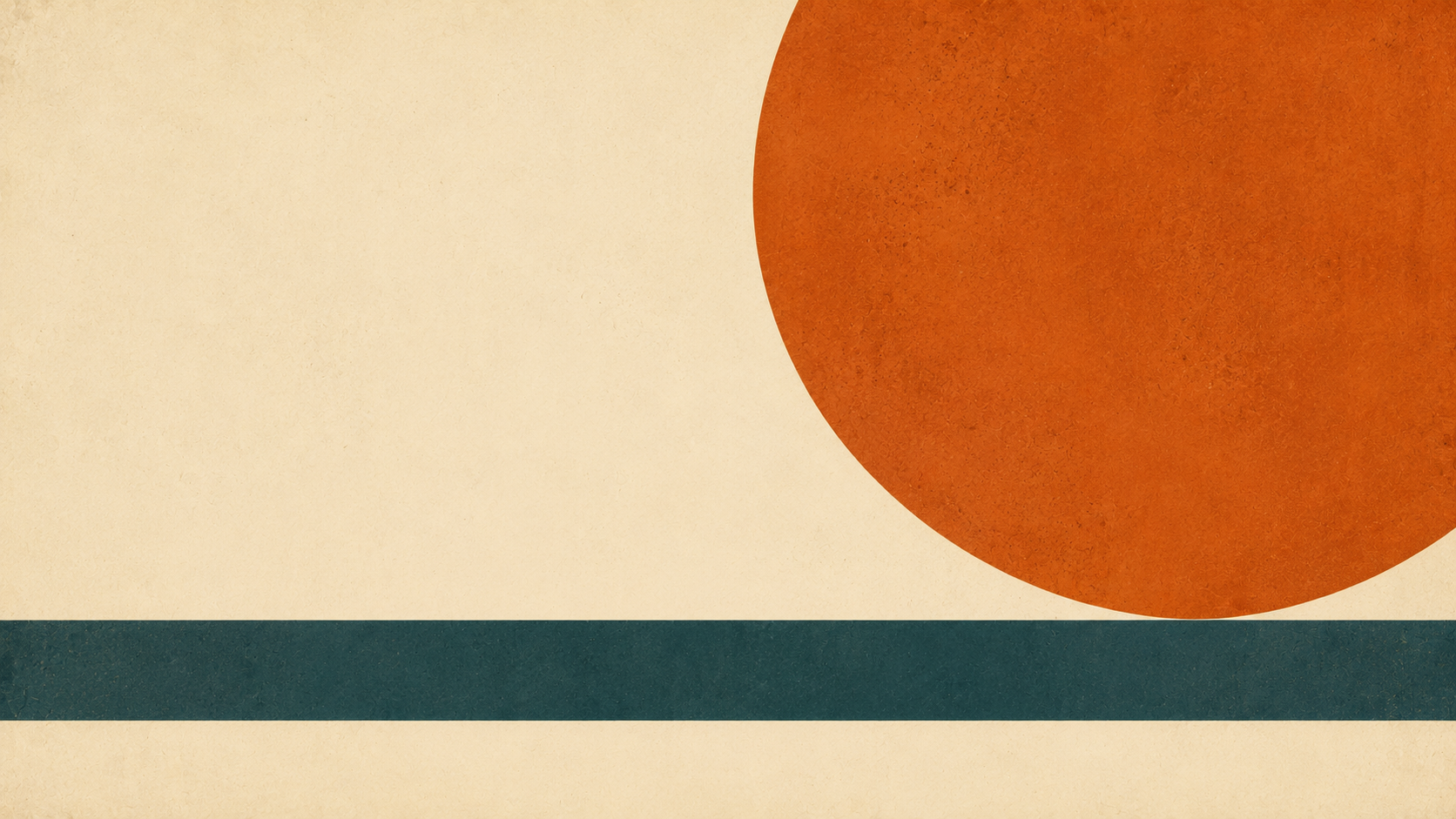
A bold editorial poster composition on a warm cream background: one large circular form in burnt orange occupying the upper-right third, a thin horizontal band of deep teal crossing the lower third, and generous empty space in the left column reserved for a headline. Flat graphic style, crisp edges, subtle paper grain, confident asymmetric balance, muted warm palette with one accent color, 16:9 framing, 8K detail, abstract shapes only, no legible words, no text overlay.
Notice the order: composition, then content, then finish. That is the Canva Craft lesson, and it works everywhere.
Why Fanch AI Fits
Canva Craft makes the case that composition deserves its own step — and once you accept that, the prompt becomes a layout brief. Fanch AI gives you an image model you direct with precise prompts, so you can write composition-first prompts, iterate on the frame cheaply, and keep control of the layout instead of hoping the model finds one.