
ChatGPT Images 2.5 Is Here — Get Better AI Images on Fanch AI Today
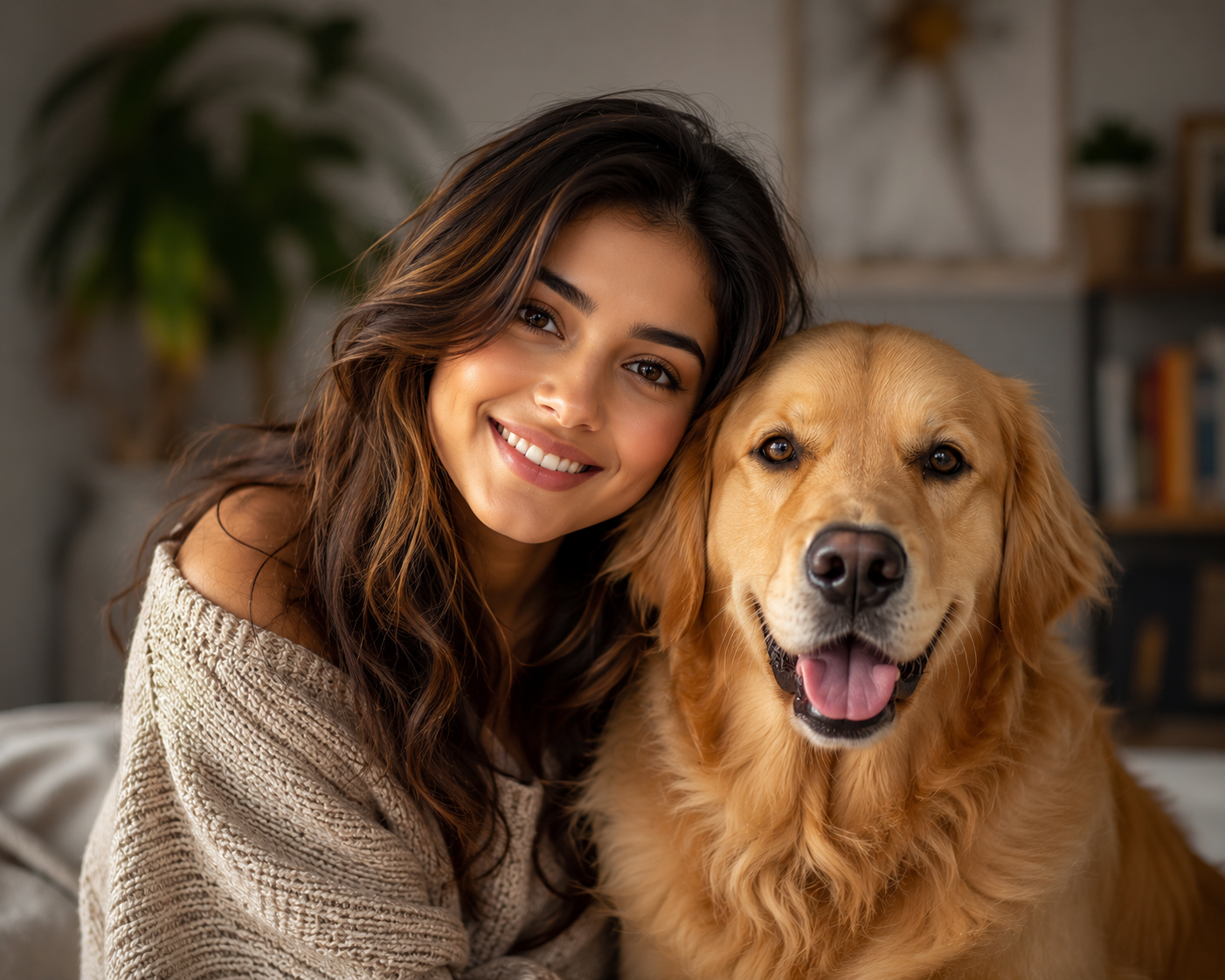
OpenAI just released ChatGPT Images 2.5, and it's a meaningful leap for AI image generation. The company says the new model generates up to 50 percent faster than its predecessor, and early testing found it does a much better job of keeping people and pets looking like themselves. It also adds more precise editing and a brand-new sketch tool. It's the most creator-friendly ChatGPT Images release in a while. If you've been watching the AI image space, ChatGPT Images is the release to know about this week.
That's a strong upgrade — but here's the thing worth knowing: you don't have to wait or switch tools to get excellent AI images today. Here's what changed in ChatGPT Images 2.5, and how to get clean, detailed results right now.
ChatGPT Images has driven a big share of the AI image conversation for a while, and each version closes a gap. ChatGPT Images 2.5 continues that pattern — but the bigger story is that great results are now easier to get across the board.
What's New in ChatGPT Images 2.5
The headline features of ChatGPT Images 2.5 all target the places where AI image generators used to struggle. Taken together, they make ChatGPT Images 2.5 the most user-friendly image engine OpenAI has shipped yet. That steady improvement is exactly what ChatGPT Images fans have been waiting for:
- Up to 50% faster — ChatGPT Images 2.5 generates images more quickly, so iteration feels snappier.
- Better likeness for people and pets — ChatGPT Images 2.5 preserves faces and animal features far more accurately, so results actually resemble the subject.
- More precise editing — instead of relying only on words, you can now point at the exact spot you want changed.
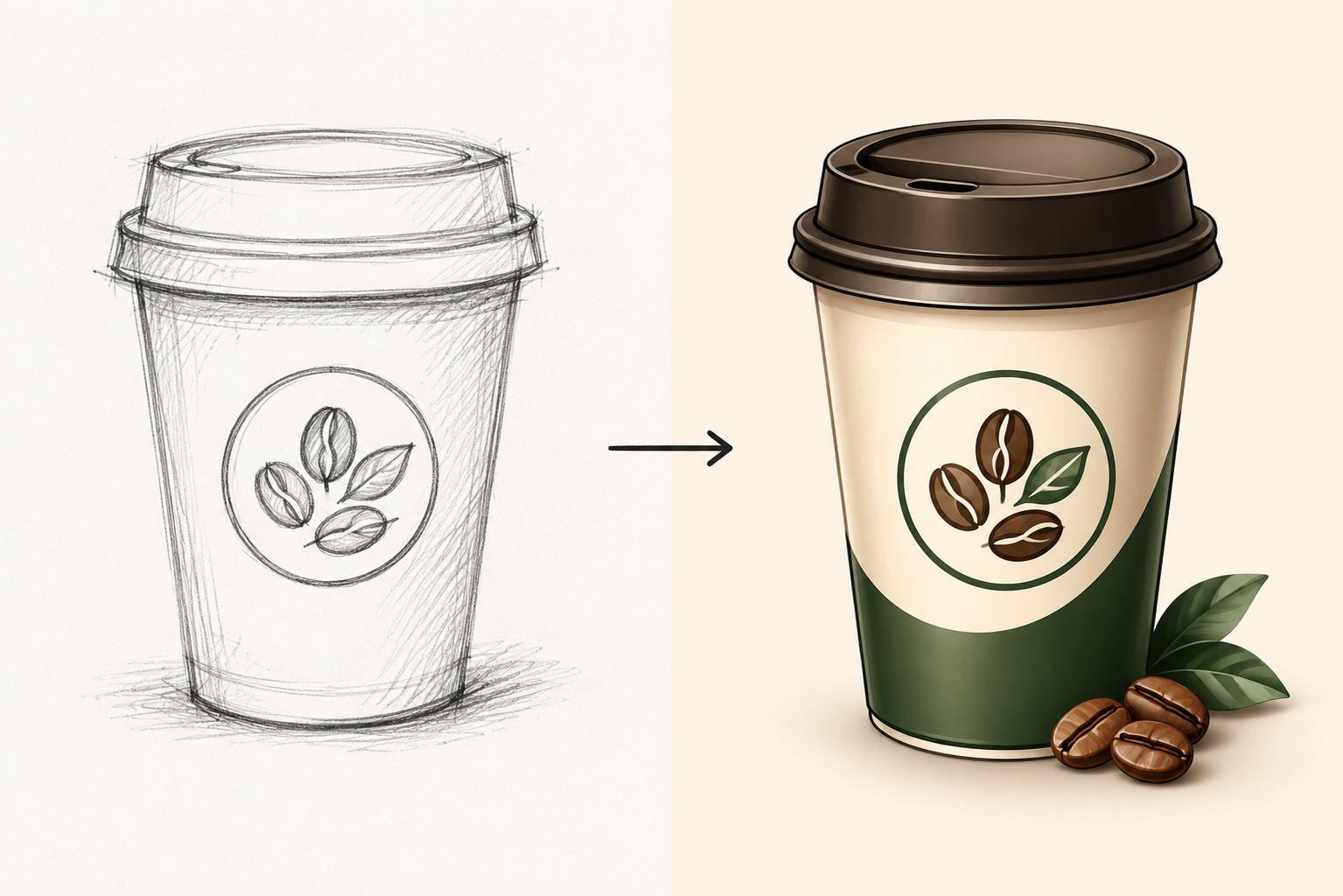
- A new sketch tool — you can base a generation on a rough drawing and ChatGPT Images 2.5 turns it into a detailed image.
The speed and likeness improvements alone make ChatGPT Images 2.5 a notable release, and the editing direction is a big deal for creators who got frustrated with vague text-only edits.
How the New Sketch Tool Works
The most interesting part of ChatGPT Images 2.5 is the sketch workflow. With it, you can sketch an object you want added, type and place text where you want it, and visually indicate the area to change — instead of describing everything in words. It's the clearest example yet of where ChatGPT Images is trying to go: from prompt-only to hands-on editing.
OpenAI's product lead told Axios the sketch tool and related templates are meant to make people more engaged in the process of creation rather than passive. In practice, that means a rough doodle can become a finished graphic, a hand-drawn logo idea can become a polished design, and a marked-up photo can get a targeted tweak. That interaction-first direction is what makes ChatGPT Images 2.5 feel different from a normal upgrade. It shifts ChatGPT Images from a prompt box toward a hands-on canvas.
What It Means for Creators
For anyone making AI images regularly, ChatGPT Images 2.5 signals that the tools are getting genuinely better at the hard parts. But it also comes with caveats worth weighing: the model is still trained on real artists' work, and OpenAI notes there are still hallmarks of AI-generated content plus automatic invisible watermarks. So while ChatGPT Images 2.5 is impressive, it's not a silver bullet for every creative need. Anyone building a workflow around ChatGPT Images should still review outputs carefully.
The practical takeaway is that even as ChatGPT Images 2.5 pushes the frontier, the everyday need for most creators is simpler — a reliable image model that follows a clear prompt and gives a polished result without a steep learning curve.
Get Great AI Images Today on Fanch AI
You don't need to chase every release to get better images. Fanch AI gives you GPT Image 2, a dedicated image model that handles portraits, product shots, edits, and creative concepts with strong prompt adherence — ready to use right now with no waiting. While ChatGPT Images 2.5 rolls out across ChatGPT, a focused image tool is the dependable way to get a finished result. Whether or not you have access to ChatGPT Images 2.5, you can start creating today. That makes Fanch AI a strong alternative if you'd rather not manage a ChatGPT Images workflow.
Here's a prompt you can use today to get a clean, detailed portrait-style result, on par with what ChatGPT Images promises:
Copy & Paste this into Fanch AI (Model: gpt_image_2):
Create a photorealistic studio portrait of a person with their cat, both looking directly at the camera, with soft natural lighting, warm tones, and a clean blurred background. Preserve realistic skin texture, natural eye catchlights, and lifelike fur detail. Sharp focus on the subjects, professional editorial photography style, 8K detail.
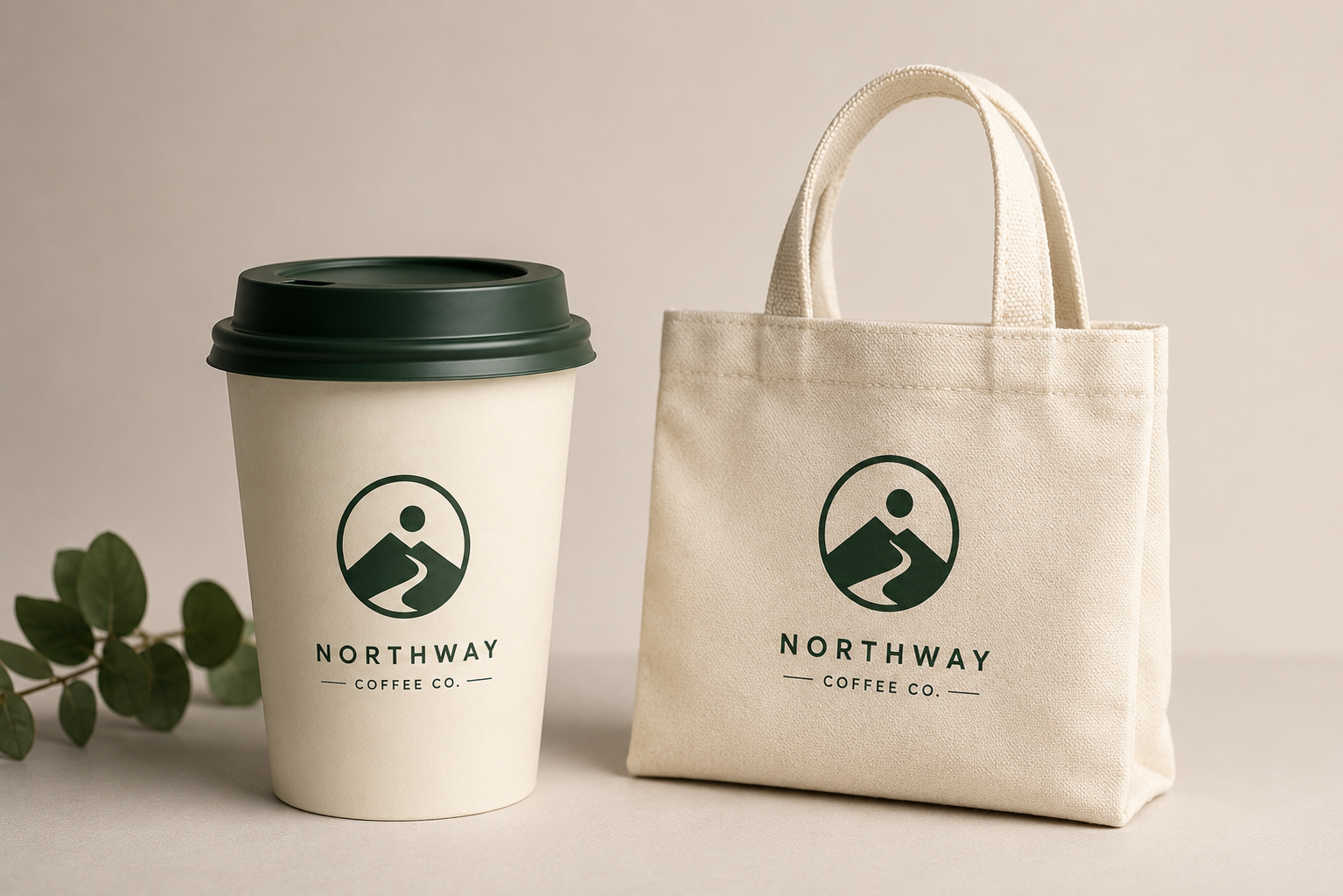
And for turning a simple idea into a polished graphic, in the spirit of ChatGPT Images:
Copy & Paste this into Fanch AI (Model: gpt_image_2):
Design a modern minimalist event logo on a clean background, with a bold geometric mark and clear typography, presented on a subtle product mockup. Flat vector aesthetic, balanced composition, premium brand design look, high resolution.
Why Fanch AI Is the Simplest Way to Create AI Images
Fanch AI is built for creators who want results without friction — a dedicated image generator that takes a clear prompt and returns a polished image, no subscription learning curve and no need to keep up with every model cycle. While ChatGPT Images 2.5 is a great step forward, the smart move is to use a fast, focused tool that gets you a finished image today. The goal isn't to chase the newest release — it's to make good images consistently, and that's what a clean prompt-driven generator gives you without you needing to learn a ChatGPT Images-style editing screen.
👉 Start here: GPT Image 2 on Fanch AI — generate your own AI images now, free to start.