
Halloween AI Photo Trend: The Ghostface Look, Explained"
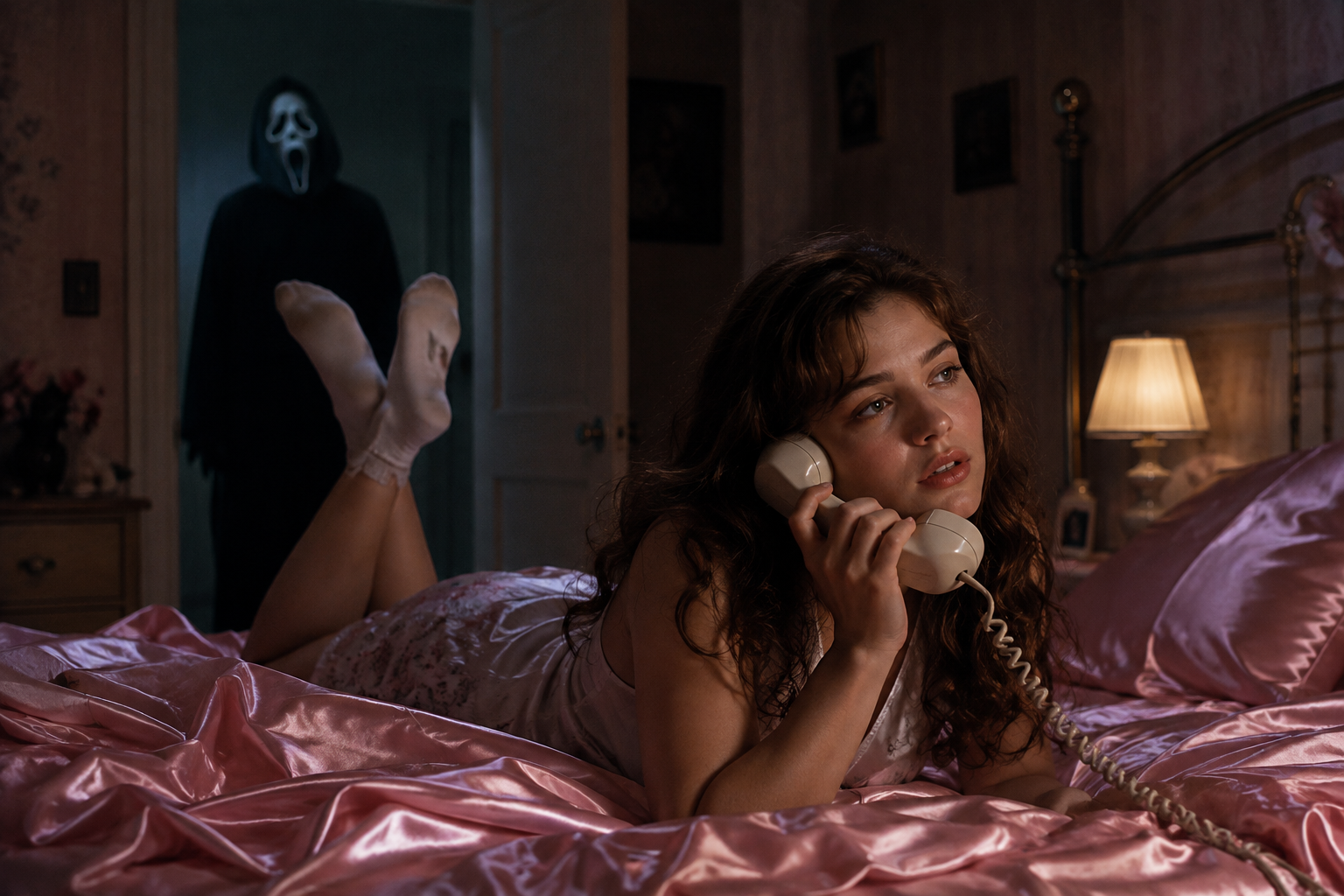
Spooky season has officially arrived, and one trend is dominating every feed: the Ghostface photo. The idea comes straight from the Scream movies — you're lying in a cozy 90s bedroom, and a masked figure in a hooded robe is standing silently in the doorway behind you. Cute nostalgia plus quiet dread is exactly why the Halloween AI photo format exploded. It's the most recognizable Halloween AI photo trend of the season.
The best part is how easy it is. You need one selfie, one prompt, and a couple of minutes. Here's how the Halloween AI photo trend works, and how to create your own Halloween AI photo on Fanch AI. Anyone can make a convincing Halloween AI photo with a single prompt.
Why the Ghostface Halloween AI Photo Trend Works
The Halloween AI photo formula is a study in contrast, and that's what makes it spread:
- Comfort meets horror — a warm Y2K bedroom paired with a lurking figure is instantly unsettling in a fun way.
- Your face stays yours — a good Halloween AI photo keeps your real features and skin tone unchanged.
- It's instantly recognizable — everyone knows the reference, so a single Halloween AI photo reads at a glance.
- Endless scenes — porches, hallways, pumpkin patches, and movie posters all work, so one Halloween AI photo prompt becomes a whole set.
The result feels like a still from a horror film rather than a costume snapshot — which is exactly the point of a great Halloween AI photo.
The Ultimate Halloween AI Photo Prompt
This is the core prompt for the signature look. It's the one prompt to master, because every other Halloween AI photo variation builds on it. Copy it into Fanch AI, upload your photo, and let the model build the scene.
Copy & Paste this into Fanch AI (Model: gpt_image_2):
Create a photo of the uploaded person lying on shiny pink satin bedding in a 1990s-style bedroom, holding a large corded telephone in a dreamy, thoughtful pose, with long loose curls. In the dimly lit doorway behind them, a tall figure in a black hooded robe wearing a pale, elongated ghostly white mask stands silently watching. Slightly dark and ominous background, cinematic horror lighting, subtle film grain, 90s photography aesthetic, photorealistic. Keep the person's real face and features exactly as in the uploaded photo.
The magic of a great Halloween AI photo is that contrast between a calm subject and something wrong in the background. That's what makes the trend feel cinematic instead of gimmicky.
More Halloween AI Photo Variations
Once you have the core look, swap the setting to build a whole set. Each keeps the same "preserve the face" approach, so one Halloween AI photo prompt becomes an entire album. The base Halloween AI photo is just the starting point.
Copy & Paste this into Fanch AI (Model: gpt_image_2):
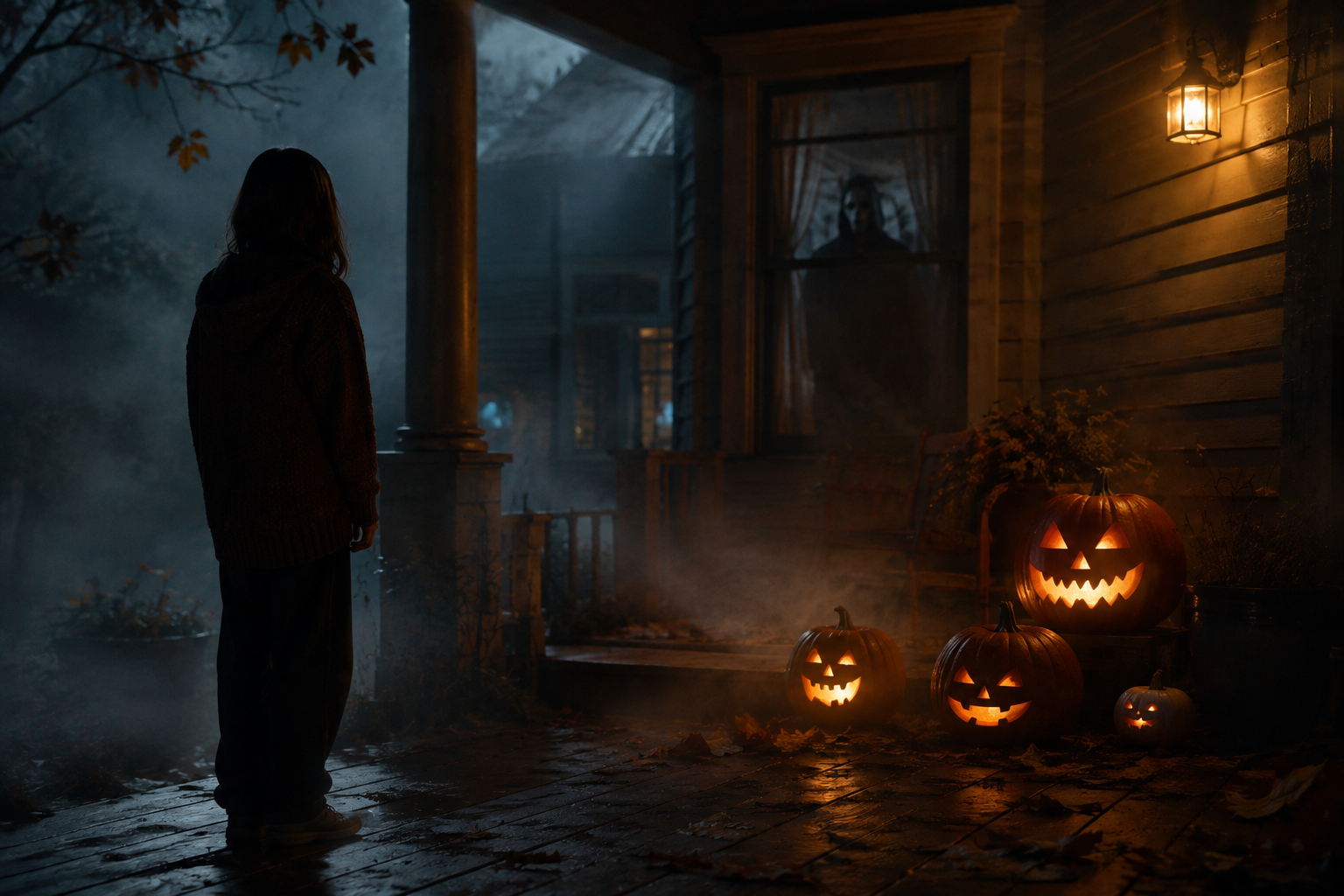
Transform the uploaded photo into a night scene on a foggy front porch, with the person standing beside glowing carved pumpkins and a shadowy masked figure visible through the window behind them. Warm jack-o'-lantern glow against cold blue moonlight, autumn leaves, mist, cinematic spooky atmosphere, photorealistic. Keep the person's face and features unchanged.
Copy & Paste this into Fanch AI (Model: gpt_image_2):
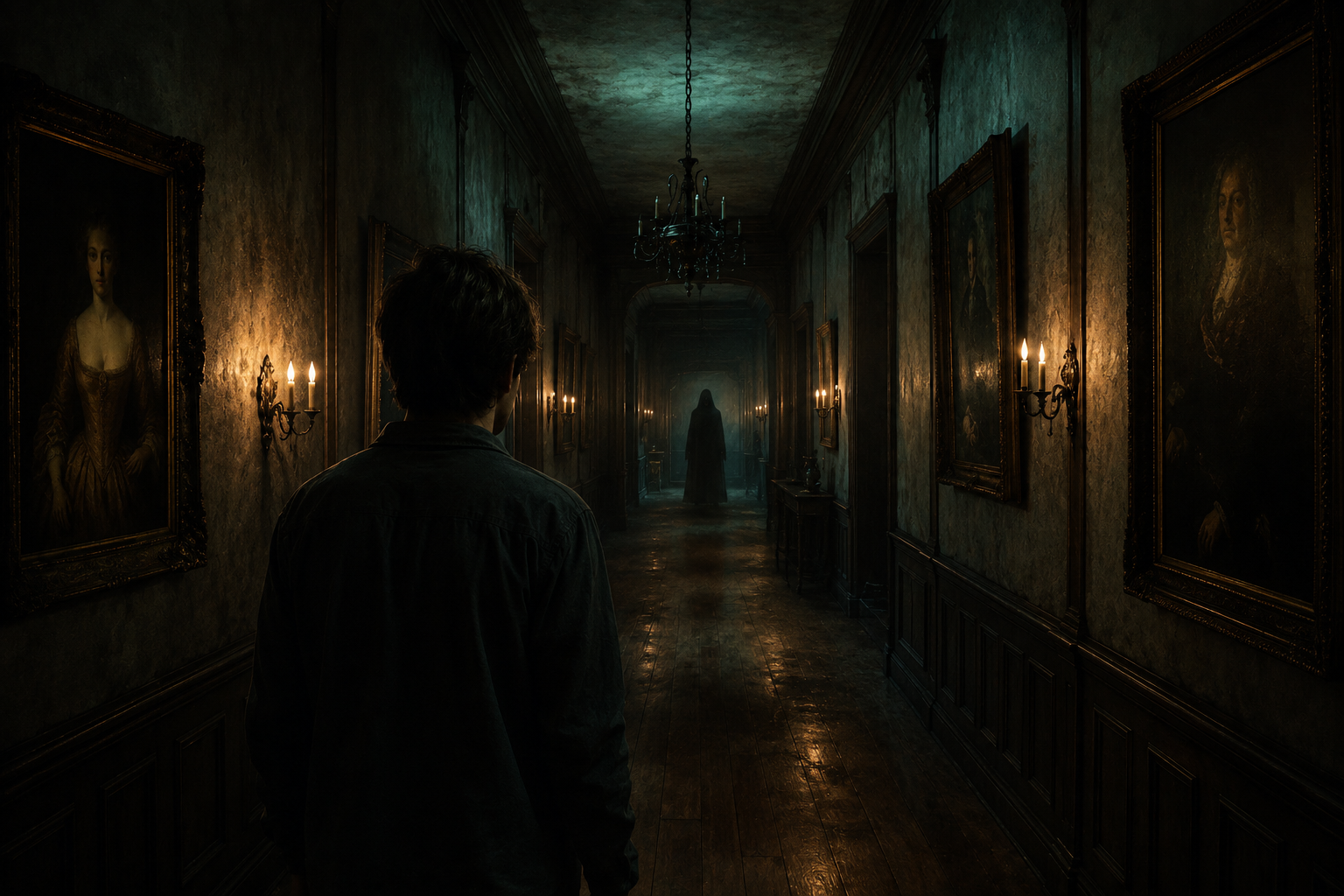
Place the uploaded person at the end of a long, dimly lit hallway lined with old framed portraits and flickering wall sconces, with a faint hooded silhouette far down the corridor. Moody teal and amber lighting, dust suspended in the air, horror-movie cinematography, photorealistic. Keep the person's real face and features exactly as uploaded.
Copy & Paste this into Fanch AI (Model: gpt_image_2):
Set the uploaded person in a pumpkin patch at dusk, with mist rolling low across the ground, a weathered scarecrow, and a distant hooded figure standing among the vines. Warm sunset fading into a deep purple sky, cinematic Halloween atmosphere, photorealistic. Keep the person's face and skin tone unchanged.
Copy & Paste this into Fanch AI (Model: gpt_image_2):
Turn the uploaded photo into a vintage 1980s-style horror movie poster featuring the person, with bold retro typography, distressed print texture, slightly faded VHS colors, and a spooky silhouette looming in the background. Keep the person's facial features and skin tone exactly as uploaded.
Quick Tips for a Better Halloween AI Photo
A few small choices make your Halloween AI photo look genuinely cinematic:
- Start with a sharp, front-facing selfie in even light so the model has a clear face.
- Keep the "preserve the face and skin tone" line in every Halloween AI photo prompt so your identity never drifts.
- Describe the light, not just the scare — "cold moonlight," "warm pumpkin glow," "flickering sconces."
- Keep the horror implied: a distant silhouette in a doorway reads scarier than an obvious jump scare.
- Generate two or three takes and pick your favorite Halloween AI photo — one cozy bedroom, one outdoor scene.
- Save your best prompt so next year's Halloween AI photo takes seconds to recreate.
- Add a seasonal prop like a carved pumpkin or a candle to anchor the Halloween AI photo in the holiday.
- Only transform photos you have the right to use, and never edit other people without consent.
Why Fanch AI Is Best for Your Halloween AI Photo
Fanch AI runs a dedicated image model that follows prompt detail closely, so the lighting, the mood, and the lurking figure all land while your Halloween AI photo still looks like you. There's no studio and no learning curve — you upload a selfie, paste a prompt, and get a finished Halloween AI photo ready to post before the season ends. Whether you want one spooky shot or a full set, Fanch AI makes every Halloween AI photo quick to produce.
👉 Start here: GPT Image 2 on Fanch AI — create your own Halloween AI photo now.