
The 2026 Guide: How to Generate Consistent AI Character Designs
Creating consistent AI character designs across multiple images is arguably one of the biggest challenges in the AI art industry today. Whether you are building a video game, developing a brand identity, or creating a viral comic series for social media, maintaining absolute character consistency is crucial for professional, recognizable results.
The Problem with Standard AI Generators
Most standard AI image generators are built to create unique variations every single time you hit "generate." This makes it incredibly difficult to maintain the exact same character across different poses, facial expressions, or lighting setups. For creators relying on consistent AI character designs, this unpredictability breaks audience immersion and ruins the visual narrative.
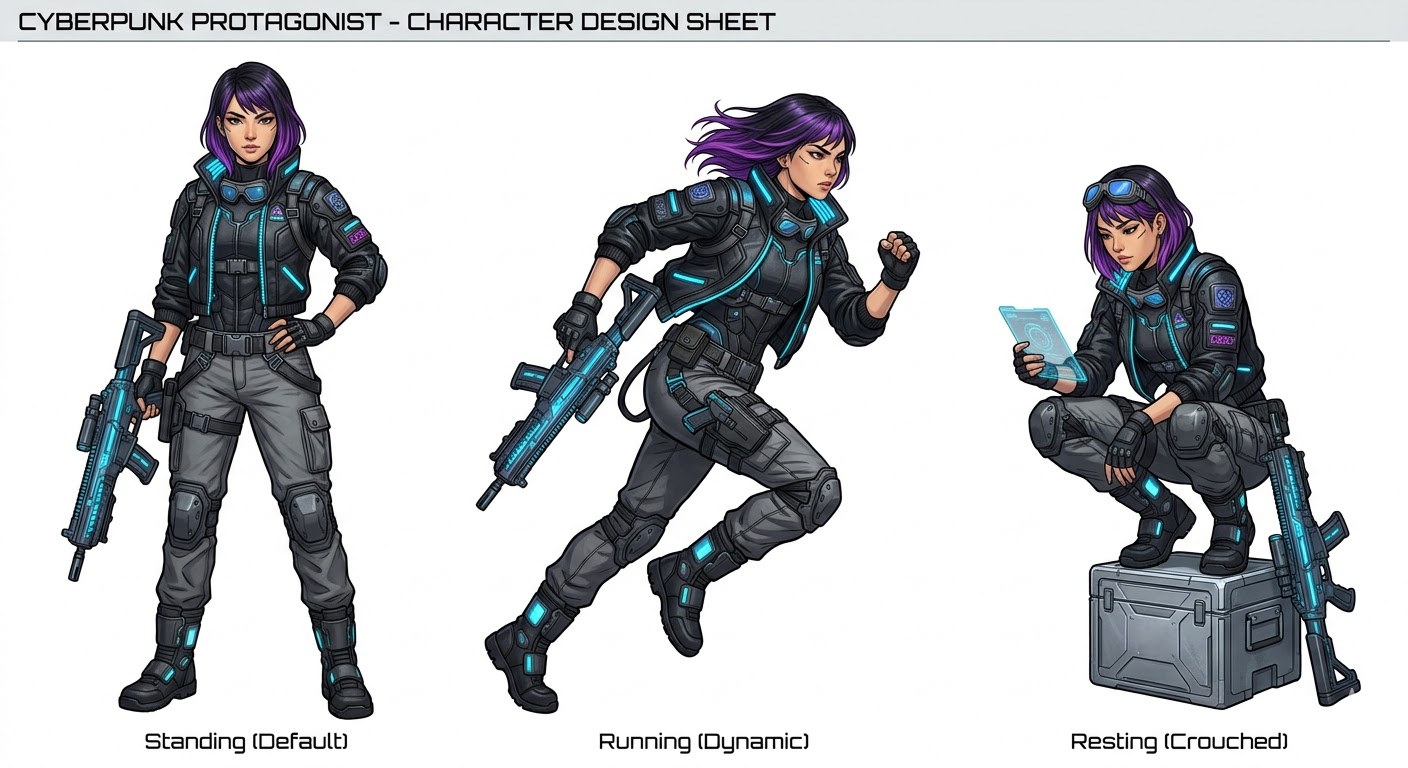 Mastering consistent AI character designs is essential for professional creators in 2026.
The Solution: Seeds and Reference Images
The secret to unlocking truly consistent AI character designs lies in mastering two powerful techniques:
- Seed Values: Every AI model uses a "seed number" to determine its starting point of randomness. By keeping the exact same seed constant while slightly altering your text prompt (e.g., changing "smiling" to "crying"), you can lock in the character's facial features and maintain consistency across variations.
- Reference Images (Image-to-Image): Using a strong reference image as a base anchor helps the AI deeply understand your character's core features—like bone structure, eye color, and signature clothing—ensuring perfect consistent AI character designs across different generations.
Nano Banana 2's Unfair Advantage on Fanch AI
When it comes to achieving flawless consistent AI character designs, the Nano Banana 2 model on Fanch AI is currently leading the market. It excels through its advanced understanding of facial structures, persistent style transfer, and precise border control.
Here is how you can effectively use Nano Banana 2 to build your character sheet:
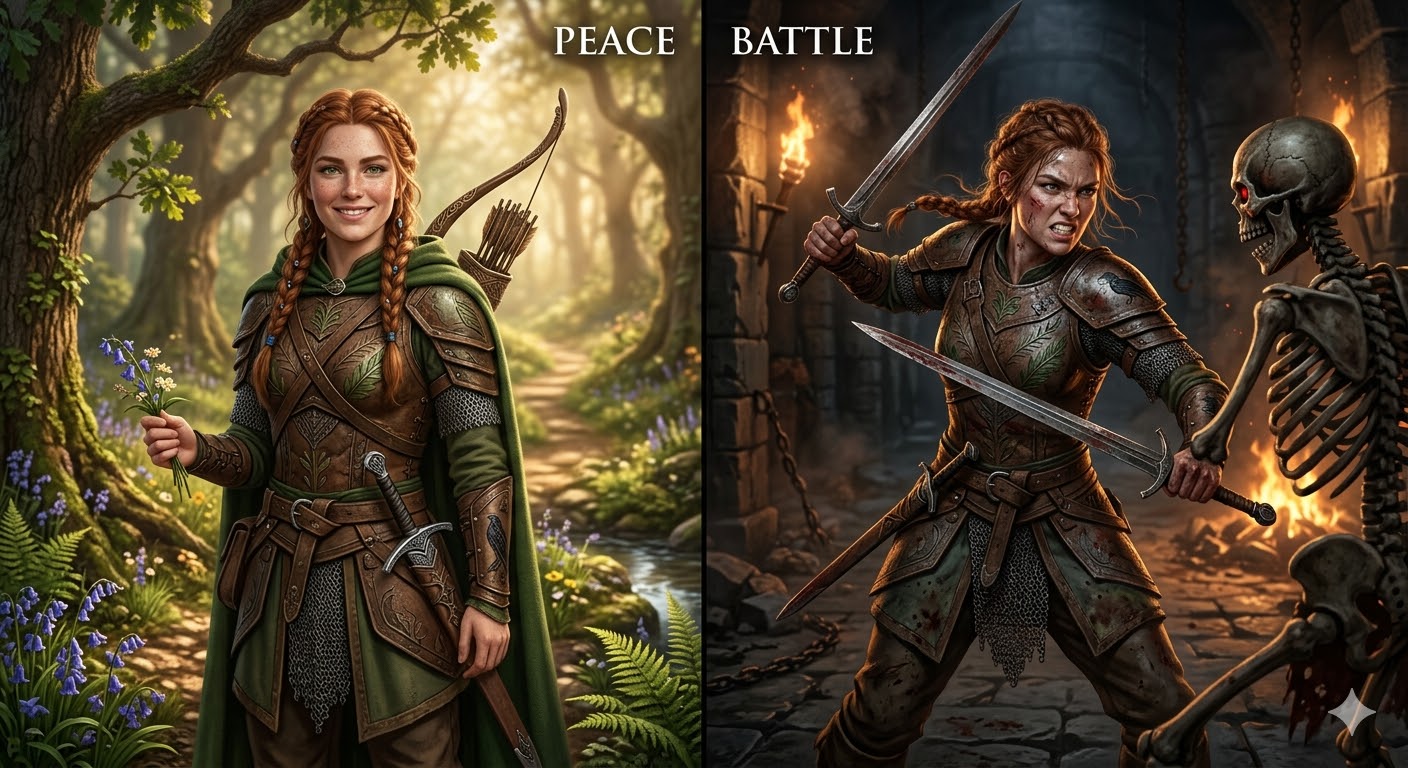 Testing consistent AI character designs: The same character seamlessly transitioning between different emotions and scenes using Nano Banana 2.
Step-by-Step Workflow for Consistency:
- Start with a Base Image: Generate your perfect character on Fanch AI. Once you are happy, download it to use as your anchor reference image.
- Set a Fixed Seed: Find the seed number of that generation and lock it in.
- Generate Variations: Keep the seed locked and the reference image uploaded. Now, only change the action or environment in your prompt (e.g., "running in the rain" or "sitting in a cafe").
- Refine and Iterate: Adjust the weighting of your prompts to perfect different poses without losing the character's identity.
Pro Tips for Maximum Consistency
- Focus on Actions, Not Descriptions: When generating your next pose, do not re-describe the character's face. Focus your prompt entirely on the new action or scene. Let the seed and reference image do the heavy lifting for the character's appearance.
- Lock the Lighting: Keep lighting and style keywords (e.g., "cinematic lighting, photorealistic") exactly the same across all generations to prevent style drift.
- Save Your Best Seeds: Build a personal library of successful seeds and reference images for future projects.
Common Issues and Quick Solutions
- Issue: Character features drift over multiple generations.
- Solution: Always upload your original base reference image into the image-to-image module. Never use a "generation of a generation" as a reference, as this causes rapid feature degradation.
- Issue: Inconsistent lighting or art style.
- Solution: Copy and paste your exact style keywords into every single prompt.
Conclusion
Mastering consistent AI character designs takes a bit of practice, but the payoff is massive. With the right tools and a structured workflow, you can create professional-grade assets that maintain perfect identity across unlimited scenes and emotions.
Ready to build your next iconic character? Click here to start generating consistent AI character designs with Nano Banana 2 on Fanch AI -> https://fanchai.app/ai-image-generator?model=nano_banana_2