
How to Create a Viral Photo with Celebrity AI: The Nano Banana Pro Guide (2026)
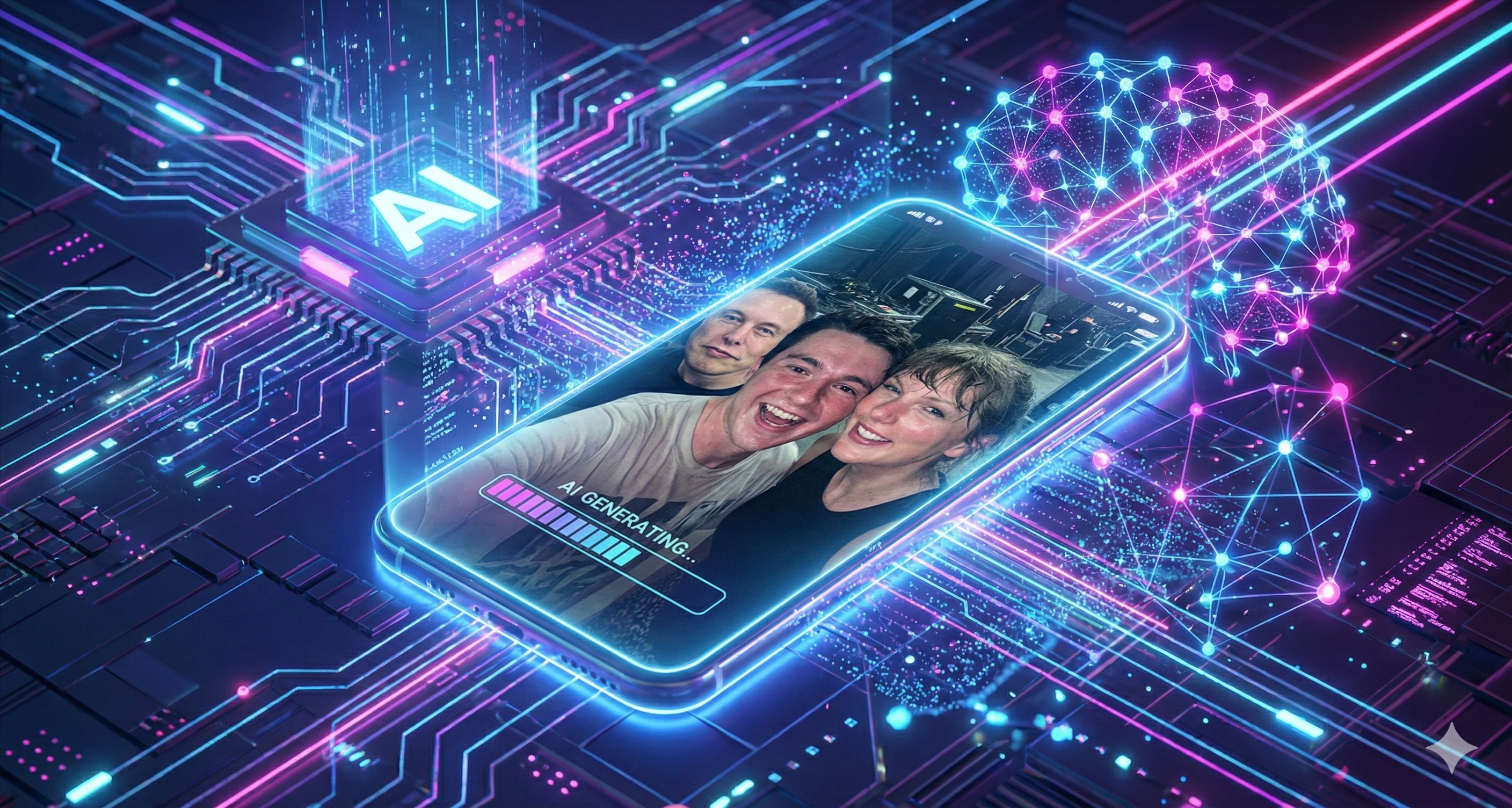
Have you ever dreamed of taking a selfie with your favorite movie star, musician, or historical figure? In the past, you needed Photoshop skills. Today, all you need is the right photo with celebrity ai generator.
The trend of "AI Selfies" is exploding on social media. But there is a problem: most generic AI models make celebrities look like wax figures or cartoons.
At Fanch AI, we have solved this by integrating the specialized Nano Banana Pro model. It creates skin texture and lighting so real that your friends won't believe it's generated. Here is how you can create your own.
Why Nano Banana Pro is Best for Photo with Celebrity AI
When you search for a photo with celebrity ai, you are looking for imperfection. You want the skin pores, the messy lighting, and the camera noise that makes a selfie feel authentic.
On Fanch AI, we recommend switching your model to Nano Banana Pro for this task. Unlike general-purpose models, it excels at:
- Skin Texture: It renders hyper-realistic details, avoiding the "smooth plastic" look.
- Flash Photography: It handles the harsh lighting of a phone camera flash perfectly, which is crucial for a believable selfie.
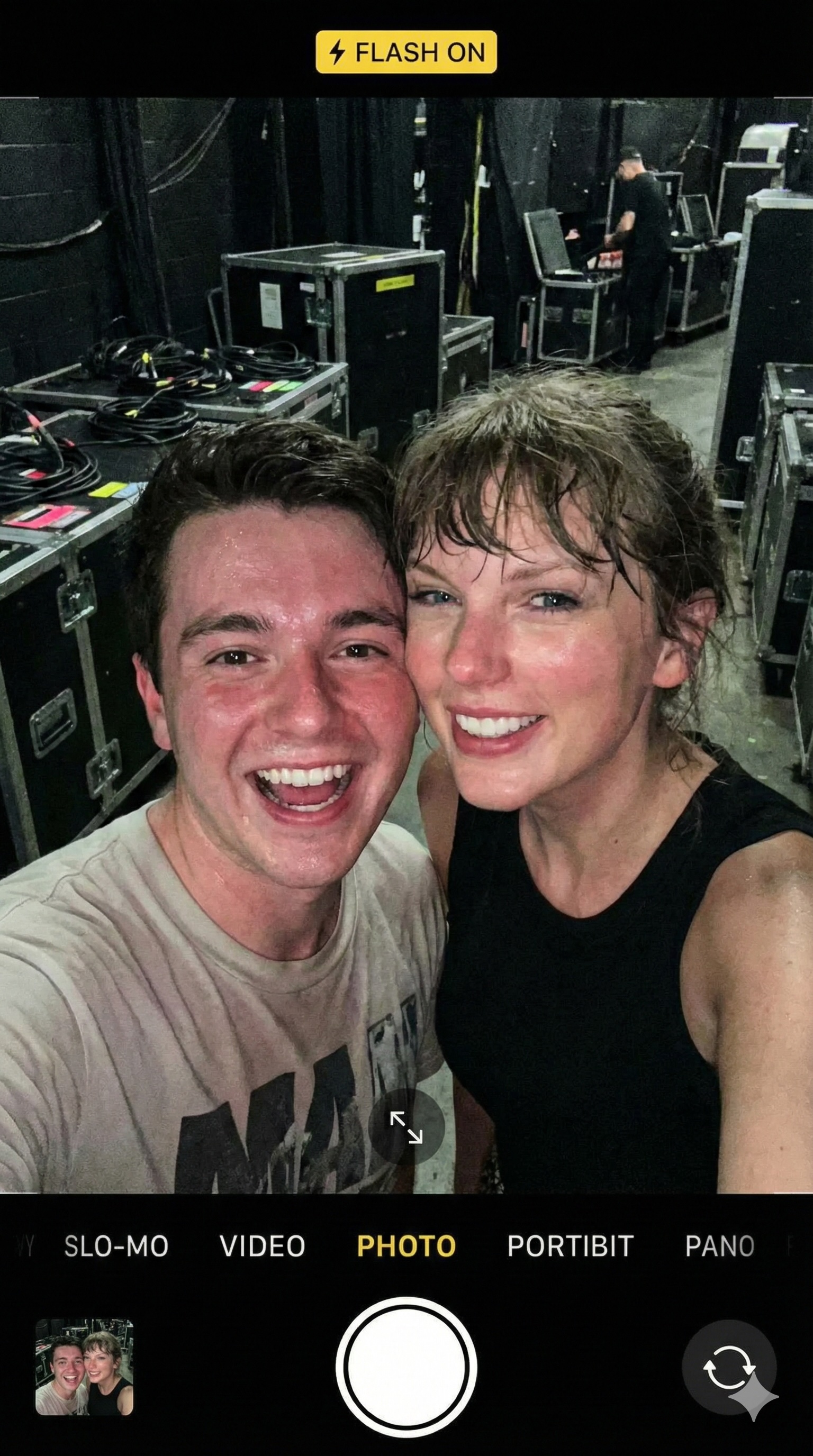 Generated with Nano Banana Pro on Fanch AI: Notice the realistic skin texture and flash reflection.
Step-by-Step: Generating Your Celebrity Selfie
Ready to create your first photo with celebrity ai? Follow this simple workflow on Fanch AI:
1. Select the Model
Go to the Fanch AI dashboard and select Nano Banana Pro from the model dropdown menu.
2. Use This "Magic" Prompt
The key to a believable photo with celebrity ai is the camera angle and lighting description. Copy and paste this prompt formula:
The Ultimate Selfie Prompt: "A realistic phone selfie shot of a happy fan posing next to [Celebrity Name]. Both are smiling at the camera, cheek to cheek. Bad lighting, candid shot, slightly blurry background, grainy texture, shot on iPhone 15, flash on, hard shadows. --ar 9:16"
- Why this works: Keywords like
grainy texture,flash on, andbad lightingtrick the AI into removing the "fake perfection," making the photo with celebrity ai look like a casual snapshot taken at a party or on the street.
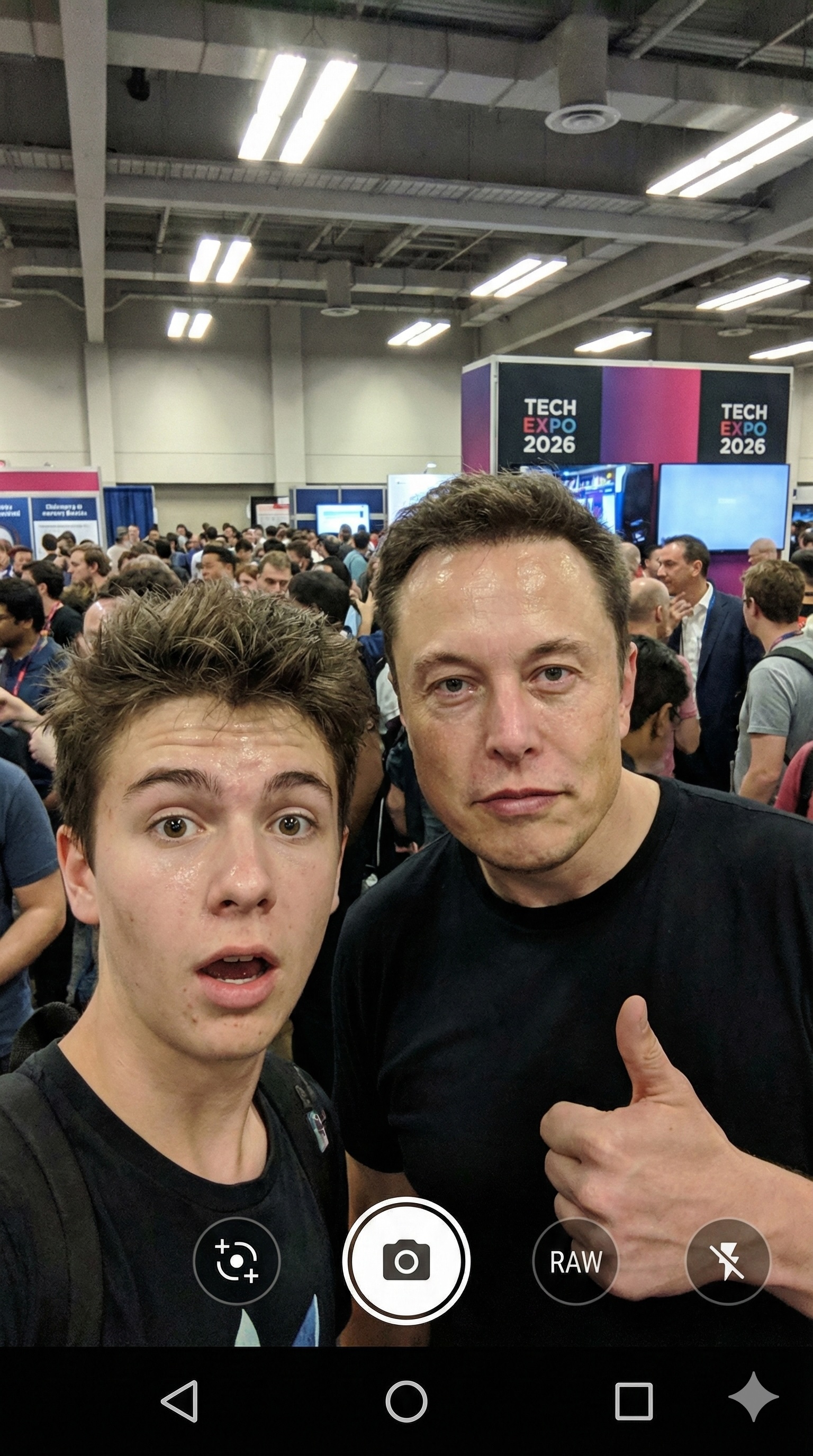 Result: A viral-worthy selfie with Elon Musk generated in seconds.
3. Refine (Optional)
If you want the "fan" in the photo to look exactly like you, use Fanch AI's Image-to-Image feature. Upload a selfie of yourself as a reference, and let Nano Banana Pro blend you into the frame with the star.
Important: A Note on Ethics
While creating a photo with celebrity ai is fun, always use it responsibly.
- Label as AI: Always tag your posts with #AI or #Parody.
- Respect Boundaries: Do not generate offensive or compromising content. Fanch AI has strict safety filters to prevent misuse.
Conclusion
The barrier between fans and stars is dissolving—digitally, at least. With Fanch AI, creating a realistic photo with celebrity ai is accessible to everyone.
Whether you want to visualize a dream meeting or create hilarious content for social media, Nano Banana Pro is the best tool for the job.
Start Creating Now Try Nano Banana Pro on Fanch AI and generate your first celebrity selfie today.