
Janmashtami AI Portrait: Turn Your Photo Into Radha Rani
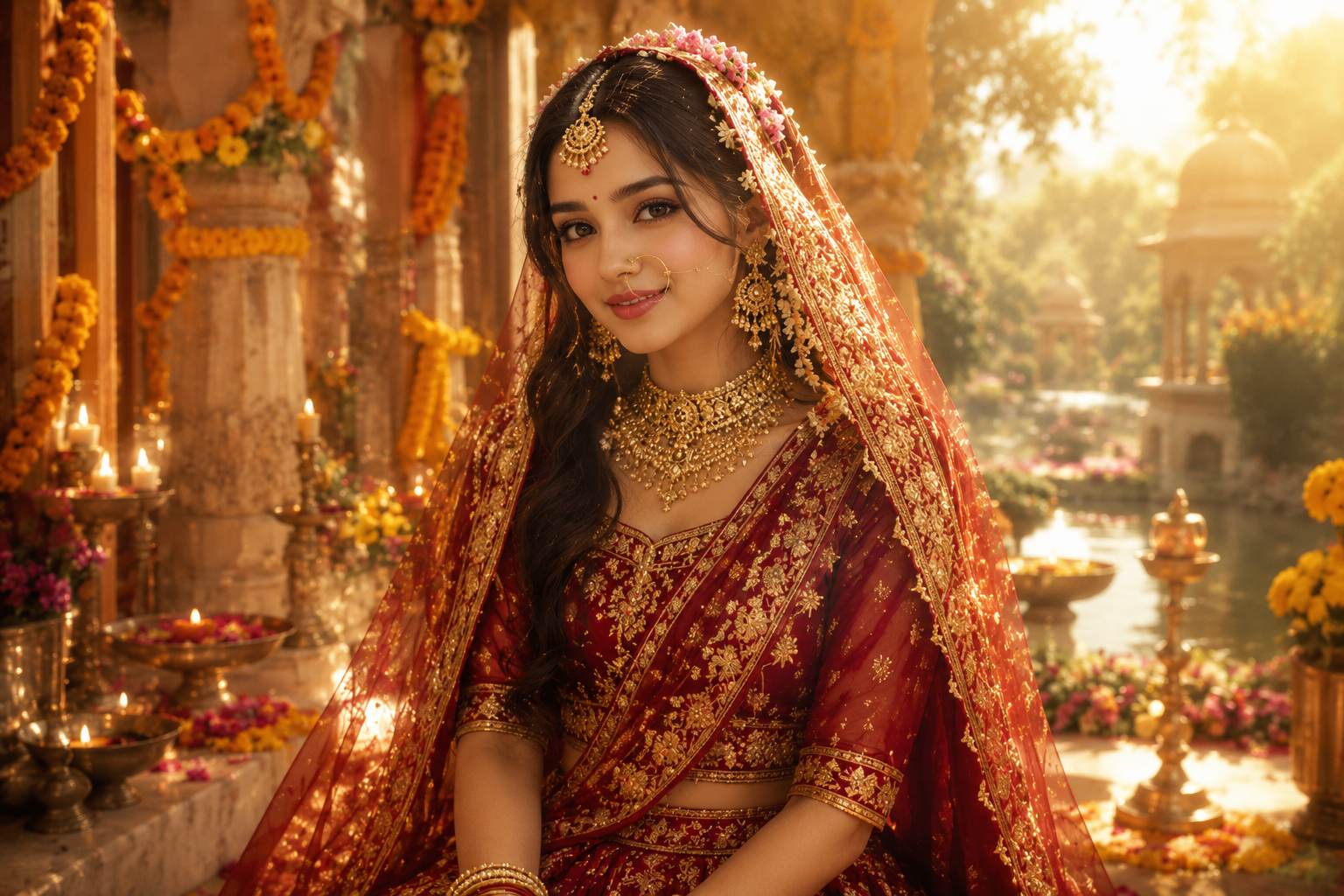
Every Janmashtami season, social media fills with devotional portraits — and this year the trend is all about AI portrait styling. Instead of renting costumes and booking a studio, people upload a single selfie and ask AI to reimagine them as Radha Rani, Bal Krishna, or a loving Yashoda. The result is a gorgeous, festival-ready Janmashtami AI portrait in minutes. The Radha Rani look in particular has become the season's favorite, thanks to its mix of divine elegance and easy personalization.
The trick is simple but precise: tell the model to keep the person's real face and identity, then change everything else around them. Here's how to build your own Radha Rani portrait with copy-paste prompts on Fanch AI. Once you master the Radha Rani base, the rest is easy.
Why the Radha Rani Portrait Trend Works
A good Radha Rani portrait looks like it took a professional photoshoot — but it takes one selfie. Here's why the format spreads so fast:
- No photoshoot needed — a single selfie becomes a full devotional portrait, which is perfect for quick festive posts.
- Identity stays intact — the model preserves real facial features, so your Radha Rani portrait actually looks like you.
- Themed storytelling — a Radha Rani look, a Bal Krishna look, and a Yashoda look each carry a story people love to share during the festival.
- Universal setup — the same prompt structure works for kids, couples, and family photos, so a whole household can get a matching Radha Rani-inspired set.
- Radha Rani is the star — it's the most-shared festival look, and a well-made Radha Rani portrait flatters nearly any photo.
The Ultimate Radha Rani Janmashtami AI Portrait Prompt
This is the core prompt for that graceful Radha Rani look. It's the one prompt to master, because every other Radha Rani variation builds on it. Copy it into Fanch AI, upload your photo, and the model handles the rest.
Copy & Paste this into Fanch AI (Model: gpt_image_2):
Transform the uploaded photo into a graceful and divine Radha Rani portrait for Janmashtami. Preserve the subject's original facial features, skin tone, and expression with maximum accuracy — do not change the face. Dress her in an elegant traditional silk lehenga in deep red and gold, adorned with ornate gold jewellery, a delicate maang tikka, a nath nose ring, and a soft vermillion bindi. Set the scene in a dreamy Vrindavan courtyard: lush marigold garlands, a serene temple arch, glowing diyas, and soft golden sunlight with a gentle divine aura. The final image should look like a premium professional devotional photoshoot — photorealistic, warm, elegant, and ethereal. Keep the subject at their natural age; no cartoon styling.
The magic of this Radha Rani prompt is the "preserve the face" instruction paired with rich costume and scene detail. That contrast is exactly what makes your Radha Rani result feel personal instead of generic. For the most convincing Radha Rani image, give the model a clear, well-lit selfie so it has a strong face to work from. As you iterate, you'll see why Radha Rani is such a natural fit for the festival.
More Radha Rani-Inspired Variations
Once you have the base Radha Rani look, swap the theme to create a whole set. The Radha Rani prompt is just the start. Each of these builds on the same technique, so you can go beyond a single Radha Rani portrait and make a matching series for the whole family.
Copy & Paste this into Fanch AI (Model: gpt_image_2):
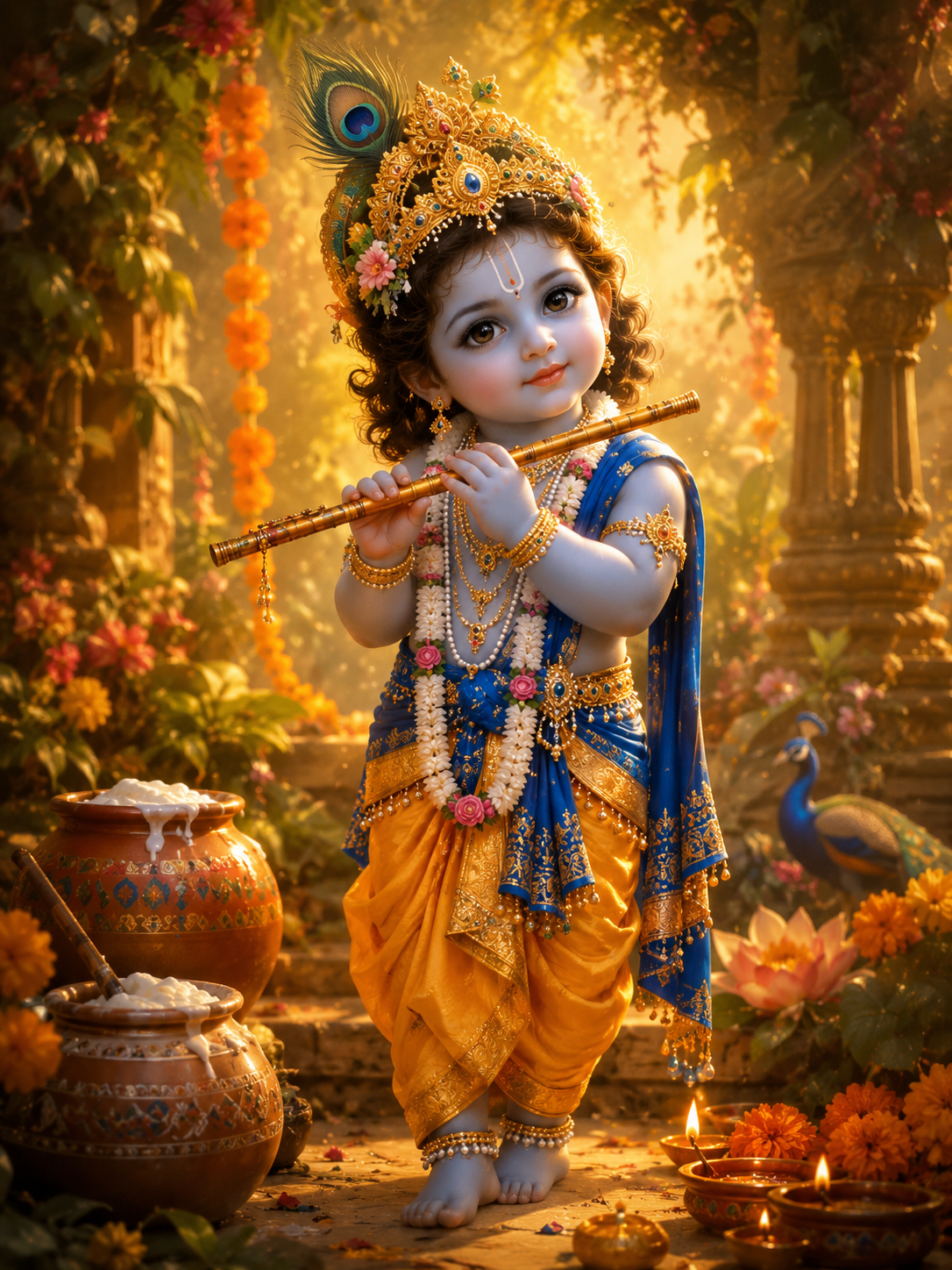
Transform the uploaded photo into a charming, stylized devotional illustration of baby Krishna for Janmashtami — render it as a warm painted illustration, not a photograph. Keep a soft, innocent, childlike feel and a gentle facial resemblance while dressing the figure in a rich yellow and gold silk dhoti with a royal blue stole, delicate pearl and gold jewellery, anklets, and an ornate golden mukut crowned with a natural peacock feather. Place a beautifully carved bansuri in the hands and add a subtle traditional tilak on the forehead. Surround the figure with lush greenery, marigolds, earthen butter pots, and glowing diyas under soft golden light with a faint divine glow. Painterly, premium, and devotional.
Copy & Paste this into Fanch AI (Model: gpt_image_2):
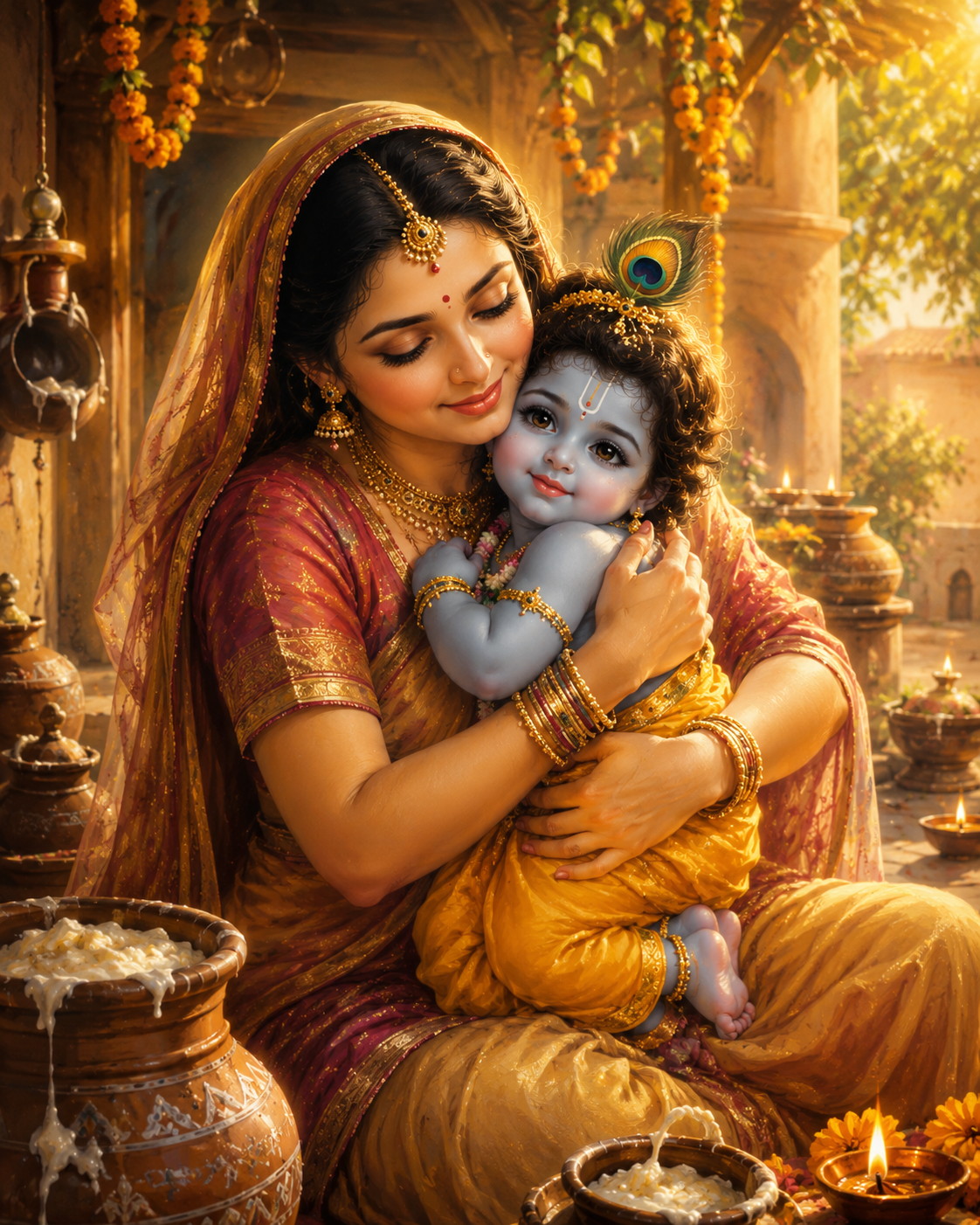
Transform the uploaded photo into a warm, stylized devotional illustration of Mata Yashoda cradling baby Krishna for Janmashtami — render it as a soft painted illustration, not a photograph. Keep a natural, age-appropriate, innocent feel with gentle facial resemblance. Show the baby Krishna figure in a yellow silk dhoti, blue-and-gold stole, and a peacock-feather mukut with a bansuri, and the Yashoda figure in a graceful traditional saree with a bindi and refined gold jewellery. Capture a loving embrace in a rustic Gokul courtyard with earthen butter pots, marigold garlands, glowing diyas, and soft golden light. Painterly, maternal, peaceful, and heartwarming.
Copy & Paste this into Fanch AI (Model: gpt_image_2):
Transform the uploaded photo into a tender Radha and Krishna portrait for Janmashtami. Preserve both subjects' facial features, expressions, and skin tones exactly. Dress one in a red-and-gold Radha attire with traditional jewellery and a maang tikka, and the other in a yellow silk dhoti with a blue-and-gold stole, peacock-feather mukut, and a bansuri. Place them in a lush Vrindavan grove beside the Yamuna, with soft morning light, gentle mist, a blooming kadamba tree, and glowing diyas. Photorealistic, warm, devotional, and cinematic.
Quick Tips for a Better Radha Rani Result
A few small tweaks make a Radha Rani image look far more premium:
- Use a front-facing photo with even lighting so the face stays sharp.
- Describe the jewellery and fabrics in detail — the more specific the Radha Rani outfit, the richer the result.
- Keep the "preserve the face" line in every Radha Rani prompt so the identity never drifts.
- Try a couple of Radha Rani takes and pick your favorite — one clean portrait, one dreamier scene.
- Experiment with scene words like "Vrindavan," "Gokul," or "temple" to set the mood.
Why Fanch AI Is the Best for Janmashtami AI Portraits
Fanch AI gives you a dedicated image model that understands prompt nuance, costume detail, and cinematic light — so every Radha Rani creation keeps your face, feels authentic, and looks polished. So the only thing standing between you and a stunning Radha Rani portrait is one photo and one prompt. You don't need to fight a generic chat interface; you just upload a photo, paste a prompt, and get a festival-ready result.
👉 Start here: GPT Image 2 on Fanch AI — generate your own Janmashtami AI portrait now.