
Local AI Image Generation: What a GPU You Already Own Really Costs
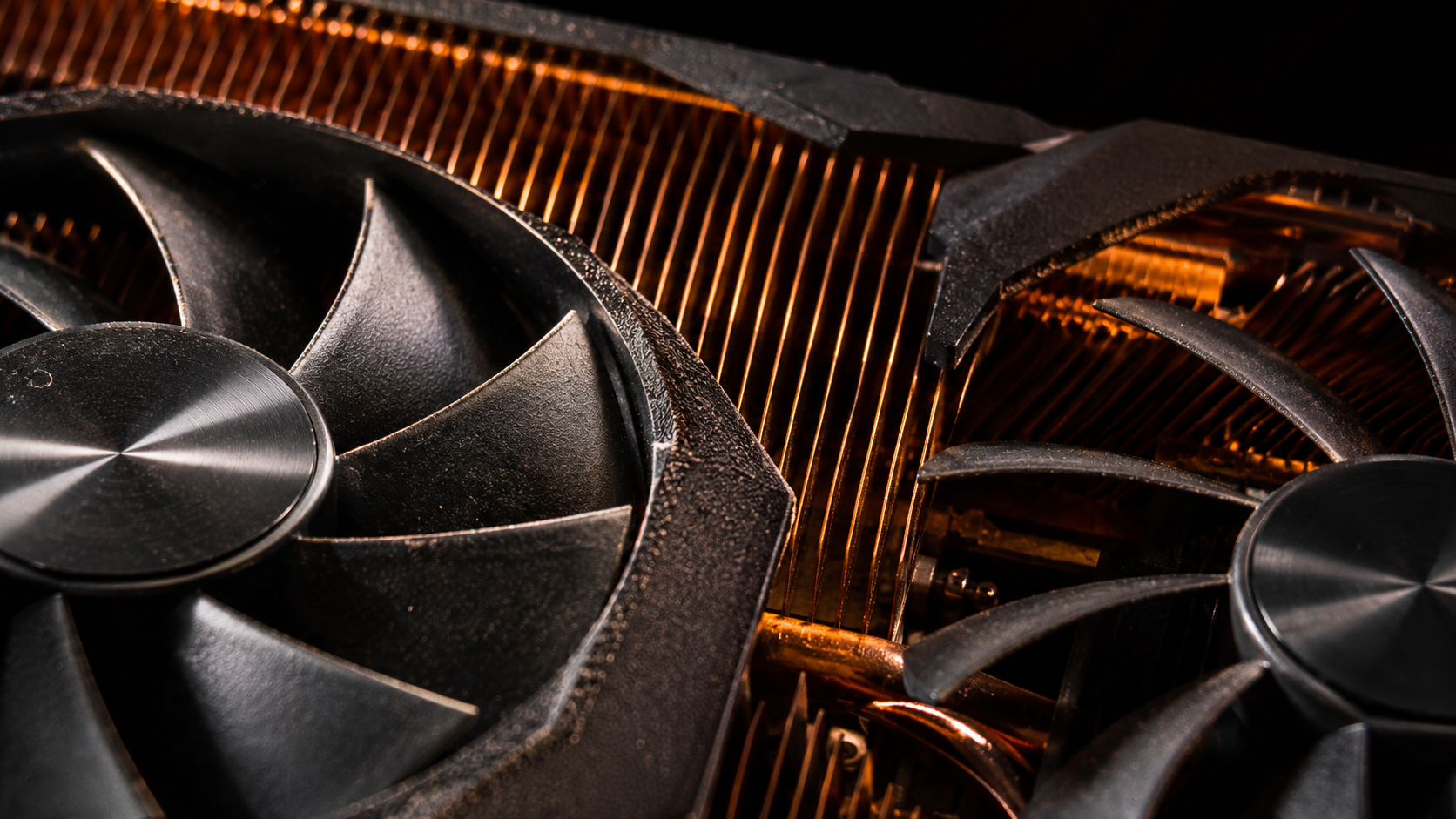
The pitch for local AI image generation is almost irresistible: you already own the graphics card, so the marginal cost of an image is nothing. An XDA write-up making the rounds puts it exactly that way — research, code and image generation running on a single GPU the author already had, with no subscription attached.
That framing is correct and incomplete at the same time. Local AI image generation really does have a near-zero marginal cost per image. It also has a bill, and the bill is paid in three currencies that never appear in the headline: electricity, maintenance time, and output quality.
Here is what the stack actually looks like, what it really costs, and the specific jobs where local AI image generation wins outright.
What the Self-Hosted Stack Actually Is
The setup described in that write-up is not a pile of scripts. It is a single application built on Pixeltable, with different models slotted in for different jobs: an open image model handling generation, a coding model handling code, and a mixture-of-experts model handling research-style work.
The configuration doing the rounds for local AI image generation is a 16GB RTX 4070 Ti Super, running FLUX for images and Qwen for code. That is a mid-range consumer card, not a workstation — which is the whole point. The barrier to entry for local AI image generation has dropped to "one graphics card you might already own".
What makes this interesting is the unification. Most people running local AI image generation end up with three separate tools and no shared state. Bundling generation, code and research into one application is a workflow argument, not a hardware one.
Why "A GPU You Already Own" Is Half True
The economics of local AI image generation rest on a real principle: sunk costs are sunk. If the GPU is already in your machine for gaming or video work, the incremental cost of using it to generate images is the electricity, full stop.
Work out your own number. Find the card's power draw under load — call it 300W for a mid-range card. One hour is 0.3 kWh. At $0.20 per kWh that is six cents an hour of generation. Depending on your model and settings, an hour of local AI image generation can produce more images than a month of casual API use.
That is a genuinely good deal, and it is why local AI image generation keeps pulling people in. But it is the only part of the ledger that ever gets quoted.
The Costs That Never Make the Headline
Your time. Running local AI image generation is a maintenance commitment. Model weights get updated, custom nodes break, drivers regress, and something in the chain stops loading on a Tuesday. If you enjoy that work it is a hobby that pays you back. If you do not, it is an unfunded part-time job.
The quality gap. This is the honest one for local AI image generation. Top-end hosted models still win on fine texture, small text rendering, and awkward anatomy. Local AI image generation on a 16GB card means quantized models, and quantization trades exactly those details away.
No uptime guarantee. A hosted model goes down and someone else fixes it. A local AI image generation install goes down when your card does — or when a dependency updates underneath it.
Team access. If more than one person needs to generate, a local install becomes a server, and a server becomes infrastructure with all the same problems, except now you are the one on call.
Where Local AI Image Generation Wins Outright
Four cases where the trade is clearly worth it.
High volume. Once the hardware exists, local AI image generation scales with your patience rather than your credit card. Batch hundreds of variations overnight.
Privacy. Images that cannot leave your machine, full stop. For client work under NDA, local AI image generation removes an entire category of conversation.
Style lock-in. Fine-tuning an open model on your own work gives you a consistent look that no amount of prompt engineering reproduces. This is the strongest argument for local AI image generation and the one most people undersell.
No policy roulette. If your legitimate prompt keeps getting refused by a hosted model, running it yourself is a real answer. Local AI image generation does not have a content policy — which is a capability and also, obviously, a responsibility.
Where It Loses
Be equally clear about the other side.
If you need the best possible texture, small-text accuracy, or reliable hands, a hosted frontier model still wins. If you need local AI image generation to be available to a team, in a browser, without anyone administering it, you are describing a hosted product. And if you generate rarely, the electricity savings never repay the local AI image generation setup time.
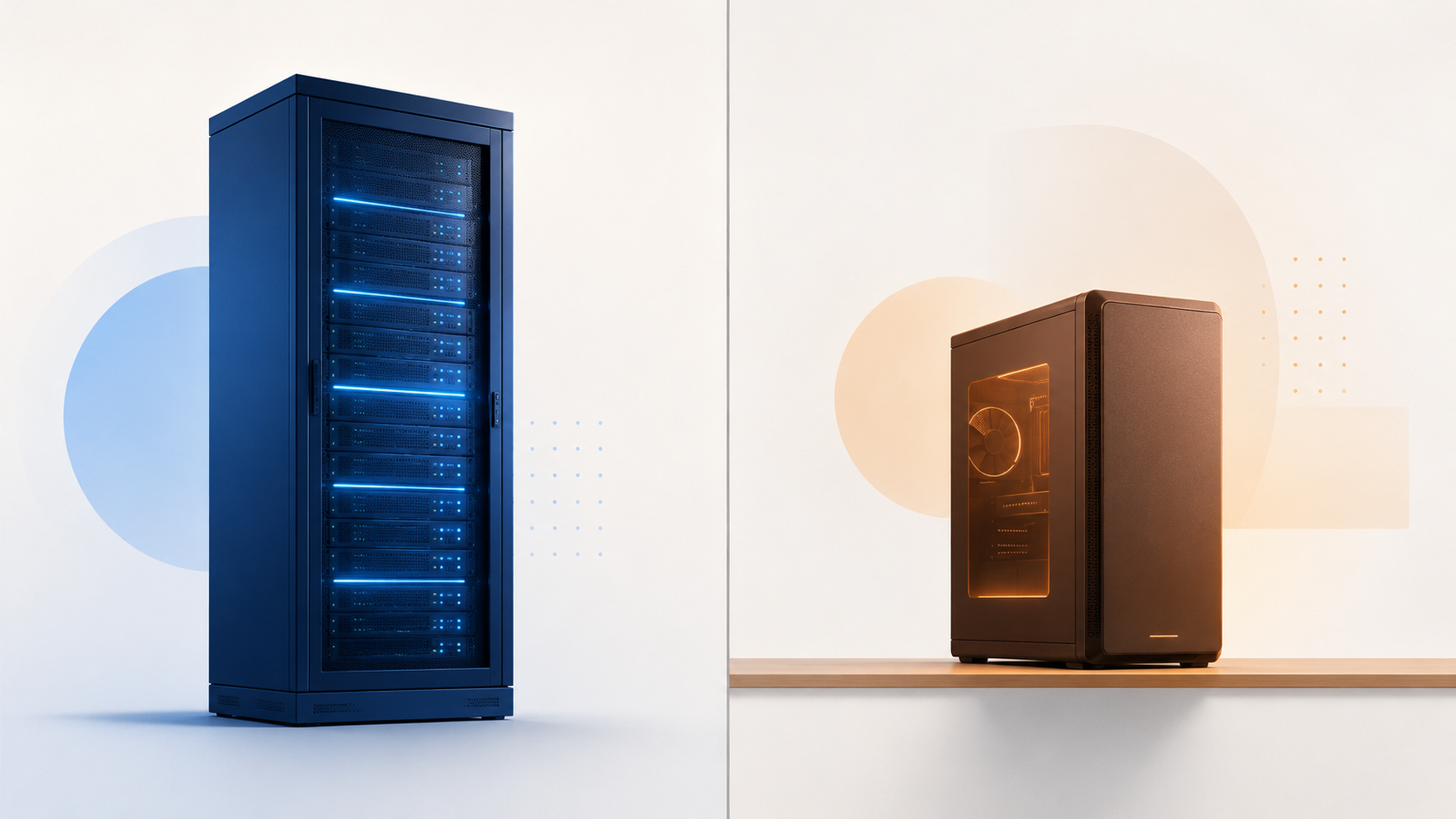
The framing that actually holds: local AI image generation is for volume, privacy, and control. Hosted is for convenience, peak quality, and not thinking about it.
The 16GB Reality Check
Sixteen gigabytes is a real constraint, and it decides what your local AI image generation setup can do.
An image model at decent quantization fits comfortably. A mixture-of-experts model at full precision does not — you will be running a distilled or heavily quantized variant, and you will notice. Video generation on 16GB is a project, not a workflow for local AI image generation.
So a 16GB card is an excellent local AI image generation machine and a compromised everything-else machine. If images are 80% of what you make, buy accordingly. If they are 20%, you are paying a lot for the other 80%.
A Practical Starting Path
1. Start with images only. Ignore the unified stack until local AI image generation works reliably. One model, one loader, one folder of outputs.
2. Pick your quantization deliberately. Test the same prompt at two precisions. The difference tells you what your card can actually ship.
3. Time your first hour. Not the generation time — the setup time. That number is your real break-even input for local AI image generation, and most people never measure it.
4. Keep a hosted fallback. Use local AI image generation for volume and experiments, and a hosted model when a client needs a flawless final frame. This is the arrangement most working people land on.
5. Re-evaluate every six months. Local capabilities move fast, and so do the quality gaps. The calculus for local AI image generation in twelve months will not be the one you did today.
A Prompt to Try
Before you commit a weekend to a local build, test whether the model you are considering handles the thing you actually make. Still life exposes texture and light immediately.
Copy & Paste this into Fanch AI (Model: gpt_image_2):
A moody editorial still life on a dark walnut table: a shallow ceramic bowl holding four ripe oranges, a folded linen napkin beside it, soft window light from the left falling across the fruit, deep shadows in the background. Visible texture in the orange peel and the ceramic glaze, muted warm palette, shallow depth of field, fine film grain, 16:9 framing, 8K detail, no people, no brand logos, no text overlay.
Run the same prompt on your own local AI image generation build. That side-by-side is the only benchmark that matters for your setup.

Why Fanch AI Fits
Local AI image generation is the right answer for volume, privacy and control — and the wrong answer when you need the best frame quickly. Most people end up with both local AI image generation and a hosted model, and the smart way to run that split is to settle the composition somewhere cheap first.
Fanch AI gives you an image model you direct with precise prompts, so you can lock framing, palette and light on a hosted model, then reproduce the good ones at volume on your own hardware.