
Magnific One Wants to Kill the 'AI Look'" meta_description: "Magnific One adds an art-direction
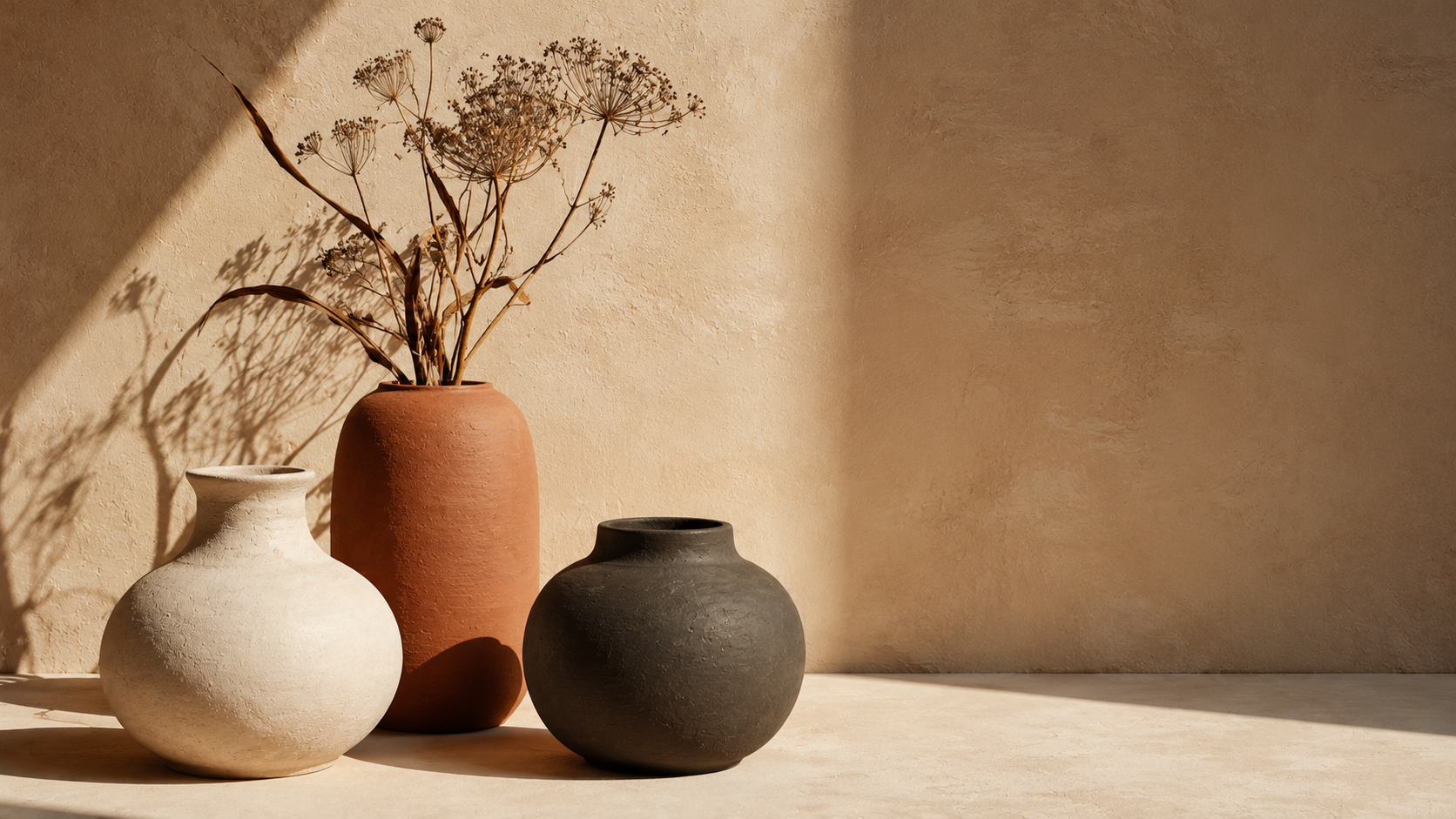
Ask any designer what's wrong with AI images and you'll hear the same answer: they all look the same. That soft, glossy, over-lit sheen — the AI look. Magnific has launched Magnific One specifically to attack that problem, and its diagnosis is more interesting than its feature list. Magnific One is less a new model than a new opinion about why AI images fail.
Magnific One doesn't claim to be a better model. It claims to fix the missing step before the model.
What Magnific One Actually Is
Here's the most important detail about Magnific One: it isn't a newly trained image model. Magnific describes Magnific One as a creative-direction layer that interprets prompts, styles, and references before an underlying image-generation system produces the output.
That distinction matters. Magnific One is arguing that the AI look comes from a lack of direction, not from weak rendering. When you type a short prompt and accept whatever comes back, the model fills every creative gap with its own defaults — and those defaults are why everything looks alike. Magnific One is built around that specific failure.
Magnific One's core promise is blunt: "direction is applied while the image is created, not corrected afterward." That single line is the whole Magnific One thesis.
Draft and Final: Two Modes
Magnific One runs the workflow in two stages, and the split is the practical heart of the product:
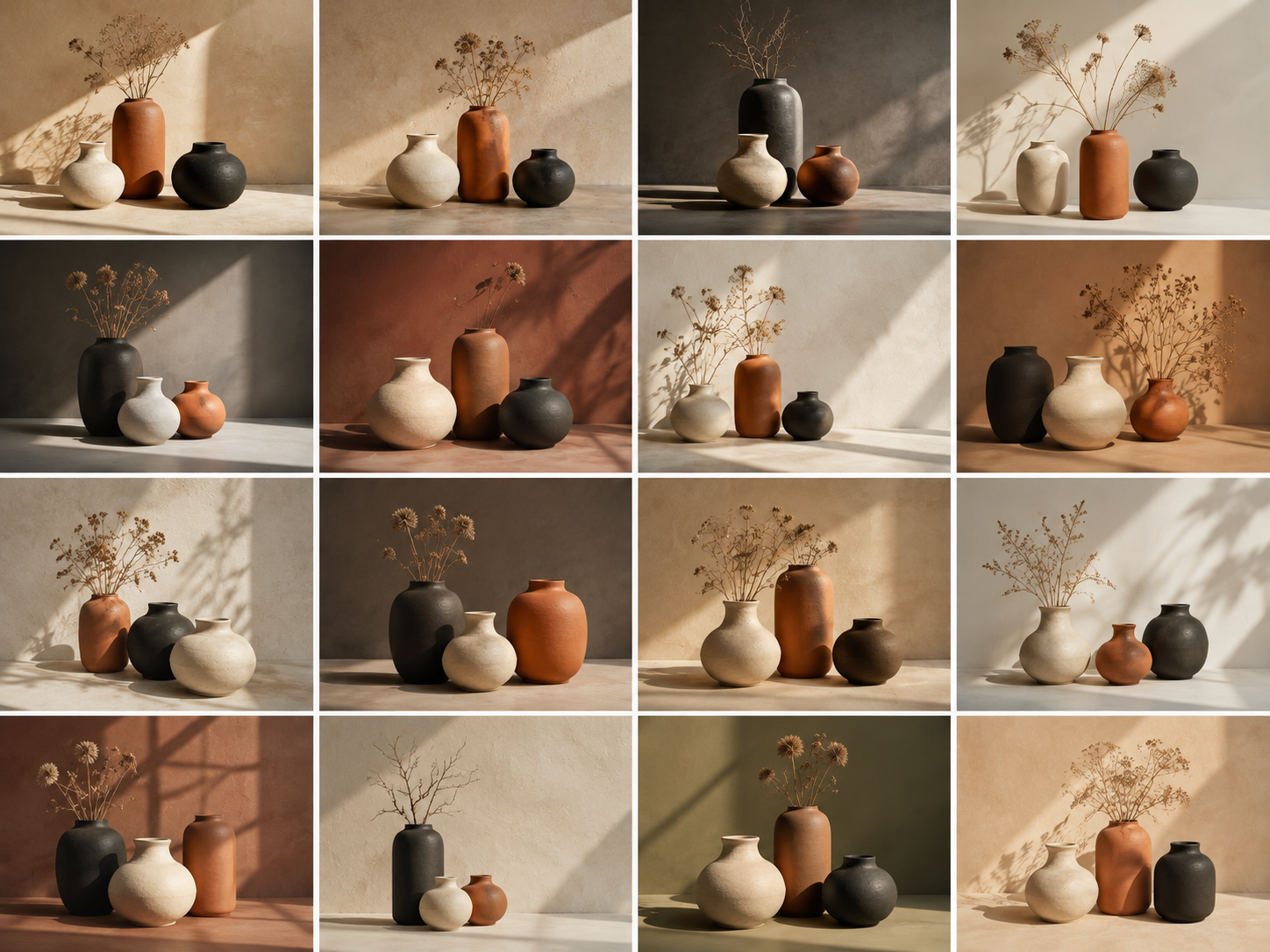
- Draft — from a single prompt, Magnific One generates 8 or 16 visual directions so you can compare compositions, atmospheres, and approaches before committing.
- Final — takes the Draft image you selected and renders the definitive version at 2K or 4K, with support for up to five reference images.
That two-step structure is a direct answer to the AI look. Instead of accepting the first output, Magnific One makes exploration cheap and finishing deliberate — the same "start broad, then refine" habit that separates good art direction from guessing. It's the most practical thing Magnific One does.
Brand Kit and Auto Layers
Two more features extend Magnific One beyond a single image:
- Brand Kit — you can build a brand kit from existing assets (your website, a guidelines PDF, a few images, or a written description), and Magnific One applies it to every image generated in Final.
- Auto Layers — Magnific One splits any image into editable layers, so typography, colors, and text can be adjusted in Magnific's Designer editor, or finished in Figma and Photoshop via Magnific's plugins.
For teams producing branded work at volume, that combination is the real value: Magnific One isn't just generating images, it's keeping them on-brand. Consistency is exactly where ad-hoc prompting falls apart, and it's where Magnific One aims to differentiate.
Why the "AI Look" Happens
The diagnosis behind Magnific One is worth repeating because it's the most transferable insight in the launch. Generic AI imagery isn't primarily a model problem — it's a direction problem. Magnific One is essentially a bet that users will pay for direction.
Undirected prompts produce averaged results. The model has no reason to choose an unusual composition, a specific light direction, or a restrained palette, so it produces the safest possible image. Do that a thousand times and you get a recognizable house style nobody asked for: the AI look.
Magnific One's answer is to put creative decisions back in front of generation. Models like Magnific One can only help if the direction exists in the first place.
What This Means for Creators
Three takeaways carry over no matter which tool you use:
- Direction beats volume — the fix for generic output is deciding what you want before you generate.
- Explore, then commit — a broad draft pass plus a deliberate final render is the pattern Magnific One productized.
- Consistency is a system — brand kits and reusable styles do more for Magnific One-style workflows than any single prompt.
- The model is not the whole product — Magnific One proves the layer around generation can matter as much as the generator.
The broader lesson from Magnific One is that competing on model quality alone is getting harder. The interesting work has moved to the layer around the model.
The encouraging part: none of this requires a new model. Better inputs to the tools you already have get you most of the way.
A Prompt to Try Today
If direction is the missing ingredient, write prompts with direction in them. Try this on Fanch AI:
Copy & Paste this into Fanch AI (Model: gpt_image_2):
Create an art-directed still life photograph: three matte ceramic vessels in cream, terracotta, and deep charcoal arranged asymmetrically on a warm plaster surface, with a few dried botanical stems leaning against the tallest vessel. Hard directional sunlight from the left casting long crisp shadows, a warm neutral background, deliberate negative space on the right. Editorial product styling, muted earthy palette, shallow depth of field, 16:9 framing, 8K detail, no text.
Why Fanch AI Fits an Art-Directed Workflow
Magnific One makes the case that the layer around generation decides the output — and that's true on any platform. The lesson from Magnific One travels even if you never use it. Fanch AI gives you a dedicated image model you direct with precise prompts, so you can specify composition, light, and palette instead of accepting defaults, and iterate until the image stops looking generic.
👉 Start here: GPT Image 2 on Fanch AI — direct your images instead of settling for the AI look.