
Photoshop AI Editor: Prompt Editing With Rival Models | Fanch AI
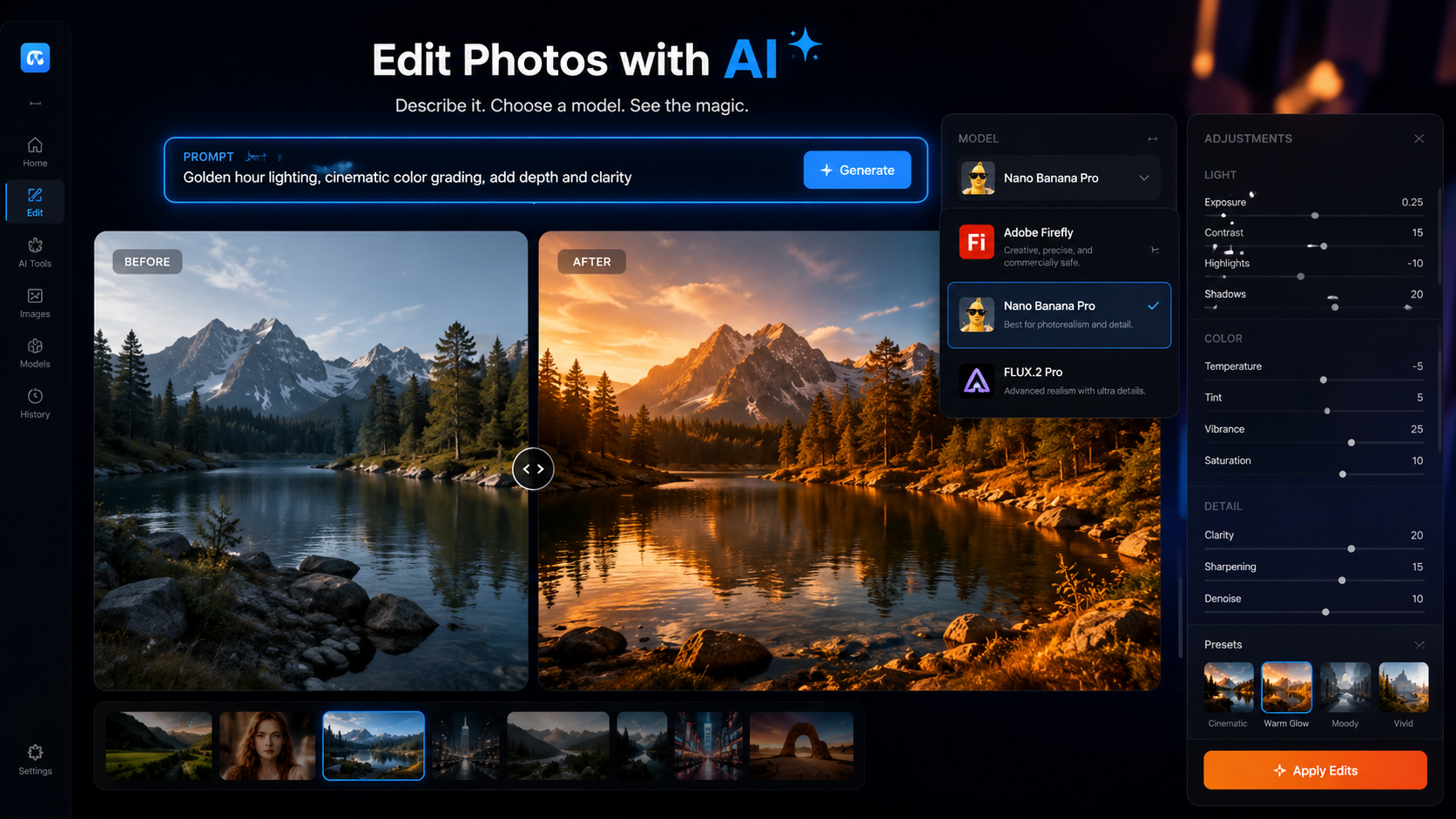
Photoshop just surrendered to the prompt. Adobe announced a new optional AI Assisted Editor mode that brings fully prompt-based image editing into Photoshop — and in the biggest twist, the editor works with rival models, not just Adobe's own Firefly. The August 27 announcement confirms what we've been writing all month: AI image editing is becoming a prompt-first workflow everywhere, even inside the tool that defined pixel-level control. Here's what the Photoshop AI editor does, why supporting rival models matters, and how to use the same workflow on Fanch AI.
This is the "Photoshop is being eaten" story in reverse. Instead of AI tools replacing Photoshop, Photoshop is absorbing the AI editing workflow wholesale — and acknowledging that creators want model choice, not vendor lock-in.
1. What Photoshop's New AI Assisted Editor Does
The new Photoshop AI editor is an optional mode that lets you edit images by describing what you want instead of selecting, masking, and brushing by hand. Type a prompt, and the editor handles the heavy lifting — background changes, object removal, relighting, and retouching all become natural-language operations.
The announcement bundles more than the AI editor. Adobe is also bringing Camera Raw's non-destructive exposure tools directly into Photoshop, and adding a new layer type that behaves like the well-loved Lightroom sliders — all part of "more choice and control at every stage of your creative process," in Adobe's words.
The key word is optional. The Photoshop AI editor sits alongside the traditional pixel workflow, so pros who need surgical control keep it, while creators who think in prompts get a faster path.
2. The Bigger Story: Rival Models Inside Photoshop
Here's the part that changes the industry: the Photoshop AI editor doesn't lock you into Adobe's Firefly. Adobe's own help documentation now covers partner models in Adobe products, and early guides to the new editor compare Firefly Image 4, Nano Banana Pro, and FLUX.2 Pro as the models you can run inside Photoshop.
Think about what that means. Adobe — the company whose entire creative suite was built on proprietary tools — is now hosting Nano Banana Pro (Google) and FLUX.2 Pro (Black Forest Labs) inside Photoshop. Prompt-based AI image editing has become so standard that Adobe's competitive moat is no longer the tool; it's the workflow around it.
This mirrors the shift we covered with the MAI-Image-2.5-Pro leaderboard news: editing quality is now a multi-model race, and creators expect to pick the model, not be told which one to use.
3. Why This Matters for AI Image Editing
Three takeaways from the Photoshop AI editor launch:
Prompt editing is the default expectation. When Photoshop — the most conservative creative tool in existence — ships prompt-first editing, the debate is over. Creators now expect every serious image tool to accept natural-language edits.
Model choice is the new battleground. The AI image editing leaders — Firefly, Nano Banana Pro, FLUX.2 Pro, GPT Image 2, Grok Imagine — are all competing to be the model you reach for. Tools that host multiple models (Photoshop now, Fanch AI already) give creators flexibility that single-model apps can't.
The workflow is portable. If the editing happens through prompts, it doesn't matter whether you're in Photoshop, a browser, or an app — the same prompt language works everywhere. That portability is exactly what we've built at Fanch AI.
4. Try the Same Editing Workflow on Fanch AI
You don't need a Photoshop subscription to use prompt-based AI image editing — Fanch AI offers the same models Adobe now hosts (including Nano Banana Pro and FLUX.2 Pro) plus GPT Image 2, right in your browser. Try these editing prompts:
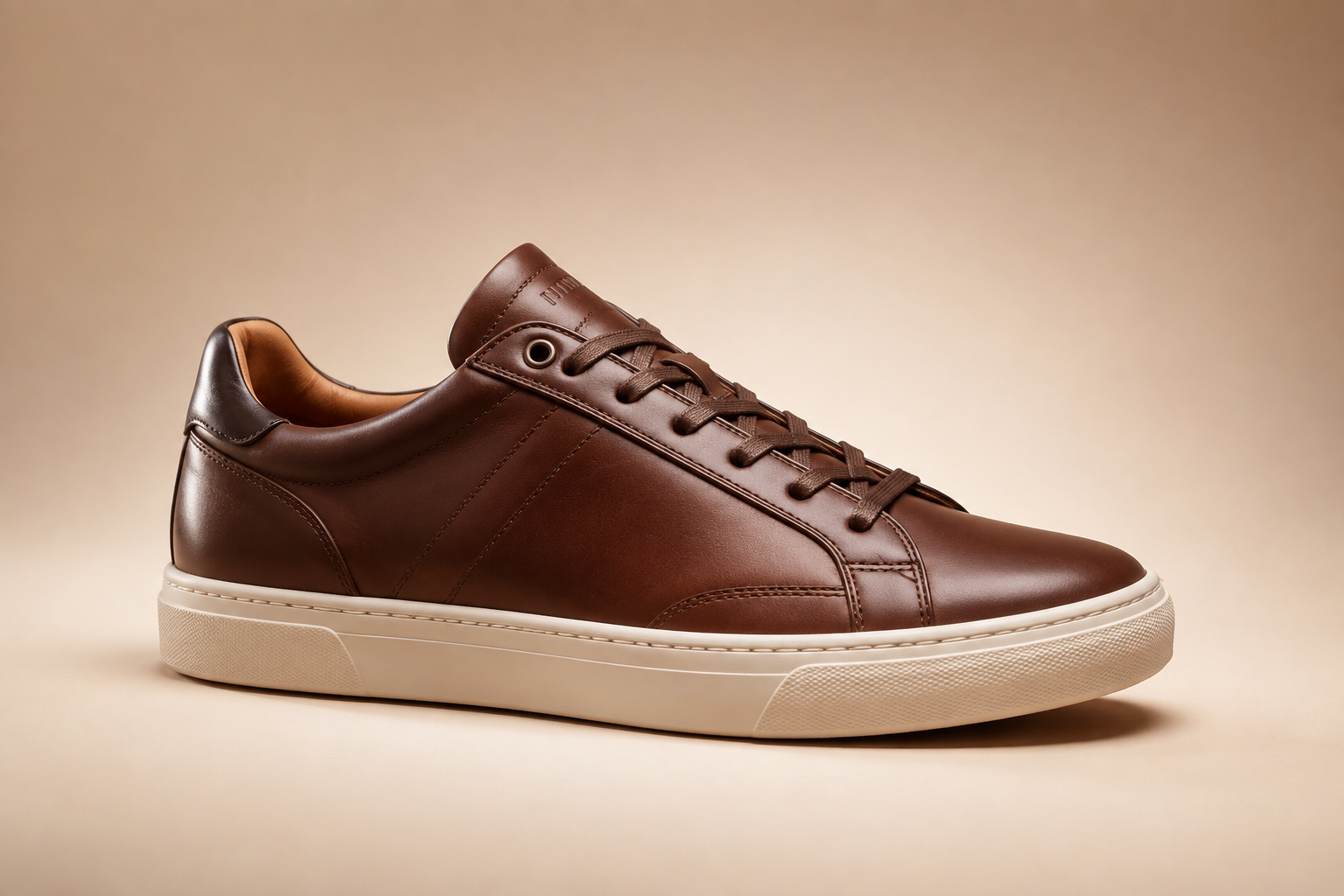
Prompt 1 — Background replacement:
Replace the background of this product photo with a soft gradient studio backdrop in warm beige, keep the product's lighting, shadows, and reflections exactly as they are, photorealistic e-commerce photography, seamless edges.
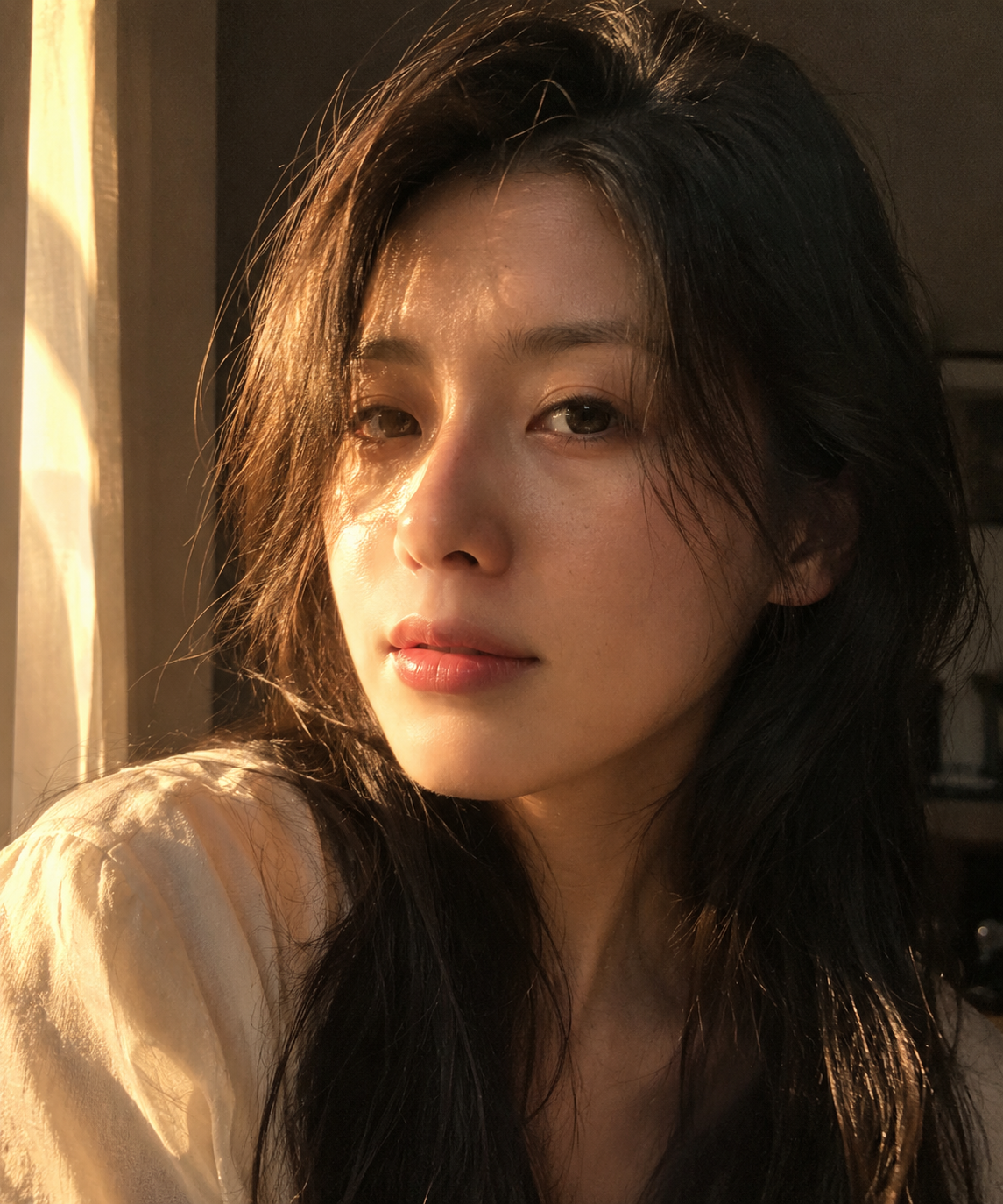
Prompt 2 — Portrait relighting:
Relight this portrait with golden-hour window light from the left, soft warm glow on the face, deep shadows on the right side, keep facial features and skin texture identical, cinematic natural lighting, photorealistic.
Prompt 3 — Object removal:
Remove the backpack from this hiking scene completely, rebuild the trail and grass behind it naturally with matching light and texture, no artifacts, photorealistic, keep the rest of the image identical.
Prompt 4 — Style transfer:
Recreate this architectural photo in a moody charcoal and amber editorial style, preserve the building's structure and details, dramatic contrast, film-like grain, professional color grading, photorealistic.
Prompt 5 — Image extension (outpainting):
Extend this portrait photo horizontally to a 16:9 cinematic frame, continue the studio background and lighting seamlessly on both sides, keep the subject perfectly centered and unchanged, photorealistic, natural composition.
Each prompt runs on Fanch AI with the exact models Photoshop now offers — and with models it doesn't, like GPT Image 2. The Photoshop AI editor proved prompt editing is the standard; Fanch AI gives you the same workflow without the subscription.
5. Start Editing with Prompts on Fanch AI
The Photoshop AI editor announcement is the strongest validation yet of prompt-based AI image editing. On Fanch AI, you can run the same editing workflow with Nano Banana Pro, FLUX.2 Pro, and GPT Image 2 — upload an image, type an edit, and get professional results in seconds.
👉 Start here: Nano Banana Pro on Fanch AI