
How to Direct a "One-Take" AI Movie: The Seedance 2.0 Workflow Revealed
Forget everything you know about AI video generation.
Until now, generating an AI video meant typing a short prompt and hoping for the best. If you wanted a complex scene, you had to generate dozens of clips and edit them together. But Seedance 2.0 (hosted on Jimeng AI) just changed the rules entirely.
Everyone in the AI community is currently searching for a Seedance free trial to test its capabilities. To prove why this model is the new industry leader, we decided to direct a complex, Hollywood-style Spy Thriller scene. We used 4 different reference images and a highly specific "Director's Prompt" to showcase its true power.
The Setup: Directing with Seedance 2.0
Instead of leaving the visual details up to random generation, we utilized the multi-modal input feature of Jimeng AI. We uploaded 4 specific images into the interface to control the character, the locations, and the antagonist. (If you are looking for a Seedance free trial without Chinese phone numbers, skip to the bottom of this article).
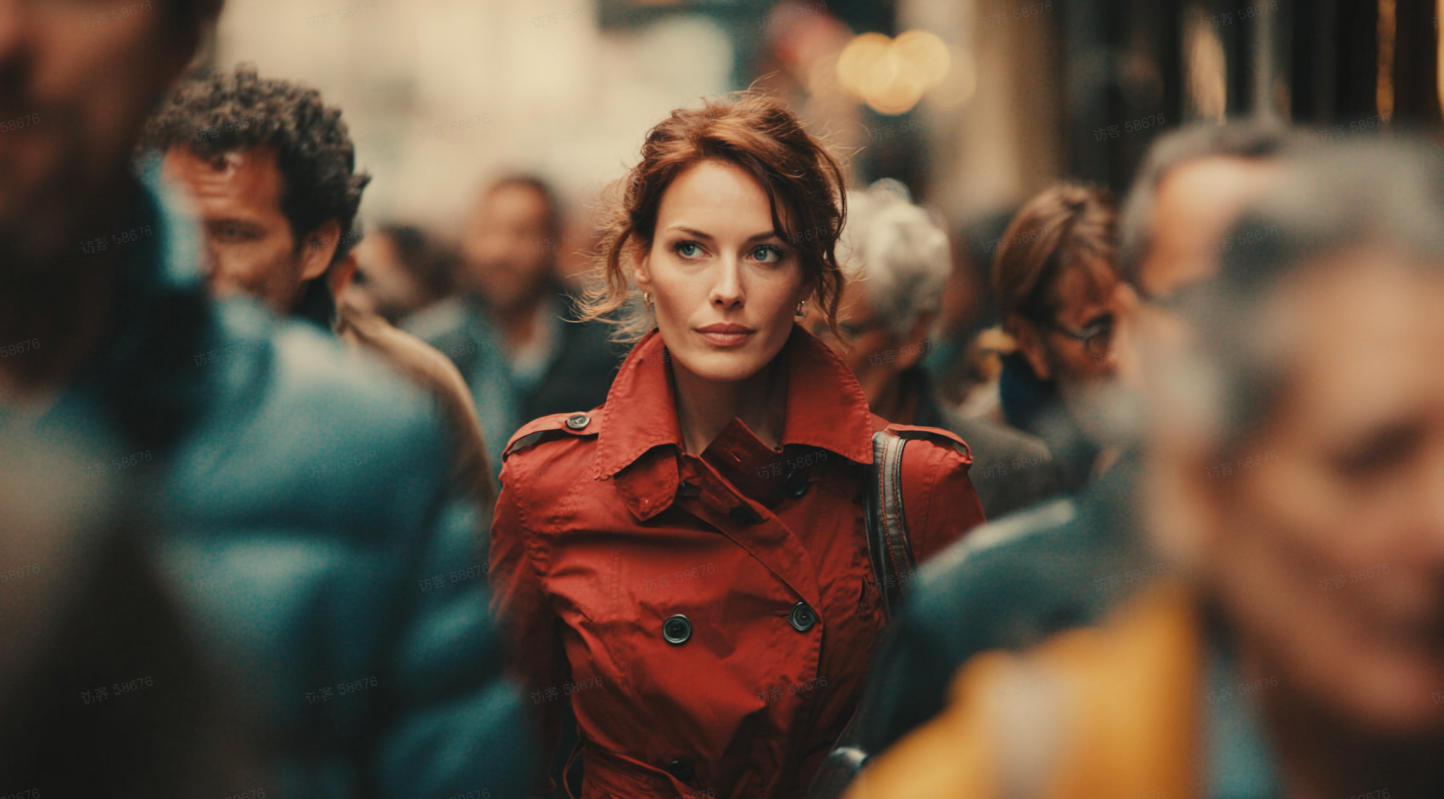
- @Image1 (Starting Frame): The red-coated agent.
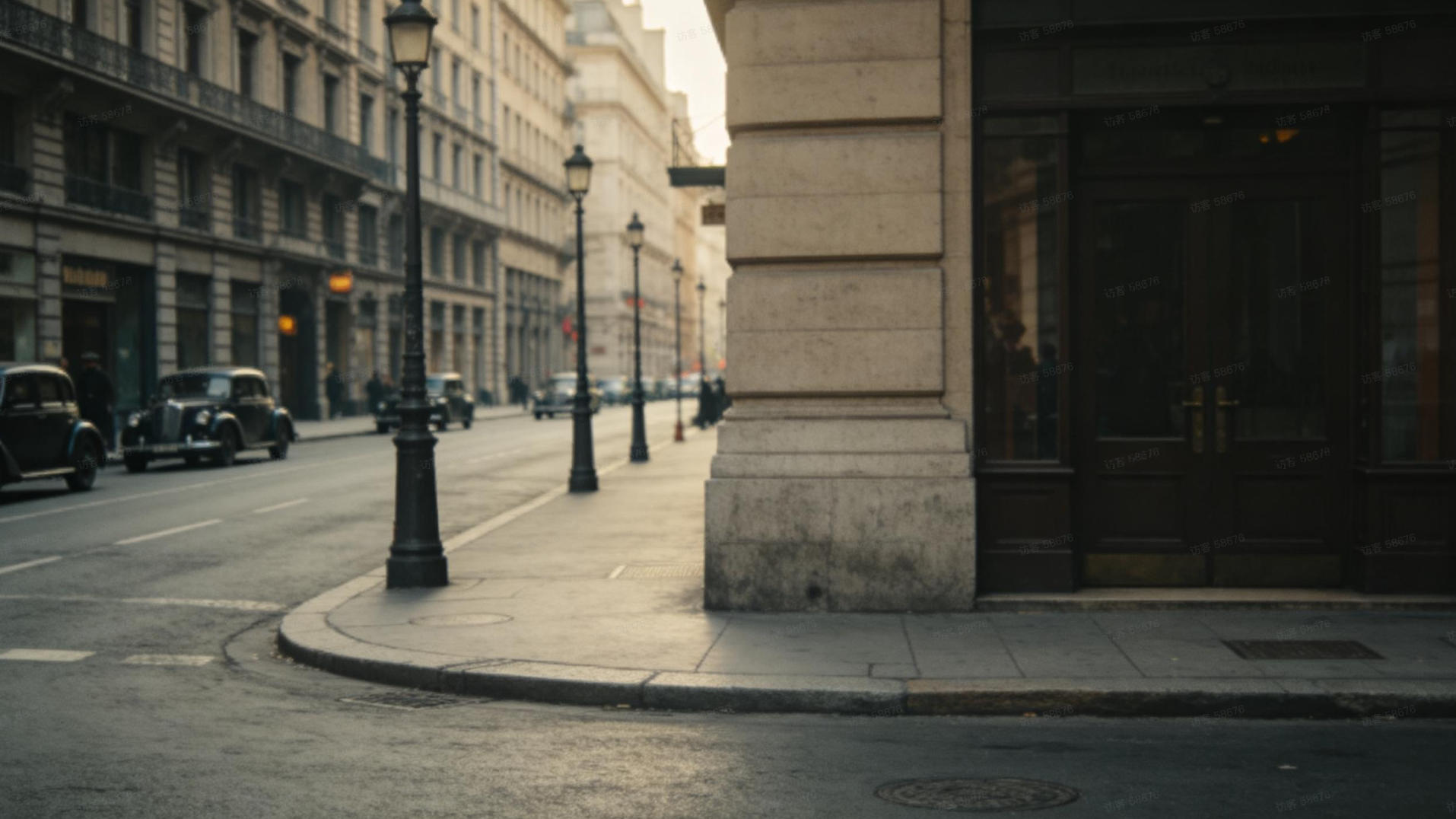
- @Image2 (Location 1): The street corner building reference.
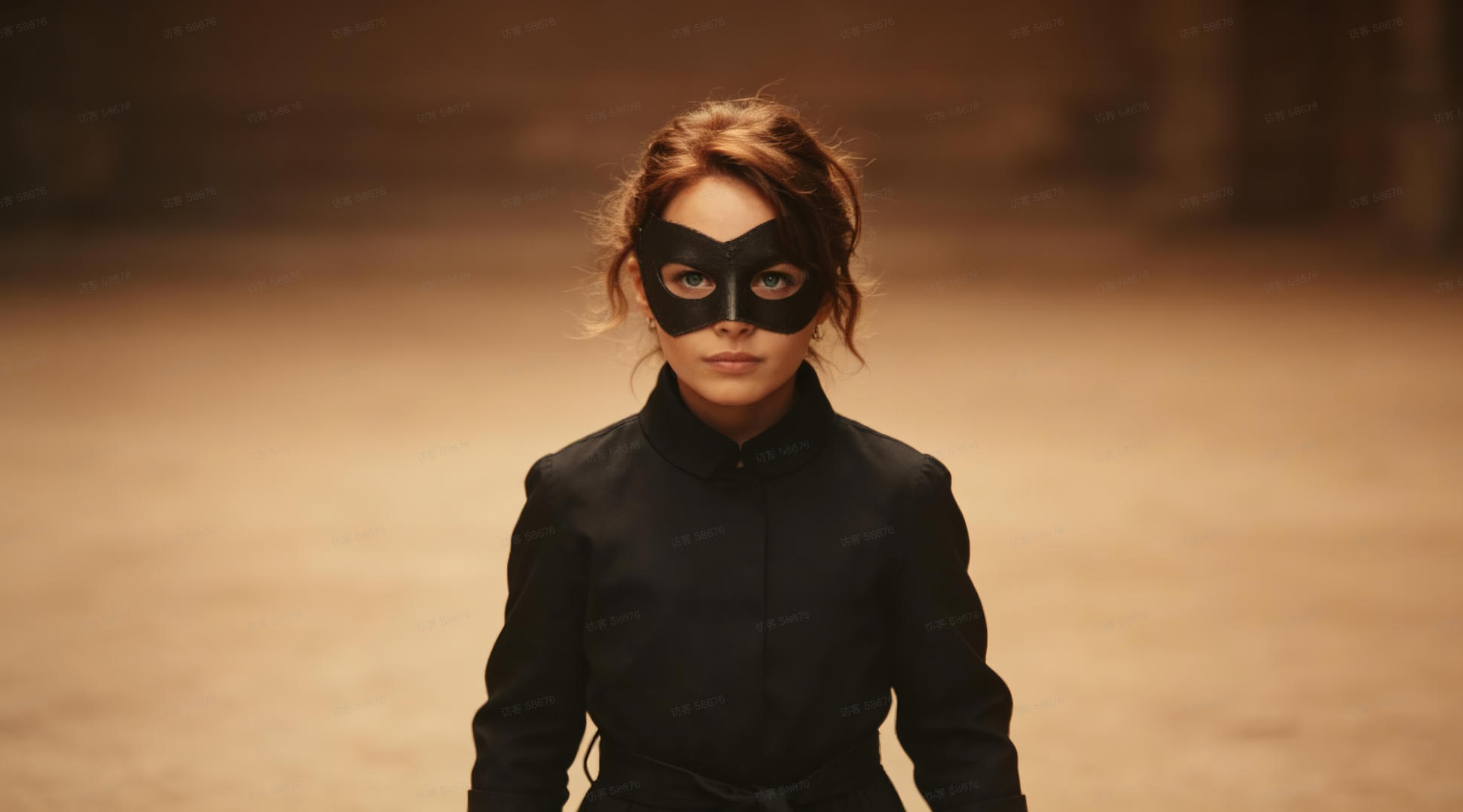
- @Image3 (Character 2): The masked girl antagonist.
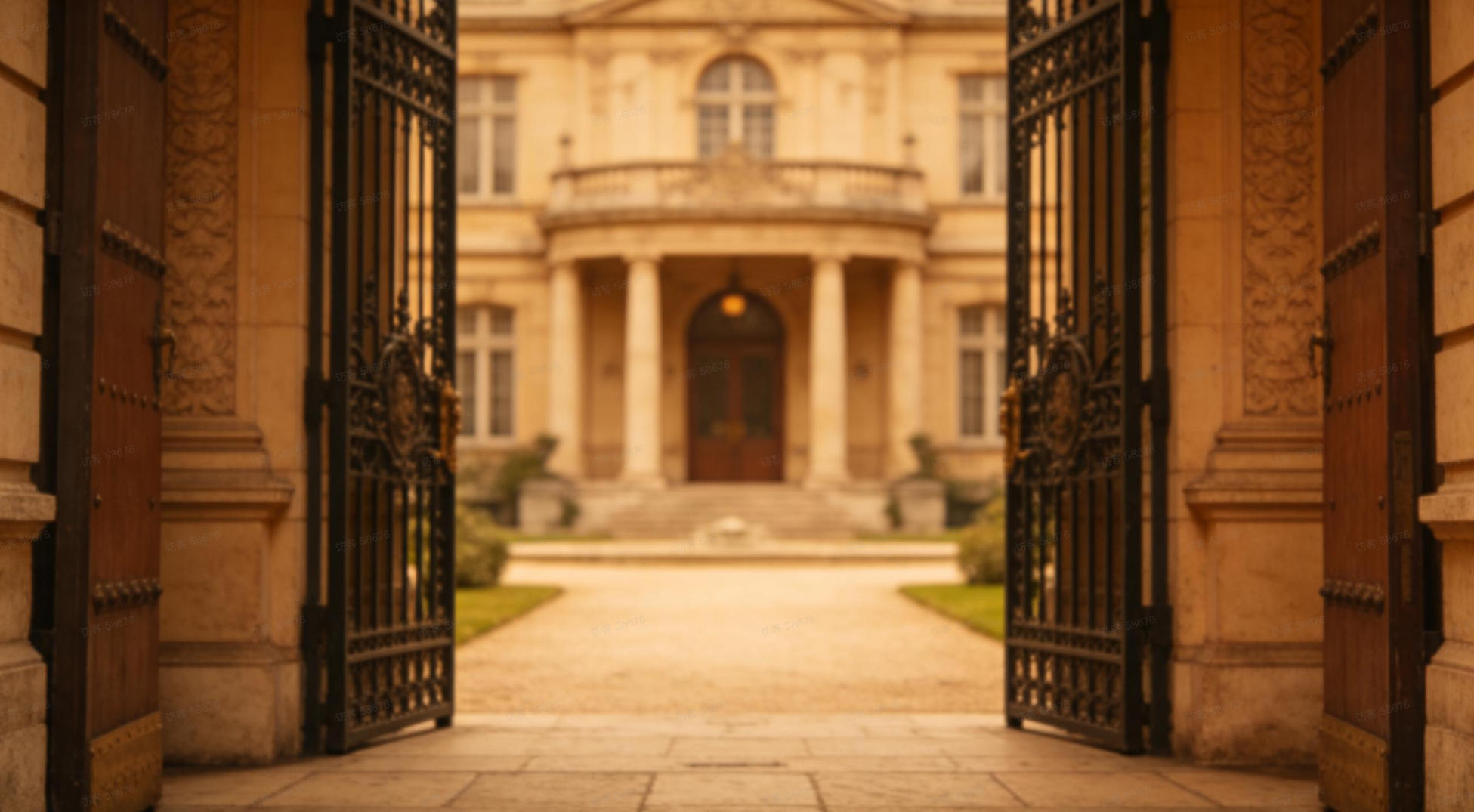
- @Image4 (Location 2): The final mansion destination.
The "Director's Prompt"
Here is the exact prompt we used, leveraging the unique "@" command to sequence the assets:
"Spy thriller style. @Image1 as the starting frame, frontal tracking shot following a female agent in a red trench coat walking forward. Full shot, pedestrians constantly crossing and blocking her. She walks to a corner, reference @Image2 for the corner building architecture. Fixed camera as the woman in red leaves the frame and disappears at the corner. A masked girl is hiding at the corner glaring at her fiercely, reference @Image3 for the masked girl's appearance (reference appearance only), the girl stands at the corner. The camera pans forward towards the female agent in red, she walks into a mansion and disappears, reference the mansion to @Image4. No camera cuts throughout, one continuous shot (one-take)."
The Result: A 15-Second Cinematic Masterpiece
Watch how Seedance 2.0 handles this massive multi-image input:
Based on this single generation, it's easy to see why creators desperately want a Seedance free trial. Here are the 4 reasons why Seedance 2.0 is miles ahead of the competition:
1. Controllable Camera
It acts as your cinematographer. It successfully executed a complex tracking shot, stopped, and then panned perfectly.
2. Plot Completion
Notice the prompt: "Pedestrians constantly crossing". We didn't provide images for pedestrians. The AI creatively hallucinated the crowd naturally.
3. "One-Take" Continuity
Instead of morphing 4 distinct images into a blur, the model connected them in a perfect, seamless one-take continuous shot.
4. Perfect Pacing
The dynamic camera movements create built-in rhythm, perfect for adding soundtracks with massive beat drops.
Direct Your Own Movie Soon
Seedance 2.0 proves that AI video is now about "precise direction" rather than "random generation".
Still looking for a Seedance free trial? While official channels currently require complex Chinese registrations and SMS verifications, we have better news for global creators:
Fanch AI will be the FIRST platform to officially launch global API access to Seedance 2.0!
🚀 Visit our official Seedance 2.0 Showcase Page to see more exclusive demos. Stay tuned, our integration is going live very soon!