
Seedance 2.0 Is 2026's Most Underrated AI Video Model — Here's What Nobody Tells You
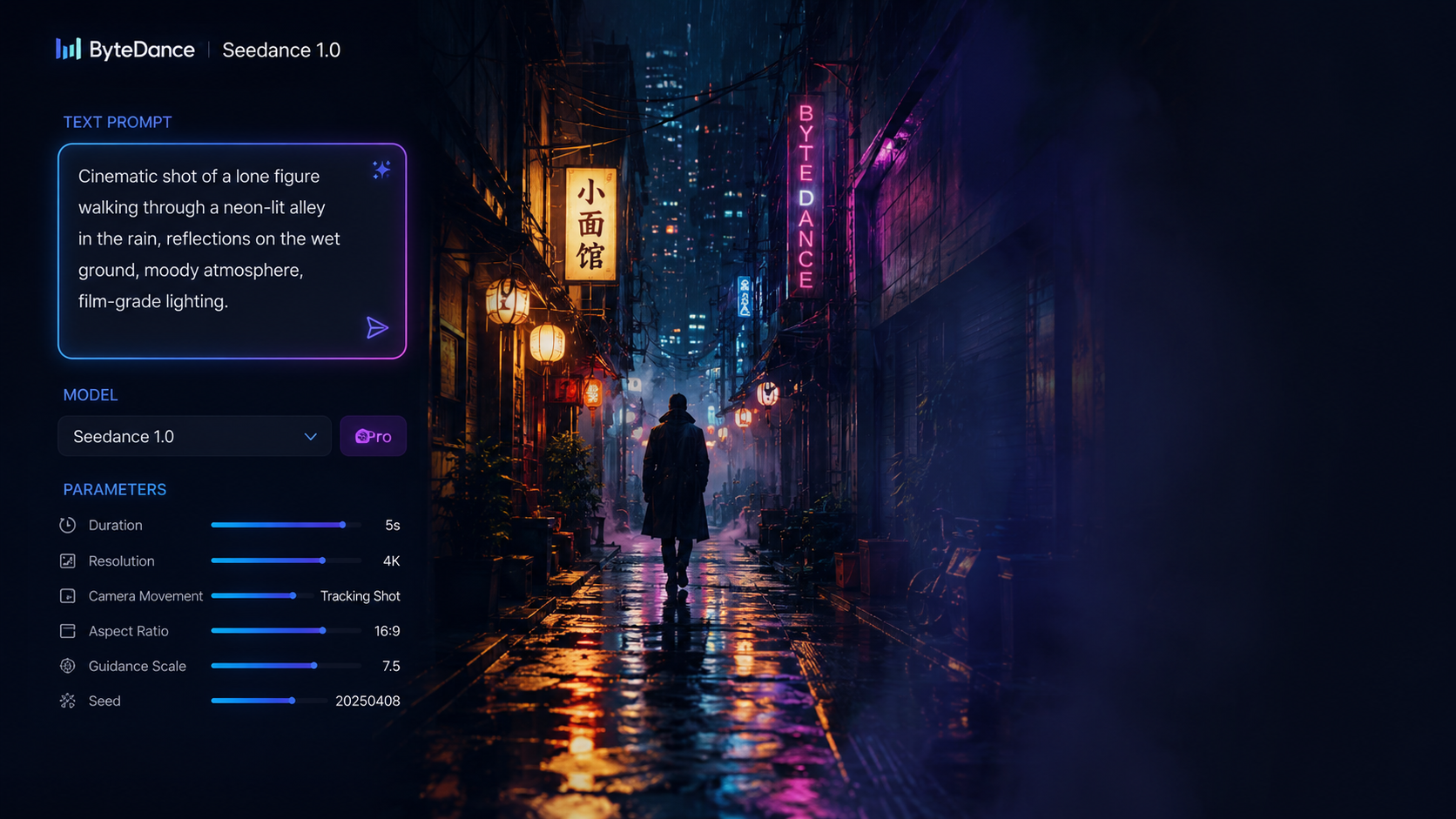
Scroll through TikTok or Instagram Reels lately and you'll notice something: fan edits look way too good. Music montages with film-grade color grading. Character retrospectives that could pass for official trailers. Some of that is skilled human editors. But a surprising amount is being quietly powered by Seedance 2.0, ByteDance's AI video generator that's been flying under the radar while everyone obsesses over Sora and Kling.
I was skeptical too. ByteDance's earlier video tools were fine but forgettable. The AI video conversation in 2026 has been dominated by flashy demo reels from OpenAI and Kuaishou. Meanwhile, Seedance 2.0 has been showing up in actual creator workflows — fan edits, indie film rough cuts, Cannes Film Festival screenings — without the loud marketing campaign. No splashy keynote. No celebrity endorsements. Just a steadily growing stack of viral edits quietly generated with Seedance 2.0.
Here's what makes this AI video model different, and why Seedance 2.0 deserves way more attention than it's getting.
1. Two Models, Two Very Different Use Cases
Seedance 2.0 comes in two flavors: Standard and Fast. Standard is the high-quality tier — cinematic output, better motion coherence, richer detail. Fast trades a bit of fidelity for dramatically shorter render times.
This split matters more than spec sheets suggest. When you're iterating on a 9:16 vertical clip for Reels, cutting regeneration time in half is the difference between "let me try three more variations" and "good enough, ship it." With the Fast variant of Seedance 2.0, you stay in a tight creative loop. You keep spamming variations until something lands. That's how you get AI video that actually looks good — not by nailing it on the first try, but by iterating fast enough that you don't settle.
2. Omni-Reference Is the Real Killer Feature
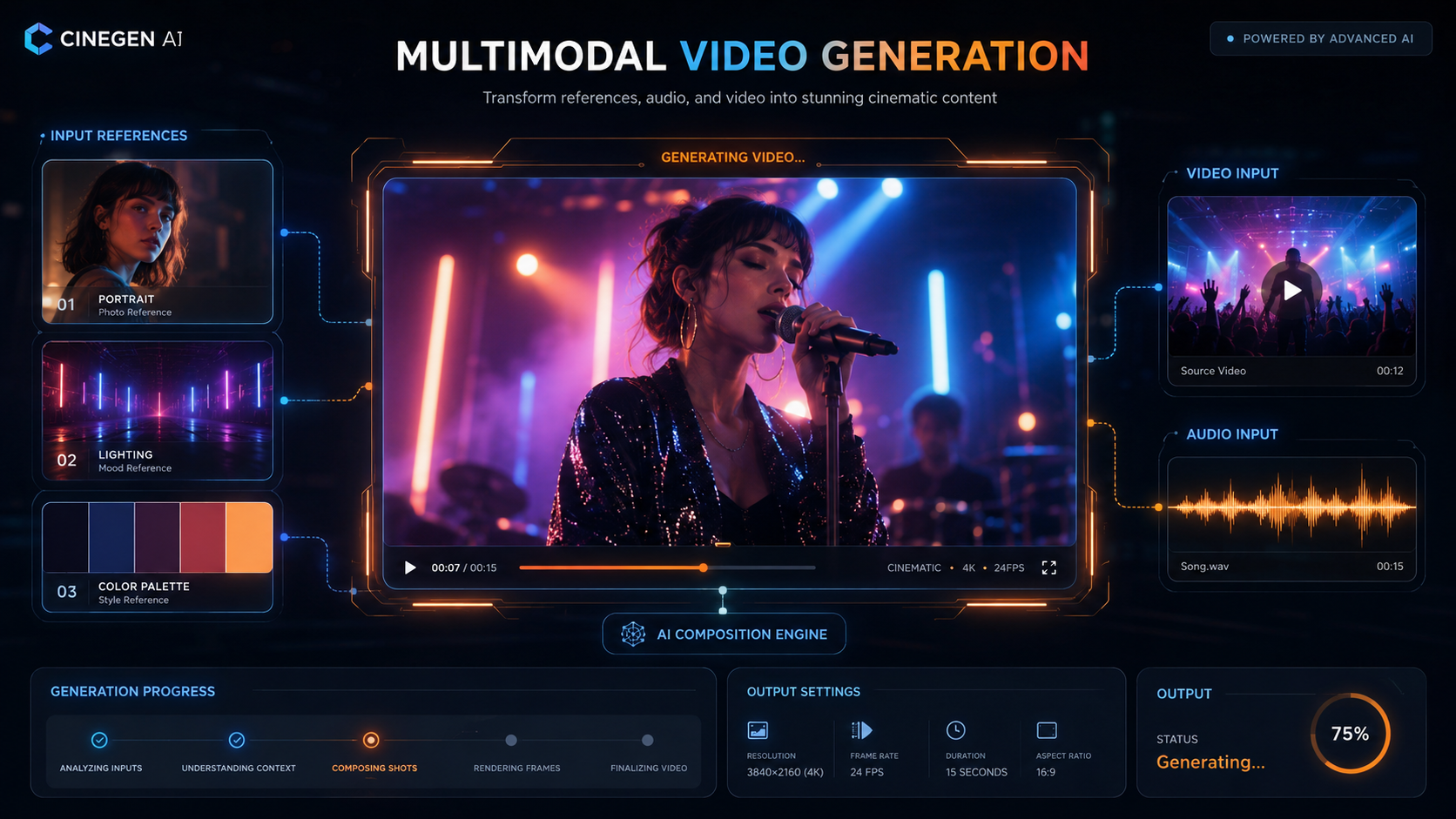
Most AI video generators let you do text-to-video or maybe image-to-video. Seedance 2.0 goes further with its omni-reference mode: you can feed it up to nine reference images, three reference videos, and three audio clips in a single call. The AI video model uses everything — the character reference, the lighting reference, the soundtrack sample — to synthesize a cohesive clip.
This isn't just "image-to-video." It's closer to handing a director a mood board, a style reference, and a soundtrack cue and saying "figure it out." For anyone building AI video content at scale — social media creators, indie filmmakers, marketing teams — this is the feature that separates Seedance 2.0 from the competition.
3. First-and-Last-Frame Interpolation Changes Editing Forever
Another underrated trick in Seedance 2.0: hand the model both endpoints of a clip and it figures out the motion between them. Perfect for hitting a specific beat drop in a music montage. Also perfect for stitching shots together without the uncanny AI discontinuities that scream "yeah, this was generated." This is the kind of editing precision that sets Seedance 2.0 apart from one-shot AI video generators — you're not hoping the model guesses right. You're giving it the destination.
Combine this with the AI video generator's built-in audio — voices, ambient sound, scene-appropriate audio all rendered in one pass — and you have a Seedance 2.0 workflow that feels closer to editing than prompting. You're not typing "make me a cool video." You're controlling start frames, end frames, reference images, and audio cues. For creators who actually edit video for a living, Seedance 2.0 slots into their existing mental model instead of asking them to learn prompt engineering from scratch.
4. Why Cannes and Hollywood Are Paying Attention
At this year's Cannes Film Festival, ByteDance-backed AI video projects turned heads. The South China Morning Post reported that Seedance 2.0-powered short films were challenging Hollywood norms — raw, experimental, made on shoestring timelines. Reallusion also announced a creative alliance with ByteDance, integrating Seedance 2.0 into its 3D animation studio for precision cinematic control. That's a big deal: a professional 3D toolchain adopting Seedance 2.0 as its AI video backbone.
The irony: Seedance 2.0 spooked Hollywood enough that Disney sent a cease-and-desist letter months ago. Senators demanded ByteDance shut down the AI video model. And yet Seedance 2.0 keeps shipping, keeps improving, and keeps showing up in creator credits — often uncredited because people don't want to admit they're using it. The AI video generator that Hollywood tried to kill is the one quietly powering its biggest creative threat.
5. How to Try Seedance 2.0 Yourself
You don't need ByteDance's Volcengine cloud console — which, fair warning, was built for engineers, not editors. The easiest way to test Seedance 2.0 is through third-party platforms that wrap the same API in a creator-friendly UI.
And the most accessible option? Fanch AI. Our AI video generator integrates Seedance 2.0 directly — no API keys, no cloud dashboards, no JSON parameter fields. Just pick your input mode (text-to-video, first frame, first-and-last frames, or multimodal reference), set your aspect ratio (from 1:1 square to cinematic 21:9), choose 4 to 15 seconds of duration, and hit generate.
Here's a prompt to get you started:
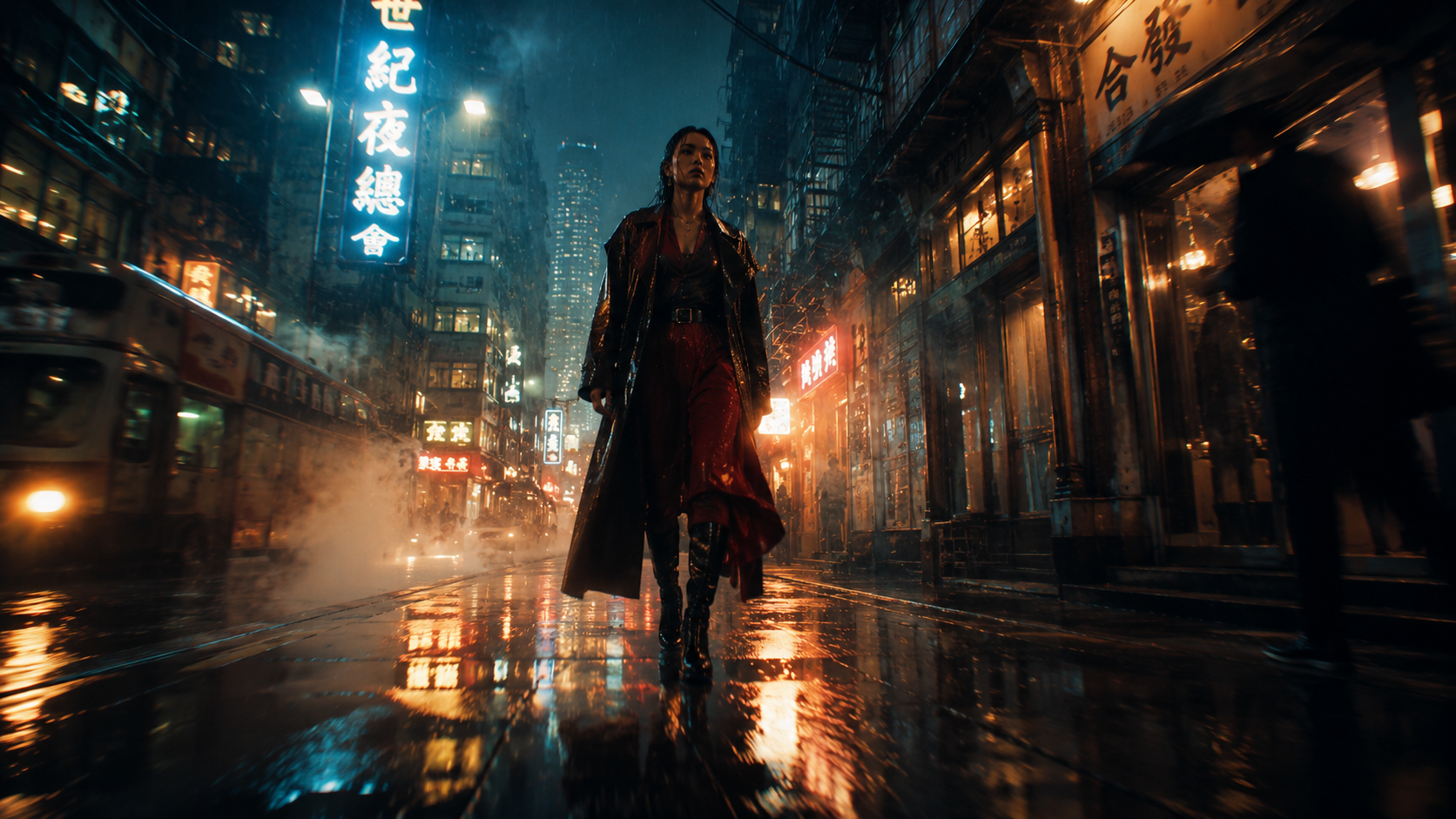
Copy the AI Art Prompt: "Low-angle tracking shot following a singer through a neon-lit alley, rain streaking down windows, warm tungsten glow from street lamps. Camera pulls back to reveal the full stage as the beat drops. Cinematic color grade, shallow depth of field, 720p."
Whether you need AI video for social media clips, fan edits, marketing assets, or experimental short films, Seedance 2.0 on Fanch AI gives you the same ByteDance model without the enterprise onboarding headache. Fast regeneration, omni-reference, first-and-last-frame interpolation — all of it.
👉 Start here: Fanch AI Video Generator — Seedance 2.0