
Seedance 2.5: 13 Steps to Generate AI Video
Seedance 2.5 is ByteDance's answer to the hardest problem in AI video: keeping one shot coherent for longer than a blink. It generates audio and video in a single pass up to 30 seconds, with enough reference control to stop characters and scenes from drifting mid-clip.
This is a creator's walkthrough, not an API reference. Here are 13 steps to getting a usable clip out of Seedance 2.5 — and the limits you should know before you commit.
Step 1: Know What Seedance 2.5 Is Actually Good At
Seedance 2.5 is best at long single takes and at work that starts from existing footage. If you need one continuous 30-second scene, or you want to extend and edit a clip you already have, this is the shortest path. If you need 1080p or 4K, it isn't the right model — more on that later.
That focus is deliberate, and it's the main reason to reach for Seedance 2.5 over a general-purpose clip generator.
Step 2: Set Your Duration Before Anything Else
Seedance 2.5 accepts clips from 4 to 30 seconds. Longer isn't automatically better: a 10-second shot is easier to keep coherent than a 30-second one, and cost scales with duration. Pick the shortest length that tells the moment.
Step 3: Choose the Right Resolution
On the API, Seedance 2.5 outputs 480p or 720p, with 720p as the default. There is no 1080p or 4K option here — higher resolutions belong to Seedance 2.0 family models. If a client needs a high-resolution master, plan a separate path.
Step 4: Pick Your Aspect Ratio
Seedance 2.5 supports six aspect ratios, so decide the delivery format before you generate. Generating 16:9 and cropping to 9:16 for social is wasteful; generate the vertical version directly.
Step 5: Start From a Reference Whenever You Can
Seedance 2.5 accepts image, video, and audio references in the same request. Starting from a still or an existing clip gives the model a fixed visual anchor — which is exactly what long takes need.
Step 6: Use Image References to Lock Appearance
Per-request, Seedance 2.5 takes up to 30 images. That's a large reference budget: character sheets, product angles, lighting references, and palette swatches can all go in at once. Reference images are how you keep a face consistent across a 30-second Seedance 2.5 clip.
Step 7: Add Audio References — New in 2.5
Seedance 2.5 handles up to 10 audio clips and 10 video references, with total reference video and audio each capped at 30 seconds. Pure audio-only references are new versus 2.0, which makes Seedance 2.5 meaningfully better for music-led or voice-led shots.
Step 8: Set the First and Last Frame
Seedance 2.5 supports first- and last-frame control. Specifying both ends turns a vague "make a video" prompt into a directed transition — you define where the shot starts and where it must land.
Step 9: Write the Camera Into the Prompt
In a 30-second take, camera language carries the shot. Name the movement — slow push in, lateral dolly, handheld drift — and name what stays still. Vague Seedance 2.5 prompts produce wandering motion; directed ones produce shots.
Step 10: Use Timestamp Editing for Multi-Beat Scenes
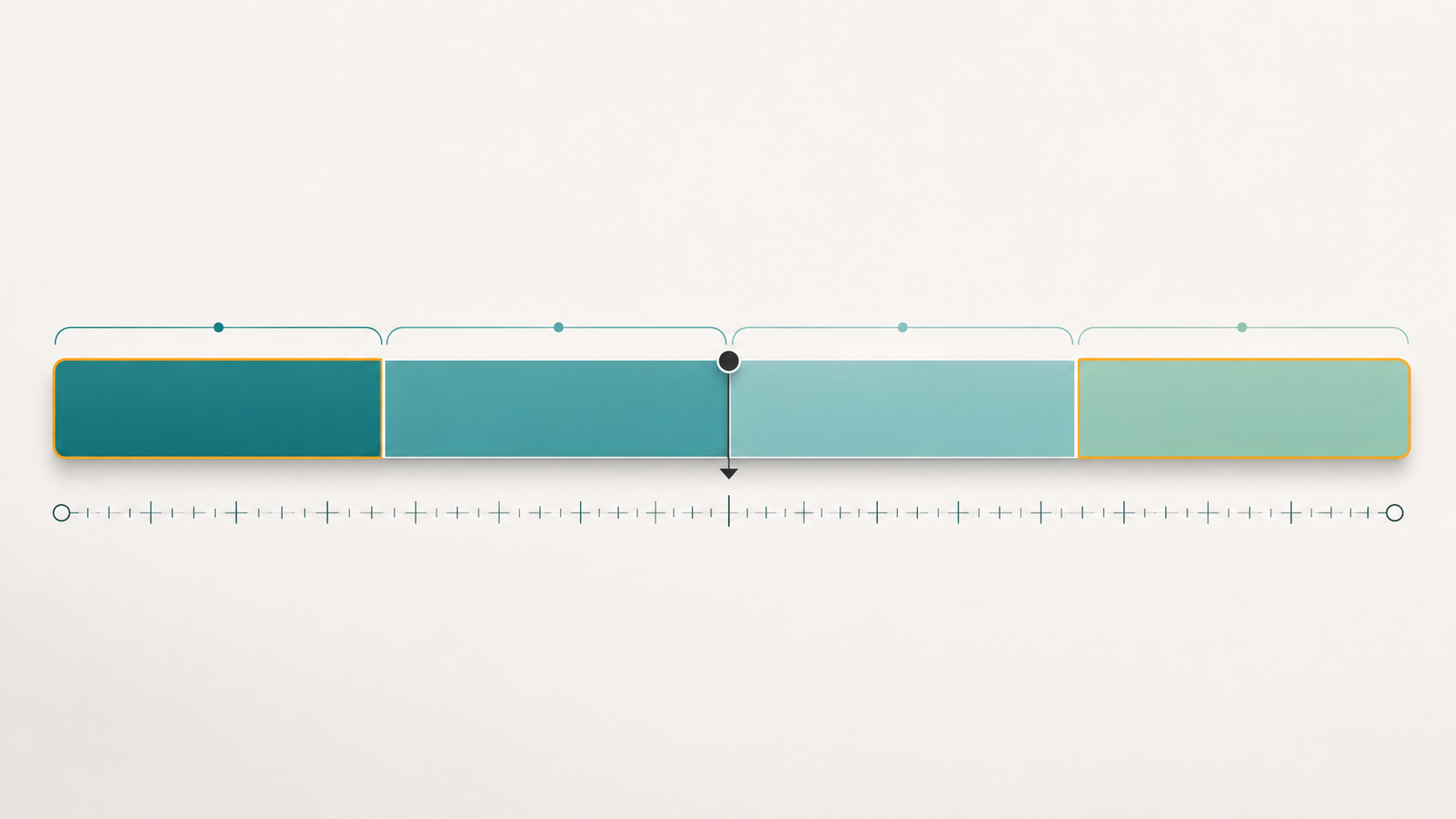
Seedance 2.5 lets you change style, camera, and motion within specific time ranges. That's how you build a scene with two or three beats inside one take — a wide establishing moment, then a push toward detail — without cutting.
Step 11: Generate Audio in the Same Pass
Seedance 2.5 produces audio alongside video rather than requiring a separate track. One caveat worth knowing: pricing doesn't drop when you skip audio, so there's no discount for a silent Seedance 2.5 clip — unlike some competing models that charge less for silent output.
Step 12: Check Continuity at the Seams
Watch the full 30 seconds at normal speed, not scrubbed. Continuity problems in AI video usually appear as small identity slips across time — a face shifting a few percent, a wardrobe detail changing. Those are the frames to regenerate.
Step 13: Check Access Before You Build
One practical constraint: the Seedance 2.5 API is reported as not available in the United States, and consumer access runs through ByteDance's own apps. Model availability also varies by platform. Confirm access in your region and tool before designing a workflow around Seedance 2.5.

What Seedance 2.5 Costs
Published ModelArk rates put Seedance 2.5 at $10.70 per 1M tokens without video input and $6.40 per 1M with video input — roughly 53% above 2.0 per token. Billing is per video token, and token counts scale with both output pixels and duration, so a second of 720p costs a little over twice a second of 480p from the same model.
A five-second 480p clip works out to roughly $0.51 at list rates. Budget accordingly: long 720p Seedance 2.5 clips are not cheap.
When Not to Use Seedance 2.5
Be honest about the trade-offs. Reach for a different model when:
- You need 1080p or 4K output.
- You want the lowest price per second at the same clip length.
- You need frame-exact reproducibility.
- You're in a region where Seedance 2.5 isn't available.
The model's shape is deliberate — 30 seconds at 720p — and it's excellent within that shape.
A Prompt to Try Today
Direction is what makes a long take work. Try this on Fanch AI:
Copy & Paste this into Fanch AI (Model: gpt_image_2):
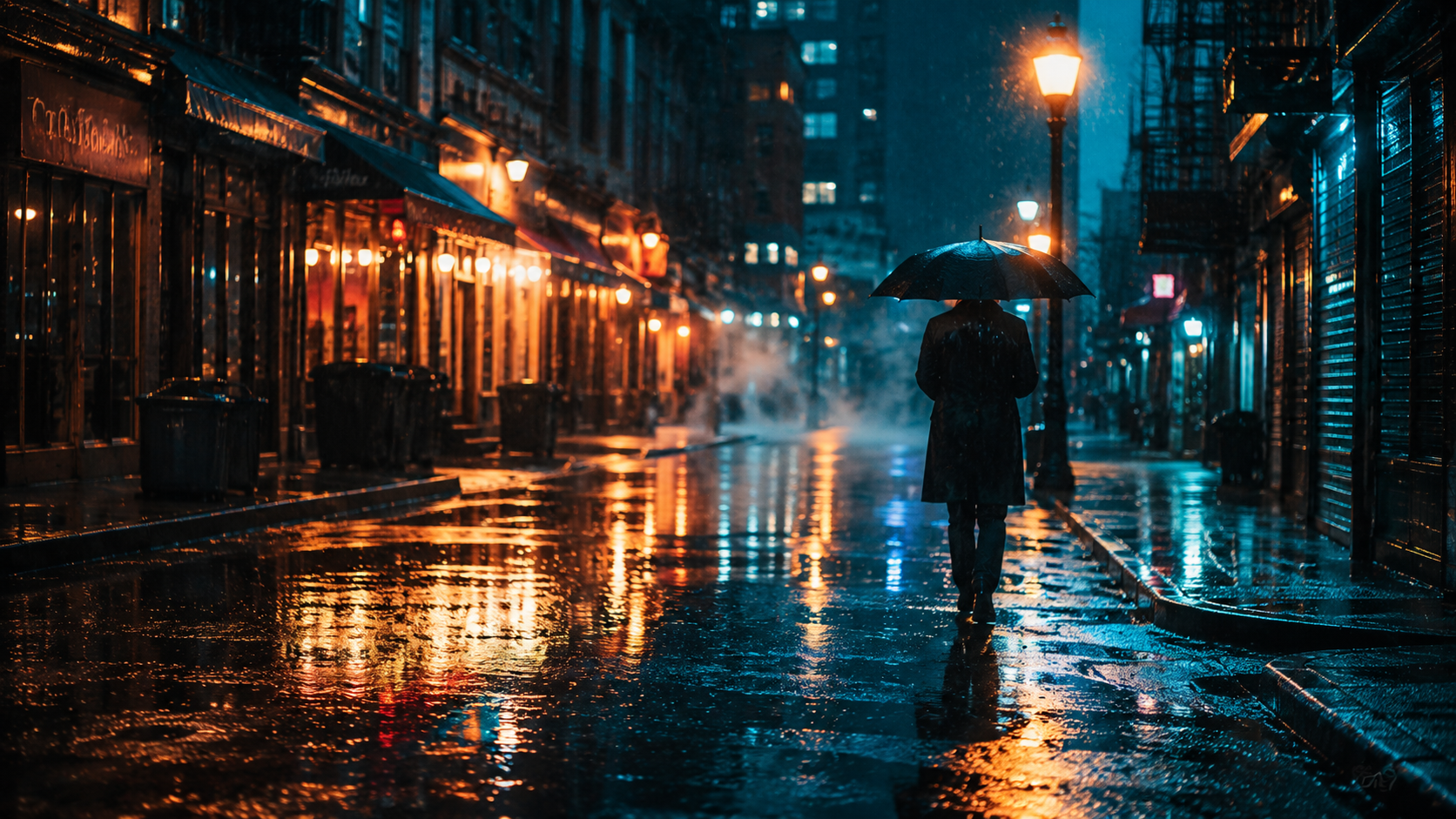
Create a cinematic still of a rain-slicked city street at blue hour: warm neon signs reflecting in wet asphalt, a single figure with an umbrella walking away from camera under a streetlamp, low mist in the distance. Slow-push camera feel, shallow depth of field, rich teal and amber color grade, fine detail in the reflections, 16:9 framing, 8K detail, no text.
Why Fanch AI Fits the Workflow
Seedance 2.5 shows how capable single-pass AI video has become — and every one of those clips starts with a reference frame. Fanch AI gives you a dedicated image model you direct with precise prompts, so you can lock a look, a palette, and a composition before spending tokens on Seedance 2.5 generation. A strong reference frame is the cheapest part of any Seedance 2.5 project.