
Mastering Seedance 2.0: 5 Ways to Navigate the Real-Person Moderation Filter
If you are a creator using the Seedance 2.0 AI video model, you’ve likely hit this frustrating roadblock: you upload a stunning, hyper-realistic character reference, hit generate, and immediately get a "Moderation Block" error.
The safety algorithms behind Seedance 2.0 utilize a highly sensitive real-person filter to prevent deepfakes. While necessary, this real-person filter can heavily disrupt your creative workflow. The good news? You don't have to sacrifice your character's identity.
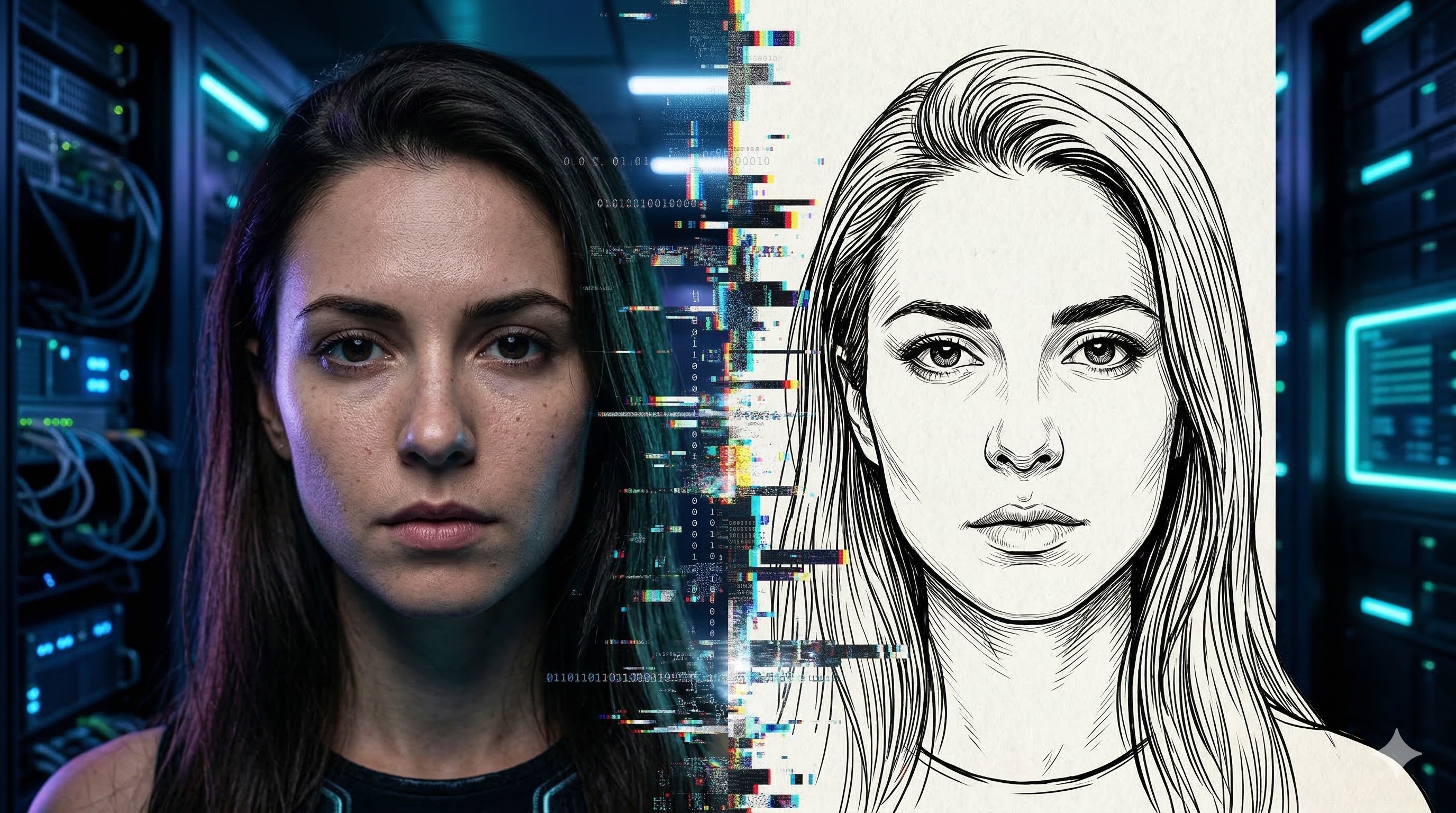
By understanding how the Seedance 2.0 real-person filter scans for biometric data, you can easily optimize your inputs. Here are 5 proven strategies to navigate the Seedance 2.0 real-person filter and get your videos rendering perfectly.
1. Image Pre-Processing: The Stylization Hack (Most Reliable)
The Seedance 2.0 real-person filter specifically targets high-fidelity photorealism. The safest workaround is to "translate" your reference image before feeding it to Seedance 2.0.
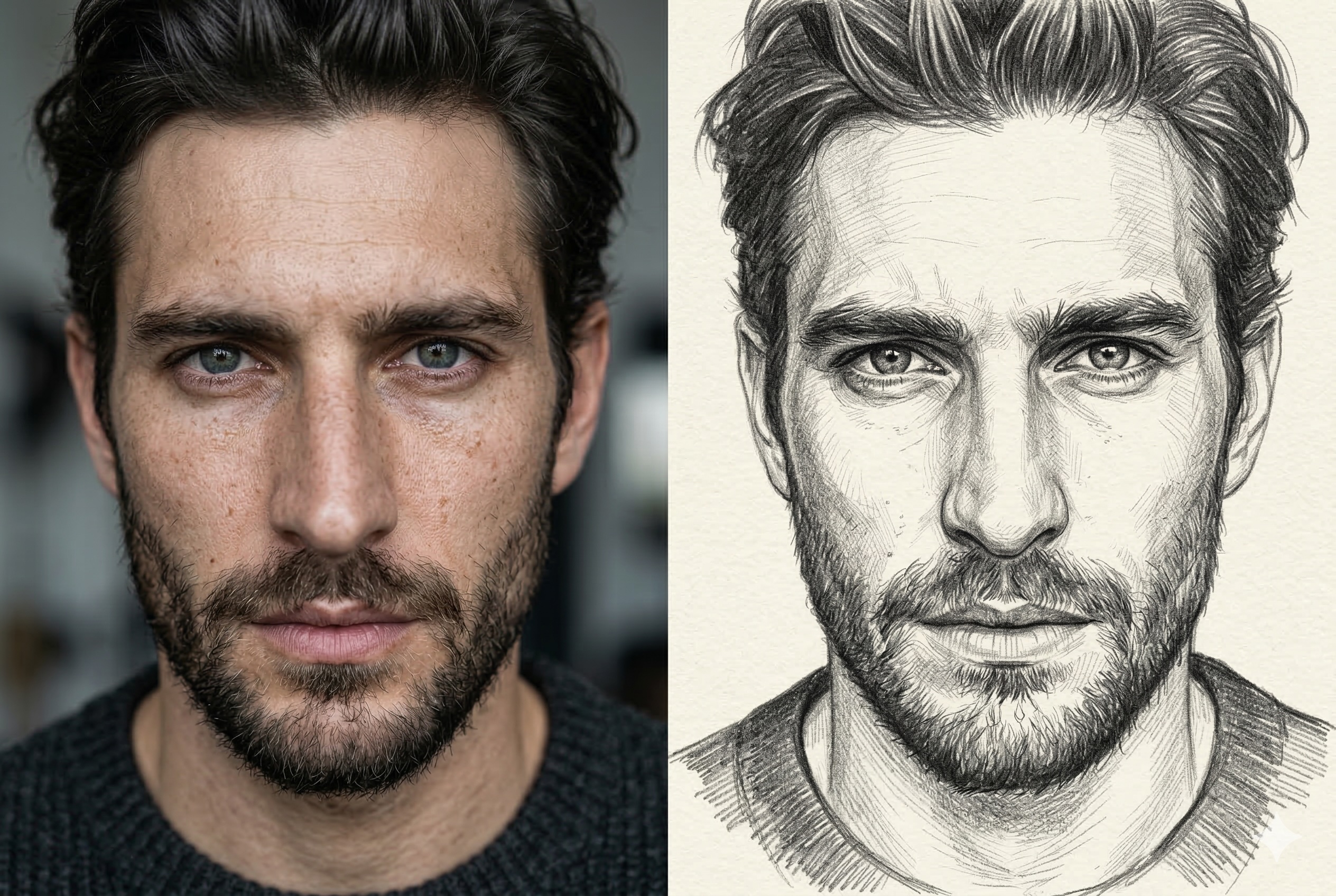
- The Workflow: Use an Image-to-Image (Img2Img) AI tool to convert your highly realistic photo into a sketch, line-art, or hand-drawn style.
- Why it works: These stylized formats strip away the hyper-realistic skin textures that trigger the real-person filter, but perfectly preserve the character's facial structure. When Seedance 2.0 generates the video, it accurately extracts the correct ID without alerting the Seedance 2.0 real-person filter.
💡 Pro Tip from Fanch AI: Need to quickly turn your realistic photo into a high-quality line sketch? Use our Nano Banana 2 Image Model with an Img2Img prompt to preprocess your references in seconds!
2. Texture Manipulation: Add Blur and Film Grain
If you don't want a sketch, you can manipulate the image texture to confuse the Seedance 2.0 real-person filter.
- The Strategy: Add visual noise, vintage film grain, or slightly blur the skin texture of your reference image.
- Why it works: The Seedance 2.0 real-person filter looks for high-resolution biological features (like sharp pores). By lowering the skin clarity and adding cinematic noise, you effectively camouflage the "biometric" footprint, allowing it to pass through Seedance 2.0.
3. Composition Logic: Avoid the "Passport Photo" Trap
The Seedance 2.0 algorithms are extremely sensitive to images that look like ID cards: front-facing, big headshots, static poses, and solid backgrounds.
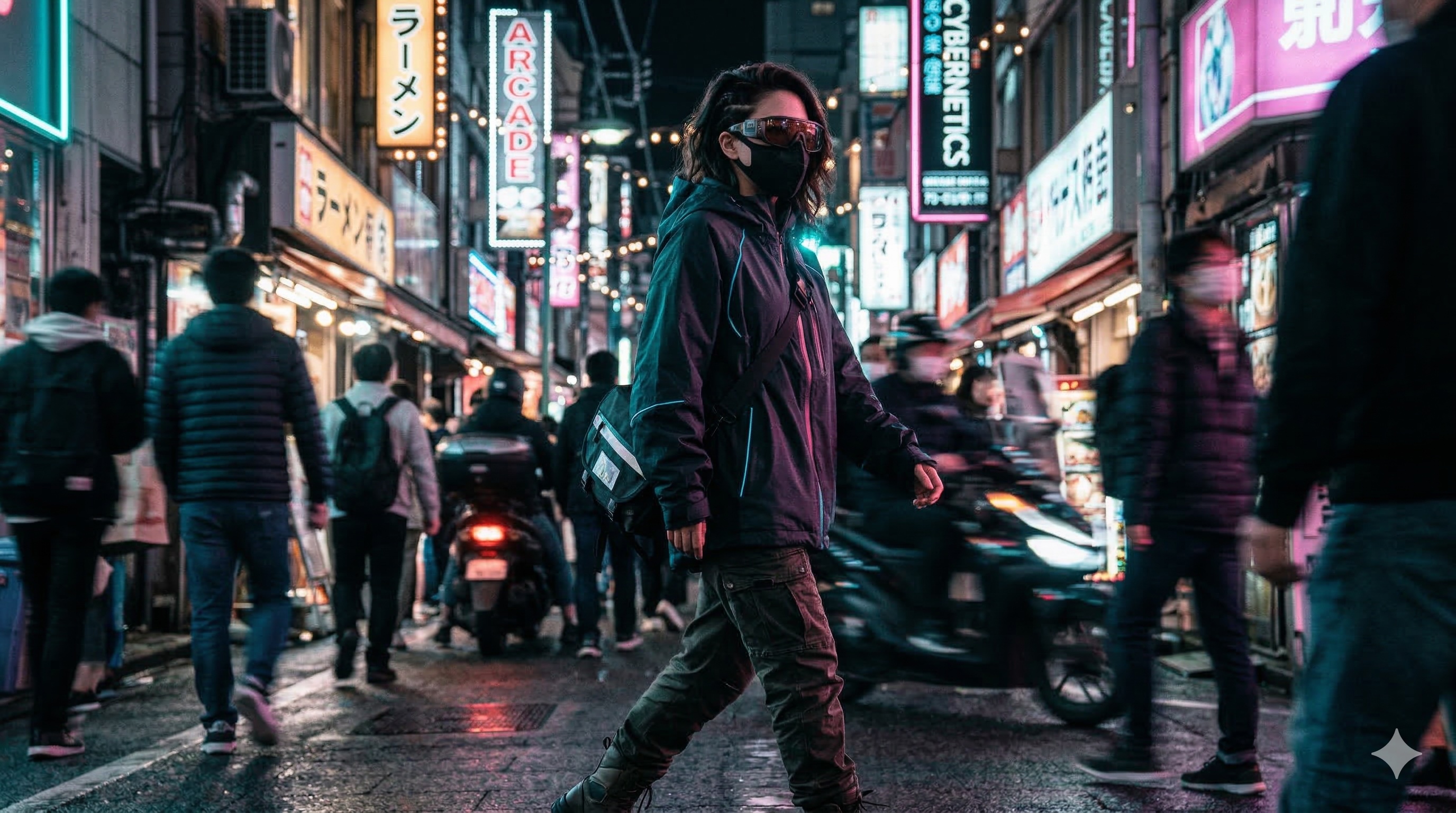
To bypass the real-person filter, change your composition logic:
- Shrink the Face Proportion: Provide full-body shots. Make sure the face only takes up a small fraction of the frame. Use complex backgrounds to distract the Seedance 2.0 portrait-recognition system.
- Use Dynamic Poses: Upload reference photos where the subject is in motion. Natural body deformations and hair covering the face make it much harder for the Seedance 2.0 real-person filter to classify it as a human.
- Add Occlusions: Strategically hide parts of the face with sunglasses or dramatic side shadows to obscure clear facial mapping.
4. The UI Trap: Master the Mode Selection
How you input the image into the Seedance 2.0 UI matters just as much as the image itself.
- The Trick: Do not put your photo into the "Global Reference" slot. The Seedance 2.0 real-person filter is incredibly strict here because it forces the AI to heavily anchor to the image.
- The Solution: Upload your photo as the "First Frame" and leave the "Last Frame" empty. The real-person filter mechanism for the First Frame is significantly looser in Seedance 2.0 because the system interprets it as a mere "starting point."
5. Prompt Engineering: Deconstruct, Don't Name-Drop
Even if your image passes the Seedance 2.0 real-person filter, your text prompt can still trigger a hard block.
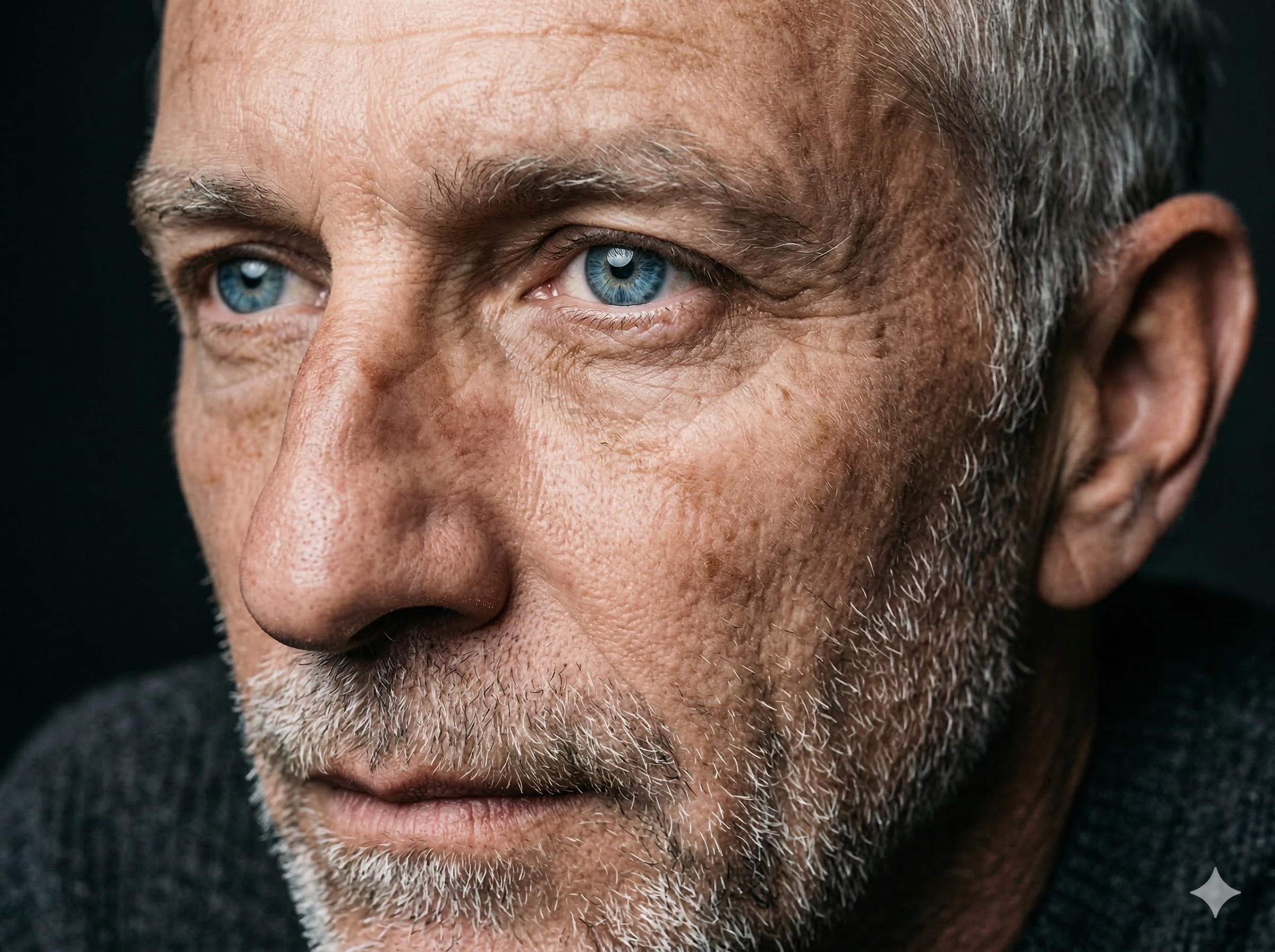
- The Trap: Never use actual celebrity names. If you type "Daniel Craig," the text-based real-person filter will immediately intercept the Seedance 2.0 generation.
- The Solution (Feature Deconstruction): Break down the celebrity's face into descriptive traits. Instead of "Daniel Craig," write: "A rugged, mature man with piercing blue eyes, a chiseled jawline, and short blonde hair." Paste that description into Seedance 2.0 to get the exact look without triggering the filter.
Want to Learn More About Seedance 2.0?
By thinking like the algorithm, you can ensure your creative vision never gets blocked by overzealous safety mechanisms. Apply these preprocessing techniques to effortlessly navigate the Seedance 2.0 real-person filter and maintain 100% facial consistency.
Discover more details and explore the full capabilities of Seedance 2.0 on Fanch AI