
Siri AI Is Here — What It Means for AI Image Creation
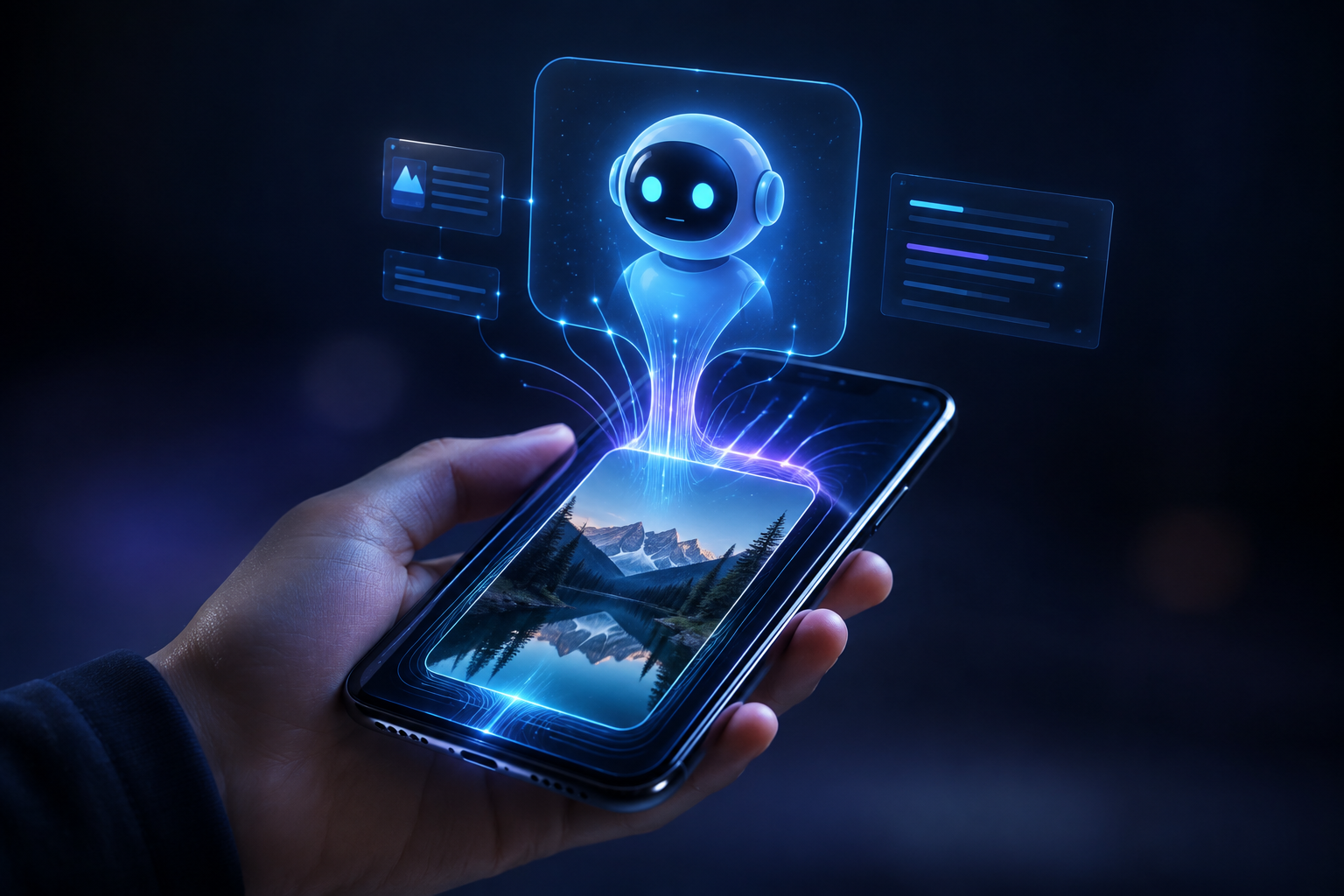
Apple just shipped Siri AI, and it's the biggest overhaul of the assistant since it launched in 2011. The company calls it "a profoundly more capable and personal assistant," and it started rolling out in beta on September 14, 2026. For anyone working with visuals, though, the most interesting part isn't the conversation — it's what Siri AI can now see.
Because Siri AI arrives alongside a genuinely visual upgrade to Apple Intelligence, including an all-new Image Playground that can create photorealistic imagery. That combination says a lot about where AI image creation is heading in 2026. If you only read one thing about Siri AI this week, make it the visual side.
What Siri AI Actually Does
According to Apple, Siri AI brings four core capabilities that make it feel less like a command line and more like an assistant. Each one is a reason Siri AI feels different from the Siri you remember:
- Personal context understanding — Siri AI can surface information from your messages, emails, and photos.
- Broad world knowledge — Siri AI answers questions on virtually any topic.
- Onscreen awareness — Siri AI understands what's actually on your display and can act on it.
- Systemwide app actions — Siri AI can take action across apps, not just answer.
It also has a dedicated app, appears in the Dynamic Island and Spotlight, and adds a multimodal Siri mode inside the Camera app. In short, Siri AI is built to understand what you're looking at — not just what you type. That visual awareness is the thread running through everything Siri AI does.
The Visual Story: Image Playground Goes Photorealistic
The detail that matters most for creators is tucked into the same announcement. Apple says Apple Intelligence now includes "an all-new Image Playground that can create photorealistic imagery," plus new editing capabilities in Photos and an expanded Visual Intelligence experience. This is the part of Siri AI that changes how people think about AI images.
That's a meaningful step. Earlier consumer image tools leaned stylized and illustrated; Siri AI's generation stack is now aiming at photorealism, and Siri AI can point that capability at whatever is on your screen. Apple is clearly treating images as a first-class part of the assistant.

Understanding Isn't the Same as Creating
Here's the distinction worth holding onto as Siri AI rolls out. An assistant that understands your screen is solving a comprehension problem — what is this, where is it from, what should I do next. Siri AI is very good at that.
Creating visual content at a professional standard is a different job. When you need a product shot, a campaign image, or a batch of consistent brand visuals, you want a dedicated image model you can direct precisely with prompts — not a general assistant making a quick picture between other tasks.
That's exactly where Siri AI and a platform like Fanch AI are complementary. Siri AI helps you find, understand, and act on what already exists. Fanch AI is where you produce the images themselves.
What This Means for Creators
The practical takeaway from Siri AI is that visual AI is now mainstream — which raises the bar on output quality. Every creator should read Siri AI as a signal, not just a product launch:
- Understanding improves AI image creation because better vision models mean better evaluation of what you generate.
- Consumer tools like the one inside Siri AI are great for casual images but thin for commercial work.
- Consistency still wins: a catalog needs one style across hundreds of images, and that takes deliberate prompting.
- Because Siri AI makes images feel effortless, audiences now expect polished visuals everywhere.
- The winning skill is prompt control — the one thing Siri AI can't hand you.
A Prompt to Try Today
Whether or not you have Siri AI enabled, you can create photorealistic imagery right now on Fanch AI. Here's a clean prompt to test:
Copy & Paste this into Fanch AI (Model: gpt_image_2):
Create a photorealistic image of a modern workspace by a large window in the early morning, with a laptop, a ceramic coffee cup, and a small plant on a wooden desk. Soft directional daylight, natural shadows, shallow depth of field, warm neutral tones, and highly realistic textures on wood, ceramic, and glass. Editorial lifestyle photography style, 8K detail, no text.
Run it a few times, change one variable at a time, and you'll see why prompt control matters more than any single feature announcement. That's the mindset Siri AI doesn't replace — it just makes the payoff more obvious.

Why Fanch AI Is the Creation Layer
Fanch AI gives you a dedicated image model built for prompt precision — so you can direct the subject, lighting, and style instead of hoping an assistant guesses. Siri AI is a strong step for understanding the world around you; Fanch AI is where you turn that understanding into finished AI image creation at scale. Assistant or not, the images still have to be made — and that's the job Fanch AI is built for.
👉 Start here: GPT Image 2 on Fanch AI — create your own AI images now.