
I Tested 50 Viral ChatGPT Image Prompts — Here Are 7 Worth Stealing
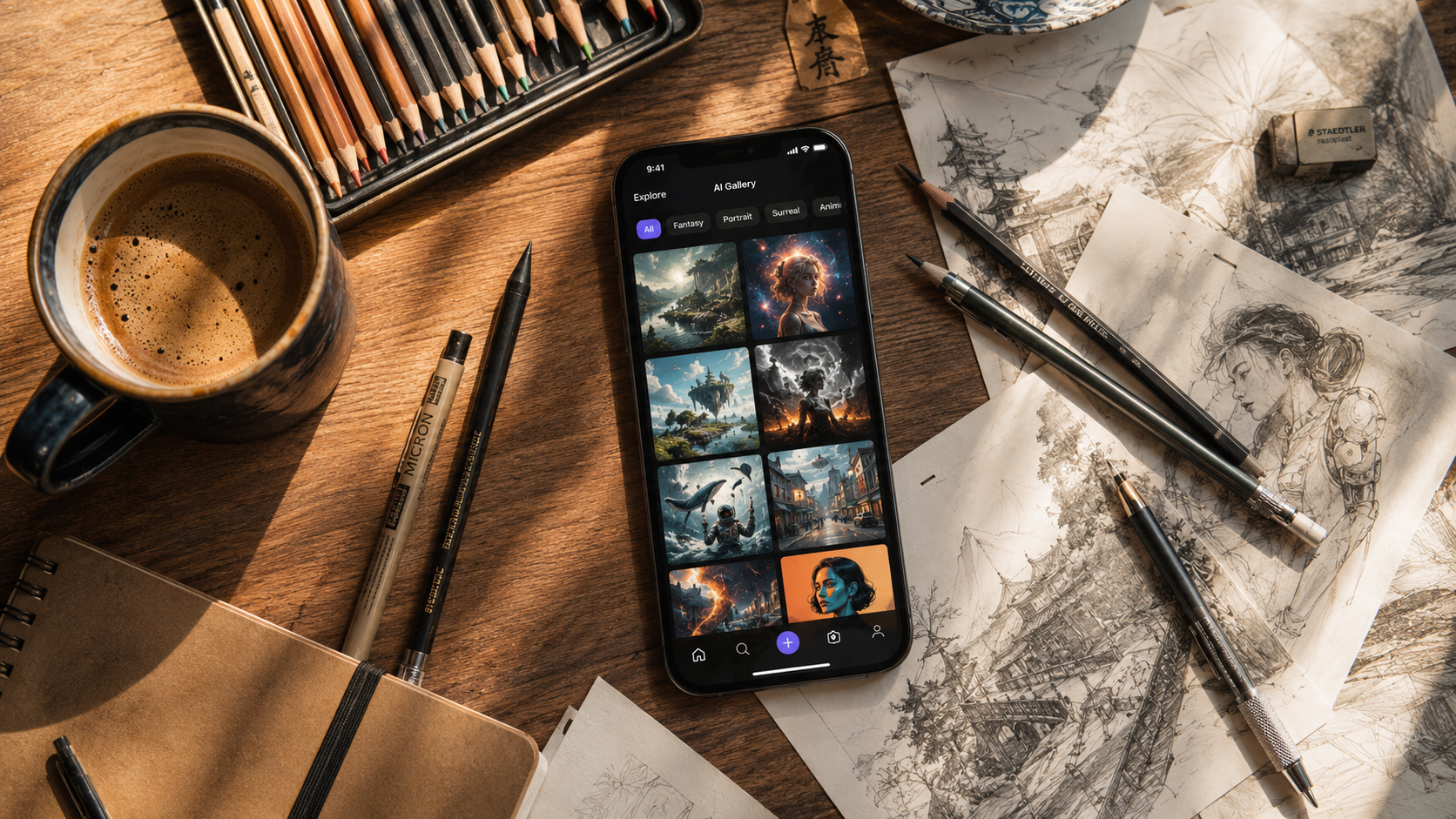
I spent a weekend crawling through Twitter, Reddit, and TikTok collecting 50 viral ChatGPT image prompts that people claimed were "game-changing." Then I ran every single one through GPT Image 2 on Fanch AI.
Spoiler: most were overhyped. But 7 actually delivered — and I mean actually — generating images that stopped me mid-scroll. Here they are, no fluff, no clickbait. Just prompts that work.
1. The Ghibli Prompt (Still Undefeated)
This prompt has been circulating for months and it keeps delivering. The key isn't "Studio Ghibli" — it's the specific style descriptors that prevent ChatGPT from giving you a generic anime look.
Copy this prompt:
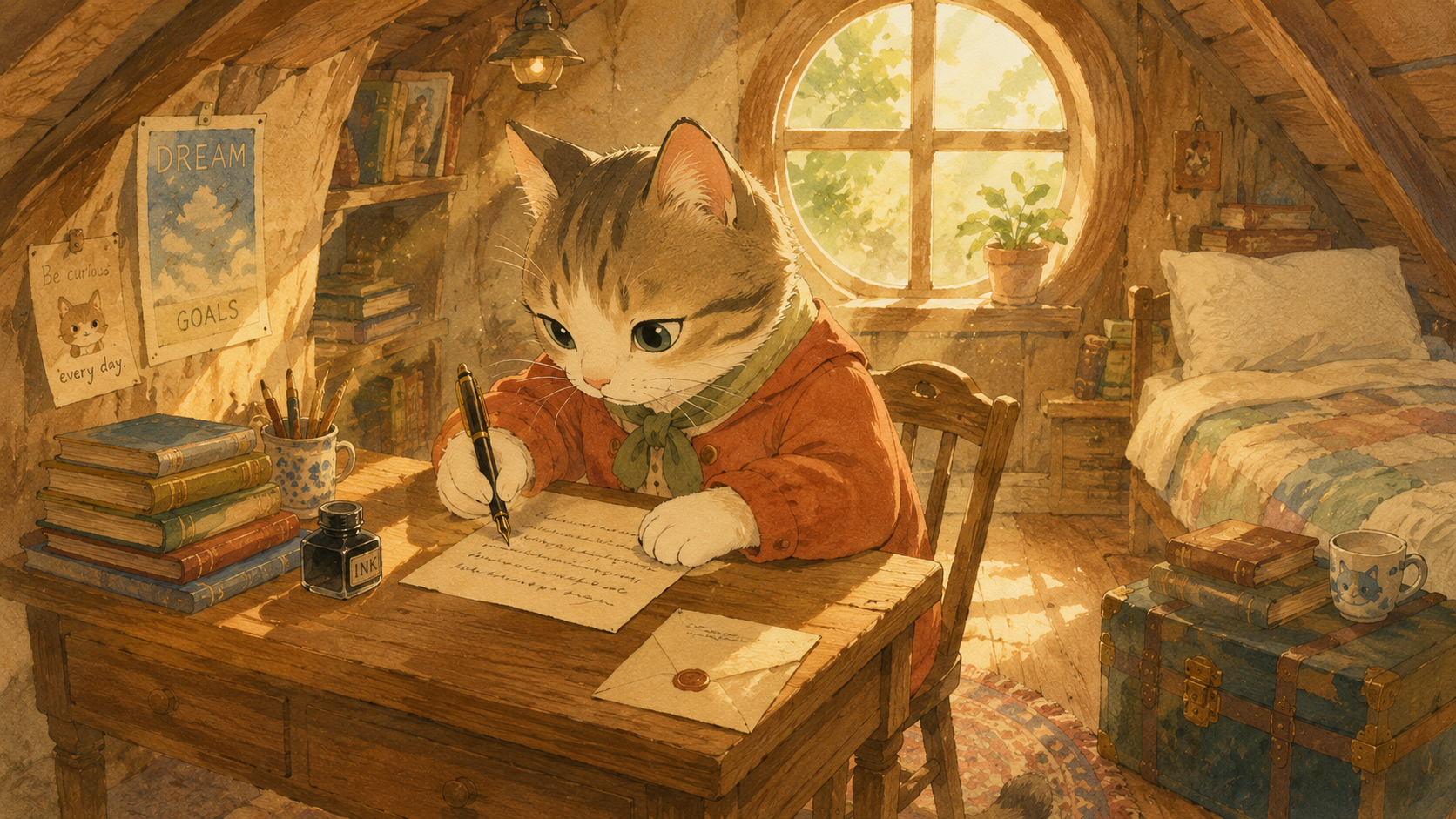
"A cat sitting at a tiny wooden desk in a cozy attic room, writing a letter with a fountain pen, dust particles floating in warm sunlight streaming through a round window, hand-painted watercolor texture, soft pastel palette, gentle shading, Studio Ghibli-inspired animation style, whimsical mood, 4K, 16:9"
Why it works: The texture and lighting cues ("hand-painted watercolor," "dust particles in warm sunlight") force GPT Image 2 into its most detailed rendering mode. Every time.
2. The "Make It Ugly" Trick
This is the most counterintuitive viral prompt I found. Instead of asking for beautiful, you ask for ugly — and the AI compensates by over-delivering on photorealism.
Copy this prompt:
"A deliberately ugly, awkward family photo from 1997, bad fluorescent lighting, cheap beige wallpaper, everyone wearing mismatched clothes, forced smiles, low resolution, slightly blurry, overexposed, VHS-era color grading"
Why it works: GPT Image 2 interprets "ugly" as "authentic." The resulting images look like genuine vintage photographs — which is exactly what social media loves. The irony prompt is a cheat code for engagement.
3. The Editor's Note (Text Rendering Showcase)
GPT Image 2's secret weapon is text rendering (~99% accuracy). This prompt exploits that for maximum impact — it's been viral on LinkedIn and X for creators showing off branding mockups.
Copy this prompt:
"A minimalist magazine cover mockup, clean white background, bold sans-serif title 'MIDNIGHT' centered in charcoal black, subtitle 'THE NEW SILENCE' in light gray serif below, soft shadow behind text, editorial photography style, natural lighting from the left, 4K, 16:9"
Why it works: The specificity of font style ("bold sans-serif title"), layout ("centered"), and color ("charcoal black," "light gray") gives GPT Image 2 enough constraints to nail the text while keeping the composition clean.
4. The Cinematic Still (One-Shot Formula)
Viral on TikTok for AI short film concept art. This formula produces images that look like they're pulled from an unreleased movie — the lighting cues are the secret sauce.
Copy this prompt:
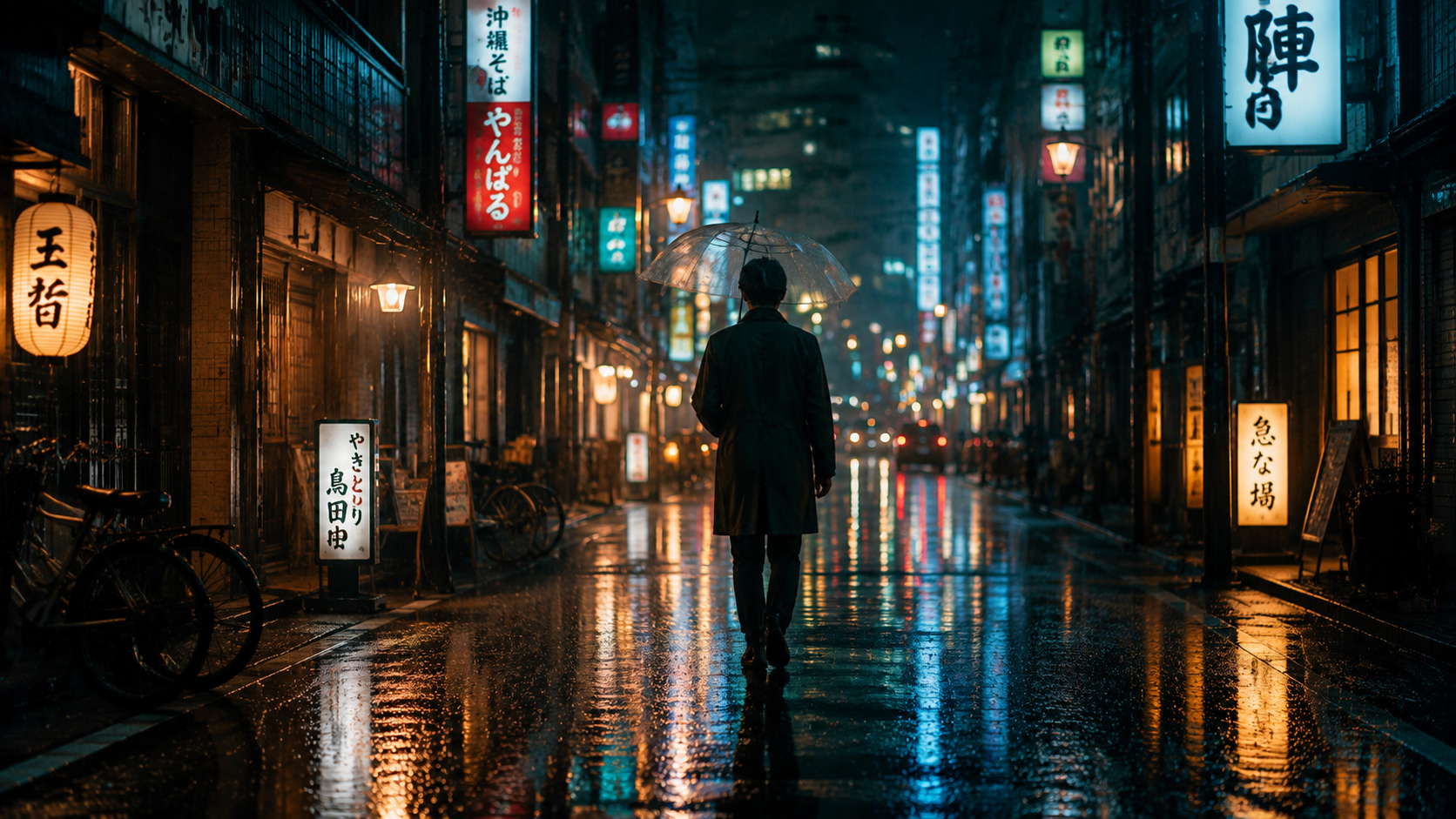
"A lone figure walking through a rain-soaked Tokyo street at night, neon signs reflecting in wet pavement, warm amber streetlights contrasting with cool blue neon, shallow depth of field with bokeh lights in the background, cinematic anamorphic frame, film grain subtle, moody atmosphere, 4K, 16:9"
Why it works: Three lighting sources (amber streetlights, cool blue neon, reflections in wet pavement) creates the kind of complex lighting that looks expensive. The "anamorphic frame" cue handles the aspect ratio perfectly.
5. The Texture Bomb (Hyper-Detail Hack)
This is a prompt resellers charge money for — but it's literally just a few well-chosen adjectives. The "macro" + "porcelain" combination forces maximum detail rendering.
Copy this prompt:
"Extreme macro view of fresh blueberries in a ceramic bowl, morning light from a kitchen window, individual water droplets on each berry, hyper-realistic texture, shallow depth of field with soft background blur, porcelain bowl texture visible, vibrant natural colors, food photography style, 4K"
Why it works: "Extreme macro" + "hyper-realistic texture" + "porcelain bowl texture visible" creates a cascade of detail requirements that GPT Image 2 resolves at its highest fidelity. Perfect for product photos.
6. The "Two Things" Mashup (Engagement Bait)
The most shared AI images on X aren't beautiful — they're weird. This formula combines two unrelated objects/scenes and lets the AI surprise you.
Copy this prompt:
"A Victorian-era library but it's built inside a massive hollowed-out ancient tree, bookshelves carved into the bark walls, warm candlelight from hanging chandeliers, moss growing between books, roots forming reading nooks, bioluminescent fungi providing green accent lighting, magical realism style, hyper-detailed, 4K, 16:9"
Why it works: The "X but Y" structure is inherently shareable — people scrolling past stop because they need to process what they're seeing. The combination triggers the AI's best creative synthesis.
7. The Time Machine (Era Recreation)
Viral on Instagram Reels — recreating modern scenes in historical art styles with extreme period accuracy. The key is dropping the specific art movement name plus a technical detail from that era.
Copy this prompt:
"A modern coffee shop in the style of a Dutch Golden Age painting, Rembrandt lighting from a single window on the left, figures gathered around wooden tables, warm brown and amber color palette, chiaroscuro shadows, oil paint texture visible on canvas, period-authentic clothing but people using laptops, Dutch Baroque, 4K, 3:2"
Why it works: The anachronism (people using laptops in a Baroque painting) creates the "wait, what?" reaction that drives shares. The period-specific technical cues ("Rembrandt lighting," "chiaroscuro," "oil paint texture") override GPT Image 2's default modern look completely.
The One Prompt Framework Behind All 7
Every prompt that passed my test follows this invisible structure:
Subject + Setting + Lighting + Style + Format + Emotion
If a prompt has all six, it works. If it's missing one, it's average. That's the entire secret. Apply it to any idea and you'll get results that look like you spent hours on them.
Try Them on GPT Image 2
All 50 prompts I tested ran on GPT Image 2 via Fanch AI — the best platform for pushing these prompts to their full potential. GPT Image 2's text rendering (99% accurate), 4K native output, and natural language understanding are what make these prompts sing.
Ready to start creating? Pick any prompt above, paste it into GPT Image 2, and watch it work. The only thing more satisfying than finding a great prompt is seeing someone else steal it and make it their own.