
Veo 3.1 AI Video Generator - Turn Text Into Studio-Quality Video
Use Google's Veo 3.1 video generation AI model inside Fanch AI to instantly generate high-quality, cinematic videos from simple text prompts or images. The Veo 3.1 AI Video Generator lets you control motion, camera movement, and visual style without editing skills.
Veo 3.1 AI Video Gallery
Explore sample clips created with the Veo 3.1 AI Video Generator. See how the model handles cinematic lighting, natural motion, and complex scenes from just a few lines of text.
Cinematic Text-to-Video Scene
Dramatic lighting, depth of field, and smooth camera moves produced directly from a Veo 3.1 AI Video Generator prompt.
Realistic Motion and Physics
Veo 3.1 accurately simulates fluid movement, gravity, and interactions between objects for believable Veo 3.1 AI videos.
Complex Multi-Subject Shot
Multiple characters, detailed backgrounds, and subtle interactions showcasing Veo 3.1's scene understanding.
Creative Visual Effects and Styles
Blend cinematic realism with stylized looks to match your brand, campaign, or storyboard.
Veo 3.1 Features
Discover what you can create using the Veo 3.1 AI Video Generator for different use cases.
Animate characters and environments with smooth motion, expressive poses, and consistent style from text or storyboard prompts using Veo 3.1.
Veo 3.1 AI Video Generator Features
Create Videos With Veo 3.1
Switch between text-to-video and image-to-video workflows powered by the Veo 3.1 AI Video Generator.
Veo 3.1 Prompt Examples
Use these prompt ideas to get better results from the Veo 3.1 AI Video Generator.
Dog Playing With a Ball

The dog is playing with a ball.
180° Arc Shot Around Stage Singer
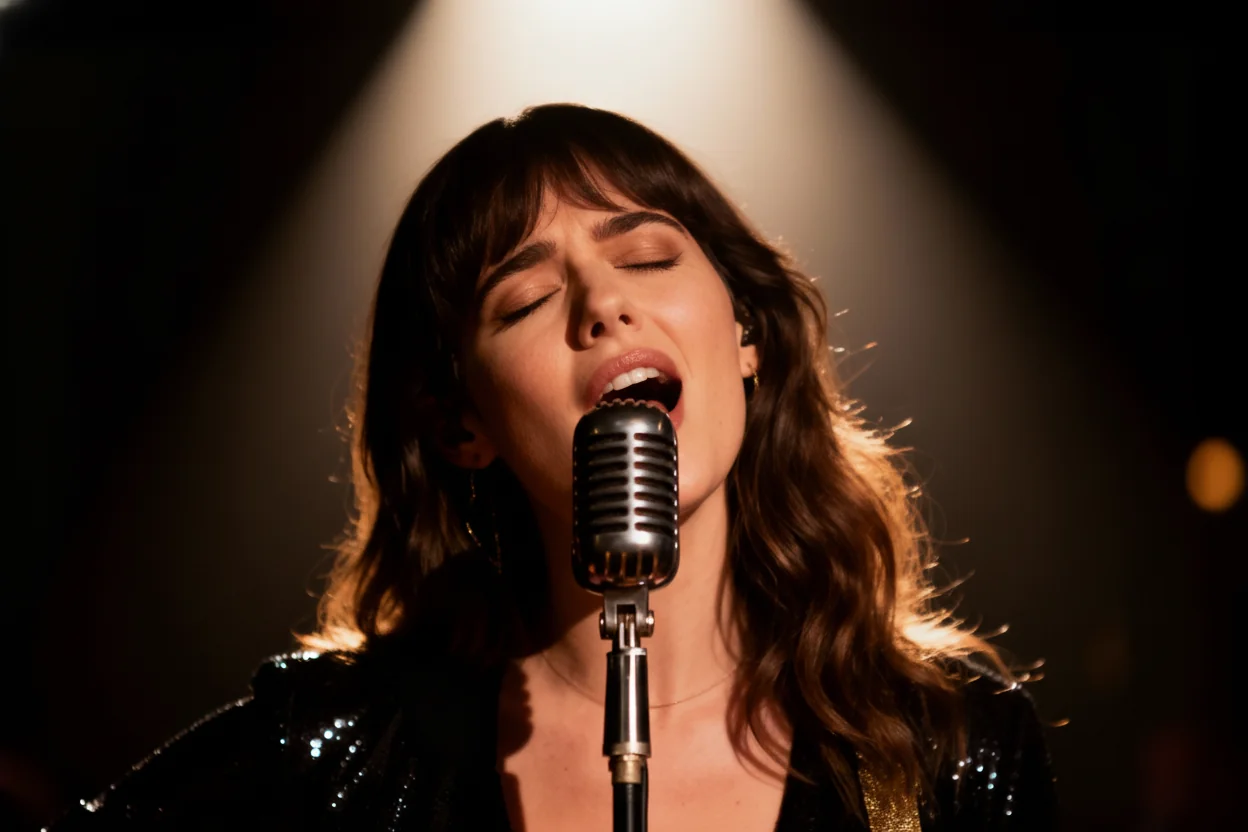
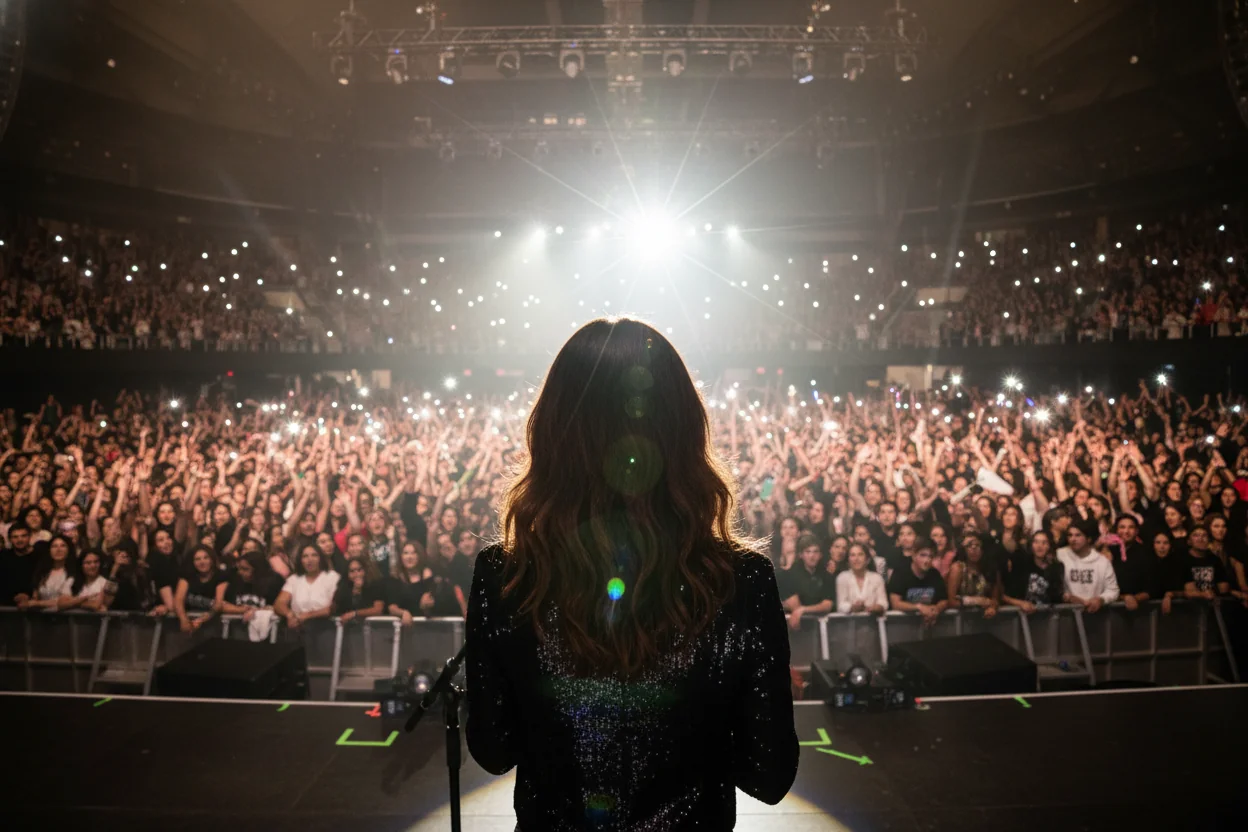
The camera performs a smooth 180-degree arc shot, starting with the front-facing view of the singer and circling around her to seamlessly end on the POV shot from behind her on stage. The singer sings “when you look me in the eyes, I can see a million stars.
Lost Woman Walking Through Garden
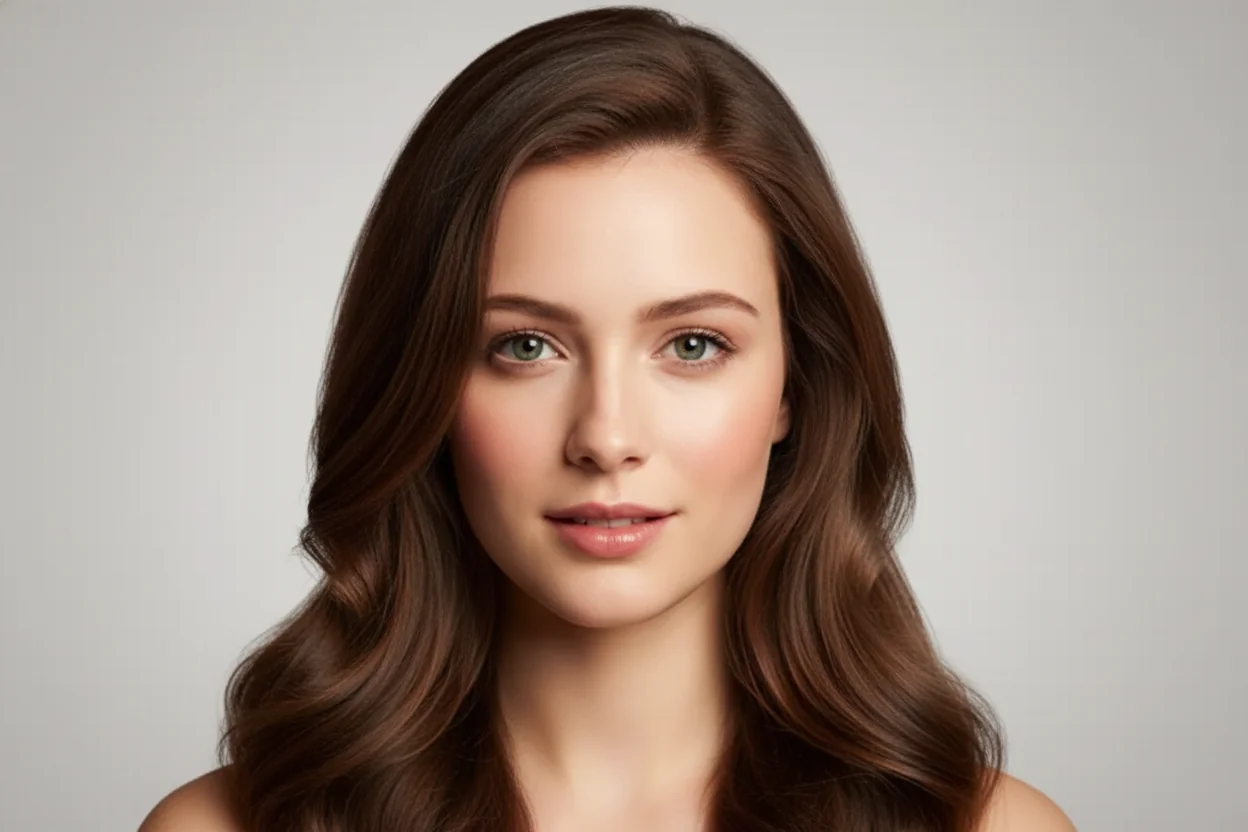

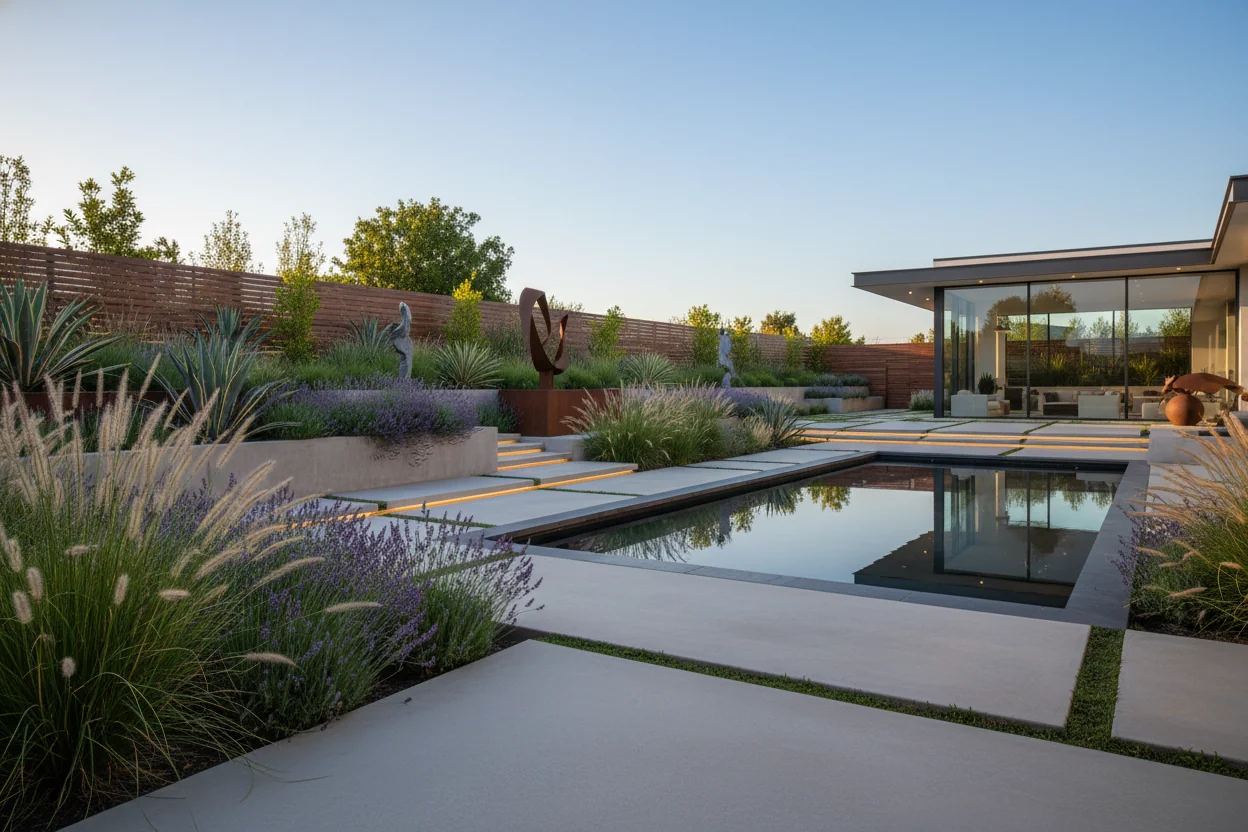
Close up shot of woman with sunglasses on top of her head, gold hood earrings, is walking in the garden, she is lost and asks where everyone is and what's going on.
Frequently Asked Questions About Veo 3.1
Answers to common questions about using the Veo 3.1 AI Video Generator in Fanch AI.
Veo 3.1 is Google's latest AI video generation model that turns text or image prompts into high-quality short video clips. The Veo 3.1 AI Video Generator gives you an easy way to use this model without complex tools.
Choose Veo 3.1 as your model, enter a clear text prompt, optionally upload an image, set duration and aspect ratio, then click generate. The platform sends your request to Veo 3.1 and returns the finished video in a few moments.
You can start with text-only prompts or combine text with an image reference. Describing subjects, camera movement, lighting, and style helps Veo 3.1 produce more accurate and cinematic results.
Generation time varies by clip length and traffic, but most Veo 3.1 videos render within a few minutes. Shorter clips and simpler prompts typically complete faster.
Veo 3.1 is designed for sharp detail, smooth motion, and coherent scenes. You can choose resolutions and aspect ratios suited for social media, ads, and presentations.
Availability and limits for Veo 3.1 depend on your plan. Free tiers may include trial access, while paid plans unlock higher usage, faster queues, and more export options.
On eligible paid plans, you can typically use Veo 3.1 outputs in campaigns, ads, websites, and client projects. Always review the latest terms and any model-specific usage policies.
Some plans may apply a small watermark to generated videos. Upgrading to a paid plan usually provides watermark-free exports and higher-quality renders.
No advanced skills are required. If you can describe your idea in text, Veo 3.1 handles the video generation for you so you can focus on creativity instead of timelines and keyframes.
Start Creating With Veo 3.1
Open the Veo 3.1 AI Video Generator and turn your next idea into a polished clip in minutes.