
我测试了50个爆火的ChatGPT图片提示词——这7个最值得直接抄作业
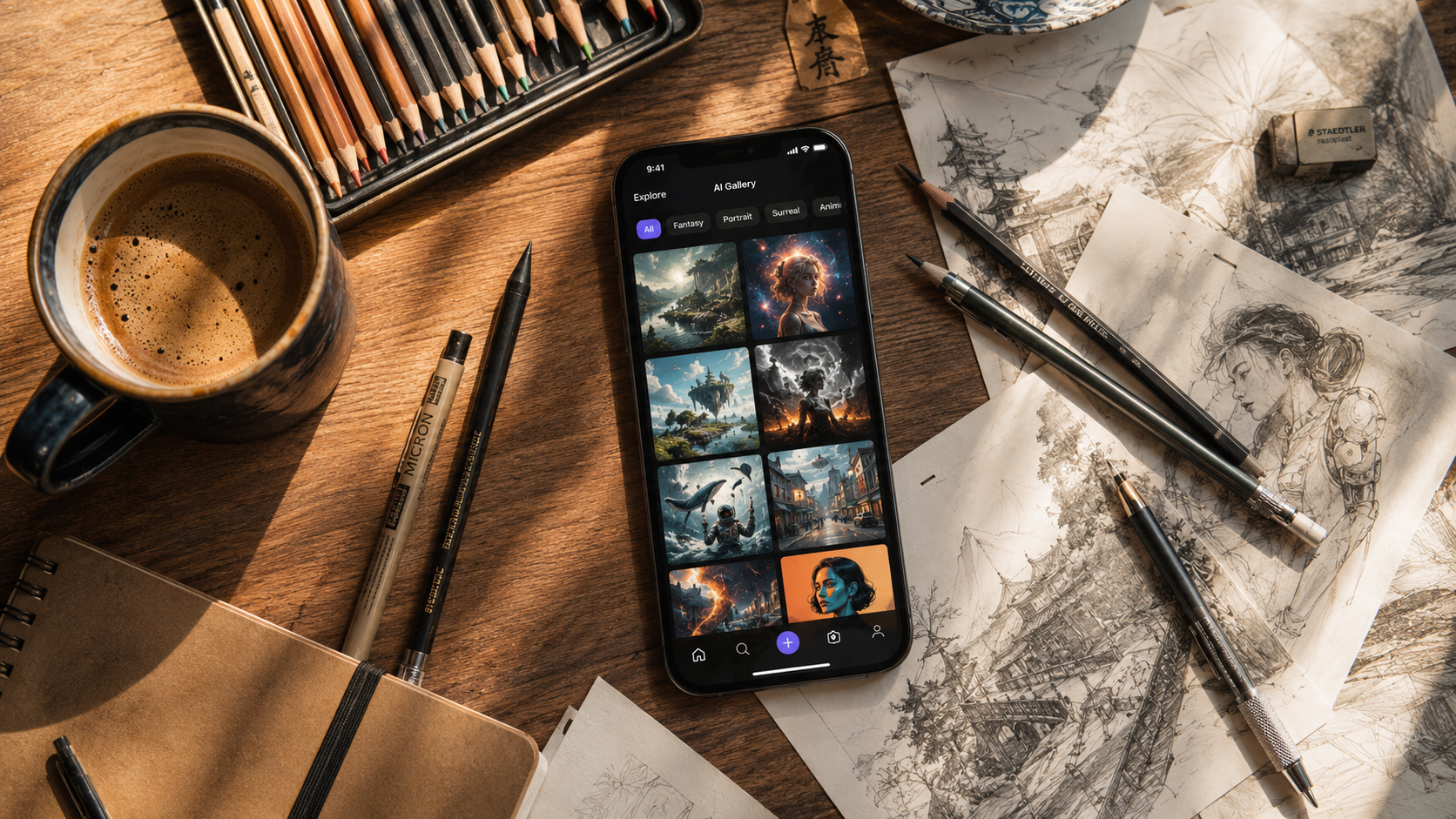
我花了一个周末翻遍了Twitter、Reddit和TikTok,收集了 50个被疯狂转发、号称“改变游戏规则”的ChatGPT图片提示词。然后,我把每一个提示词都在Fanch AI的 GPT Image 2 模型中运行了一遍。
剧透一下:绝大多数都被高估了。但有 7个提示词的效果真正令人惊艳——我的意思是,真正做到了让我在刷屏时瞬间驻足。没有废话,拒绝标题党,以下是真正有效的7个提示词,拿走不谢。
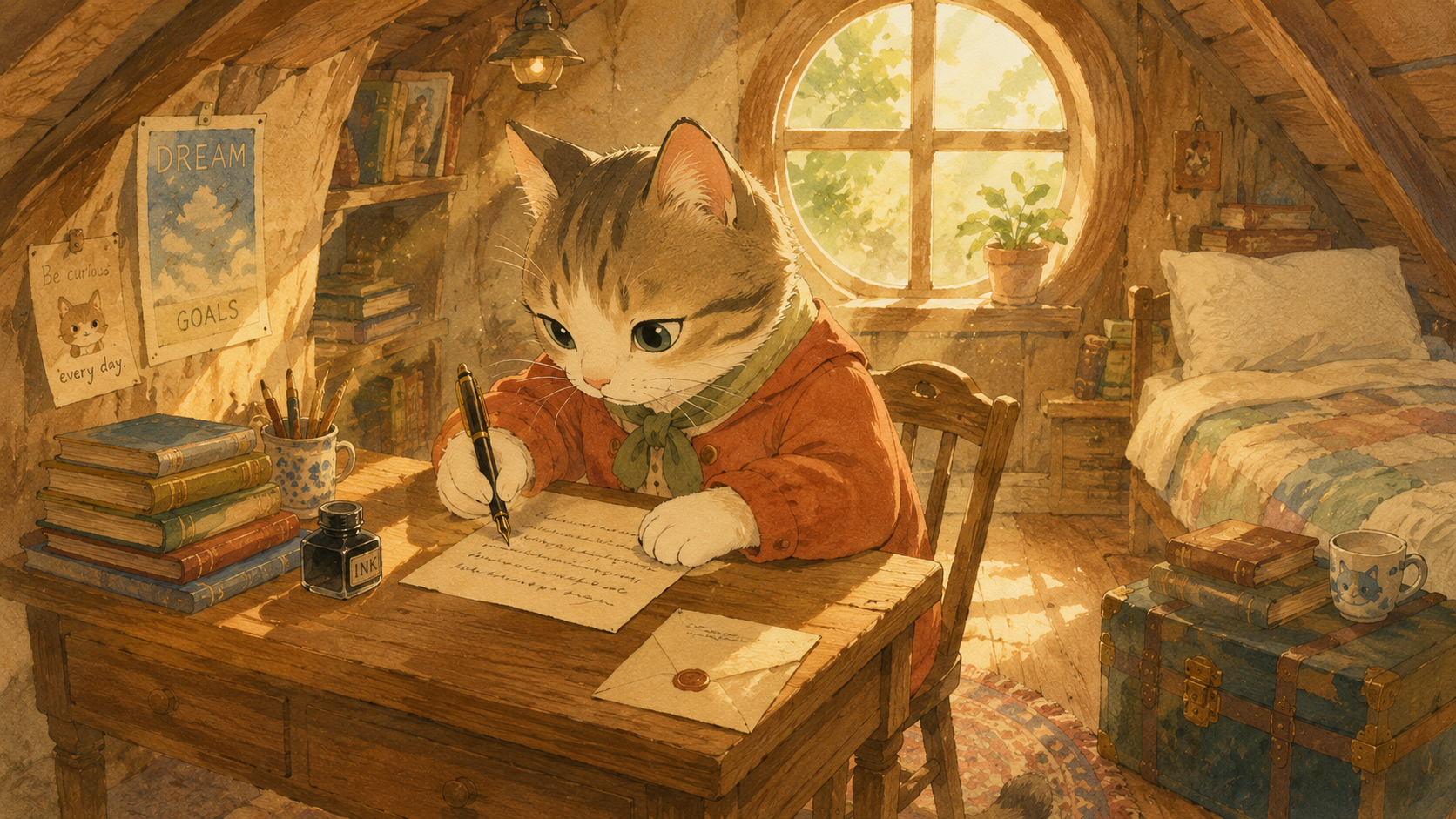
1. 吉卜力画风提示词(永远的神)
这个提示词已经流传了几个月,而且屡试不爽。它的核心秘密不在于“Studio Ghibli(吉卜力工作室)”这个词本身,而是在于那些具体的风格描述词,它们能防止ChatGPT给你生成那种廉价、通俗的动漫脸。
复制此提示词:
"A cat sitting at a tiny wooden desk in a cozy attic room, writing a letter with a fountain pen, dust particles floating in warm sunlight streaming through a round window, hand-painted watercolor texture, soft pastel palette, gentle shading, Studio Ghibli-inspired animation style, whimsical mood, 4K, 16:9"
为什么有效: 质感和光影的线索(如“手工水彩纹理”、“温暖阳光中的微尘”)会强制驱使 GPT Image 2 进入其最细腻的渲染模式。屡试不爽。
2. “反向变丑”流(极具反差感)
这是我发现的最反直觉的爆火提示词。你不用要求它生成美丽的画面,反而要求它生成丑陋的画面——而AI会通过在“照片级真实感”上超常发挥来作为补偿。
复制此提示词:
"A deliberately ugly, awkward family photo from 1997, bad fluorescent lighting, cheap beige wallpaper, everyone wearing mismatched clothes, forced smiles, low resolution, slightly blurry, overexposed, VHS-era color grading"
为什么有效: GPT Image 2 会将“丑陋”解读为“真实”。生成的图片看起来就像真正的复古老照片——而这恰恰是社交媒体用户最喜欢的。这种反讽式提示词堪称引流密码。
3. 编辑精选杂志封面(文本渲染大秀)
GPT Image 2 的秘密武器是其超强的文本渲染能力(准确率高达约99%)。这个提示词充分利用了这一优势,在 LinkedIn 和 X 上被大批创作者用来展示品牌样机。
复制此提示词:
"A minimalist magazine cover mockup, clean white background, bold sans-serif title 'MIDNIGHT' centered in charcoal black, subtitle 'THE NEW SILENCE' in light gray serif below, soft shadow behind text, editorial photography style, natural lighting from the left, 4K, 16:9"
为什么有效: 字体样式(“粗体无衬线标题”)、布局(“居中”)和颜色(“炭黑”、“浅灰”)的极其具体化,给予了 GPT Image 2 足够的约束,在完美呈现文字的同时保持了构图的干净利落。
4. 电影感剧照(单发精准公式)
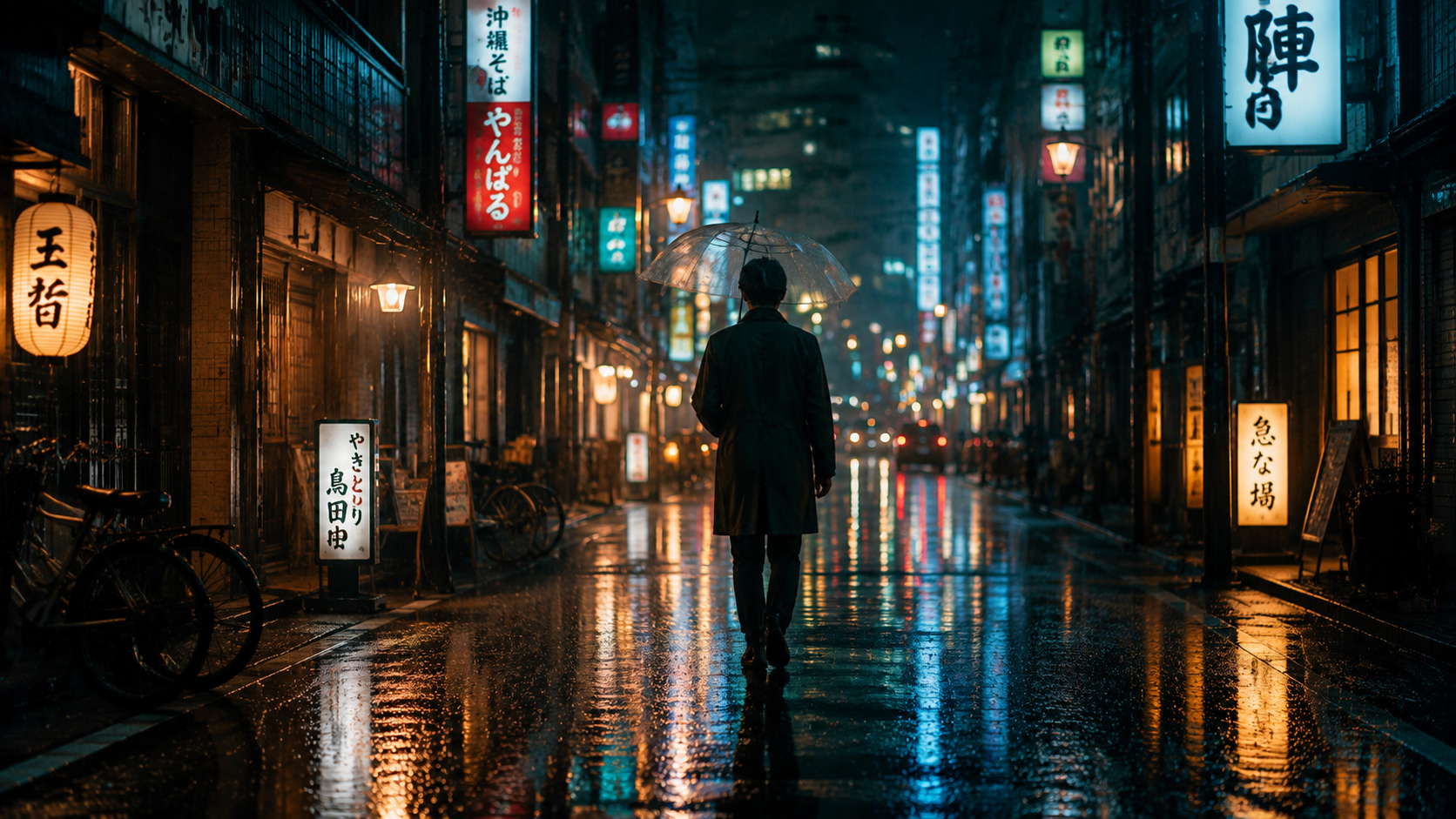
在 TikTok 上作为 AI 短片概念艺术而爆火的公式。该公式生产出的图片看起来就像是从某部未上映的电影大片中截取下来的一样——光影提示词是这里的秘密武器。
复制此提示词:
"A lone figure walking through a rain-soaked Tokyo street at night, neon signs reflecting in wet pavement, warm amber streetlights contrasting with cool blue neon, shallow depth of field with bokeh lights in the background, cinematic anamorphic frame, film grain subtle, moody atmosphere, 4K, 16:9"
为什么有效: 三种光源(琥珀色路灯、冷蓝色霓虹灯、湿滑路面的反射)营造出了那种看起来耗资巨大的复杂光影。“变形宽银幕(anamorphic frame)”的提示词则完美掌控了画幅比例。
5. 纹理炸弹(超细节外挂)
这本是那些提示词卖家收费售卖的“秘籍”——但其实它只是几个精心挑选的形容词组合。 “微观(macro)” + “瓷质(porcelain)”的组合会逼迫AI进行极限细节渲染。
复制此提示词:
"Extreme macro view of fresh blueberries in a ceramic bowl, morning light from a kitchen window, individual water droplets on each berry, hyper-realistic texture, shallow depth of field with soft background blur, porcelain bowl texture visible, vibrant natural colors, food photography style, 4K"
为什么有效: “极端微距” + “超写实纹理” + “瓷碗纹理可见” 创造了一连串对细节的硬性要求,GPT Image 2 会以最高保真度将其悉数解算。用来做产品摄影极其完美。
6. “两个事物”混搭(互动引流利器)
在 X 上被转发最多的 AI 图片往往不是最美丽的,而是最诡异/奇特的。这个公式将两个毫不相干的物体或场景结合在一起,让 AI 给你带来惊喜。
复制此提示词:
"A Victorian-era library but it's built inside a massive hollowed-out ancient tree, bookshelves carved into the bark walls, warm candlelight from hanging chandeliers, moss growing between books, roots forming reading nooks, bioluminescent fungi providing green accent lighting, magical realism style, hyper-detailed, 4K, 16:9"
为什么有效: “X,但它是Y” 的结构天然具有传播属性——正在刷屏的用户会停下来,因为他们的大脑需要处理眼前的视觉冲击。这种组合能最大程度触发 AI 的创造性融合。
7. 时光机(时代重塑流)
在 Instagram Reels 上爆火——用极高的时代准确度,在历史艺术风格中重现现代场景。核心关键是丢出具体的艺术运动名称加上该时代的某个技术细节。
复制此提示词:
"A modern coffee shop in the style of a Dutch Golden Age painting, Rembrandt lighting from a single window on the left, figures gathered around wooden tables, warm brown and amber color palette, chiaroscuro shadows, oil paint texture visible on canvas, period-authentic clothing but people using laptops, Dutch Baroque, 4K, 3:2"
为什么有效: 时代错乱感(在巴洛克油画中有人在使用笔记本电脑)会引发用户的猎奇心理,从而疯狂转发。同时,特定时期的技术提示词(“伦勃朗光”、“明暗对照法法”、“油画质感”)彻底覆盖了 GPT Image 2 默认的现代画风。
隐藏在所有7个提示词背后的通用框架
每一个通过我测试的提示词都遵循着这个隐形的结构:
主体 + 场景设定 + 光影 + 风格 + 画幅格式 + 情感氛围
如果一个提示词包含了这六个要素,它就能出大片。如果缺少一个,效果就会平庸。这就是全部的秘密,把它应用到你的任何创意中,你都能在几秒钟内得到如同打磨了数小时般的结果。
在 GPT Image 2 上亲自尝试
我测试的所有50个提示词都是在 Fanch AI 的 GPT Image 2 上运行的——这是将这些提示词的潜力发挥到极致的最佳平台。GPT Image 2 强大的文字渲染(99%准确率)、4K原生输出以及自然语言理解能力,是让这些提示词完美蜕变的关键。
准备好开始创作了吗?挑选上面任何一个提示词,粘贴到 GPT Image 2 中,见证奇迹的发生。