
First and Last Frame: The Setting That Stops AI Video From Drifting
First and last frame control is the single most underused setting in AI video. Most people write a beautiful prompt, generate eight seconds, and discover that the shot has quietly drifted — the face has softened, the room has rearranged itself, the light has moved for no reason.
That happens because a video model has no memory. Every frame is a fresh guess conditioned on the last one. Small errors compound, and by second eight you are looking at a noticeably different scene.
First and last frame control fixes this at the root. You specify where the shot starts and where it must end, and the model's job becomes interpolation rather than invention. This is a practical guide to using first and last frame properly — the settings, the rules, five recipes, and the failure modes.
Why AI Video Drifts
Before the fix, understand the failure.
Frames are guesses, not memories. A text-to-video model does not hold a scene in mind. It generates each frame under the constraint that it should follow the previous one. That constraint is soft. Over a long clip, soft constraints drift.
Identity decays fastest. Faces and fine details are where drift shows first, because they carry the most information per pixel — and where a good first and last frame pair matters most. A twenty percent loss of fidelity on a wall is invisible; the same loss on a face is uncanny.
Camera motion hides it or exposes it. Slow moves give the model time to accumulate error. Fast moves flatten detail. Either way, the drift is there without first and last frame control.
You cannot prompt your way out of this completely, because the prompt is a constant while the error is cumulative. You can constrain the endpoints, though, and that is what first and last frame does. It is also why first and last frame control exists at all.
What First and Last Frame Control Actually Does
First and last frame control takes two images — the opening frame and the closing frame — and generates the motion between them.
Three things follow, and they are the reason this setting changes outcomes.
It converts invention into interpolation. Without first and last frame, the model asks "what happens next?" With it, the model asks "how do I get from here to there?" The second question has a bounded answer, which is why first and last frame results hold together.
It gives you two anchors instead of one. A single start image still lets error accumulate indefinitely. Adding an end frame forces the model to converge back, so any drift must be small enough to be corrected by the final frame.
It makes the clip deliverable. Clients ask for a specific look at a specific moment. First and last frame is how you guarantee that moment arrives.
What first and last frame does not do: it does not guarantee a good middle. It constrains the endpoints, and the path between them is still the model's choice.
Which Models Expose It
Support varies, and it changes with every release, so check your tool rather than trusting a list.
Kling 4.0 supports multiple keyframes rather than just two, and its image-to-video endpoint takes frames explicitly. That matters if you need a multi-beat shot.
Veo 3.1 exposes first frame and last frame in the Gemini API.
Seedance 2.5 supports first- and last-frame control alongside its reference-image budget.
Wan and Alibaba's Model Studio video tools handle image-to-video and frame-conditioned generation.
The version numbers move quickly. The principle does not: if a tool lets you supply two images, it can do first and last frame work.
Five Rules for Frames That Work
Most failed first and last frame attempts fail before generation, at the frame stage.
1. Same lighting, same time of day. If your start frame is overcast and your end frame is golden hour, the model will crossfade a sunset into the middle of your shot. Match the light.
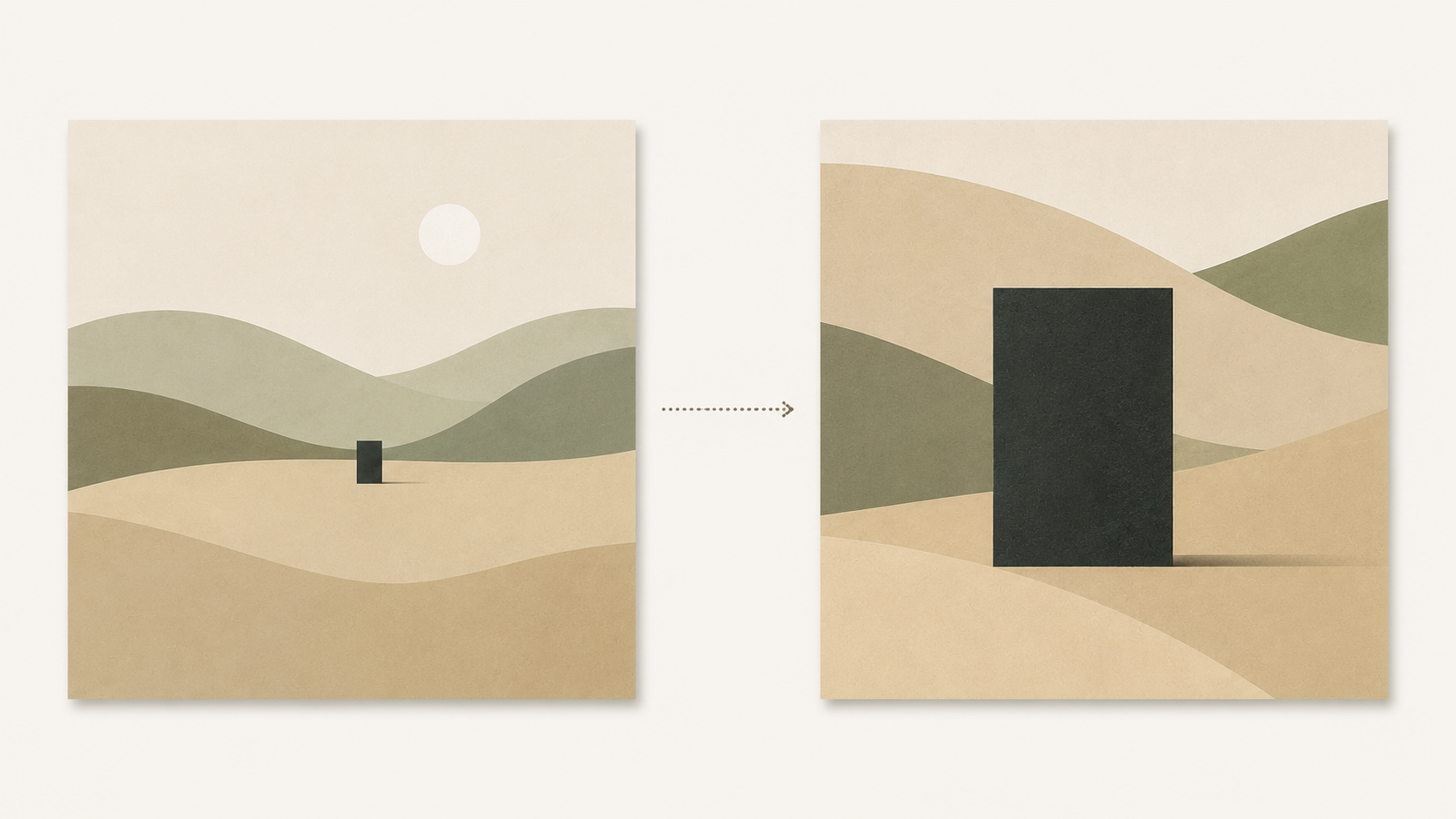
2. Same lens and framing family. A wide start and an extreme close-up end is a legitimate first and last frame pair, but only if you accept a push-in. A wide start and an extreme close-up end with no camera instruction produces a morph.
3. Keep the distance plausible. In eight seconds a subject can walk across a room, not across a city. First and last frame pairs that ask for too much distance produce acceleration artefacts.
4. Leave room for motion. Nearly identical frames are a common mistake in first and last frame pairs — the model has nothing to interpolate and produces a stiff, nearly static clip. First and last frame needs a meaningful difference.
5. Generate the frames yourself, properly. Your first and last frame images should be finished, high-quality stills. Compressed screenshots make compressed video.
5 First and Last Frame Recipes
Each is a frame pair plus the prompt you write between them. The prompt describes motion, not the scene — the scene is already in your images.
1. Time passing
Frames: the same landscape at midday and at blue hour.
Slow, steady time-lapse transition: the light across the valley shifts from warm midday to cool blue dusk, shadows lengthening and stretching as the sun drops, thin clouds drifting slowly overhead. Camera locked off, no subject movement, gentle exposure change.
2. Wardrobe change
Frames: the same adult subject, same position, two different outfits.
A seamless in-camera transition: the subject stands still as warm light sweeps across the frame from left to right, and the clothing resolves into the second outfit without any cut. Camera locked, only the light and the fabric change.
3. The push in
Frames: a wide room, then a detail of one object in that room.
A slow, smooth dolly push from the wide position toward the detail, maintaining the same focal length, moving in a single continuous take. No zoom, no reframing, no cuts.
4. Product reveal
Frames: a closed box, then the same box open with the product visible.
A continuous product shot: the lid lifts and swings back on its hinge in one smooth motion, warm key light following the opening, soft shadow shifting across the surface. Camera slowly orbits a few degrees.
5. The empty-then-occupied street
Frames: an empty street, then the same street with a distant figure in it.
A locked-off shot: a lone figure in a long coat walks slowly in from the far end of the street, growing from a small silhouetted shape into a clear figure, mist drifting across the frame throughout. No camera movement.
Why First and Last Frame Still Fails
Four failures of first and last frame, and each has a fix.
Frames too similar → no motion. If your first and last frame pair barely differs, the output becomes a still image with vibration. Widen the gap.
Frames too different → morph. If the pair shares no visual continuity, the model crossfades instead of interpolating — the tell is everything dissolving at once. Bring the frames closer in framing and light.
The prompt describes a third scene. The most common error. Do not describe your subject and setting in the motion prompt; the model already has them from the frames. Describe only what changes.
Duration too short for the distance. A big first and last frame gap in four seconds reads as a jump cut. Give the motion room.
The Prompt Pattern Between the Frames
Short version: describe the verb, not the noun.
When you use first and last frame control, your two images already answer who, what, where, and when. The prompt should answer only how. Camera behaviour. Direction and speed of the change. What must stay still.
That is why the recipes above are half the length of a normal video prompt. First and last frame does most of the specification for you, and over-writing the prompt actively fights the frames.
A Prompt to Try
The frames are the hard part, and a clean, well-lit reference still makes every first and last frame attempt better. Build them on a model you can direct precisely.
Copy & Paste this into Fanch AI (Model: gpt_image_2):
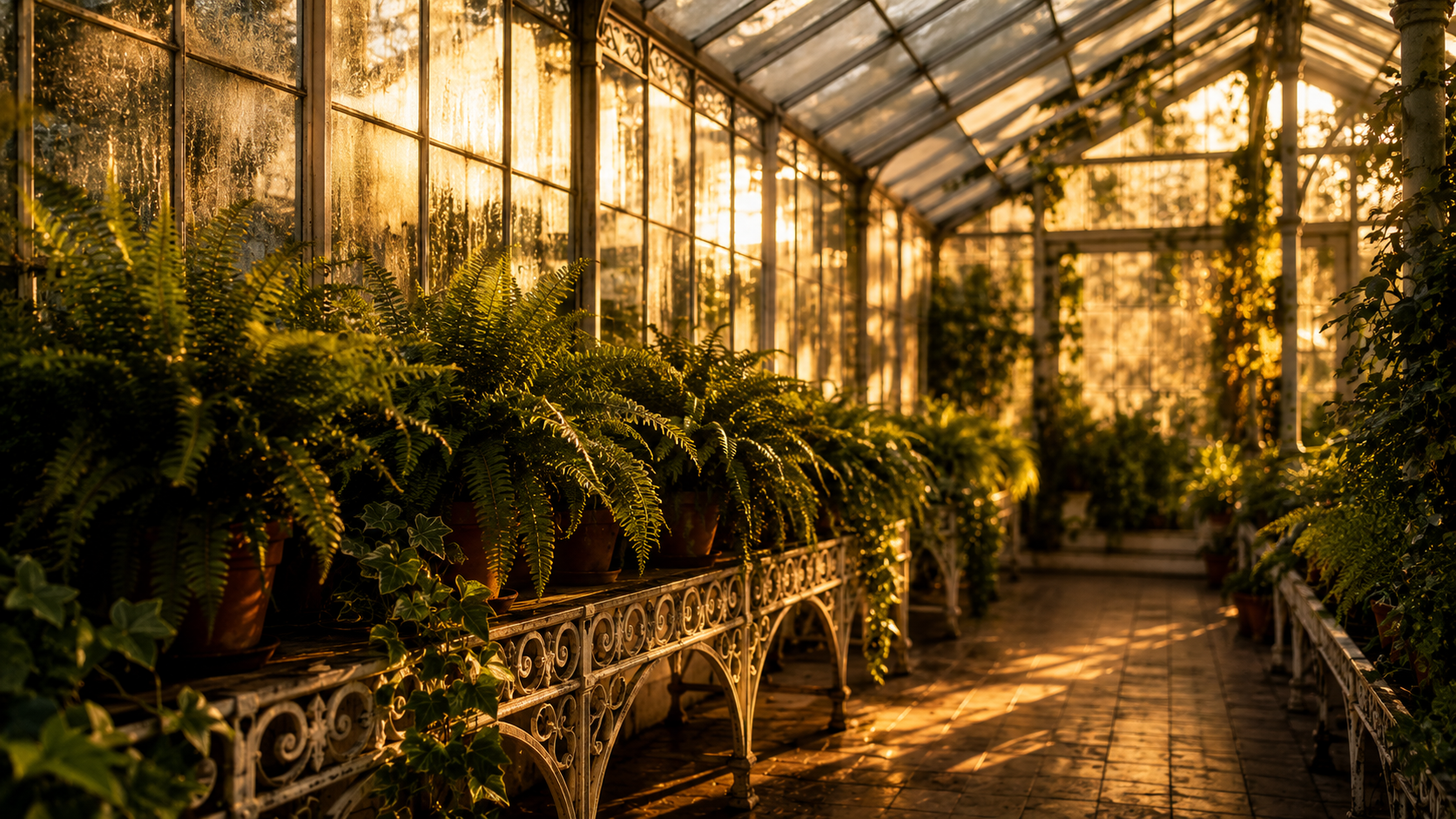
A cinematic still of a glass greenhouse interior at golden hour: long rows of potted ferns and trailing ivy on white iron benches, warm sunlight streaming through dusty glass panes and casting long diagonal shadows across a tiled floor, faint condensation on the windows. Rich green foliage against warm amber light, fine texture in the leaves and glass, shallow depth of field, 16:9 framing, 8K detail, no people, no text overlay.
Generate this frame twice — once at golden hour, once at dusk — and you have a first and last frame pair for recipe one.
Why Fanch AI Fits
First and last frame only works as well as the two images you feed it, and the images are the part you can control completely. Fanch AI gives you an image model you direct with precise prompts, so you can generate matched start and end frames — same lens, same light, one variable changed — and then hand a clean first and last frame pair to whatever video model you use.