
Halloween AI Video: 7 Prompts That Hold Up on Camera
Halloween AI video looks easy until you actually try it. Every October the same thing happens: someone types "scary Halloween video, dark, spooky" into a generator, waits, and gets twelve seconds of grey mush that looks nothing like the reference in their head. Then they blame the model.
It usually isn't the model. With eleven days to go before October 31, Halloween AI video is the most-searched clip format of the season, and almost every failed attempt fails for the same three reasons. Here are seven Halloween AI video prompts that hold up in generation, plus the fixes for the parts that get refused.
Why Halloween AI Video Fails More Than Any Other Holiday
Halloween AI video breaks in ways that summer and holiday prompts never do. Three reasons, and all three are fixable.
1. It asks for things generators won't render. The two viral formats this year are the costume transformation and the skeleton dance. Both push straight at the topics models are most careful about: masked faces, undead figures, anything that reads as graphic. One word — gore, blood, corpse — and your Halloween AI video prompt comes back empty.
2. Dark scene, no light source. Halloween AI video prompts are written at night by default, and "dark, spooky" gives the model nothing to model. Without a named light, the clip collapses into flat grey noise. Every prompt below names a practical light: a candle, a jack-o'-lantern, a warm window.
3. Long prompts, short clips. Most models return five to ten seconds. A prompt that describes a full scene — approach the house, open the door, reveal the room — spans thirty seconds of action, gets compressed into ten, and reads as chaos. Write one beat per clip.
Three Rules Before You Write a Single Prompt
Rule one: describe the costume, not the character. The most-requested Halloween AI video subjects are horror icons from famous films. Naming them gets a refusal, or worse, an off-model result with the wrong mask. Describe clothing, silhouette, and lighting instead and you keep full control.
Rule two: replace darkness with one light. For Halloween AI video, a single specified source (flickering candle, glowing window, porch lamp) creates shadow shape. "Low light" creates mud.
Rule three: keep the camera move small. In a five-second Halloween AI video clip there is time for one camera movement and one subject movement. Not four. Slow push in, slow orbit, slow dolly — pick one.
7 Halloween AI Video Prompts That Hold Up
Each of these is a single beat, with a named light and one camera move. Paste them into any text-to-video model.
1. The Porch Reveal
The establishing shot every Halloween AI video needs, and the safest prompt of the set because there's nobody in it. If you only test one Halloween AI video prompt today, test this one.
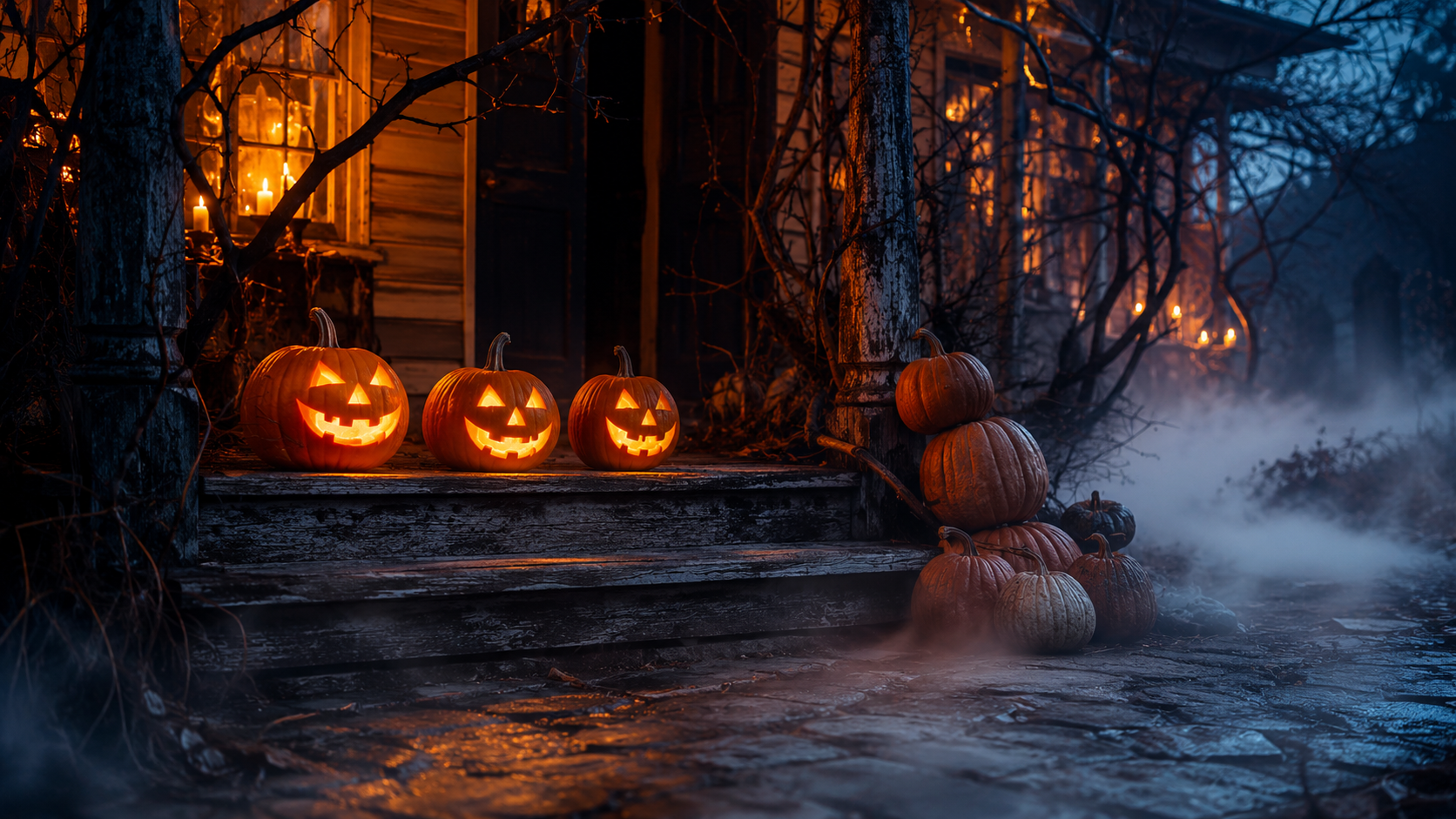
A slow, steady dolly push toward a fog-shrouded front porch at dusk: carved jack-o'-lanterns glowing warm amber along the wooden steps, a stack of pumpkins at the base, twisted leafless branches framing the doorway, lit windows behind. Low ground mist drifts across the path, warm amber against deep blue, shallow depth of field, cinematic, no people, no text.
2. The Costume Transformation
The format driving most Halloween AI video traffic this month. Keep the subject adult, clothed, and facing away.
A medium shot of an adult standing in a dim hallway in ordinary clothing, back to camera; warm light sweeps across the frame as they turn, and the wardrobe changes into an ornate hooded vintage cloak, seamless in-camera transition. Slow push in, candlelight from the left, deep shadows, no text.
3. The Cottage at the Treeline
A quieter Halloween AI video subject that almost never fails.
A slow aerial push toward a crooked cottage at the edge of a dark forest at twilight: warm candlelit windows, curling chimney smoke, a leaning fence, scattered pumpkins along the path, low mist hugging the ground. Cool blue evening sky against warm interior glow, cinematic, no people, no text.
4. The Candlelit Corridor
A good Halloween AI video walkthrough prompt, and proof that atmosphere beats monsters.
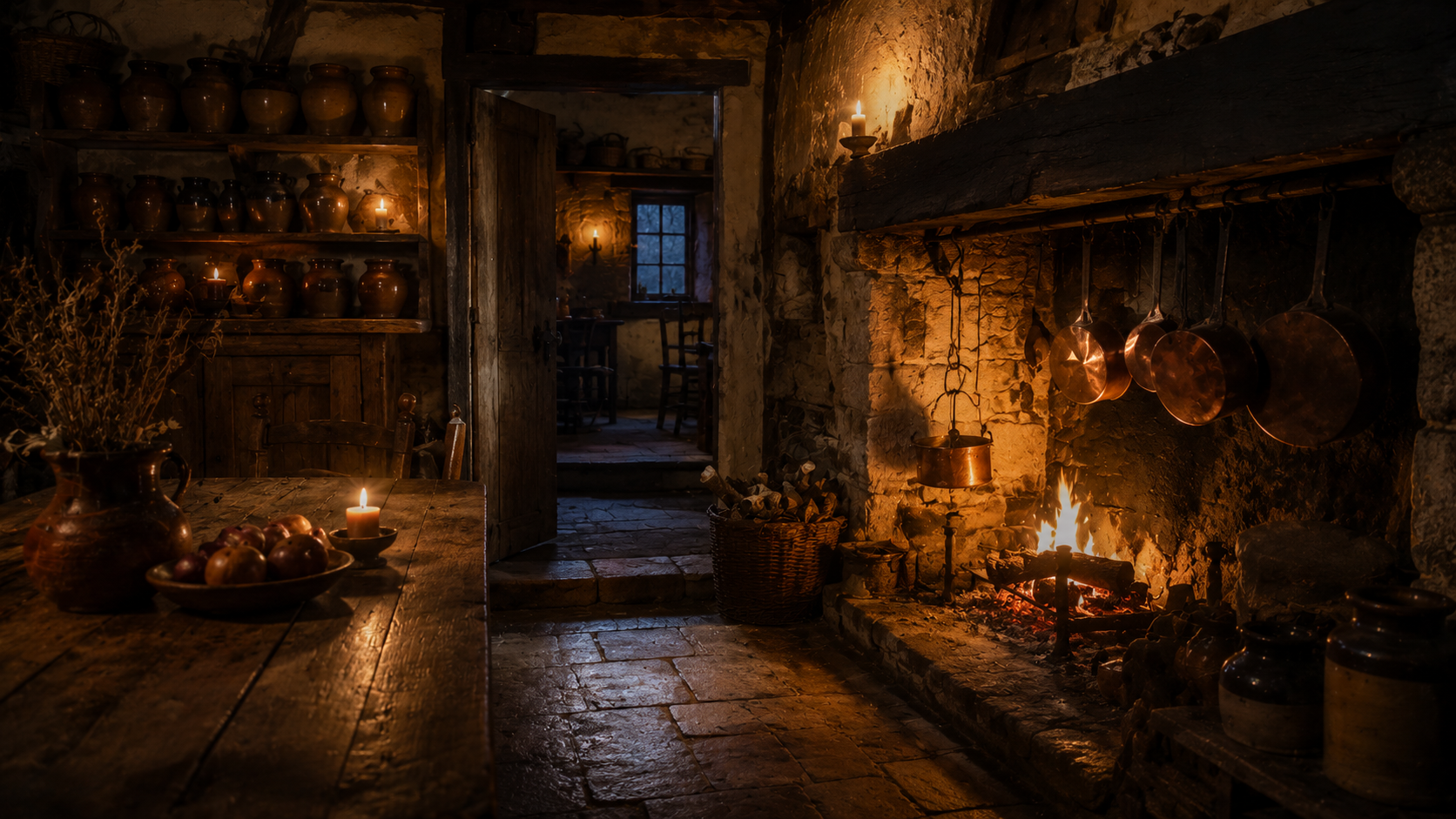
A handheld walking shot down a narrow corridor lined with lit candles on iron sconces, aged wallpaper, a doorway at the far end glowing faintly warm. Gentle camera sway, dust motes in the light beams, warm amber against near-black shadows, cinematic, no people, no text.
5. The Silhouette on the Path
How to get a figure into a Halloween AI video without triggering a refusal: back view, silhouette only.
A wide shot of a lone figure in a long dark cloak walking slowly along a fog-covered path between leafless trees, seen from behind in silhouette only, a distant warm lantern at the treeline. Slow lateral camera move, heavy mist, deep blue night palette with a single warm accent, no visible face, no text.
6. The Empty Ballroom Waltz
The tasteful version of the dance trend, which usually renders as stiff, low-detail characters when you ask for anything more literal. Most Halloween AI video dance prompts fail on this exact point.
A medium-wide shot of a costumed dancer in a floor-length vintage gown waltzing alone in an empty candlelit ballroom, tall windows behind, dust in the air, long shadows across a worn wooden floor. Slow circular camera orbit, warm candlelight, cinematic, no text.
7. The Ambient Loop
The most reusable Halloween AI video clip you can make — it loops, and it works as a background for anything.
A close, steady shot of a carved jack-o'-lantern on a stone step at night, its inner candle flame flickering, dry leaves drifting past in a light breeze, faint mist at the frame edges. Shallow depth of field, warm amber core against cool blue surroundings, seamless ambient loop, cinematic, no people, no text.
What Gets Flagged, and How to Rephrase It
Most refused Halloween AI video prompts are refused for a word, not a concept. Swap the word and the idea survives.
Gore language fails outright. Blood, gore, wounds, and severed anything will return an error or an empty clip. If you want menace, ask for shadow and posture, not damage.
Horror icons fail by name. The masked slasher from a famous 1996 film and his sequels are trademarked; so are the doll and the camp-counselor franchises. Naming them either gets refused or produces a legally distinct, visually wrong mask. This is the single most common reason a Halloween AI video prompt underperforms, and the fix costs nothing: write the wardrobe, not the character.
Children in costume are a risky subject. If a Halloween AI video concept needs a kid, describe it as an illustration or an animated scene rather than a photo-real person.
Duration, Aspect Ratio, and Sound
Practical constraints for Halloween AI video, since they shape what you should prompt:
Vertical is the default. Halloween clips live on TikTok and Reels, so generate in a vertical ratio directly instead of cropping a wide frame — cropping loses the composition you paid for.
Five to ten seconds is the working length. Budget your Halloween AI video idea around that: a loop is better than a story. Loops are worth designing on purpose: the ambient candle clip above should be prompted as a loop, because most Halloween AI video use is a background layer, not a hero shot.
Audio is usually added after. Some models return sound with the clip; most Halloween AI video workflows are better served by a sound pass in an editor, where you control the mix and can loop the ambience under a full ten seconds of footage.
Start From a Still, Not a Blank Prompt
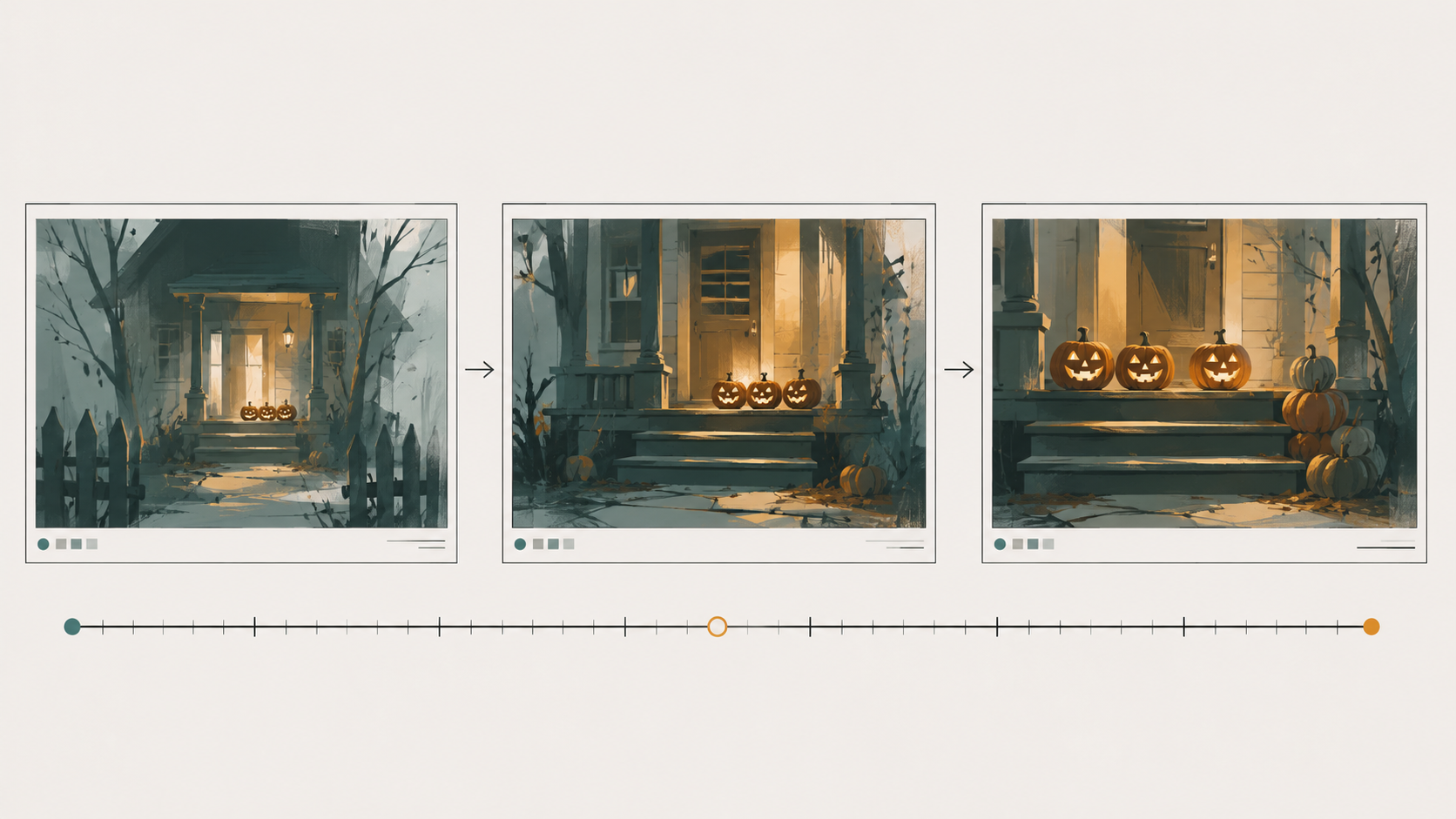
The highest-leverage fix for Halloween AI video is one most people skip: generate the opening frame as an image first, then animate it. A still lets you iterate on composition, palette, and light for a fraction of the cost of a Halloween AI video render, and it gives the video model a fixed anchor to hold.
That's the workflow I'd use for every prompt above. Lock the frame, then move — and keep the still around, because the best Halloween AI video reuses it with a different camera move.
Why Fanch AI Fits
Every good Halloween AI video starts as a good still. Fanch AI gives you a dedicated image model you direct with precise prompts, so you can build the porch, the corridor, and the cottage as reference frames, then take the one you like into a video model.
👉 Start here: create your Halloween AI video with Veo 3.1 on Fanch AI.