
Qwen-Image-2.1: Alibaba's 7B Open Image Model, Explained
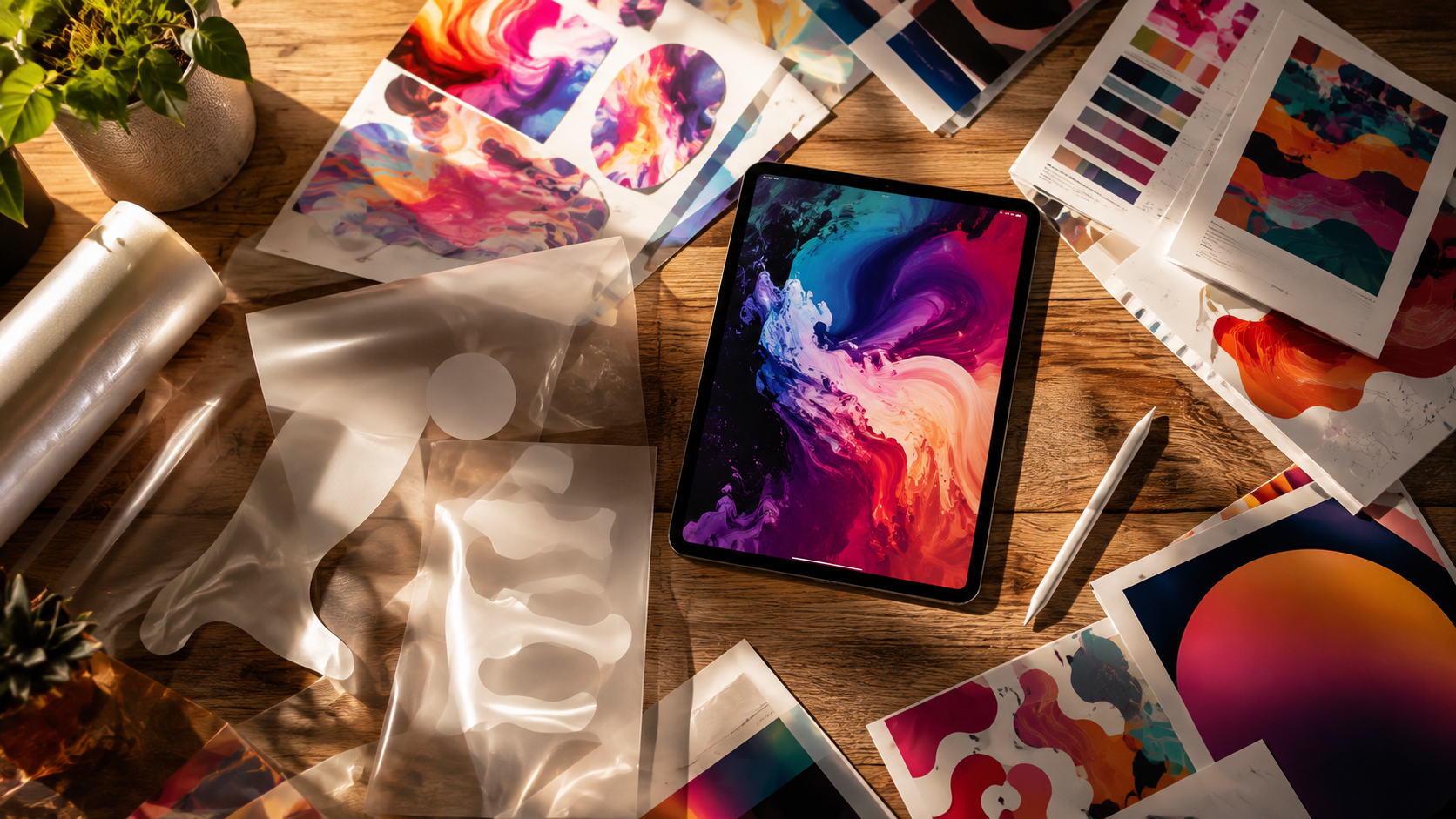
Alibaba's Qwen team open-sourced Qwen-Image-2.1 on September 20, 2026, and it's a notable release for a simple reason: it does generation and editing in one model, and it can produce transparent images natively. For anyone who has ever cut out a product from an AI-generated image by hand, that second part is a big deal.
Qwen-Image-2.1 is also small by frontier standards, which makes it interesting for teams who want to run image models themselves. Here's what Qwen-Image-2.1 actually does, where it's genuinely strong, and where the fine print matters — because Qwen-Image-2.1 is the kind of release that rewards reading past the headline.
What Qwen-Image-2.1 Actually Is
The core facts about Qwen-Image-2.1 are straightforward:
- Unified workflow — Qwen-Image-2.1 handles text-to-image generation and image editing in a single model.
- 7B parameters — the visual generation component of Qwen-Image-2.1 is far lighter than most frontier image models.
- Native transparency — Qwen-Image-2.1 outputs transparent PNGs directly from a prompt, rather than faking it with a background-removal pass.
- Local edits — Qwen-Image-2.1 supports targeted edits inside an existing image.
- Up to 10 reference images — you can compose from multiple references in one step.
- Native 2K output — Qwen-Image-2.1 renders at 2K across multiple aspect ratios.
Qwen says Qwen-Image-2.1 is tuned to balance image quality, inference efficiency, and cost — which is the right framing for a 7B model.
Why Native Transparency Is the Headline
Most image generators can only produce a fully rendered rectangle. If you want a logo, a sticker, or a product cutout on a clean background, you normally generate the image and then run a separate removal step — which often leaves halos and rough edges.
Qwen-Image-2.1 skips that entirely. Because it outputs an alpha channel natively, Qwen-Image-2.1 can hand you a usable transparent asset in one pass. For e-commerce sellers, designers, and anyone building overlays or branded graphics, that single feature saves real time.

Unified Generation and Editing in One Model
The other half of Qwen-Image-2.1 is the editing side. Instead of switching between a generation model and an editing model, Qwen-Image-2.1 lets you edit what you just made — swap a background, adjust an object, or blend up to ten reference images into one composition.
Qwen also says Qwen-Image-2.1 improved typography and portrait detail versus the previous generation, which matters for posters, packaging mockups, and people-focused content. That combination — generation, editing, and transparency in one 7B package — is what makes Qwen-Image-2.1 stand out from the usual single-purpose open model.
The Fine Print on Qwen-Image-2.1
Two caveats are worth knowing before you build on Qwen-Image-2.1:
- License — Qwen-Image-2.1 ships under the Qwen Research License, not Apache 2.0. Commercial use requires a separate agreement, so check that before shipping a product.
- Benchmarks — early coverage claims Qwen-Image-2.1 beats Nano Banana 2.0, but the launch material shows a chart rather than published benchmark numbers. Treat the comparisons as promising, not settled.
Neither point makes Qwen-Image-2.1 a bad release — it just means the headline claims deserve a closer look.
What It Means for Creators
The bigger signal from Qwen-Image-2.1 is that capable image models are getting smaller and more open. A 7B model that generates, edits, and outputs transparency is exactly the direction the field is moving.
But running Qwen-Image-2.1 yourself still means weights, GPU memory, serving stacks like vLLM and SGLang, and a license review. Most creators don't want that overhead — they want the result. That gap is exactly where a hosted platform beats downloading Qwen-Image-2.1.
A Prompt to Try Today
You don't need to deploy anything to get transparent, editable assets. Here's a prompt you can run on Fanch AI right now:
Copy & Paste this into Fanch AI (Model: gpt_image_2):
Create a clean logo-style emblem for a coffee brand: a circular badge with a simple line-art coffee cup and a laurel border, in warm brown and cream tones. Center the emblem on a fully transparent background with no shadow or backdrop, suitable for use as an overlay. Crisp vector-like edges, high resolution, no text.
Why Fanch AI Is the Easier Path
Fanch AI gives you a dedicated image generator that handles generation and editing in one place, without weights to download or serving infrastructure to manage. Qwen-Image-2.1 is an impressive open release; Fanch AI is where you turn that class of capability into finished images today. If Qwen-Image-2.1 showed us anything, it's that the winning move is creating — not configuring.